


God Painter G-pen Set (2026 Additional Edition) (神絵師Gペンセット(2026追加版)) 神絵師Gペンセット(2026追加版)
Content ID:2280555
-
117,431


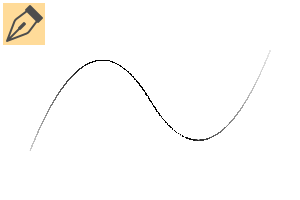
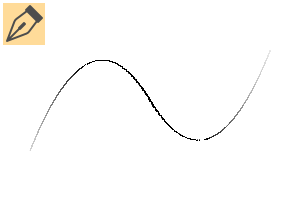
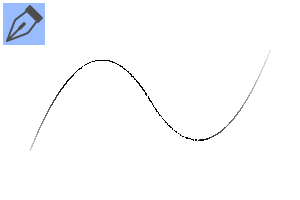
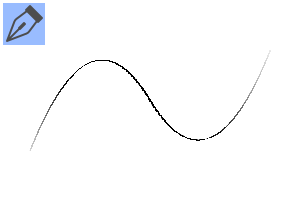
It is a set where you can (or would like to think) draw a manga like a kami-eshi. You can draw most manga with just this set.
(Added June 2026)
・ God Painter G-pen Speed Adjustment Version
・ Shin-eshi G-pen for iPad speed adjustment version
・ Shin-eshi G-pen speed adjustment version
・ God Painter G-pen Square Speed Adjustment Version ★ Recommended
・ For Shin-eshi border
└ Compared to the Shin-eshi LT conversion pen, the sense of moderation is suppressed. ◎ for borders, etc.
(Added May 2022)
・Divine Painter Hatching
・ Shin-e G-pen black and white (*CLIP STUDIO PAINT Ver.1.10.10 or later)
・ Shin-eshi LT conversion pen
・ Shin-e balloon pen square
For information on how to use the Shin-Eshi LT conversion pen (change the brush shape of vector lines), please google it if the image description is difficult to understand.
(Added April 2021)
・ Shin-e master G-pen Kai
・ Shin-e master G-pen white
・ Shin-e artist analog betapen
For the white G-pen of the god painter, please use the sub color as white. It is a pen that saves a lot of time.
神絵師みたいな漫画が描ける(と思いたい)セットです。このセットだけでだいたい漫画が描けます。
(2026年6月追加)
・神絵師Gペン 速度調整版
・神絵師Gペン for iPad 速度調整版
・神絵師Gペン改 速度調整版
・神絵師Gペン四角 速度調整版 ★おすすめ
・神絵師枠線用
└神絵師LT変換ペンに比べて節感が抑えめ。枠線などに◎
(2022年5月追加)
・神絵師ハッチング
・神絵師Gペン白黒(※CLIP STUDIO PAINT Ver.1.10.10以降)
・神絵師LT変換ペン
・神絵師フキダシペン四角
神絵師LT変換ペンの使い方(ベクター線のブラシ形状変更)については、画像の説明で分かりにくかった場合、ググってみてください。
(2021年4月追加)
・神絵師Gペン改
・神絵師Gペン白
・神絵師アナログベタペン
神絵師Gペン白はサブカラーを白にして使ってください。とても時短になるペンです。

God Painter G-pen Set 神絵師Gペンセット
-
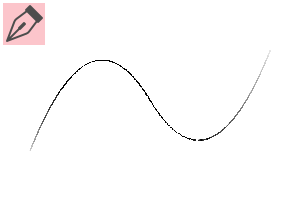
Divine Painter G-pen 神絵師Gペン
-
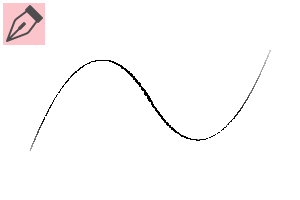
Divine Painter G-pen Speed Adjustment Edition 神絵師Gペン 速度調整版
-
Shin-e G-pen for iPad 神絵師Gペン for iPad
-
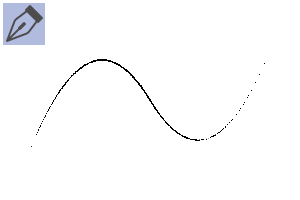
Divine Painter G-pen for iPad Speed Adjustment Edition 神絵師Gペン for iPad 速度調整版
-
Shin-e G-pen Kai 神絵師Gペン 改
-
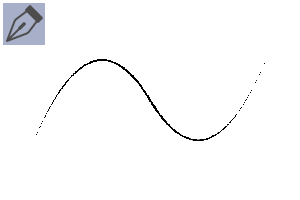
Shin-eshi G-pen speed adjustment version 神絵師Gペン 改 速度調整版
-
Divine Painter G-pen Square 神絵師Gペン 四角
-
Divine Painter G-pen Square Speed Adjustment Version 神絵師Gペン 四角 速度調整版
-
Divine Painter G-pen White 神絵師Gペン 白
-
Divine Painter G-pen Black and White 神絵師Gペン 白黒
-
Shin-e G-pen for Tsuyabeta 神絵師Gペン for ツヤベタ
-
Shin-e Analog Betapen 神絵師アナログベタペン
-
Hatching 神絵師ハッチング

Divine Painter Speech Bubble Tool 神絵師吹き出しツール
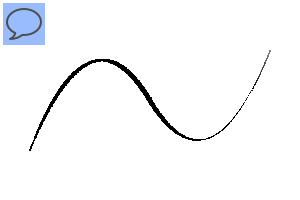
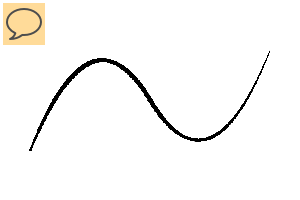
Shin-eshi straight-textured 神絵師直線質感用
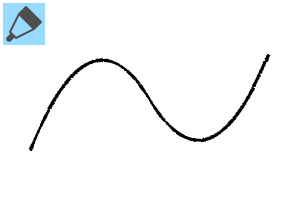
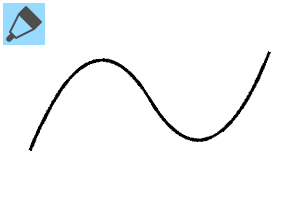
Old version





Other materials by モブモブおじさん


Popular “Material catalog” materials


New materials





-
 MVP ◆This user has contributed greatly to the management of the community, by posting many great responses to the questions asked. Once every three months, MVPs are determined based on the points earned during that period and will be recognized accordingly.
 -
 New Valuable Player (NVP) ◆These are the next-best contributors to the community after MVPs. This is awarded to users who have not yet won an MVP award, based on the number of points they have earned.
 -
 Official Expert ◆Chosen out of all MVP awardees, who are already proof of excellence, this is a testimony of outstanding correspondence in the community. After careful screening, they are appointed by CELSYS and assume their position.Note: Formally called “Evangelists”
 -
 Official Moderator of CELSYS ◆Moderators are official CELSYS staff members who are fluent in Japanese as well as various other languages. Moderators are not experts on the software or illustration, so they are not able to directly answer your questions. However, moderators provide communication and language support to ensure that everyone can smoothly communicate with each other.
 -
 CELSYS official accountThe Official Administrator Account