



There are often promotional events 🎉 during holidays that allow for recommendations and image downloads. Thank you all ^ω^
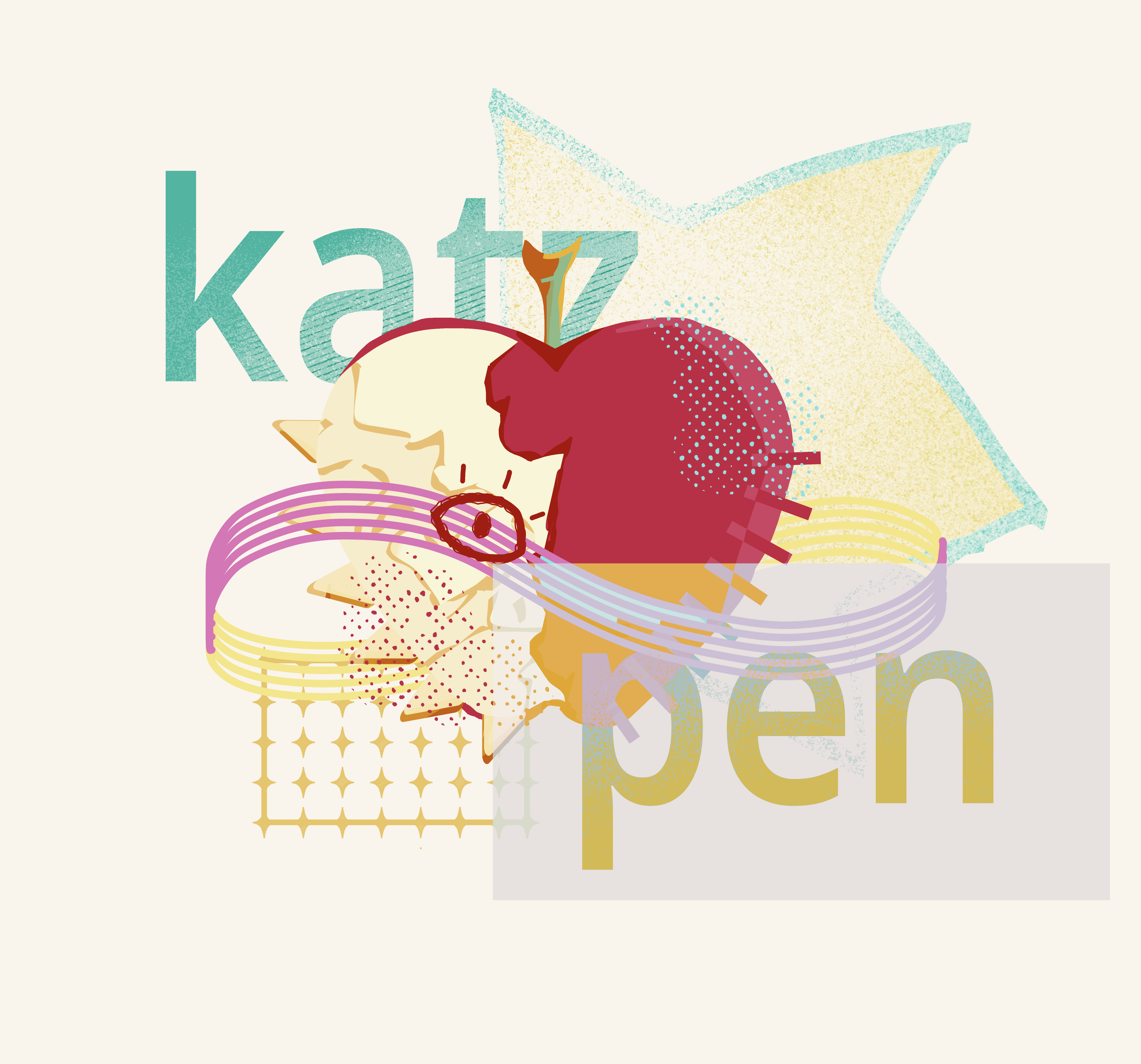
You might find it a bit familiar—yes, it's the set of flat pens I released a long time ago.
But during this period, I did a major upgrade,
It reunited 🥹🎉 with everyone in a completely new way
This was the first special brush set I made. I realized early on that he was excellent, just like me, still not very mature
From the start, I never intended to completely delete it, and during that time I realized many people still liked it and asked me about it.
I was truly moved. This brush set means so much to me, and now we've grown together
- In addition to the flat nib, we also added other fence shapes
- The color-changing flat pen now offers two different gradients for everyone to choose from
Alright, let's reintroduce this great child 🥹💐
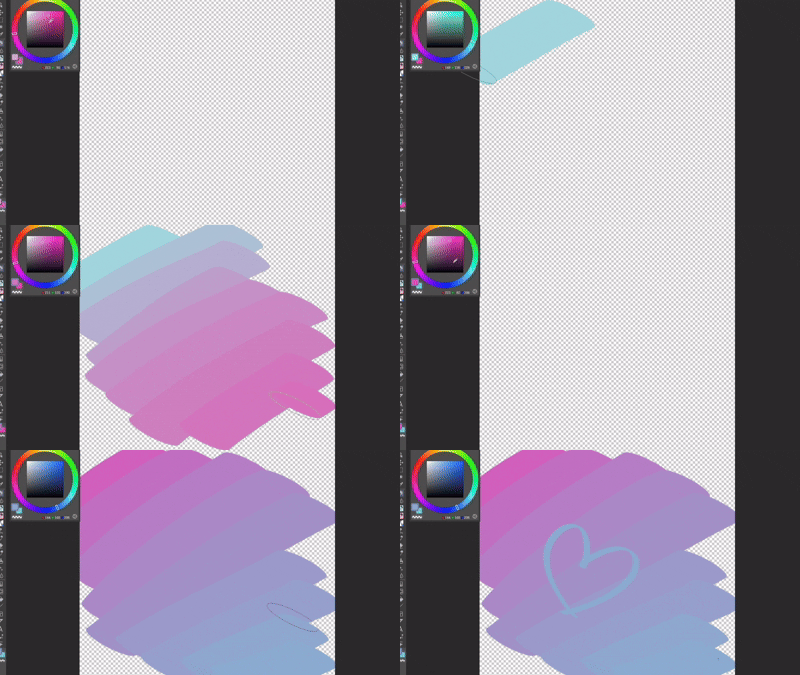
In the cover image, I have shown in detail the nib patterns of three color-changing brushes: square, flat, and round. This is a traditional pressure-free brush designed specifically for quick application, but we have made a major innovation in color enhancement capabilities, featuring a semi-automatic color-changing function! After choosing the foreground and background colors, repeatedly absorb the previous stroke of color, and it will gradually blend into the background! Helps friends who have difficulty with color mixing or are sensitive to color changes to better draw vibrant patterns =͟͟͞͞(≧▽≦)/‧₊°
The GIF image shows you can freely rotate, stretch, or adjust their spacing.
 you can freely rotate, stretch, or adjust their spacing.
 You'll get countless different combinations to create richer effects
Gradient brushes help you see that the actual color differs from the appearance in different color environments, helping you better handle 'ambient colors' until you achieve your expectations
You can even use this brush to adjust color on the side, then switch to another brush
Also, for easier identification, we deliberately marked the nib shape below in the preview image on the left to prevent people from seeing it. Many brushes have this problem; it's hard to tell their frontal appearance from just a single handwriting image, and they've also made cover changes for their gradient versions (we specifically adapted the dark mode for this simple floating effect).

Unfortunately, we didn't do a white effect, which might be updated on my other platforms in the future
You can try it yourself
Feel free to share with me—I'd love to see the screenshots (ˇ∀ˇ). ♡
Pleasant to use (★≧▽^))ノ★☆
(1. Updated some detail issues and standardized brush sizes
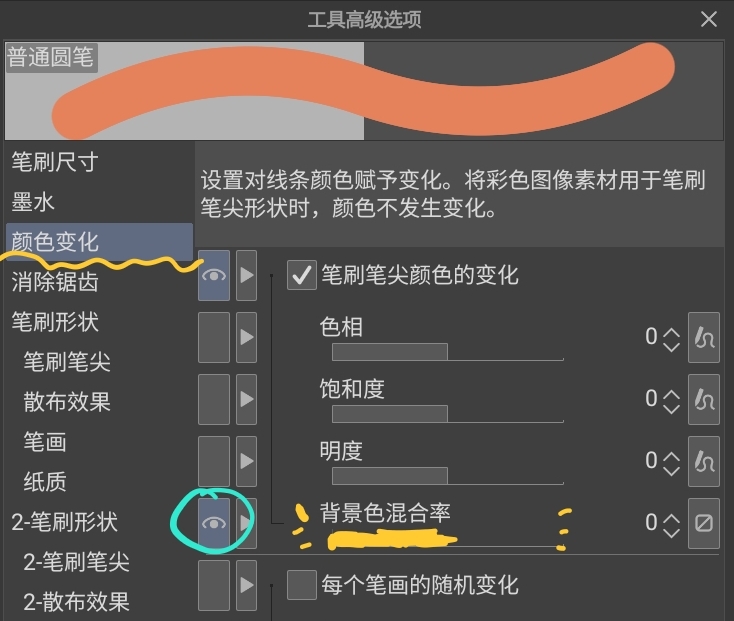
(2. Here's another usage question: you can customize the gradation changes by opening the Solid Color pen under the [Color Change] and [Background Color Blend] options. Then you have a color-changing pen that can be custom-adjusted
However, the other two gradient brushes cannot adjust the change value due to the characteristic pattern of the tip.
Since this adjustment is minor, I won't re-upload it. If you purchased through other links like the new showcase version, this issue does not apply. Additionally, the ABR version has already been released; you can check it out on my Twitter
时常会在节日有优惠活动🎉允许推荐并下载图片。感谢大家^ω^
大家或许有点眼熟,没错,他就是我很久之前发布的一套平笔,
但是这一段时间我将它进行了大升级,
它以一种全新的方式跟大家重新见面了🥹🎉
这是我做的第一套特殊笔刷,我很早就意识到他很优秀了,只是和我一样,还不太成熟
我从一开始就没有想过彻底删除掉它,期间我意识到还有很多人喜欢它,向我询问。
我真的非常感动,这套笔刷对我意义非凡,现在我们一起成长了
- 除了平整的笔尖,我们还添加了其他的栅栏形状
- 变色平笔现在它有两种不同程度的渐变,供大家选择
好了,让我们来重新介绍一下这个伟大的孩子吧🥹💐
我在封面图中详细展示了三种变色笔刷的笔尖图案,它们是方的和扁的,还有一个圆的,是传统的专为速涂诞生的无压感笔刷,但是我们在对于色彩提升能力上面做了伟大的革新,他拥有半自动的变色功能!当你选择好前景和背景色之后,重复吸取上一笔的颜色它就会逐渐混入背景色!帮助对调色困难或者是对颜色变化不敏感的朋友可以更好的画出炫彩的图案=͟͟͞͞(≧▽≦)/‧₊˚
在GIF图中有展示你可以随意旋转、拉伸或调整它们的间距。
你可以随意旋转、拉伸或调整它们的间距。你将得到无数不同排列组合,做出更加丰富的效果
渐变笔刷可以帮助你在不同色彩环境的对比下实际颜色与看起来不同,帮你更好处理『环境色』的问题,直到能够更好的达到你的预期
原意的话你甚至可以专门用这个笔刷在旁边调色,然后切换成其他描画笔刷
同时,我们为了方便辨认,在左侧的预览图中特意将笔尖形状标在了下面,防止大家看不出来。许多笔刷都有这个困扰,单从一个笔迹图片中很难分辨出他们正面的样子,同时也为他们的渐变版本做了封面变化,(我们特意为暗色模式做了适配,这是他们在家里的样子,大概是这样子的简洁悬空效果)
很遗憾,我们并没有做白色的效果,或许以后会在我的其他平台上更新
你可以自己试试
欢迎找我分享,我很乐意看到返图(ˇ∀ˇ)♡
使用愉快(★≧▽^))ノ★☆
(1.更新了一些细节问题,统一了笔刷大小
(2.再更新一条使用问题,可以通过打开 实色 钢笔中[颜色变化][背景色混合率]选项自定义色阶变化。然后你就拥有了一支可以自定义调整的变色笔
但另外两只渐变笔刷没法调整变化值,是由于笔尖图案特性形成。
由于该调整较小所以就不重新上传了。如果是在新版的橱窗等其他链接中购买的,则没有这个问题。另外,已经出了abr版本,可以去我的推特上查看
Category 1 类别 1
-
Square - piece of pen 方-片笔
-
Round - piece pen 圆-片笔
-
Sharp corner chestnut 尖角板栗
-
Chestnut with fillet corners 圆角板栗
-
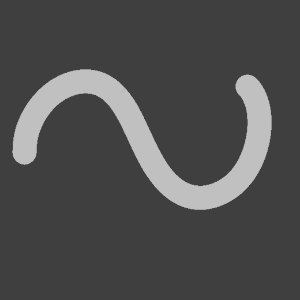
Flat-flat pen 扁-平笔
-
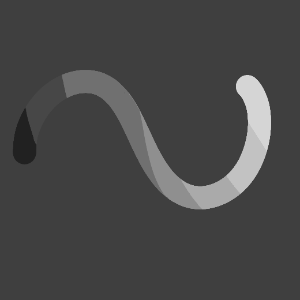
Flat - delicate gradient 扁-细腻渐变
-
Flat - paragraph gradient 扁-段落渐变
-
Fang - flat pen 方-平笔
-
Square - delicate gradient 方-细腻渐变
-
Square - paragraph gradient 方-段落渐变
-
Ordinary round pen 普通圆笔
-
Circle - delicate gradient 圆-细腻渐变
-
Circle - paragraph gradient 圆-段落渐变
-
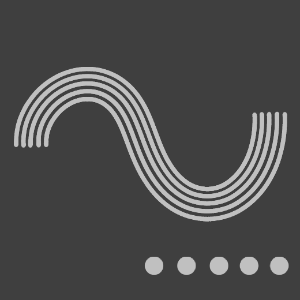
Large line 大排线
-
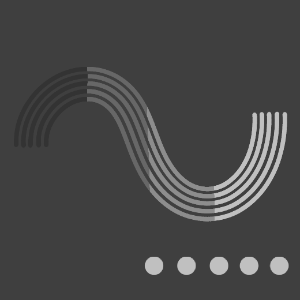
Large row line - gradient 大排线-渐变
-
Thin row of wires 细排线
-
Thin line - gradient 细排线-渐变











Old version



Other materials by ȻATƵ/凯茨


Popular “Material catalog” materials


New materials


Badges
-
 MVP ◆This user has contributed greatly to the management of the community, by posting many great responses to the questions asked. Once every three months, MVPs are determined based on the points earned during that period and will be recognized accordingly.
 -
 New Valuable Player (NVP) ◆These are the next-best contributors to the community after MVPs. This is awarded to users who have not yet won an MVP award, based on the number of points they have earned.
 -
 Official Expert ◆Chosen out of all MVP awardees, who are already proof of excellence, this is a testimony of outstanding correspondence in the community. After careful screening, they are appointed by CELSYS and assume their position.Note: Formally called “Evangelists”
 -
 Official Moderator of CELSYS ◆Moderators are official CELSYS staff members who are fluent in Japanese as well as various other languages. Moderators are not experts on the software or illustration, so they are not able to directly answer your questions. However, moderators provide communication and language support to ensure that everyone can smoothly communicate with each other.
 -
 CELSYS official accountThe Official Administrator Account