


Megapack of more than sixty Brush Stamps that allow you to instantly draw festive parties.
Instant Party Megapack
60+ Brush Stamps to turn any drawing into a party!
There is also a free sample version if you want to test the brushes first.
The sample set has 15 of the most popular brushes at a slightly lower resolution.
Asset ID: 2231116
Brush List:
1. "color" = color brushes.
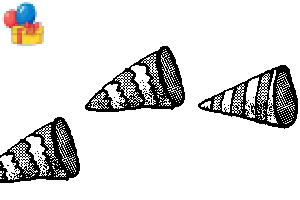
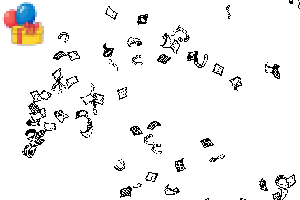
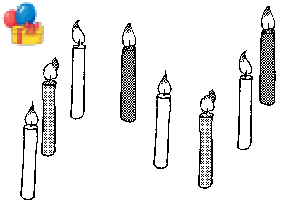
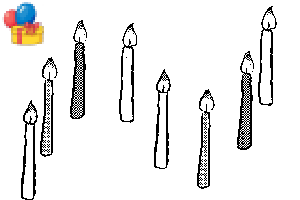
2. "comic" = monochrome brushes.
2. "comic" = monochrome brushes.
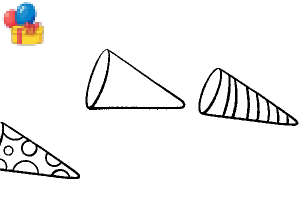
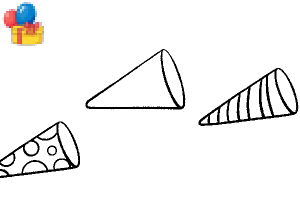
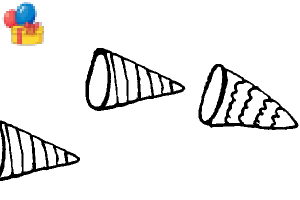
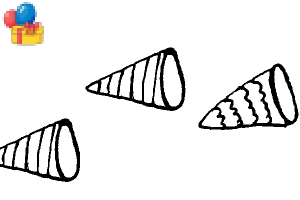
3. "blank" = outline version. Uses your own colors.

Designed for 600dpi high resolution digital or print.
It is recommended to use the brushes on a larger canvas, then scale down the final image before export.
== Examples ==
Monochrome

Color

These examples are sped up, but both took me less than 2 minutes to decorate!
== OPTIONS ==
Pixelated or Soft
If brushes look too pixelated or sharp, change the Anti-Aliasing.
* You can find the Anti-Aliasing setting in the "tool property" or in the "sub tool detail" menu.

Specific Design
If you want a single specific design from a random pattern brush.
* First, create a duplicate of the brush.
* Then click on the Wrench Icon to go to the "sub tool detail" menu.
* In the "brush tip" options, delete the designs you do not want.

== PRINTED COMICS ==
If using for printed comic work, please use the "comic" or "blank" brushes in a monochrome layer.
The "comic" version is designed for black-only monochrome, 600dpi B4 paper.
Since brushes can change in size, some of the shaded screentone may collapse during use.
Please print out a test page of your comic before finalizing, to make sure the screentone will work for your printing standards!

.: Thank You! :.
This set was created from my scanned pen drawings, then colored digitally.
I believe the hand-drawn quality makes the lines mix well with other art styles.
Please use in your works!
- Elise -
All characters, images, illustrations, and asset materials shown here are my own creations.
【Note】 I am not online often and I cannot read comments. If you have download issues or need help: check Clip Studio guides or contact support team. Thank you for understanding!
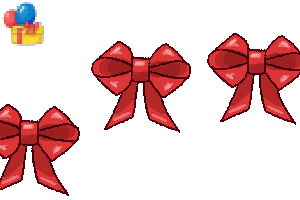
[Color] Brushes
-
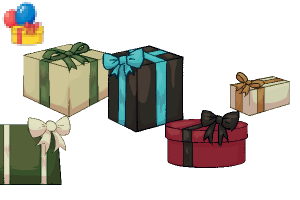
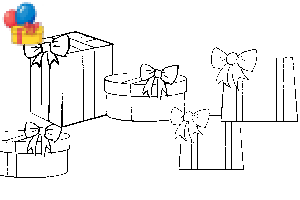
Party: Presents [Elegant]
-
Party: Presents [Holiday]
-
Party: Presents [Birthday]
-
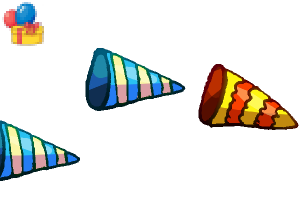
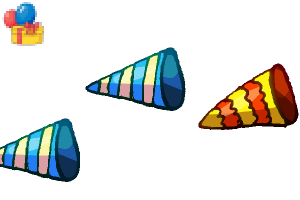
Party: Poppers 2 Right [Color]
-
Party: Poppers 2 Left [Color]
-
Party: Poppers 1 Right [Color]
-
Party: Poppers 1 Left [Color]
-
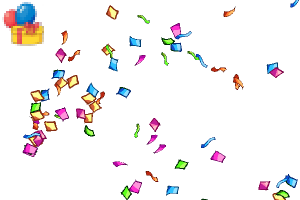
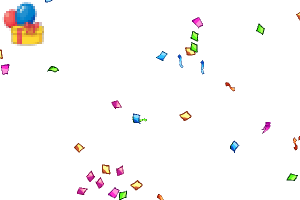
Party: Confetti Popper [Color]
-
Party: Confetti [Color]
-
Party: Candles [Color]
-
Party: Thin Candles [Color]
-
Party: Twisted Candles [Color]
-
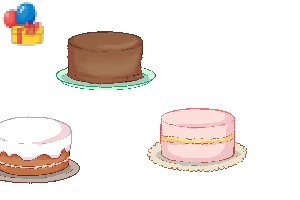
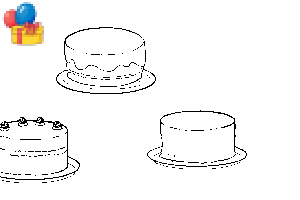
Party: Cake [Color]
-
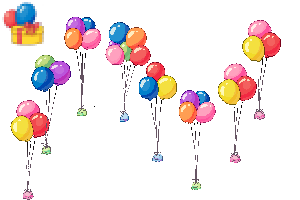
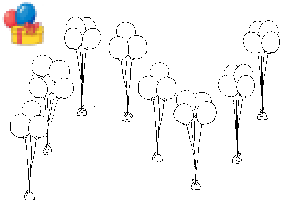
Party: Balloon Bunches [Color]
-
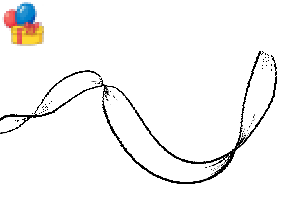
Party: Ribbon Curved [Blue]
-
Party: Ribbon Strand [Blue]
-
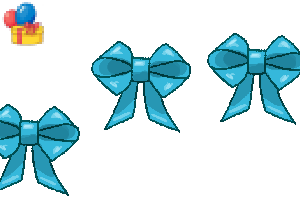
Party: Ribbon Bow [Blue]
-
Party: Ribbon Puff [Blue]
-
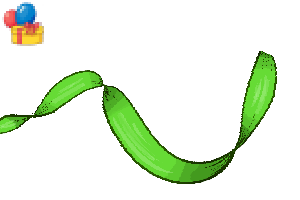
Party: Ribbon Curved [Green]
-
Party: Ribbon Strand [Green]
-
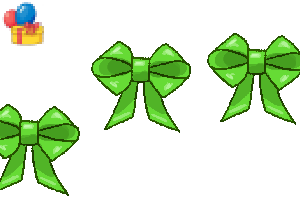
Party: Ribbon Bow [Green]
-
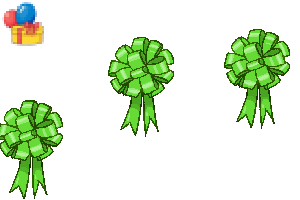
Party: Ribbon Puff [Green]
-
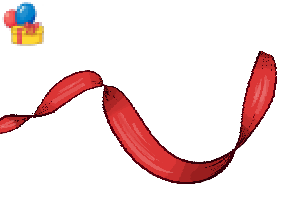
Party: Ribbon Curved [Red]
-
Party: Ribbon Strand [Red]
-
Party: Ribbon Bow [Red]
-
Party: Ribbon Puff [Red]













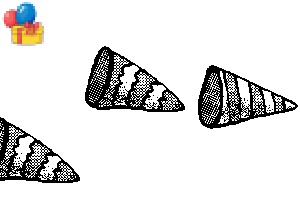
[Comic] Monochrome Brushes
-
Party: Poppers 2 Right [Comic]
-
Party: Poppers 2 Left [Comic]
-
Party: Poppers 1 Right [Comic]
-
Party: Poppers 1 Left [Comic]
-
Party: Confetti Popper [Comic]
-
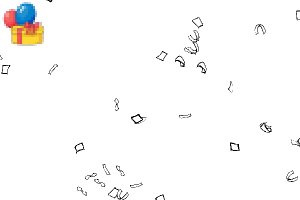
Party: Confetti [Comic]
-
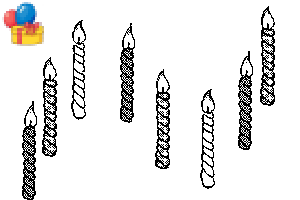
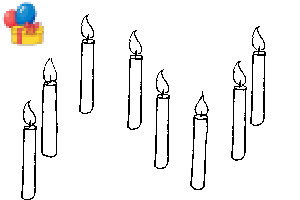
Party: Candles [Comic]
-
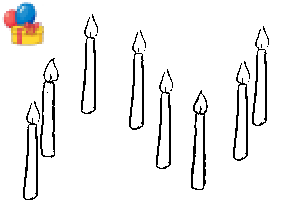
Party: Thin Candles [Comic]
-
Party: Twisted Candles [Comic]
-
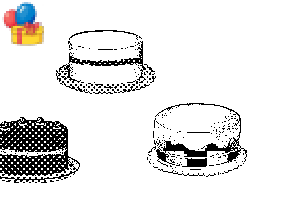
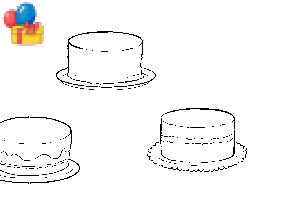
Party: Cake [Comic]
-
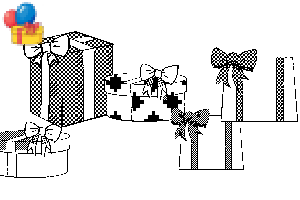
Party: Presents [Comic]
-
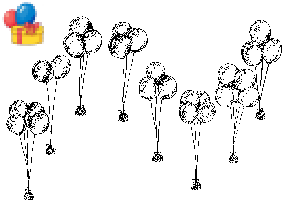
Party: Balloon Bunches [Comic]
-
Party: Ribbon Curved [Comic]
-
Party: Ribbon Strand [Comic]
-
Party: Ribbon Bow [Comic]
-
Party: Ribbon Puff [Comic]
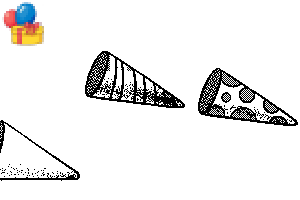
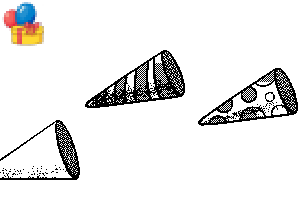

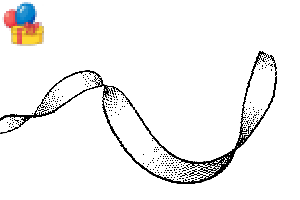
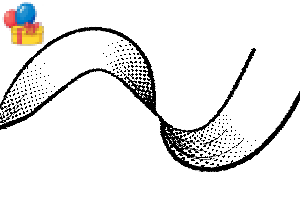
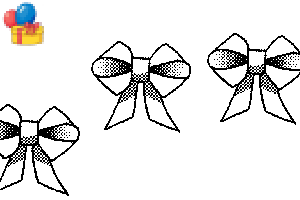
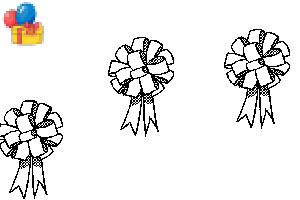
[Blank] Outline Brushes
-
Party: Poppers 2 Right [Blank]
-
Party: Poppers 2 Left [Blank]
-
Party: Poppers 1 Right [Blank]
-
Party: Poppers 1 Left [Blank]
-
Party: Confetti Popper [Blank]
-
Party: Confetti [Blank]
-
Party: Candles [Blank]
-
Party: Thin Candles [Blank]
-
Party: Twisted Candles [Blank]
-
Party: Cake [Blank]
-
Party: Cake [Blank]
-
Party: Presents [Blank]
-
Party: Balloon Bunches [Blank]
-
Party: Ribbon Curved [Blank]
-
Party: Ribbon Strand [Blank]
-
Party: Ribbon Bow [Blank]
-
Party: Ribbon Puff [Blank]



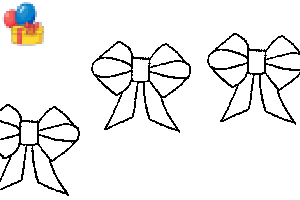
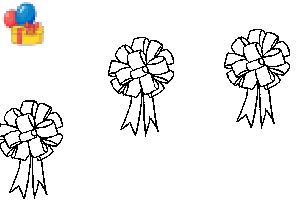
Deco and Circle Tools


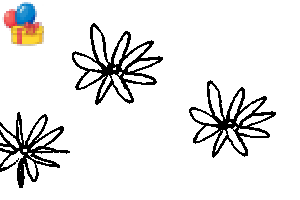
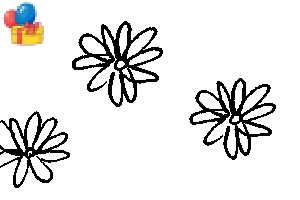





Other materials by mh.elise


Popular “Material catalog” materials


New materials



Badges
-
 MVP ◆This user has contributed greatly to the management of the community, by posting many great responses to the questions asked. Once every three months, MVPs are determined based on the points earned during that period and will be recognized accordingly.
 -
 New Valuable Player (NVP) ◆These are the next-best contributors to the community after MVPs. This is awarded to users who have not yet won an MVP award, based on the number of points they have earned.
 -
 Official Expert ◆Chosen out of all MVP awardees, who are already proof of excellence, this is a testimony of outstanding correspondence in the community. After careful screening, they are appointed by CELSYS and assume their position.Note: Formally called “Evangelists”
 -
 Official Moderator of CELSYS ◆Moderators are official CELSYS staff members who are fluent in Japanese as well as various other languages. Moderators are not experts on the software or illustration, so they are not able to directly answer your questions. However, moderators provide communication and language support to ensure that everyone can smoothly communicate with each other.
 -
 CELSYS official accountThe Official Administrator Account
