


【Celestial Sphere】Park City【15 types】 (【天球】公園都市【15種】) 【天球】公園都市【15種】


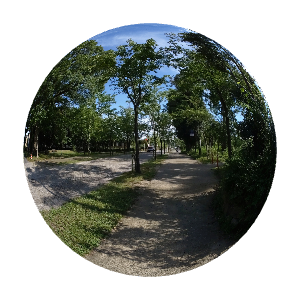
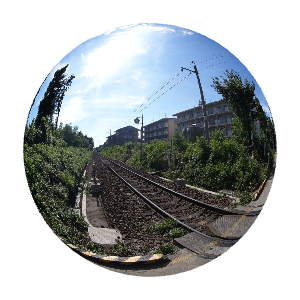
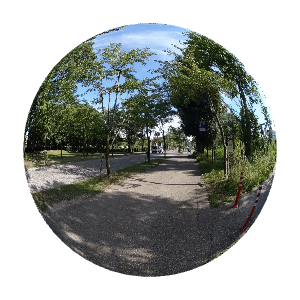
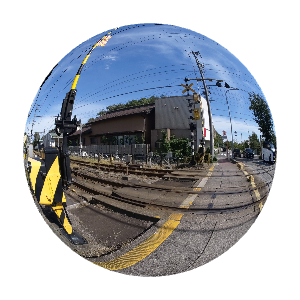
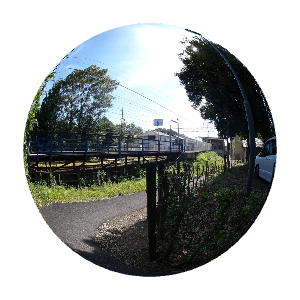
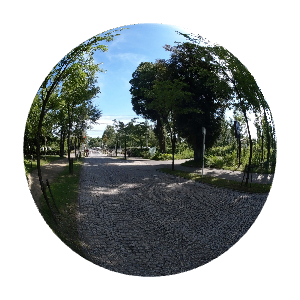
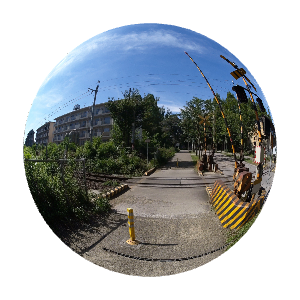
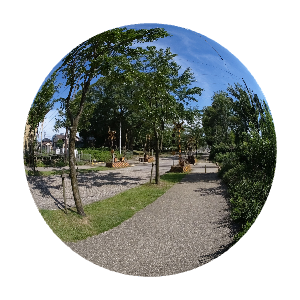
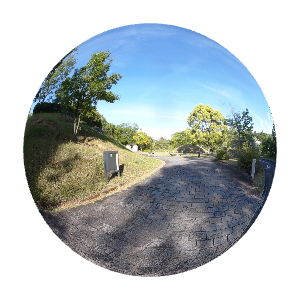
3D celestial material captured daily scenery of a green provincial city.
Set of 15 species.
緑豊かな地方都市の日常風景を撮影した3D天球素材。
15種セット。


Illustrations, manga backgrounds, reference materials, TRPG and novel materials, etc.


■Sample GIF


■Screenshot


The how to add of 3D drawing figure to the celestial sphere
・ The downloaded celestial material is
From the "Material column" of the CLIP STUDIO PAINT,
By dragging and dropping to the canvas
You can easily add layers.
・ When processing, select the celestial sphere layer and
If you use "Layer" - "rasterize",
You can crop it as it looks and layer it normally.
When you load a celestial image,
If the image is too close/too far,
In the tool property that appears when you select the celestial layer
If you set "Angle" - "Perspective" between 10 ~ 20,
It is closer to what it looks like to the naked eye.
By increasing the values of "perspective" and "fisheye perspective",
I think it's also interesting to exaggerate the sense of distance.
イラスト・漫画の背景や参考資料、TRPGや小説の素材などなどに。
■サンプルGIF
■スクリーンショット
■天球への3Dデッサン人形の追加方法
・ダウンロードした天球素材は、
CLIP STUDIO PAINTの「素材欄」から、
キャンバスへドラッグ&ドロップすることで
簡単にレイヤー追加できます。
・加工する場合は、天球レイヤーを選択して
「レイヤー」-「ラスタライズ」を使うと、
その見え方のまま切り取って通常レイヤー化できます。
天球画像を読み込んだ際、キャンバスに対して
画像が近すぎる/遠すぎる場合は、
天球レイヤーを選択した時に出てくるツールプロパティ内にある
「アングル」-「パース」を10~20の間くらいにすると、
肉眼での見え方に近くなります。
「パース」や「魚眼パース」の数値を増やすことで、
距離感を誇張するのも面白いと思います。
Celestial Spheres and Park City 天球・公園都市


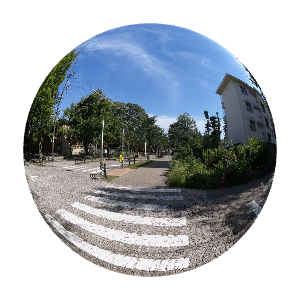
2026 Additional Materials 2026追加素材
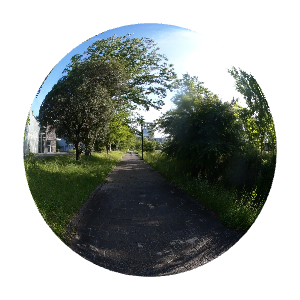
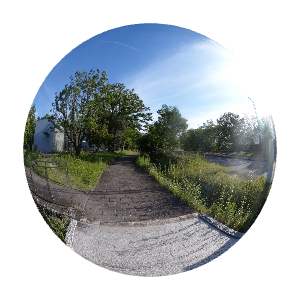
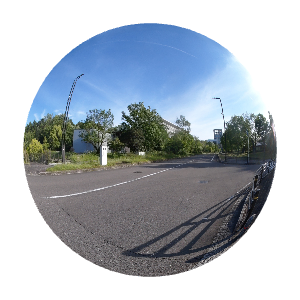
Old version


 Report problematic material
For those who don’t have a Clip Studio account
- Name of product/software
- Detailed information about the issue

-
 CLIP STUDIO PAINT PRO/EX
-
CLIP STUDIO PAINT DEBUT
 Re-download


 Checkout Now
 Purchase successful.
 See save location for materials


Published : 14 minutes ago
Last updated : 14 minutes ago


-
 MVP ◆This user has contributed greatly to the management of the community, by posting many great responses to the questions asked. Once every three months, MVPs are determined based on the points earned during that period and will be recognized accordingly.
-
 New Valuable Player (NVP) ◆These are the next-best contributors to the community after MVPs. This is awarded to users who have not yet won an MVP award, based on the number of points they have earned.
-
 Official Expert ◆Chosen out of all MVP awardees, who are already proof of excellence, this is a testimony of outstanding correspondence in the community. After careful screening, they are appointed by CELSYS and assume their position.Note: Formally called “Evangelists”
-
 Official Moderator of CELSYS ◆Moderators are official CELSYS staff members who are fluent in Japanese as well as various other languages. Moderators are not experts on the software or illustration, so they are not able to directly answer your questions. However, moderators provide communication and language support to ensure that everyone can smoothly communicate with each other.
-
 CELSYS official accountThe Official Administrator Account