



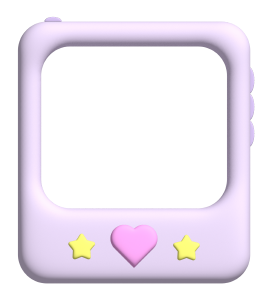
The screen part is transparent
Put your favorite image
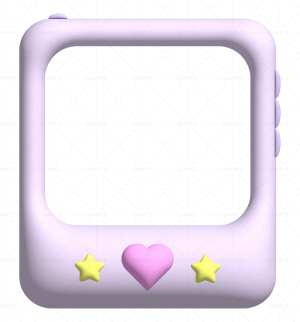
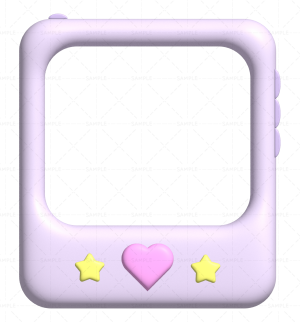
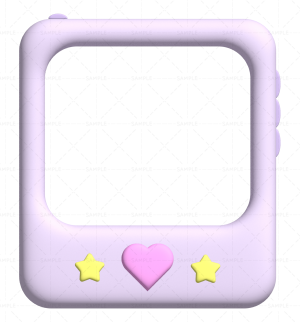
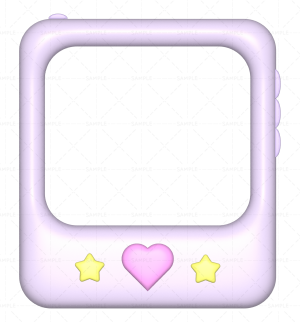
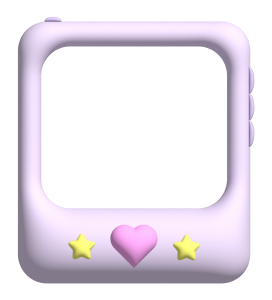
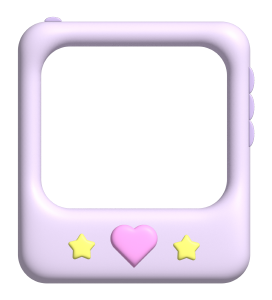
■ The following 4 types of set
・Gadget (Puku)
・Gadget (glossy)
・Gadget (Matt)
・Gadgets (lights)
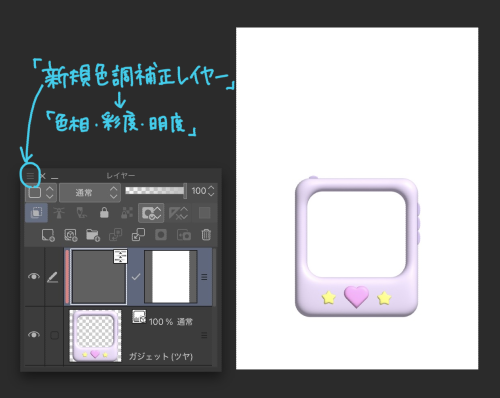
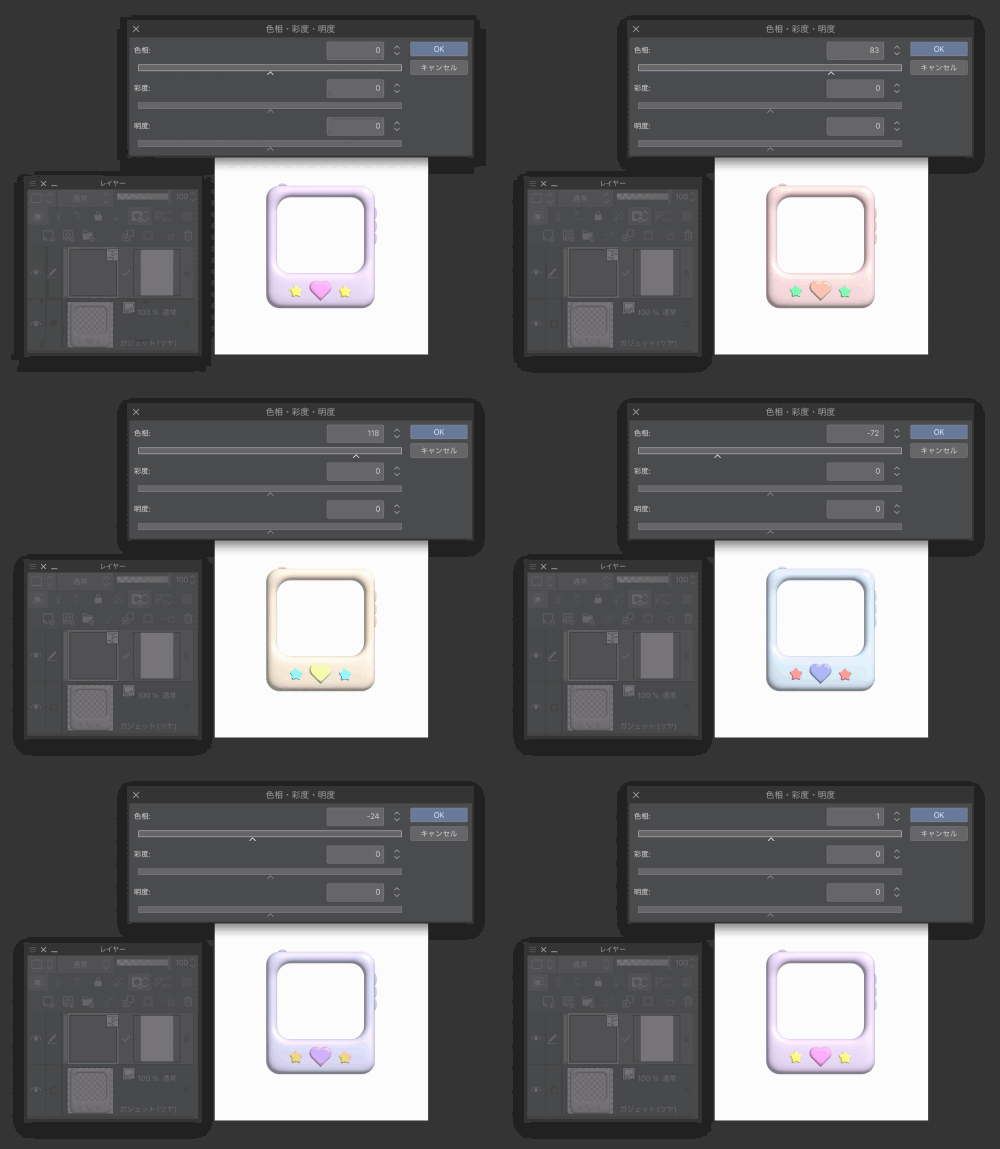
■How to change the color
1. "new correction layer" → "Hue, Saturation, Lightness"
2. Change color with each slider
* If you clip the tonal correction layer to the gadget layer, only the gadget can change the color
* If you want to change the color again after OK, double-tap the tonal correction layer to bring up the slider again.
(* This is the image explanation of the iPad version of the app)
■ After downloading the material, you can drag and drop the downloaded material → "Materials" → "Materials" "Materials" → "Materials" in the CLIP STUDIO app → menu bar to the canvas.
■ Other materials are also available
You can also see it from "More >" at the bottom right of "Another material" below.
画面部分は透過です
お好きな画像を入れてください
■下記4種類セット
・ガジェット(ぷく)
・ガジェット(ツヤ)
・ガジェット(マット)
・ガジェット(ライト)
■カラーの変更方法
1. 「新規色調補正レイヤー」→「色相・彩度・明度」
2.各スライダーで色変更
※ガジェットのレイヤーに色調補正レイヤーをクリッピングするとガジェットのみ色変更可能
※OKの後に再度色変更したい場合は、色調補正レイヤーをダブルタップで再度スライダーが出ます
(※iPad版アプリでの画像説明です)
■素材をダウンロード後、CLIP STUDIOアプリ→メニューバーの「ウィンドウ」→「素材」→「素材[ダウンロード]」→ダウンロードした素材をキャンバスにドラッグ&ドロップで使用できます
■他素材も公開中です
下記の「別の素材」右下の「もっと見る>」からもご覧になれます
Category 1 カテゴリ1










Other materials by れもんごぶんのいち


Popular “Material catalog” materials


New materials


Badges
-
 MVP ◆This user has contributed greatly to the management of the community, by posting many great responses to the questions asked. Once every three months, MVPs are determined based on the points earned during that period and will be recognized accordingly.
 -
 New Valuable Player (NVP) ◆These are the next-best contributors to the community after MVPs. This is awarded to users who have not yet won an MVP award, based on the number of points they have earned.
 -
 Official Expert ◆Chosen out of all MVP awardees, who are already proof of excellence, this is a testimony of outstanding correspondence in the community. After careful screening, they are appointed by CELSYS and assume their position.Note: Formally called “Evangelists”
 -
 Official Moderator of CELSYS ◆Moderators are official CELSYS staff members who are fluent in Japanese as well as various other languages. Moderators are not experts on the software or illustration, so they are not able to directly answer your questions. However, moderators provide communication and language support to ensure that everyone can smoothly communicate with each other.
 -
 CELSYS official accountThe Official Administrator Account