



It's a somewhat comical flash balloon tool and figure tool. どことなくコミカルなフラッシュのフキダシツールと図形ツールです。
- Balloon tool and shape tool.
- Please register and use the sub tool palette.
- It's a flash that isn't too serious.


- There are line width varieties:
- Adjust the number of vertices of the shape to your liking.
- If you set the stroke and fill settings of the figure tool to [create both line and fill] and turn on the dual brush, the base will be attached to the raster layer when drawing.
- A little comical flash
- You can also use the shape setting to a circle, and it supports color.
- フキダシツールと図形ツールです。
- サブツールパレットに登録してご使用ください。
- あんまりシリアス過ぎないフラッシュです。
- 線の太さの種類があります。
- 図形の頂点数はお好みに調整してください。
- 図形ツールの線・塗りの設定を【線と塗りを作成】にして、デュアルブラシをONにするとラスターレイヤーに描画時に下地がつきます。
- ちょっとコミカルなフラッシュ
- 図形設定を円にしても使えるし、カラーに対応しています。
Balloon 1 フキダシ1






Balloon 2 フキダシ2
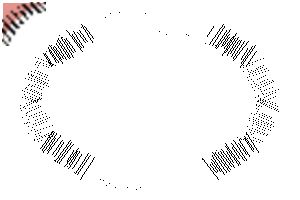





Balloon 3 フキダシ3
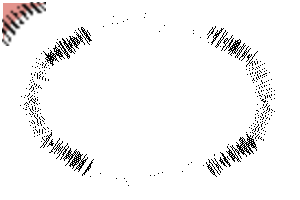
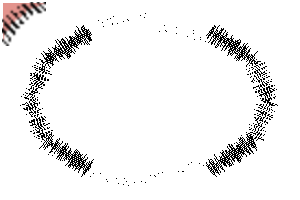



Balloon 4 フキダシ4
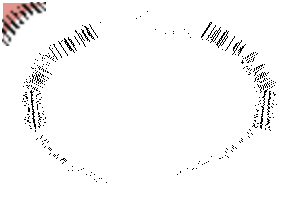

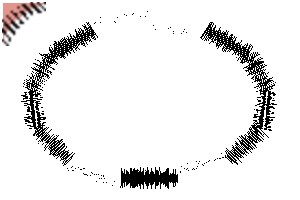
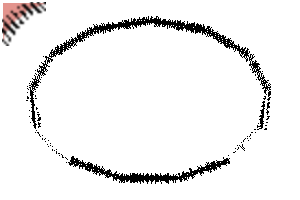
Balloon 5 フキダシ5







Balloon 6 フキダシ6





Balloon 7 フキダシ7




Figure 1 図形1






Figure 2 図形2






Figure 3 図形3
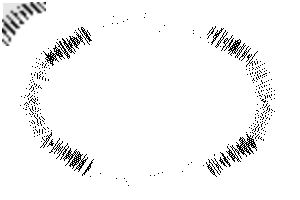
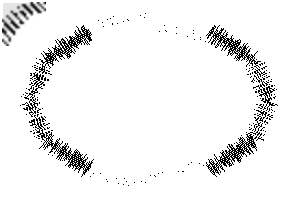



Figure 4 図形4


Figure 5 図形5







Figure 8 図形8







Figure 9 図形9






Figure 10 図形10
-
Comical Flash_Shape_10a コミカルフラッシュ_図形_10a
-
Comical Flash_Shape_10b コミカルフラッシュ_図形_10b
-
Comical Flash_Shape_10c コミカルフラッシュ_図形_10c
-
Comical Flash_Shape_10d コミカルフラッシュ_図形_10d
-
Comical Flash_Shape_10e コミカルフラッシュ_図形_10e
-
Comical Flash_Shape_10f コミカルフラッシュ_図形_10f
-
Comical Flash_Shape_10g コミカルフラッシュ_図形_10g
-
Comical Flash_Shape_10h コミカルフラッシュ_図形_10h
-
Comical Flash_Shape_10i コミカルフラッシュ_図形_10i









Figure 11 図形11









Other materials by あらまちこ


Popular “Material catalog” materials


New materials





-
 MVP ◆This user has contributed greatly to the management of the community, by posting many great responses to the questions asked. Once every three months, MVPs are determined based on the points earned during that period and will be recognized accordingly.
 -
 New Valuable Player (NVP) ◆These are the next-best contributors to the community after MVPs. This is awarded to users who have not yet won an MVP award, based on the number of points they have earned.
 -
 Official Expert ◆Chosen out of all MVP awardees, who are already proof of excellence, this is a testimony of outstanding correspondence in the community. After careful screening, they are appointed by CELSYS and assume their position.Note: Formally called “Evangelists”
 -
 Official Moderator of CELSYS ◆Moderators are official CELSYS staff members who are fluent in Japanese as well as various other languages. Moderators are not experts on the software or illustration, so they are not able to directly answer your questions. However, moderators provide communication and language support to ensure that everyone can smoothly communicate with each other.
 -
 CELSYS official accountThe Official Administrator Account