



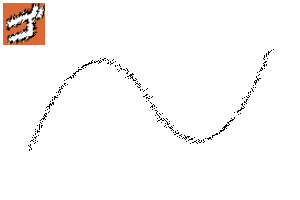
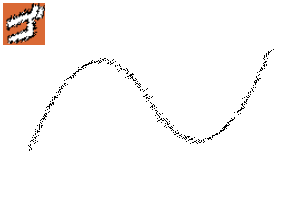
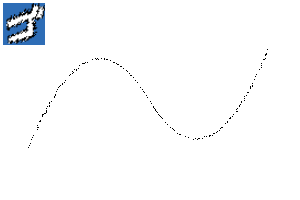
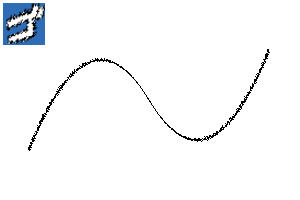
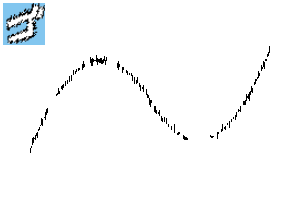
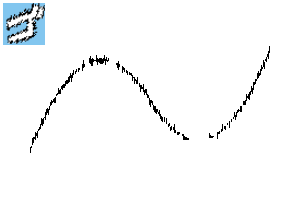
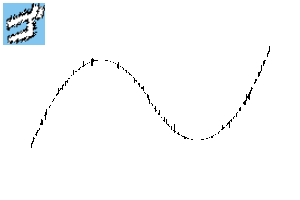
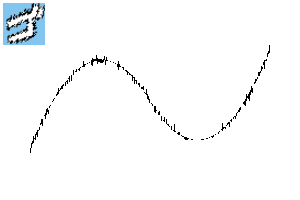
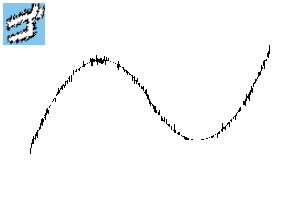
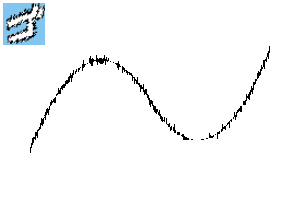
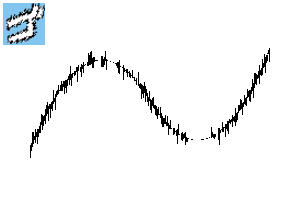
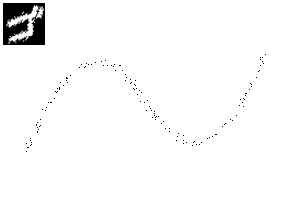
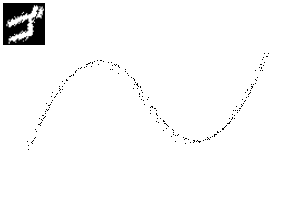
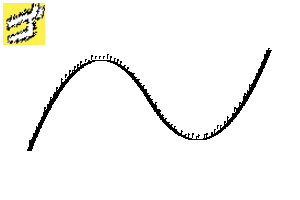
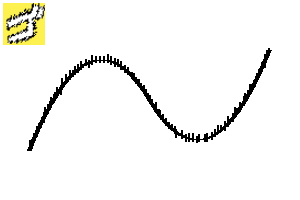
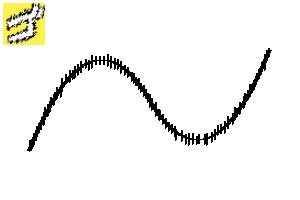
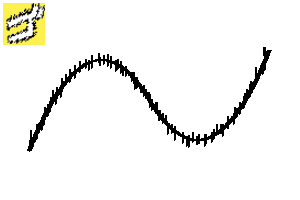
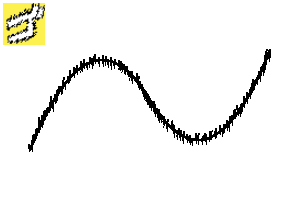
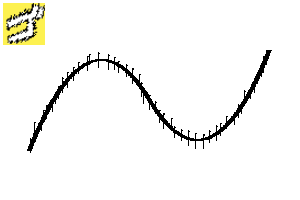
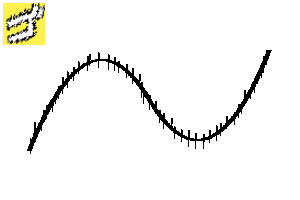
- This is the brush tool when drawing the sound effect of the bag character.
- It is a line with a blurred feeling like speed and shock.
- Register and use the tool palette.
- Draw it on the vector layer.

- Please fill the inside of the text appropriately.

- A fill inside the text on another layer.


- Draw it on the vector layer.
- If you draw on the vector layer, you can adjust it later.
- When drawing with a vector, it is convenient to use [Stop at vector centerline] of the fill tool when filling the inside of the text on another layer.
- It is recommended to draw the lines so that they overlap each other with the vector layer, set the [vector eraser] of the eraser to [erase up to intersection], and erase unnecessary parts.
- It has a sub color colored line.
- In this case, it is a white line, so if you want to fill it with black, make the sub color black before drawing or after drawing with a vector.
- 袋文字の効果音を描くときのブラシツールです。
- スピード感や衝撃のようなブレた感じの線です。
- ツールパレットに登録して使用してください。
- ベクターレイヤーに描いてください。
- 文字の中は適宜塗りつぶしてください。
- 別のレイヤーで文字の中を塗りつぶしたもの。
- ベクターレイヤーに描いてください。
- ベクターレイヤーに描くと、後から調整できます。
- ベクターで描くと、別レイヤーで文字の中を塗りつぶすときに、塗りつぶしツールの[ベクターの中心線で塗り止まる]が使えて便利です。
- ベクターレイヤーで線同士が重なるように描き、消しゴムの[ベクター消去]を[交点まで]にして、不要な部分を消す使い方がおすすめです。
- サブカラーの色の線がついています。
- この場合は白い線なので、黒で塗りつぶしたい場合、描く前やベクターで描いた後サブカラーを黒にします。
1 1




2 2


3 3



4 4


5 5


6 6
7 7




8 8






fill 塗りつぶし

9 9
10 10

11 11
Update history
・July 12, 2026 Added 9-11 ・2026年7月12日 9〜11追加







Other materials by あらまちこ


Popular “Material catalog” materials


New materials





-
 MVP ◆This user has contributed greatly to the management of the community, by posting many great responses to the questions asked. Once every three months, MVPs are determined based on the points earned during that period and will be recognized accordingly.
 -
 New Valuable Player (NVP) ◆These are the next-best contributors to the community after MVPs. This is awarded to users who have not yet won an MVP award, based on the number of points they have earned.
 -
 Official Expert ◆Chosen out of all MVP awardees, who are already proof of excellence, this is a testimony of outstanding correspondence in the community. After careful screening, they are appointed by CELSYS and assume their position.Note: Formally called “Evangelists”
 -
 Official Moderator of CELSYS ◆Moderators are official CELSYS staff members who are fluent in Japanese as well as various other languages. Moderators are not experts on the software or illustration, so they are not able to directly answer your questions. However, moderators provide communication and language support to ensure that everyone can smoothly communicate with each other.
 -
 CELSYS official accountThe Official Administrator Account