


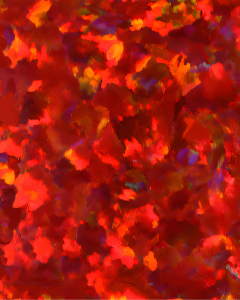
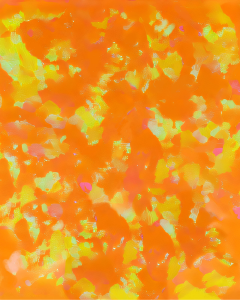
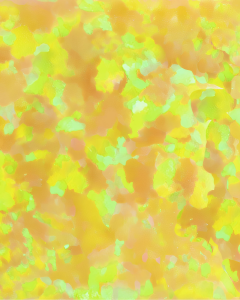
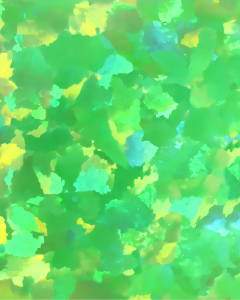
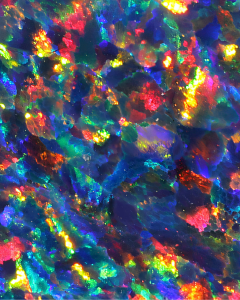
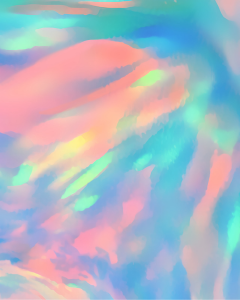
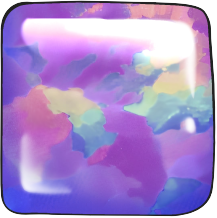
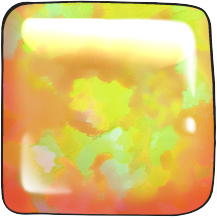
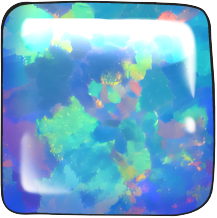
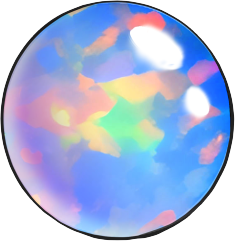
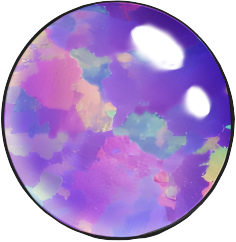
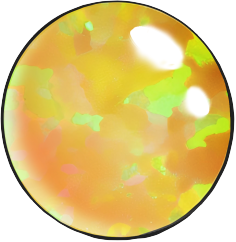
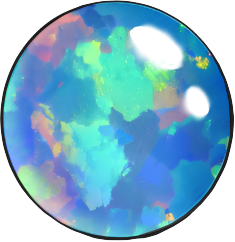
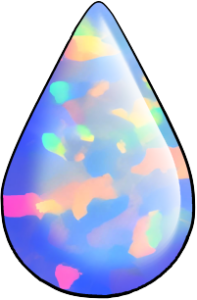
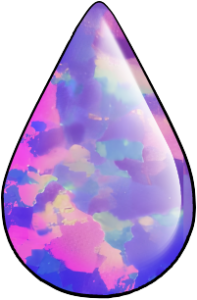
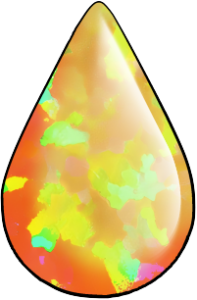
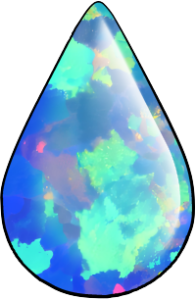
Collection of shiny opal image textures!
Opal Texture Collection
Each image is about 13.5cm x 17cm at 300dpi. They are Raster images.
Can be used for digital and print designs.
It is recommended to resize the textures smaller before using. Some imperfections may be visible at large size.
== HOW TO USE ==
1. Draw your sketch.
2. Create a flat color area where you would like your opal.
2. Create a flat color area where you would like your opal.
3. Bring in the Opal Image and transform it to fit your drawing.
4. Erase any excess texture or use a Mask.

5. Draw highlights and shadows to make your own unique gemstones!

== MONOCHROME ==
When working with monochrome, you will need to increase the contrast to have a stunning effect.
Use the "levels correction" tonal correction to create a stronger impact!

Increase Contrast:
Edit. > Tonal correction. > Levels correction.
Or create a new correction layer, choosing the "levels correction" layer type.
Then adjust arrows until gemstone is shiny.
== MAKE YOUR OWN COLORS ==
You can easily make custom color gems.
Use the Hue correction to change the color.
Each texture will give you a slightly different result!

Change Color:
Edit. > Tonal correction. > Hue / Saturation / Luminosity.
Edit. > Tonal correction. > Hue / Saturation / Luminosity.
Or create a new correction layer, choosing the "hue / saturation / luminosity" (HSL) layer type.
Then change the "hue" number.
=== Bonus ===
This asset won an award for the "jewelry" theme 47th assets challenge! Thank you everyone who downloaded!!
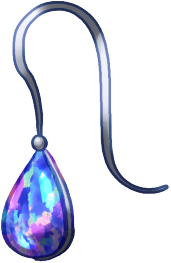
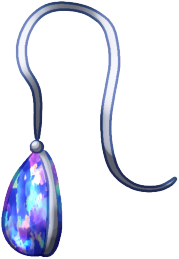
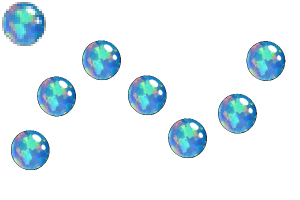
As a bonus, I created a few opal jewelry drawings and added them to this collection.
..: Thank You :..
I love opal gemstones! I didn't see many other realistic opal textures, so I decided to make my own.
Textures are my own digital paintings. I looked at real opals for reference.
Please use in your works!
- Elise -
All images shown are my original characters and original illustrations.
【Notice】 I am not online often and cannot read comments. If you have download issues or need help, please check Clip Studio guides or contact support team. Thank you!
Opal Textures (Images)
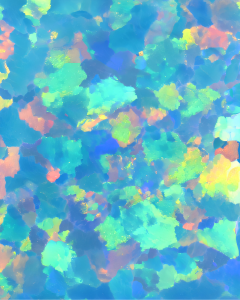
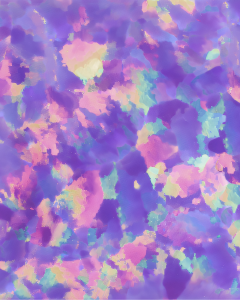
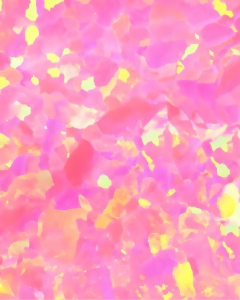

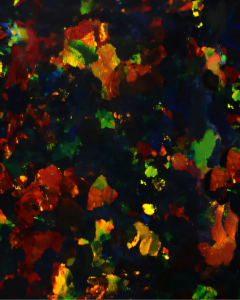

Bonus Jewelry Stamps
-
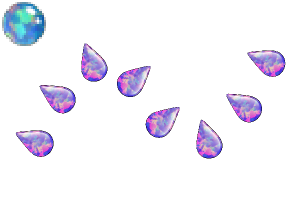
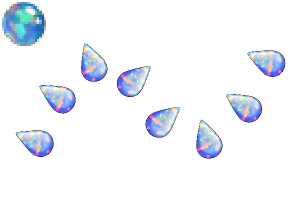
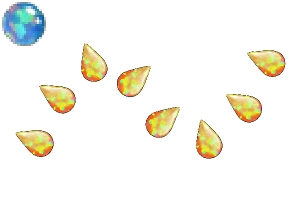
Mystical Teardrop Earrings 1
-
Mystical Teardrop Earrings 2
-
Mystical Teardrop Earrings 3
-
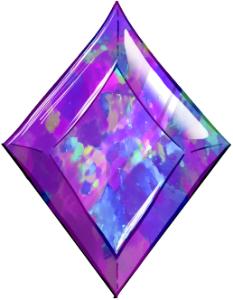
Diamond Cut Opal - Purple
-
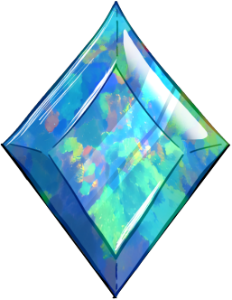
Diamond Cut Opal - Blue
-
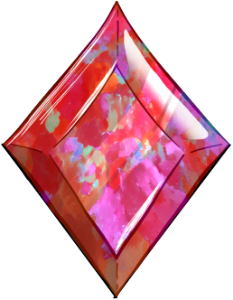
Diamond Cut Opal - Red
-
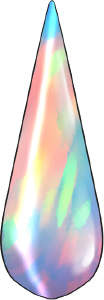
Long Teardrop - Shimmer
-
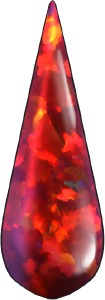
Long Teardrop - Red
-
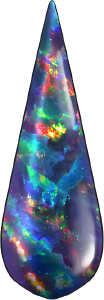
Long Teardrop - Celestial
-
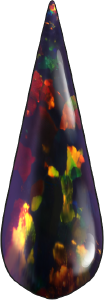
Long Teardrop - Black
-
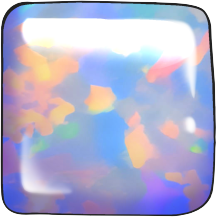
Square White Opal
-
Square Purple Opal
-
Square Yellow Opal
-
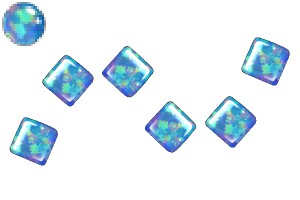
Square Blue Opal
-
Circle White Opal
-
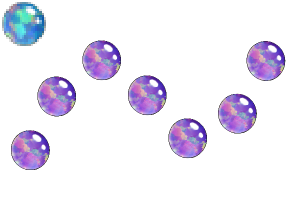
Circle Purple Opal
-
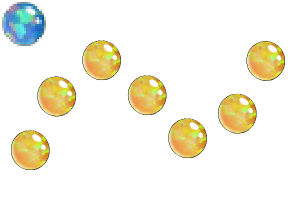
Circle Yellow Opal
-
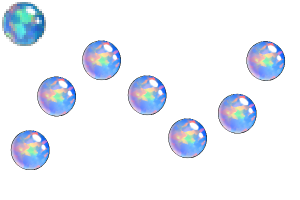
Circle Blue Opal
-
Teardrop White Opal
-
Teardrop Purple Opal
-
Teardrop Yellow Opal
-
Teardrop Blue Opal
-
Opals: Circle Blue
-
Opals: Circle Purple
-
Opals: Circle White
-
Opals: Circle Yellow
-
Opals: Square Blue
-
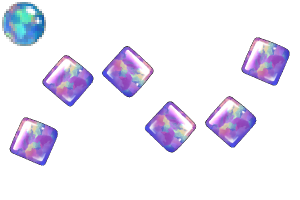
Opals: Square Purple
-
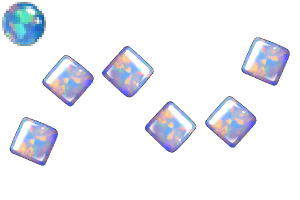
Opals: Square White
-
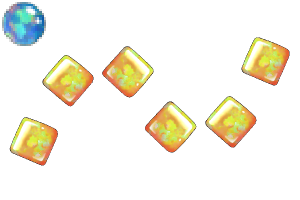
Opals: Square Yellow
-
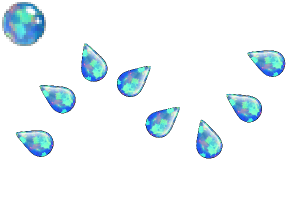
Opals: Teardrop Blue
-
Opals: Teardrop Purple
-
Opals: Teardrop White
-
Opals: Teardrop Yellow

 Report problematic material
For those who don’t have a Clip Studio account
Please contact us by email with the following information.
- Name of product/software
- Detailed information about the issue

Software
-
 CLIP STUDIO PAINT PRO/EX
-
CLIP STUDIO PAINT DEBUT
 Re-download
Please purchase with GOLD or Clippy if you plan to use a device that is not verified with your annual/monthly plan.

Price
20

Current balance
 Checkout Now
 Purchase successful.
 See save location for materials


20
CLIPPY
Type
Material catalog
Tag

Content ID:
2225556

Published : 11 months ago
Last updated : 3 months ago





Badges
-
 MVP ◆This user has contributed greatly to the management of the community, by posting many great responses to the questions asked. Once every three months, MVPs are determined based on the points earned during that period and will be recognized accordingly.
-
 New Valuable Player (NVP) ◆These are the next-best contributors to the community after MVPs. This is awarded to users who have not yet won an MVP award, based on the number of points they have earned.
-
 Official Expert ◆Chosen out of all MVP awardees, who are already proof of excellence, this is a testimony of outstanding correspondence in the community. After careful screening, they are appointed by CELSYS and assume their position.Note: Formally called “Evangelists”
-
 Official Moderator of CELSYS ◆Moderators are official CELSYS staff members who are fluent in Japanese as well as various other languages. Moderators are not experts on the software or illustration, so they are not able to directly answer your questions. However, moderators provide communication and language support to ensure that everyone can smoothly communicate with each other.
-
 CELSYS official accountThe Official Administrator Account
