




Because the image quality is small in size, it is for graffiti.
I think that it is not suitable for serious use such as printing.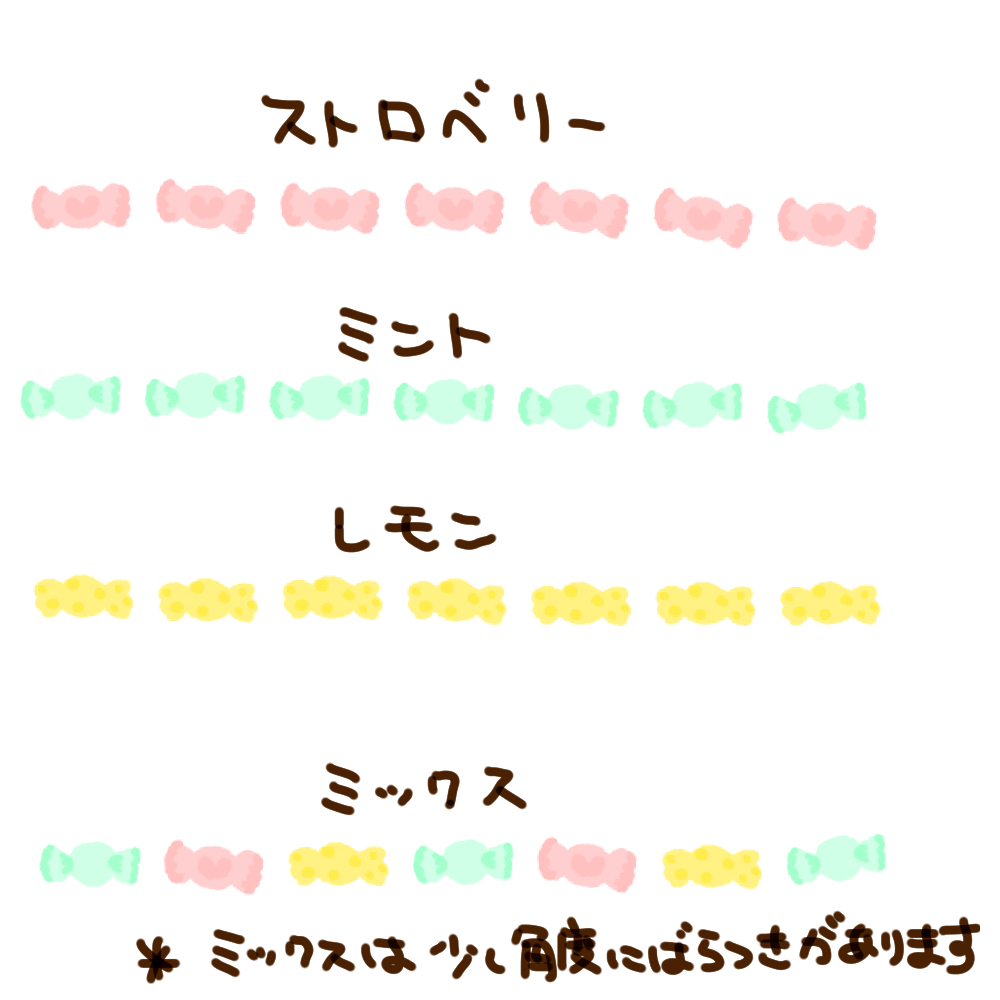
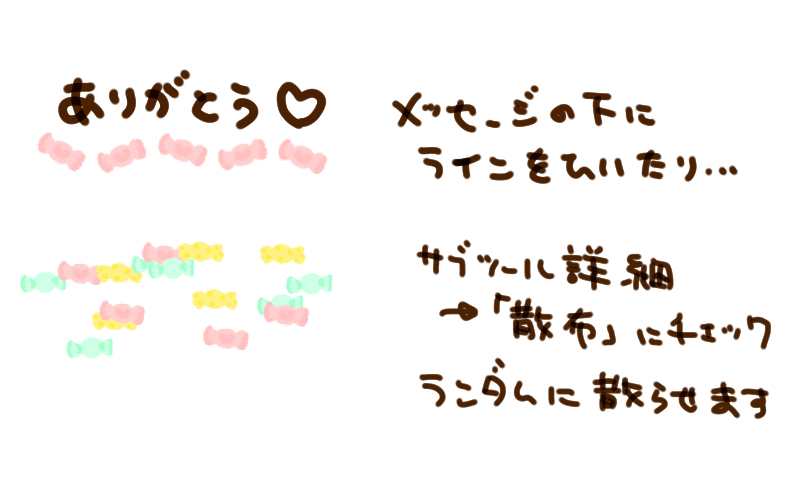
The default is like a line,
By changing the settings,
It can also be used to scatter randomly.
I would appreciate it if you use the adjustment and the numerical value in preference.
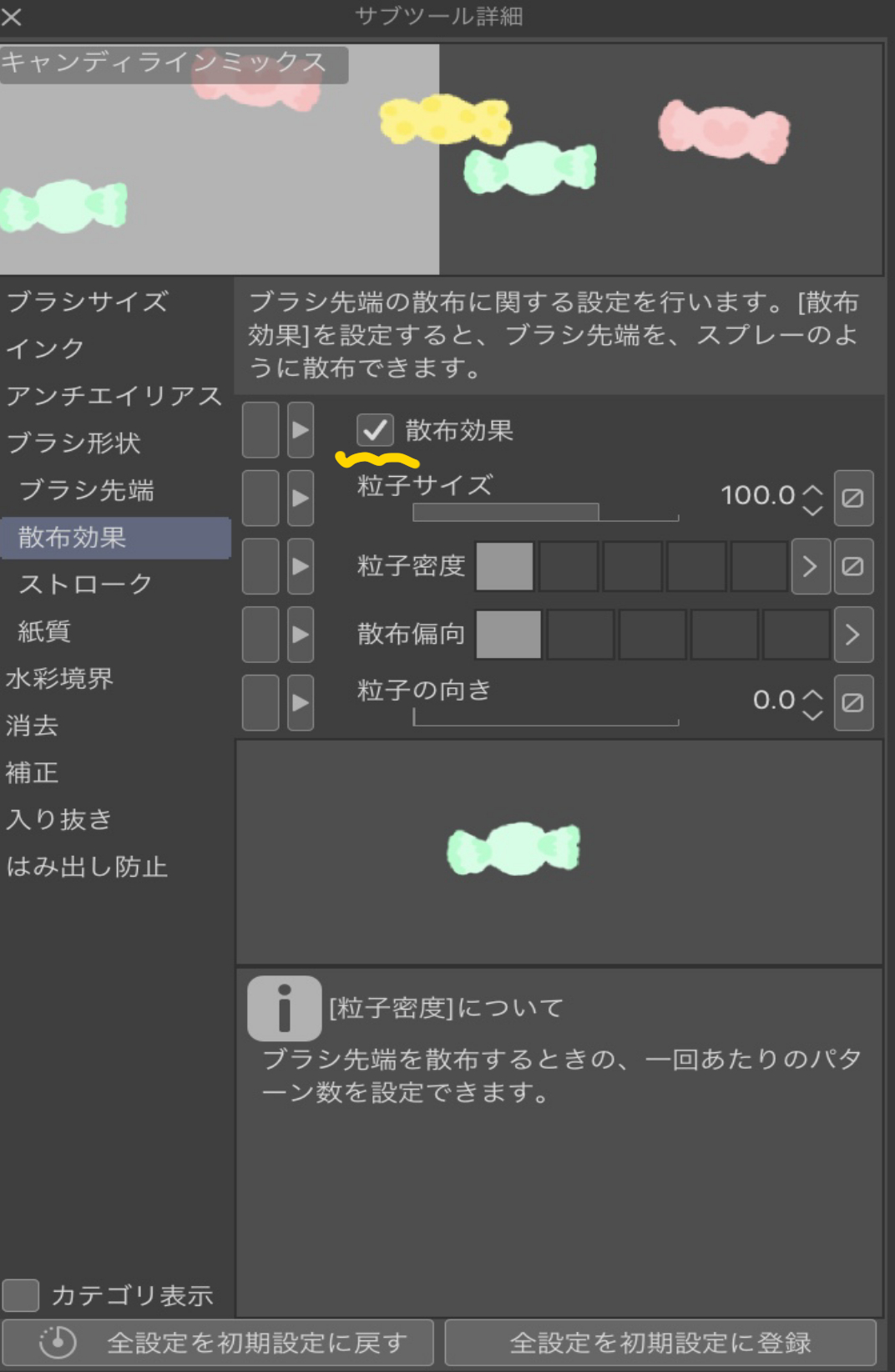
Check the "Scatter"
You can scatter them.
The impression changes again when the particle size and the density, etc. are changed.
If you check the mark next to orientation,
You can change the direction of the candy.

サイズが小さく画質も高くないので、落書き向けです。
印刷等本格的な使用には適さないと思います。
デフォルトでは線のようになっていますが、
設定を変えることで、
ランダムに散らすのにも使えます。
お好みで数値を調整・カスタムして使っていただければ幸いです。
「散布」にチェックで、
散らすことができます。
粒子サイズや密度などを変えると印象がまた変わります。
「向き」の横のマークをチェックすると、
飴の向きを変えることができます。
Category 1 カテゴリ1


Other materials by Miki*


Popular “Material catalog” materials


New materials


Badges
-
 MVP ◆This user has contributed greatly to the management of the community, by posting many great responses to the questions asked. Once every three months, MVPs are determined based on the points earned during that period and will be recognized accordingly.
 -
 New Valuable Player (NVP) ◆These are the next-best contributors to the community after MVPs. This is awarded to users who have not yet won an MVP award, based on the number of points they have earned.
 -
 Official Expert ◆Chosen out of all MVP awardees, who are already proof of excellence, this is a testimony of outstanding correspondence in the community. After careful screening, they are appointed by CELSYS and assume their position.Note: Formally called “Evangelists”
 -
 Official Moderator of CELSYS ◆Moderators are official CELSYS staff members who are fluent in Japanese as well as various other languages. Moderators are not experts on the software or illustration, so they are not able to directly answer your questions. However, moderators provide communication and language support to ensure that everyone can smoothly communicate with each other.
 -
 CELSYS official accountThe Official Administrator Account