


Re: Two-color Glitch Brush & Chromatic Aberration auto action Set (Re:2色対応グリッチブラシ&色収差オートアクションセット) Re:2色対応グリッチブラシ&色収差オートアクションセット
Content ID:2322038
-
5,191


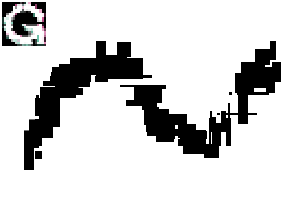
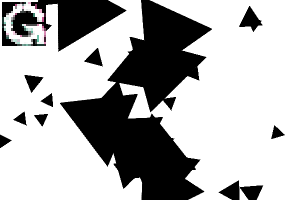
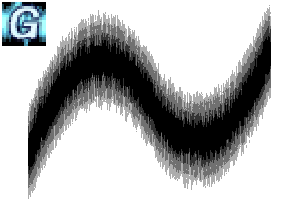
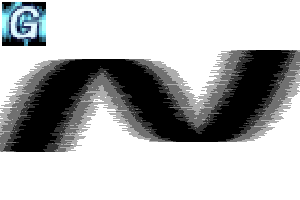
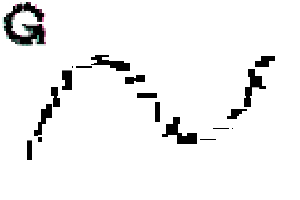
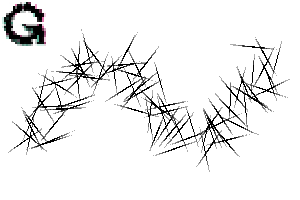
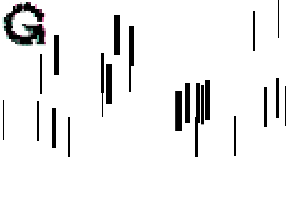
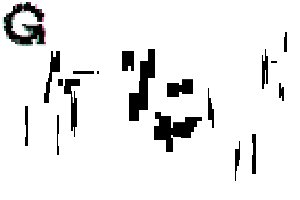
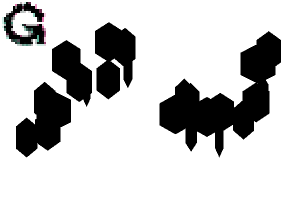
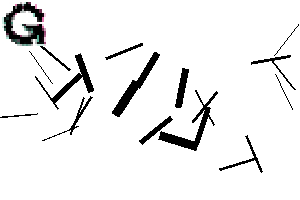
21 types of brushes that can write glitch effects with letters and effects,
6 types of glitch processing style color extension brushes, 4 types of selection brushes,
One auto action set for black character processing and one for white character processing (8 types in total will be introduced)
* It is necessary to select object layer for auto action.
It is executed after rasterize so it can be used from the text.
(Even if you have already rasterize it, you can execute it by pressing OK from the pop-up window)
* Since the auto action has been completely renewed, the old version (incomplete one) is not included.
* Please use the distortion selection brush and crash brush for the target layer (combined) with a transparent background.
グリッチ効果を文字やエフェクト等で書く事が出来るブラシ21種、
グリッチ加工風の色延ばしブラシ6種、選択ブラシ4種、
黒文字加工用と白文字加工用のオートアクションセット1種(計8種が導入されます)
※オートアクションは対象のレイヤーを選択しておく必要があります。
ラスタライズ後に実行されるのでテキストから使用可能です。
(一応ラスタライズ済みでもポップアップウィンドウからOKを押すことで実行できます)
※オートアクションを完全一新したので旧バージョン(不完全だったもの)は入っていません。
※ディストーション選択ブラシとクラッシュブラシは背景が透過済みの対象レイヤー(結合済み)に使用してください。
Monochromatic brush 単色ブラシ
-
[Single Color] Random Glitch Brush_A [単色] ランダムグリッチブラシ_A
-
[Single Color] Random Glitch Brush_B [単色] ランダムグリッチブラシ_B
-
[Single Color] Glitch Brush_Circle [単色] グリッチブラシ_丸
-
[Single Color] Glitch Brush_Square [単色] グリッチブラシ_四角
-
[Solid Color] Glitch Brush_Triangular [単色] グリッチブラシ_三角
-
[Single Color] Glitch Brush_Rhombic [単色] グリッチブラシ_菱
-
[Solid Color] Glitch Brush_Pentagon [単色] グリッチブラシ_五角形
-
[Single color] Glitch Brush_Hexagon A [単色] グリッチブラシ_六角形A
-
[Single Color] Glitch Brush_Hexagon B [単色] グリッチブラシ_六角形B
-
Glitch Brush_Grade A グリッチブラシ_グラデA
-
Glitch Brush_Grade B グリッチブラシ_グラデB
-
Glitch Brush_Cyber A グリッチブラシ_サイバーA
-
Glitch Brush_Cyber B グリッチブラシ_サイバーB
-
Glitch Brush_Cyber C グリッチブラシ_サイバーC







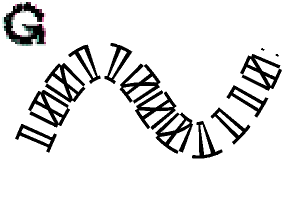
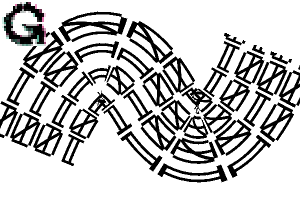
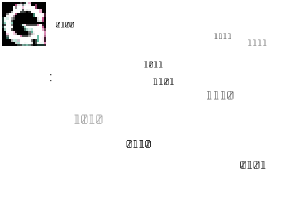
Bicolor brushes バイカラーブラシ
-
Two-color compatible glitch brush_circle 2色対応グリッチブラシ_丸
-
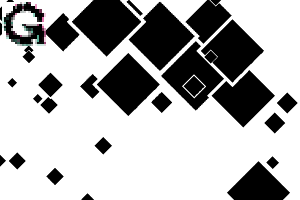
Two-color Glitch Brush_Square 2色対応グリッチブラシ_四角
-
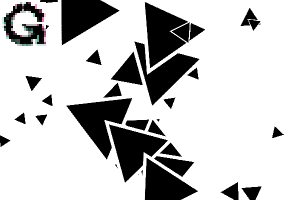
Two-color glitch brush_triangle 2色対応グリッチブラシ_三角
-
Two-color compatible glitch brush_rhombic 2色対応グリッチブラシ_菱
-
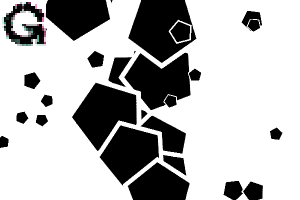
Two-color glitch brush_pentagon 2色対応グリッチブラシ_五角形
-
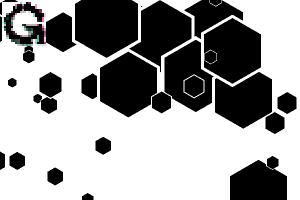
Two-color compatible glitch brush_Hexagon A 2色対応グリッチブラシ_六角形A
-
Two-color Glitch Brush_Hexagon B 2色対応グリッチブラシ_六角形B

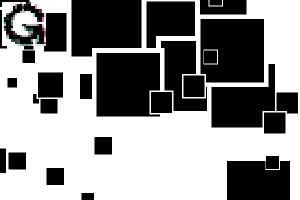

Color/Selection Brush 色延/選択ブラシ
-
Distortion Brush_Noise Color Spread ディストーションブラシ_ノイズ色延
-
Distortion brush_collapse color extension ディストーションブラシ_崩壊色延
-
[Color Spread] Glitch Brush_Crush A [色延] グリッチブラシ_クラッシュA
-
[Color Spread] Glitch Brush_Crash B [色延] グリッチブラシ_クラッシュB
-
[Color Spread] Glitch Brush_Crush C [色延] グリッチブラシ_クラッシュC
-
[Color Spread] Glitch Brush_Crash D [色延] グリッチブラシ_クラッシュD
-
Distortion Brush_Noise Selection ディストーションブラシ_ノイズ選択
-
Distortion brush_collapse selection ディストーションブラシ_崩壊選択
-
Distortion brush_vertical selection ディストーションブラシ_垂直選択
-
Distortion Brush_Horizontal Selection ディストーションブラシ_水平選択
Set auto action chromatic aberration 色収差オートアクションセット

Update history
Released on March 1, 2021 First edition
Updated on November 14, 2026 New brushes added. The auto action has been completely redesigned.
* Replaced with a new icon image.
2021年3月1日 公開 初版
2026年11月14日 更新 新ブラシ追加。オートアクションの完全一新。
※新アイコン画像に差し替えました。
Old version


Other materials by あかつき天満


Popular “Material catalog” materials


New materials





-
 MVP ◆This user has contributed greatly to the management of the community, by posting many great responses to the questions asked. Once every three months, MVPs are determined based on the points earned during that period and will be recognized accordingly.
-
 New Valuable Player (NVP) ◆These are the next-best contributors to the community after MVPs. This is awarded to users who have not yet won an MVP award, based on the number of points they have earned.
-
 Official Expert ◆Chosen out of all MVP awardees, who are already proof of excellence, this is a testimony of outstanding correspondence in the community. After careful screening, they are appointed by CELSYS and assume their position.Note: Formally called “Evangelists”
-
 Official Moderator of CELSYS ◆Moderators are official CELSYS staff members who are fluent in Japanese as well as various other languages. Moderators are not experts on the software or illustration, so they are not able to directly answer your questions. However, moderators provide communication and language support to ensure that everyone can smoothly communicate with each other.
-
 CELSYS official accountThe Official Administrator Account