


Water Wet Expression & Liquid Brush Set (水濡れ表現&液体ブラシセット) 水濡れ表現&液体ブラシセット


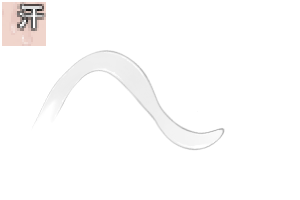
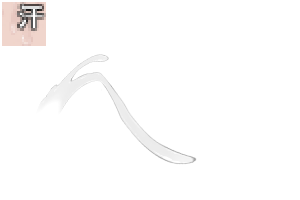
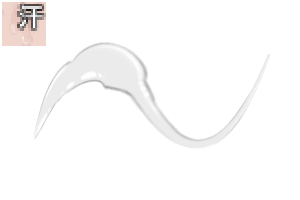
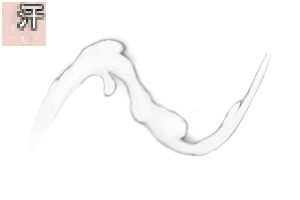
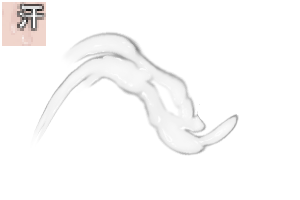
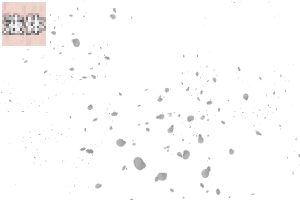
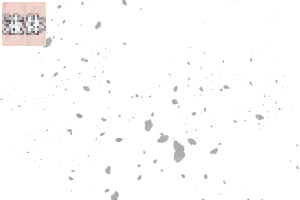
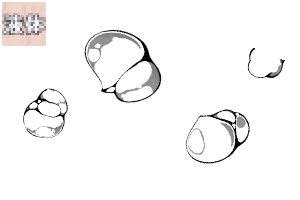
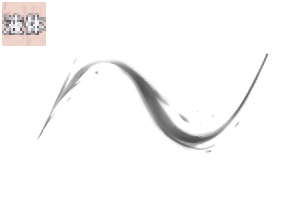
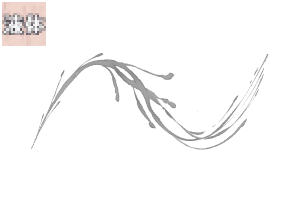
It is a set of 59 types of brushes packed with waterside expressions such as wetness, shine, and splashing.
The brush in the name [Dual] is
If you uncheck → dual brush settings from the tool property
Can be used without highlights (sub-color OFF).
【Wet brush】Category
Ribbon shape & dual brush (main/sub color compatible)
【Highlight Brush】Category
It has a ribbon shape. Only basic sub color are reflected
(* Brushes with skin names are reflected main color)
【Liquid Brush】Category
Ribbon shape & dual brush (main/sub color compatible)
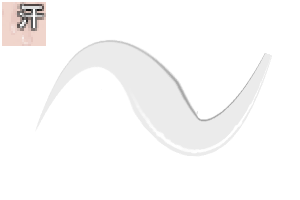
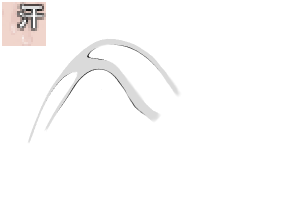
Except for the water splash brushes A and B, all of them are ribbon-shaped, so you can draw while deforming to some extent.
If you move the pen too fast or bend it too hard, it will lose its shape.
Use it in lightly bending applications.
Some brushes are drawn once per cloak.
If you want to write continuously, use the pen tip away from the canvas.
水濡れやテカリ、水しぶきといった水辺の表現を詰めた全59種のブラシセットです。
【デュアル】と名称にあるブラシは、
ツールプロパティからデュアルブラシの設定→チェックを外すと
ハイライトなし(サブカラーOFF)で使用できます。
【水濡れ系ブラシ】カテゴリ
リボン形状&デュアルブラシ(メイン/サブカラー対応します)
【ハイライト系ブラシ】カテゴリ
リボン形状です。基本サブカラーのみ反映します
(※スキンの名称があるブラシはメインカラー反映があります)
【液体系ブラシ】カテゴリ
リボン形状&デュアルブラシ(メイン/サブカラー対応します)
水飛沫ブラシA・B以外は全てリボン形状なのである程度変形しながら描画出来ます。
あまり速くペンを動かしたり、強く曲げると形状が崩れますので
軽く曲げる用途で使用してください。
一部のブラシはワンスクローク毎に一回描画されます。
連続で書きたい場合はペン先をキャンバスから離すように使用してください。


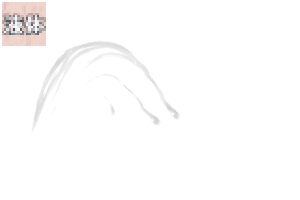
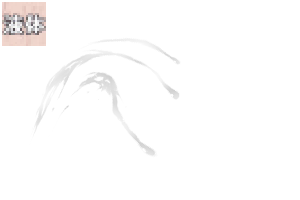
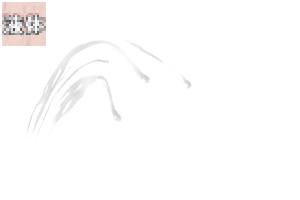
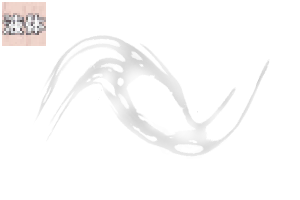
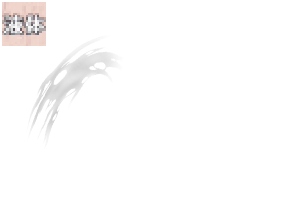
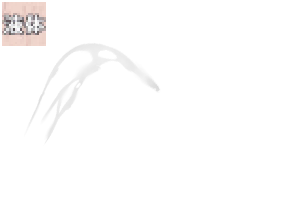
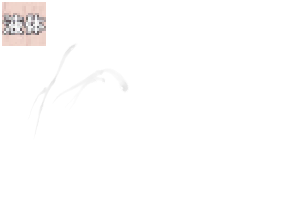
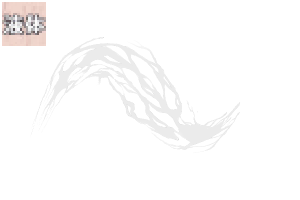
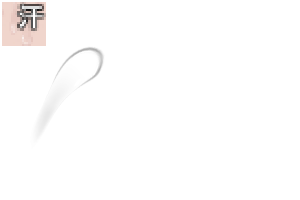
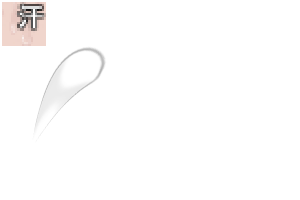
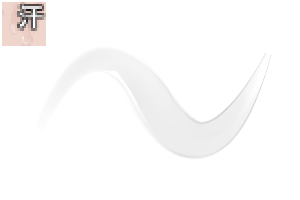
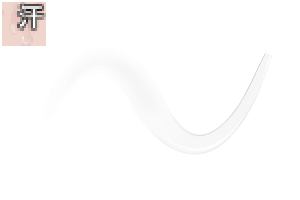
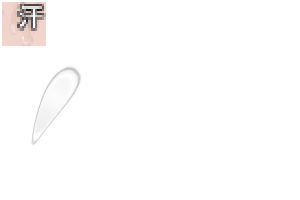
Wetting brush 水濡れ系ブラシ
-
【Dual】Water Wetting Brush A 【デュアル】水濡れブラシA
-
【Dual】Water Wetting Brush B 【デュアル】水濡れブラシB
-
【Dual】Water Wetting Brush C 【デュアル】水濡れブラシC
-
【Dual】Water Wetting Brush D 【デュアル】水濡れブラシD
-
【Dual】Water Wet Brush E 【デュアル】水濡れブラシE
-
【Dual】Water Wetting Brush F 【デュアル】水濡れブラシF
-
【Dual】Water Wet Brush G 【デュアル】水濡れブラシG
-
【Dual】Water Wetting Brush H 【デュアル】水濡れブラシH
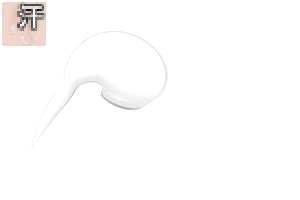
Highlight brushes ハイライト系ブラシ
-
【sub color】Wet _HL Brush A 【サブカラー】水濡れ_HLブラシA
-
【sub color】Wet _HL Brush B 【サブカラー】水濡れ_HLブラシB
-
【sub color】Wet _HL Brush C 【サブカラー】水濡れ_HLブラシC
-
【sub color】Wet _HL Brush D 【サブカラー】水濡れ_HLブラシD
-
【sub color】Wet _HL Brush E 【サブカラー】水濡れ_HLブラシE
-
【sub color】Brush F _HL water 【サブカラー】水濡れ_HLブラシF
-
【sub color】Brush G _HL water wet 【サブカラー】水濡れ_HLブラシG
-
【sub color】Wet _HL Brush H 【サブカラー】水濡れ_HLブラシH
-
【sub color】Wet _HL Brush I 【サブカラー】水濡れ_HLブラシI
-
【sub color】Wet _HL Brush J 【サブカラー】水濡れ_HLブラシJ
-
【Dual】Skin Highlight Brush A 【デュアル】スキンハイライトブラシA
-
【Dual】Skin Highlight Brush B 【デュアル】スキンハイライトブラシB
-
【Dual】Skin Highlight Brush C 【デュアル】スキンハイライトブラシC
-
【Dual】Skin Highlight Brush D 【デュアル】スキンハイライトブラシD
-
【Dual】Skin Highlight Brush E 【デュアル】スキンハイライトブラシE
-
【Dual】Skin Highlight Brush F 【デュアル】スキンハイライトブラシF
-
【sub color】Glitter Highlight_Brush A 【サブカラー】キラキラハイライト_ブラシA
-
【sub color】Glitter Highlight_Brush B 【サブカラー】キラキラハイライト_ブラシB
-
【sub color】Glitter Highlight_Brush C 【サブカラー】キラキラハイライト_ブラシC
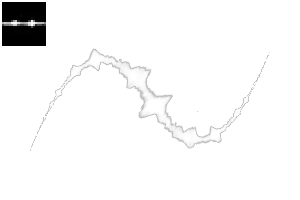
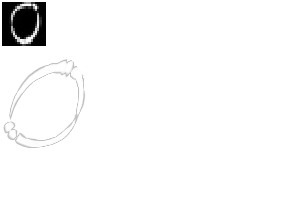
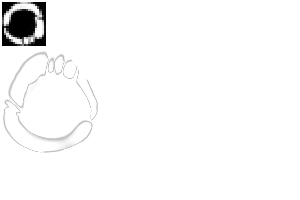



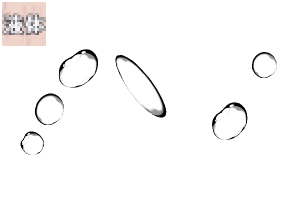
Liquid-based brush 液体系ブラシ
-
【Dual】Round Sweat Brush A 【デュアル】丸汗ブラシA
-
【Dual】Round Sweat Brush B 【デュアル】丸汗ブラシB
-
【Dual】Drooping Sweat Brush A 【デュアル】垂れ汗ブラシA
-
【Dual】Drooping Sweat Brush B 【デュアル】垂れ汗ブラシB
-
【Dual】Drooping Sweat Brush C 【デュアル】垂れ汗ブラシC
-
【Dual】Drooping Sweat Brush D 【デュアル】垂れ汗ブラシD
-
【Dual】Drooping Sweat Brush E 【デュアル】垂れ汗ブラシE
-
【Dual】Drooping Sweat Brush F 【デュアル】垂れ汗ブラシF
-
【Dual】Drooping Multi-Sweat Brush A 【デュアル】垂れ多汗ブラシA
-
【Dual】Drooping Multi-Sweat Brush B 【デュアル】垂れ多汗ブラシB
-
【Dual】Drooping Multi-Sweat Brush C 【デュアル】垂れ多汗ブラシC
-
【Dual】Drooping Multi-Sweat Brush D 【デュアル】垂れ多汗ブラシD
-
【Dual】Eye Juice Brush A 【デュアル】目汁ブラシA
-
【Dual】Eye Juice Brush B 【デュアル】目汁ブラシB
-
【Dual】Eye Juice Brush C 【デュアル】目汁ブラシC
-
【Dual】Eye Juice Brush D 【デュアル】目汁ブラシD
-
【Dual】Thickening Liquid Brush A 【デュアル】とろみ液体ブラシA
-
【Dual】Thickening Liquid Brush B 【デュアル】とろみ液体ブラシB
-
【Dual】Thickening Liquid Brush C 【デュアル】とろみ液体ブラシC
-
【Dual】Splash brush 【デュアル】飛沫ブラシ
-
【Dual】Polka Dot Brush A 【デュアル】水玉ブラシA
-
【Dual】Polka Dot Brush B 【デュアル】水玉ブラシB
-
【Dual】Polka Dot Brush C 【デュアル】水玉ブラシC
-
【Dual】Water Drop Brush A 【デュアル】水滴ブラシA
-
Water Drop Brush B 水滴ブラシB
-
Water splash brush A 水飛沫ブラシA
-
Water splash brush B 水飛沫ブラシB
-
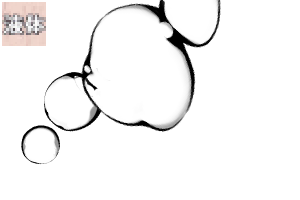
【Dual】Thick water bubble brush 【デュアル】濃いめ水泡ブラシ
-
【Dual】White Border Water Bubble Brush 【デュアル】白フチ水泡ブラシ
-
【Dual】Water Flow Brush A 【デュアル】水流ブラシA
-
【Dual】Water Flow Brush B 【デュアル】水流ブラシB
-
【Dual】Sweat_Shizuku Brush A 【デュアル】汗_雫ブラシA


Update history
Updated September 28, 2026
Replacing icons and sample images.
* There are a total of 59 types of brush sets. There are no changes in the material itself.
2026年9月28日 更新
アイコンとサンプル画像の差し替え。
※計59種のブラシセットとなります。素材自体の変更はありません。
Old version


 Report problematic material
For those who don’t have a Clip Studio account
- Name of product/software
- Detailed information about the issue

-
 CLIP STUDIO PAINT PRO/EX
 Re-download


 Checkout Now
 Purchase successful.
 See save location for materials


Published : 1 month ago
Last updated : 1 month ago


-
 MVP ◆This user has contributed greatly to the management of the community, by posting many great responses to the questions asked. Once every three months, MVPs are determined based on the points earned during that period and will be recognized accordingly.
-
 New Valuable Player (NVP) ◆These are the next-best contributors to the community after MVPs. This is awarded to users who have not yet won an MVP award, based on the number of points they have earned.
-
 Official Expert ◆Chosen out of all MVP awardees, who are already proof of excellence, this is a testimony of outstanding correspondence in the community. After careful screening, they are appointed by CELSYS and assume their position.Note: Formally called “Evangelists”
-
 Official Moderator of CELSYS ◆Moderators are official CELSYS staff members who are fluent in Japanese as well as various other languages. Moderators are not experts on the software or illustration, so they are not able to directly answer your questions. However, moderators provide communication and language support to ensure that everyone can smoothly communicate with each other.
-
 CELSYS official accountThe Official Administrator Account