



* The green fill layer has been added with an emphasis on legibility. If it gets in the way, remove it
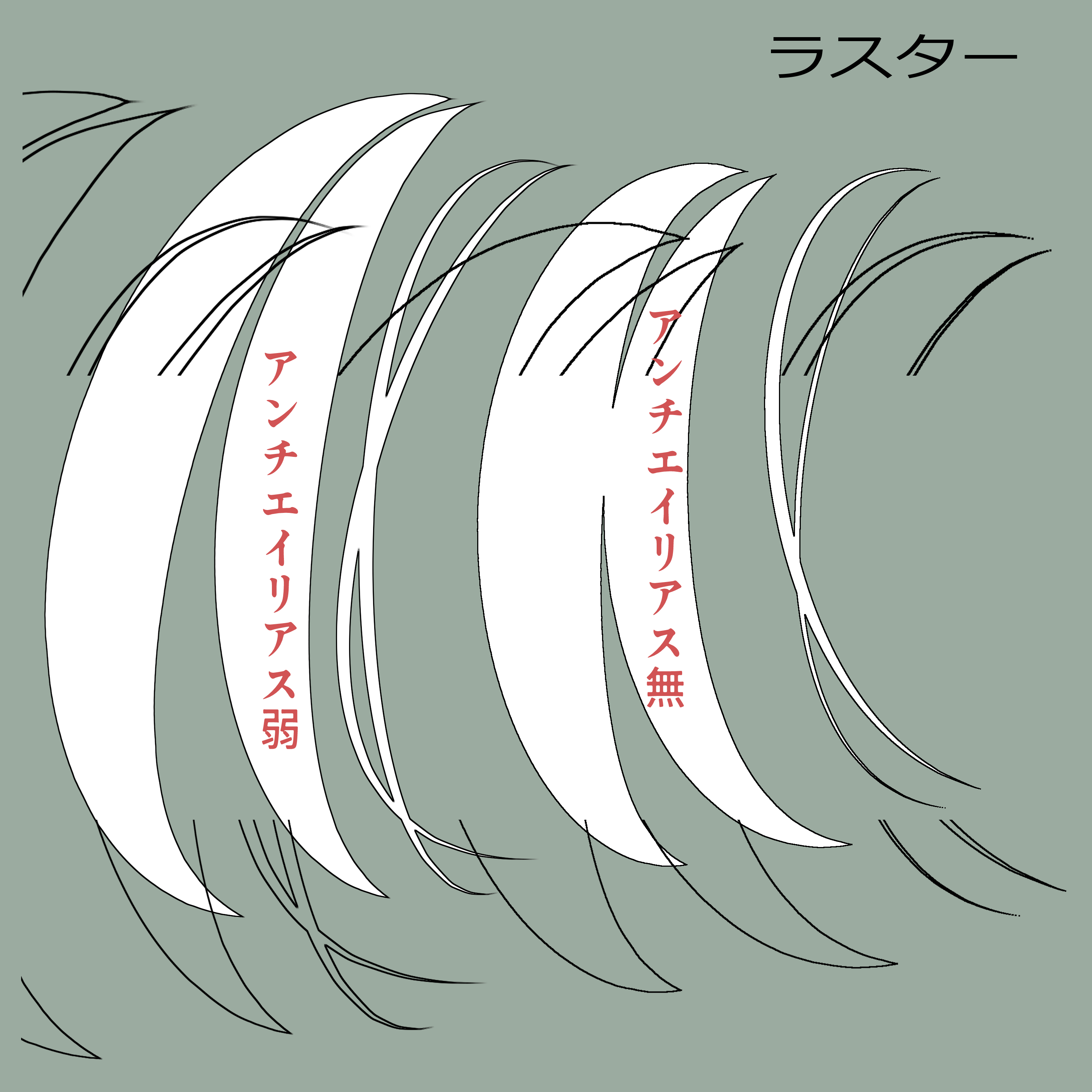
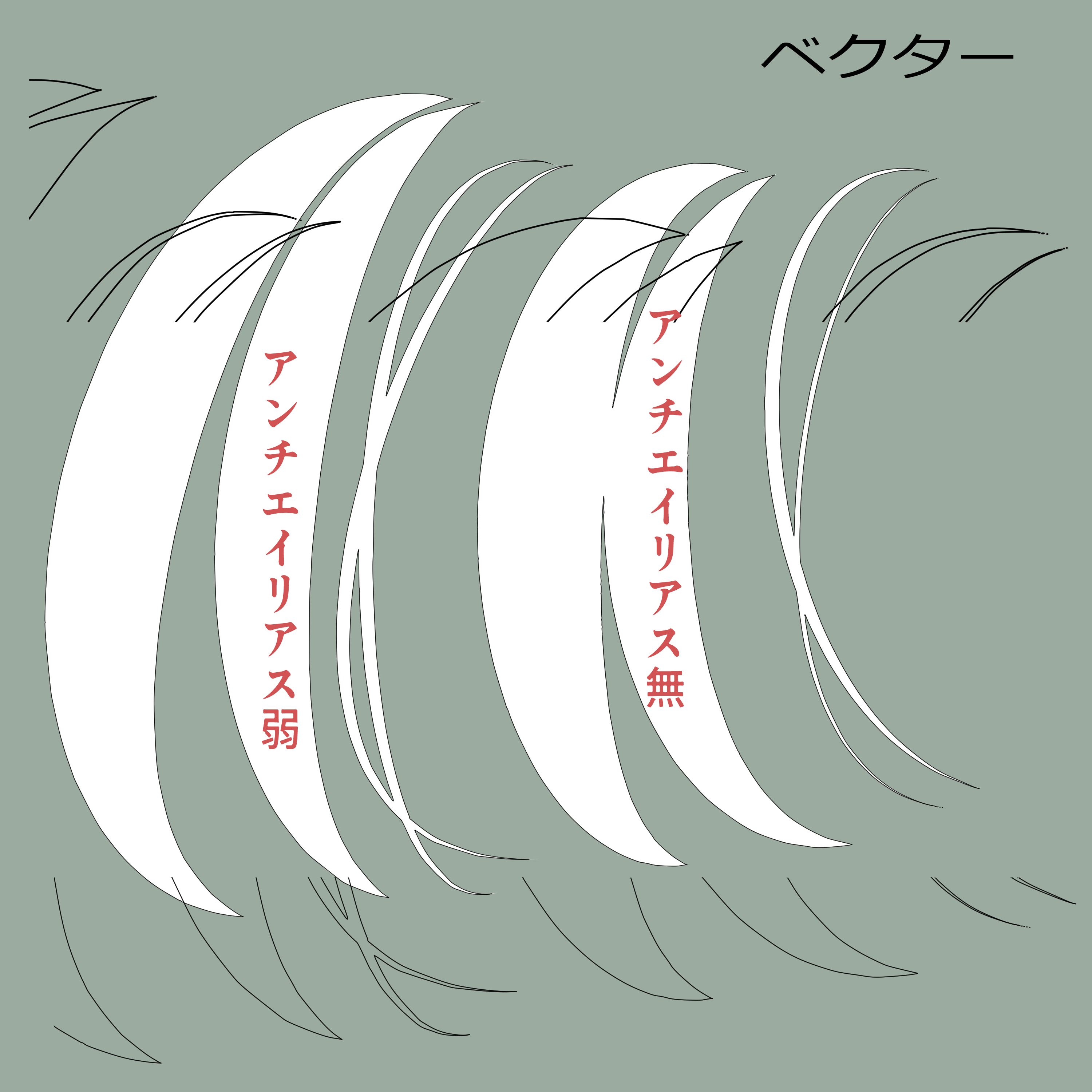
(1) Execute "fill for new hair line art"
(2) Scrape what you want to border the white fill layer made on top.
(3) Perform "Vector hair line drawing drawing" or "Raster hair line drawing drawing"
That is all.
If you want to add a white fill layer, perform "Add Hair Line Art for White fill" and execute (3) after drawing.
For drawing on a white fill layer anti-aliasing it is recommended to use a clear pen or brush.
× Fluffy and brashy strong brushes like airbrushes will not be clean, NG
If it's too thin, the white fill layer may pop out
Please remove the mask of the fill layer to respond.
If necessary, please make additions and adjustments.
The test image below was created at 3000x3000px.
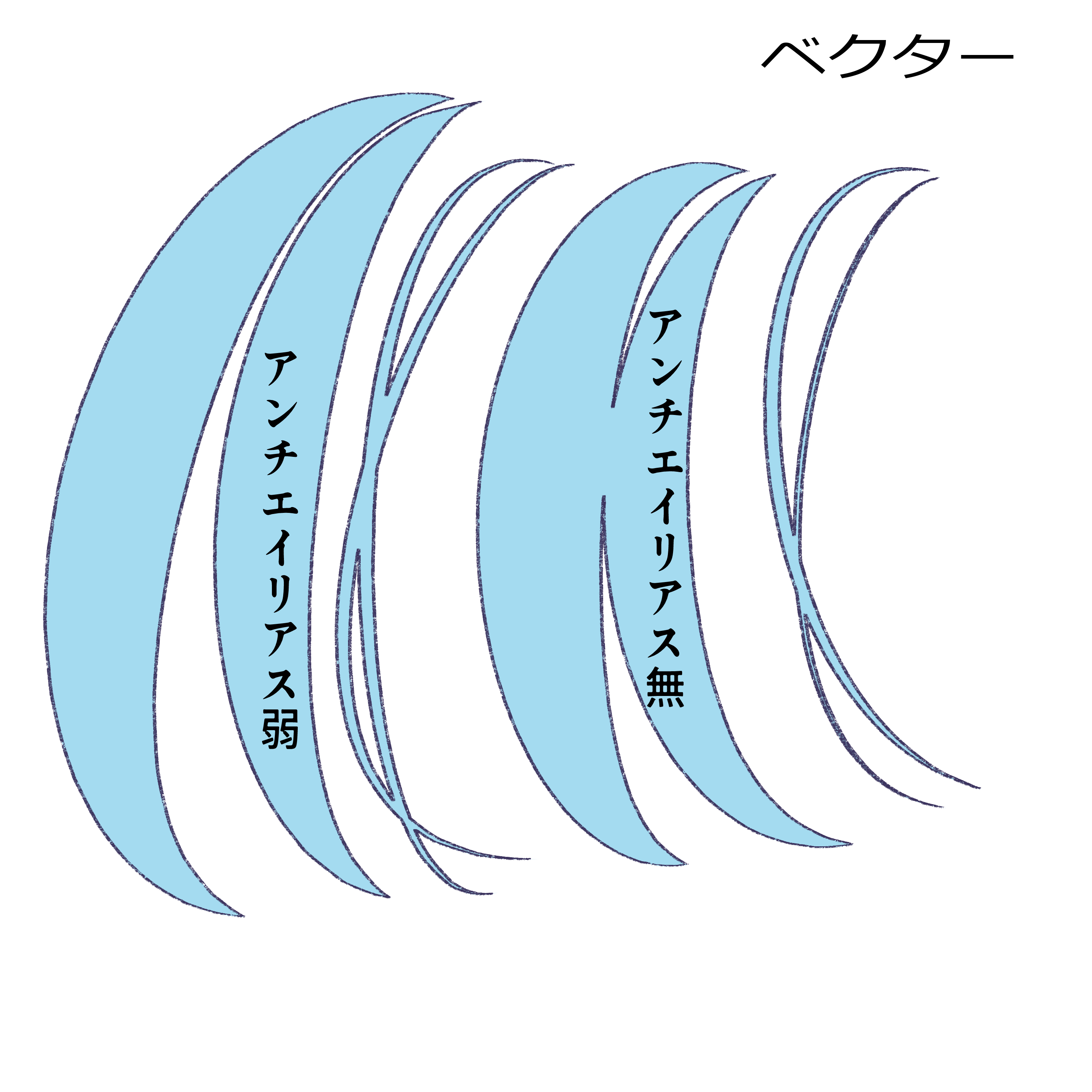
↓ Changed the vector line and changed the color of the white fill layer.
This auto action was created with reference to the following tweets.
(To Kogome Ari-sama: If you have any problems, please contact our X DM, we can stop distribution, etc.)
(For those who use auto action: Please refrain from asking questions or causing inconvenience to Kogome Ari)
https://x.com/kogomeAri/status/2083136762218729850
※緑のべた塗りレイヤーは見やすさ重視で追加しています。邪魔なら削除してください
①「新規 髪線画 のための べた塗り」を実行
②上に作られる白のべた塗りレイヤーにフチ取りさせたいものをかきます
③「ベクター 髪線画 描写」または「ラスター 髪線画 描写」を実行
以上です。
白のべた塗りレイヤーを追加させたい場合は「追加 髪線画 のための 白べた塗り」を実行し、描写後に③を実行します
白のべた塗りレイヤーへ描くペンはアンチエイリアス無または弱、くっきりしたペンやブラシがおすすめです。
×エアブラシのようなふわふわ・ボカシの強いブラシは綺麗にならない、NG
細すぎると白のべた塗りレイヤーが飛び出てる可能性があります
べた塗りレイヤーのマスクを消して対応してください。
必要に応じて、加筆を行ったり調節したりしてお使いください
下記テスト画像は3000x3000pxで作成
↓ベクターの線を変更・白のべた塗りレイヤーの色変更をした
当オートアクションは下記のツイートを参考に作成致しました。
(こごめ有さまへ:問題などがあれば当方XのDMへご連絡ください、配布中止などの対応可能です)
(オートアクションを使う方へ:こごめ有さまへのご質問やご迷惑をおかけする事はご遠慮ください)
https://x.com/kogomeAri/status/2083136762218729850


Other materials by 紺野奏


Popular “Auto Action” materials


New materials





Badges
-
 MVP ◆This user has contributed greatly to the management of the community, by posting many great responses to the questions asked. Once every three months, MVPs are determined based on the points earned during that period and will be recognized accordingly.
 -
 New Valuable Player (NVP) ◆These are the next-best contributors to the community after MVPs. This is awarded to users who have not yet won an MVP award, based on the number of points they have earned.
 -
 Official Expert ◆Chosen out of all MVP awardees, who are already proof of excellence, this is a testimony of outstanding correspondence in the community. After careful screening, they are appointed by CELSYS and assume their position.Note: Formally called “Evangelists”
 -
 Official Moderator of CELSYS ◆Moderators are official CELSYS staff members who are fluent in Japanese as well as various other languages. Moderators are not experts on the software or illustration, so they are not able to directly answer your questions. However, moderators provide communication and language support to ensure that everyone can smoothly communicate with each other.
 -
 CELSYS official accountThe Official Administrator Account