



You can draw the surface of the water in seconds.
Useful water brush set in summer.
秒であぶく、水面などが描ける
夏に便利な水ブラシセット。
You can draw underwater and water surface quickly,
"Abuku", "Shizuku" and "Water surface" brush set.
〈Sample used in water〉

〈Sample used〉

"Abuku", "Shizuku" brushes are
The outlines are black, the shadows are gray, the highlights are white, and the inside is transparent.
main color, when change sub color, it becomes color.
"Black and white" is only the outline and white highlights. Mainly for monochrome manuscripts.
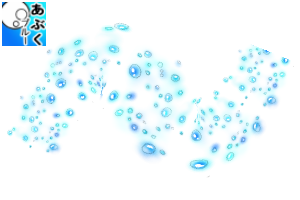
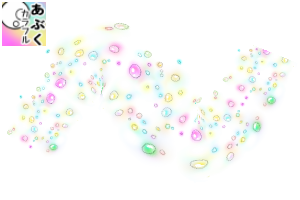
〈Abuku Blue Colorful〉
A ribbon brush that can draw colored gadfly with one stroke.
Please change the color of the background or change the layer mode.

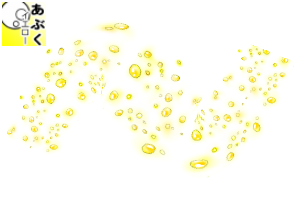
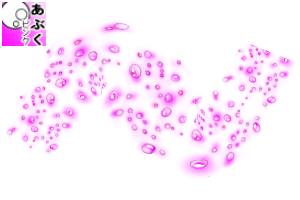
〈Abuku Yellow・Pink〉

〈Color brush correction sample〉

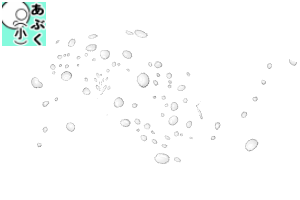
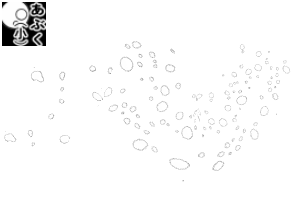
〈Abuku (small), Abuku (small) black and white〉
Small gadfly ribbon brush.

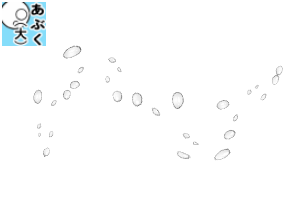
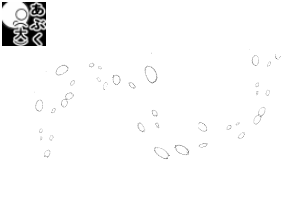
〈Abuku (large), Abuku (large) black and white〉
Large gadfly ribbon brush. To balance the screen.

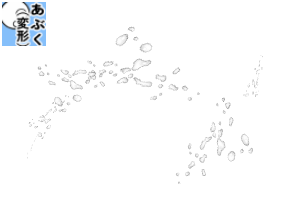
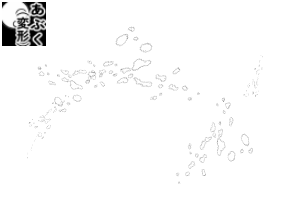
〈Abuku (deformation)〉
Gadfly with a distorted random shape.

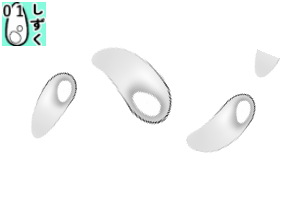
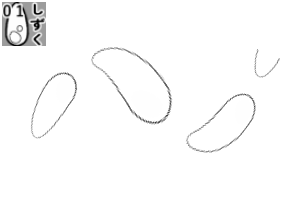
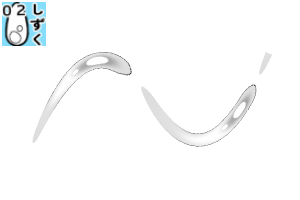
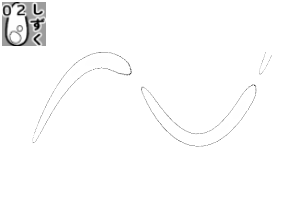
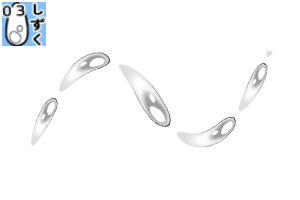
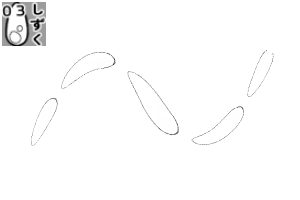
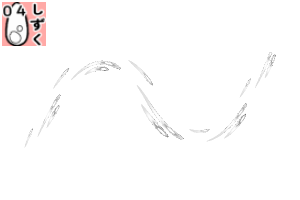
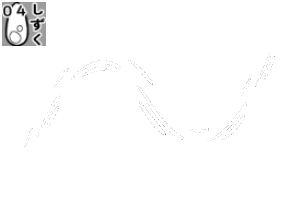
〈Shizuku 01、02、03、04〉
Ribbon brush with drops of different lengths, sizes.
04 is a brush that combines the brush images of 01~03.

If you draw in the direction of the →, you can draw the same drops in succession.

〈Deformation sample〉

sub tool, from the "brush tip." of details, the thickness, . Horizontal, vertical of direction of applying
Orientation, left-right reversal, flip vertical, etc. By changing the
You can draw drops of different shapes.
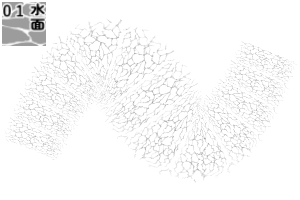
〈Water surface 01, water surface 01 gray〉
On the surface of the water, looking up from under the sea.
You can use the transform tool and mesh transformation to create a sense of perspective.

The water surface 01 is only white, and the gray is a light gray.
〈Samples with main color and sub color set to blue and red〉

White reflects only the sub color,
Gray is a shade that mixes the main and sub a little.
〈Sample of transparent sea surface〉

〈Monochrome manuscript sample〉

水中や水面がサクッと描ける、
「あぶく」、「しずく」、「水面」のブラシセット。
〈使用サンプル 水中〉
〈使用サンプル〉
「あぶく」、「しずく」ブラシは
輪郭線は黒、影はグレー、ハイライトは白、なかは透過しています。
メインカラー、サブカラーを変更するとカラーに。
「白黒」は、輪郭と白いハイライトのみ。主にモノクロ原稿用。
〈あぶくブルー・カラフル〉
ワンストロークで色付きのあぶくが描けるリボンブラシ。
背景の色を変えたり、レイヤーモードを変更してお使いください。
〈あぶくイエロー・ピンク〉
〈カラーブラシ修正サンプル〉
〈あぶく(小)、あぶく(小)白黒〉
小さめのあぶくのリボンブラシ。
〈あぶく(大)、あぶく(大)白黒〉
大き目のあぶくのリボンブラシ。画面のバランス調整に。
〈あぶく(変形)〉
ランダムな形が歪んだあぶく。
〈しずく01、02、03、04〉
長さ、大きさが異なるしずくのリボンブラシ。
04は、01~03のブラシ画像を組み合わせたブラシ。
→の方向に描くと、連続で同じしずくが描けます。
〈変形サンプル〉
サブツール、詳細の「ブラシ先端.」から、厚さ、.適用方向の.水平、垂直
向き、左右反転、上下反転など..を変更することで、
.異なる形のしずく、が描けます。
〈水面01、水面01グレー〉
水面、海中から見上げる水面に。
変形ツール、メッシュ変形を使うと遠近感が出せます。
水面01はホワイトのみ、グレーはうすいグレー。
〈メインカラー・サブカラーを青と赤に設定したサンプル〉
ホワイトはサブカラーのみが反映され、
グレーは、メインとサブが少し混ざる色合いに。
〈透明感がある海面のサンプル〉
〈モノクロ原稿サンプル〉
Category 1 カテゴリ1
-
Abuku Blue あぶくブルー
-
Abuku colorful あぶくカラフル
-
Abuku yellow あぶくイエロー
-
Abuku pink あぶくピンク
-
Abuku (small) あぶく(小)
-
Abuku (small) B&W あぶく(小) 白黒
-
Abuku (large) あぶく(大)
-
Abuku (large) B&W あぶく(大) 白黒
-
Abuku (deformation) あぶく(変形)
-
Abuku (deformation) B&W あぶく(変形) 白黒
-
Shizuku01 しずく01
-
Shizuku 01 Black and White しずく01白黒
-
Shizuku 02 しずく02
-
Shizuku 02 Black and White しずく02白黒
-
Shizuku 03 しずく03
-
Shizuku 03 Black and White しずく03白黒
-
Shizuku04 しずく04
-
Shizuku 04 Black and White しずく04白黒
-
Water surface 01 white 水面01ホワイト
-
Water surface 01 gray 水面01グレー






Other materials by クロタ♪


Popular “Material catalog” materials


New materials





Badges
-
 MVP ◆This user has contributed greatly to the management of the community, by posting many great responses to the questions asked. Once every three months, MVPs are determined based on the points earned during that period and will be recognized accordingly.
 -
 New Valuable Player (NVP) ◆These are the next-best contributors to the community after MVPs. This is awarded to users who have not yet won an MVP award, based on the number of points they have earned.
 -
 Official Expert ◆Chosen out of all MVP awardees, who are already proof of excellence, this is a testimony of outstanding correspondence in the community. After careful screening, they are appointed by CELSYS and assume their position.Note: Formally called “Evangelists”
 -
 Official Moderator of CELSYS ◆Moderators are official CELSYS staff members who are fluent in Japanese as well as various other languages. Moderators are not experts on the software or illustration, so they are not able to directly answer your questions. However, moderators provide communication and language support to ensure that everyone can smoothly communicate with each other.
 -
 CELSYS official accountThe Official Administrator Account