


a lazy liner because I would much rather change my hand than change the brush size...
Update: added a better rough liner, and I kept the old one in case you liked it more
In simple words all you really need to know is that you can get really thin and really thick lines without changing the brush size at all
Everything (even the text) in the thumbnail is 10px (heh...)
actually now that I think about it, it was also made just so I didn't have to change the pressure sensitivity whenever I wanted to do line art
By the way, when I'm talking about 1st and 2nd in the image, I'm referring to the brushes since there's 2
Here's a demonstration of the pens (the drawing was made on an 1000px square)

Originally, I was trying to make a brush that would have taper on the end when it's straight and no taper or be blunt when it's tilted, but this is the best I could've done
I just have to tilt the pen in a very specific way if I wanted to get the effect that I originally wanted
Demonstration 2: smooth and rough lines 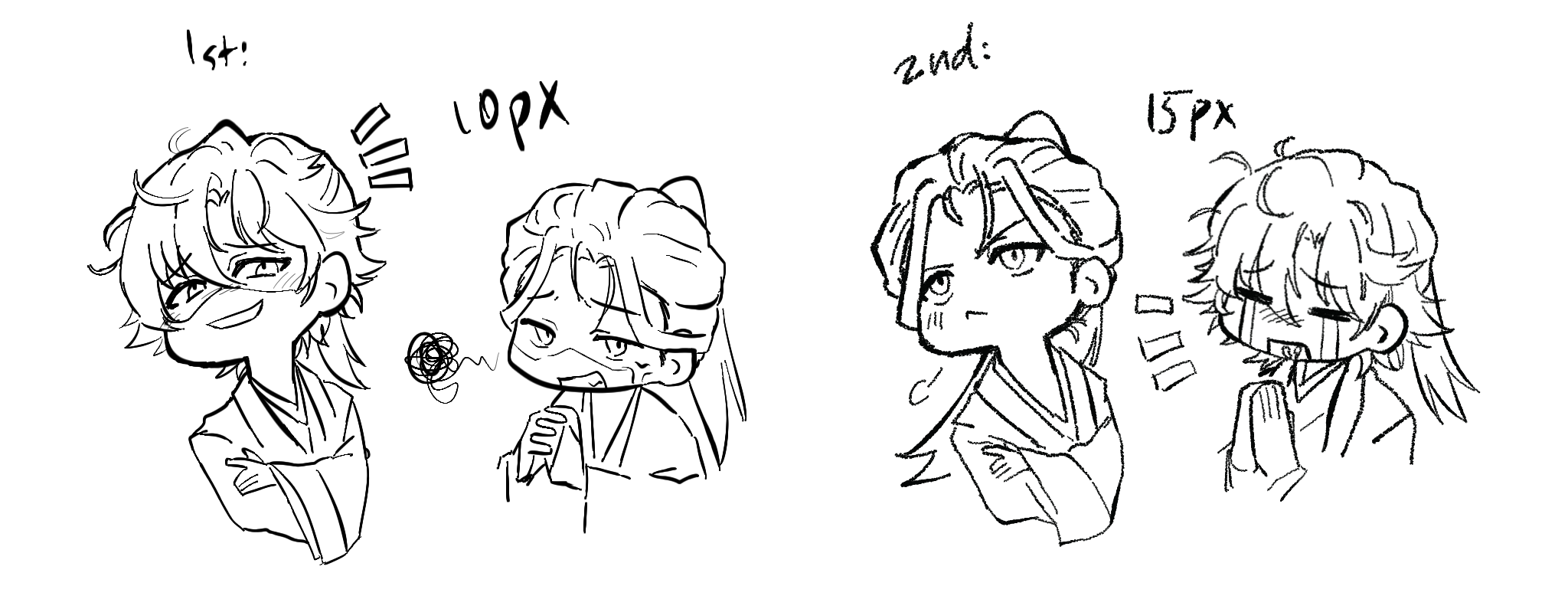
Here's the updated pen:

I added another one because I figured out how to make the rough texture better looking
I might talk too much... anyways I hope you like it ^^
pens
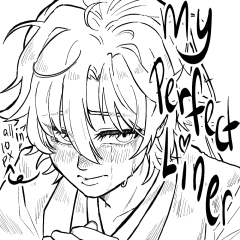

rougher line art (update)

Update history
Added another rough pen
Old version





Other materials by Danabochi


Popular “Material catalog” materials


New materials


Badges
-
 MVP ◆This user has contributed greatly to the management of the community, by posting many great responses to the questions asked. Once every three months, MVPs are determined based on the points earned during that period and will be recognized accordingly.
 -
 New Valuable Player (NVP) ◆These are the next-best contributors to the community after MVPs. This is awarded to users who have not yet won an MVP award, based on the number of points they have earned.
 -
 Official Expert ◆Chosen out of all MVP awardees, who are already proof of excellence, this is a testimony of outstanding correspondence in the community. After careful screening, they are appointed by CELSYS and assume their position.Note: Formally called “Evangelists”
 -
 Official Moderator of CELSYS ◆Moderators are official CELSYS staff members who are fluent in Japanese as well as various other languages. Moderators are not experts on the software or illustration, so they are not able to directly answer your questions. However, moderators provide communication and language support to ensure that everyone can smoothly communicate with each other.
 -
 CELSYS official accountThe Official Administrator Account
