



It is a brush that can draw parallel lines at once, like putting down a pen and stretching it out. There is also a version that changes the angle according to the direction of the brush. It is convenient to draw hand-drawn hatching, speed lines, and saturated line without hurting your hands. グッとペンを置いてシュッと伸ばして払うような平行線たちを一気に引けるブラシです。ブラシの向きに合わせて角度が変わる版もあります。手を痛めることなく、手描きっぽいハッチングやスピード線や集中線などが引けて便利です。
Since it is made in real G-pen, there is a slight roughness overall.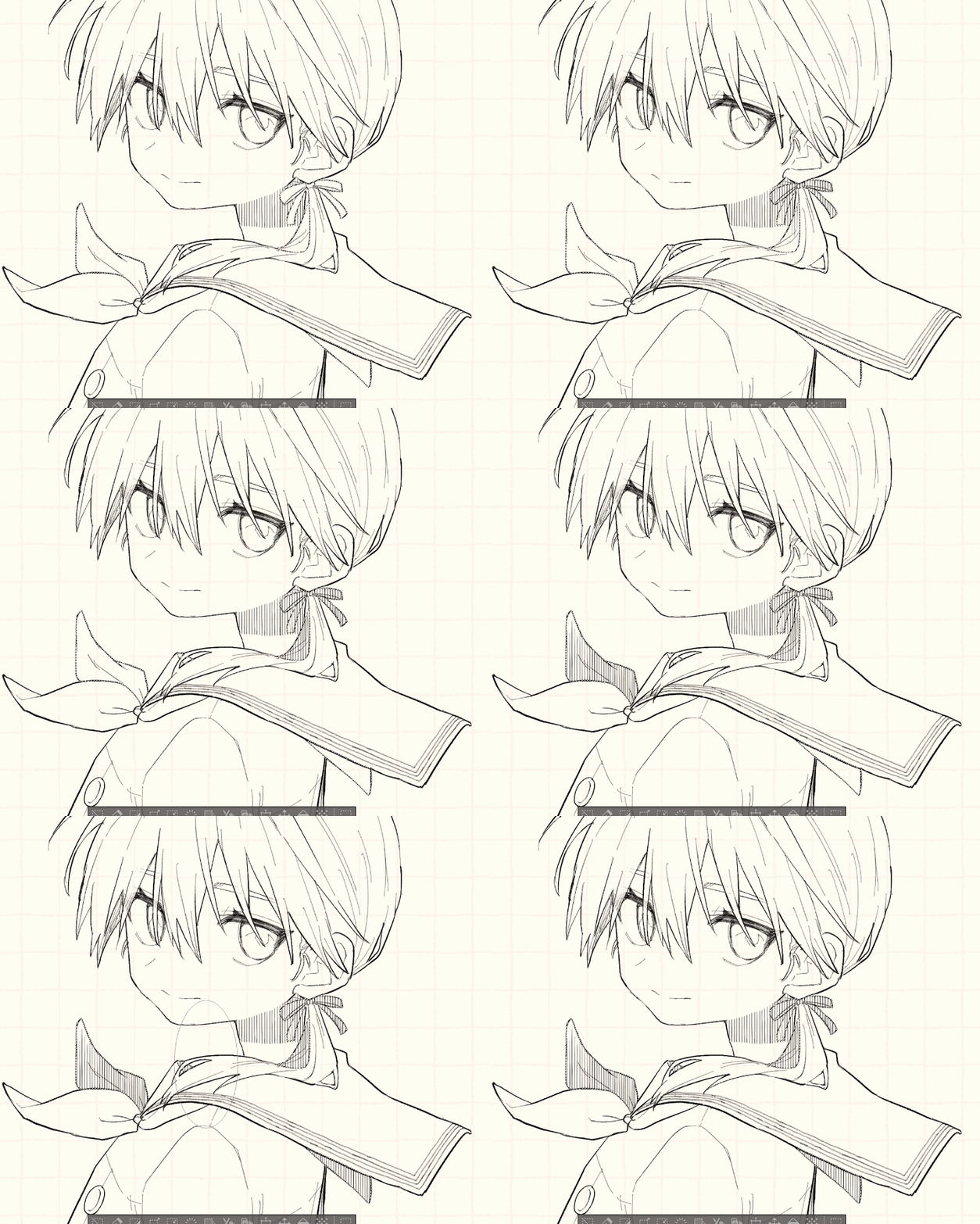

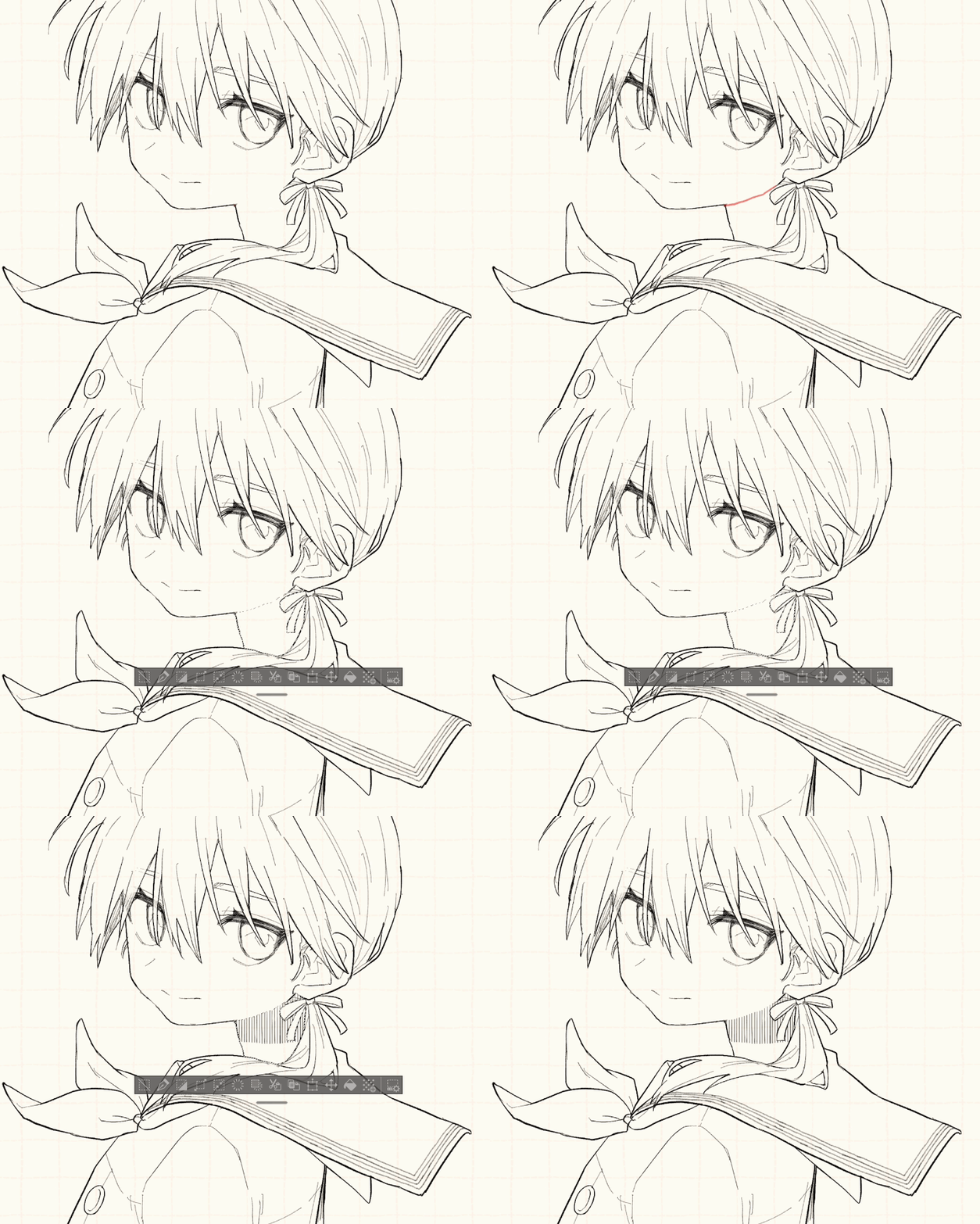
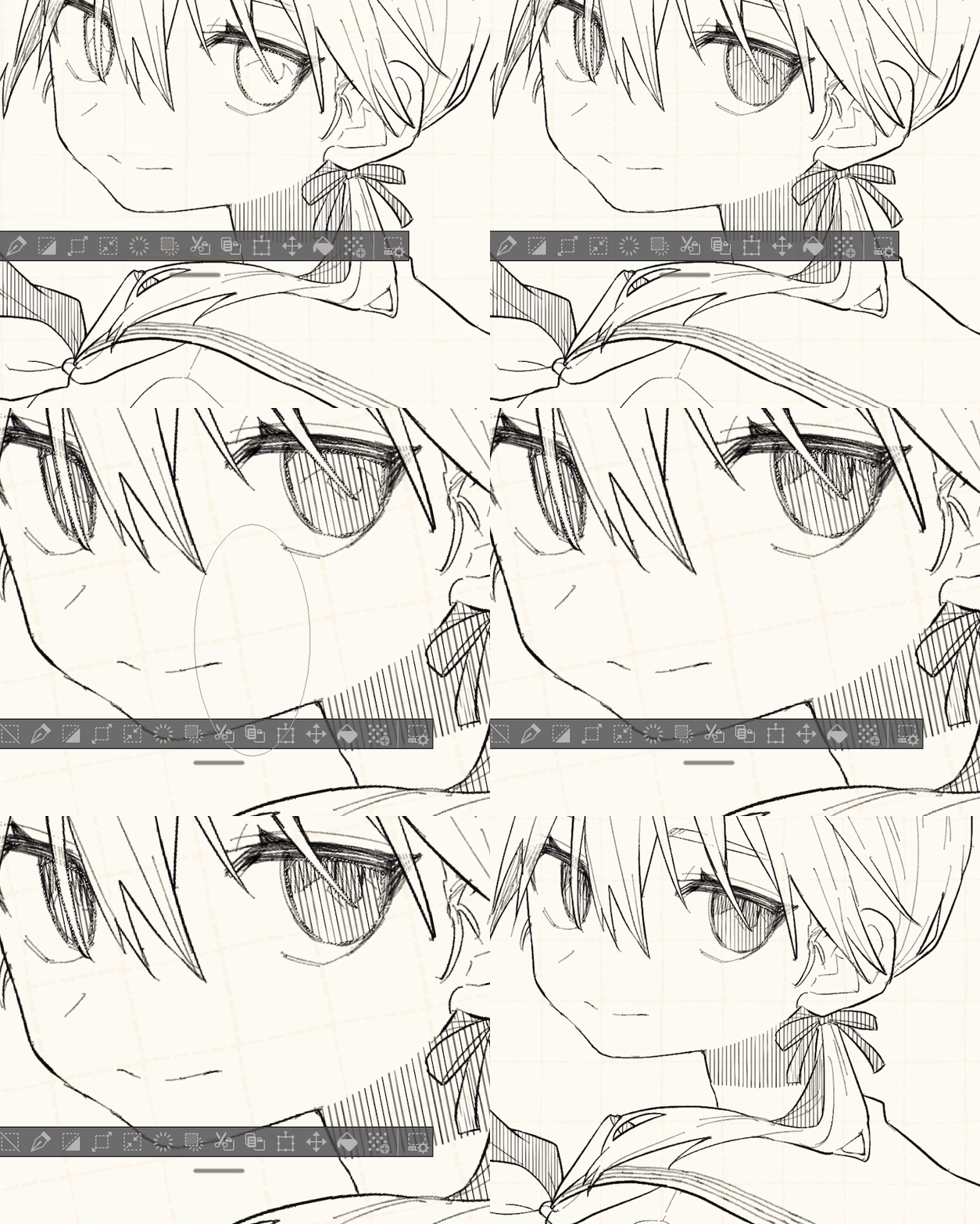
I intend to make it usable in commercial manuscript size (but the shadow of the neck of a large spread!). It may be a little rough to use for such a level size).
From the part where the pen is placed (center of the brush), a line is drawn in the direction of the ◯ of "Easy diagonal line / ◯".
The stronger the pen pressure, the longer the diagonal line.
The red arrow is a G-pen that reflects the same handwriting and pressure as the easy diagonal line.


(1) Easy diagonal line / bottom (2) Easy diagonal line / top
(3) Easy diagonal line / left (4) Easy diagonal line / right
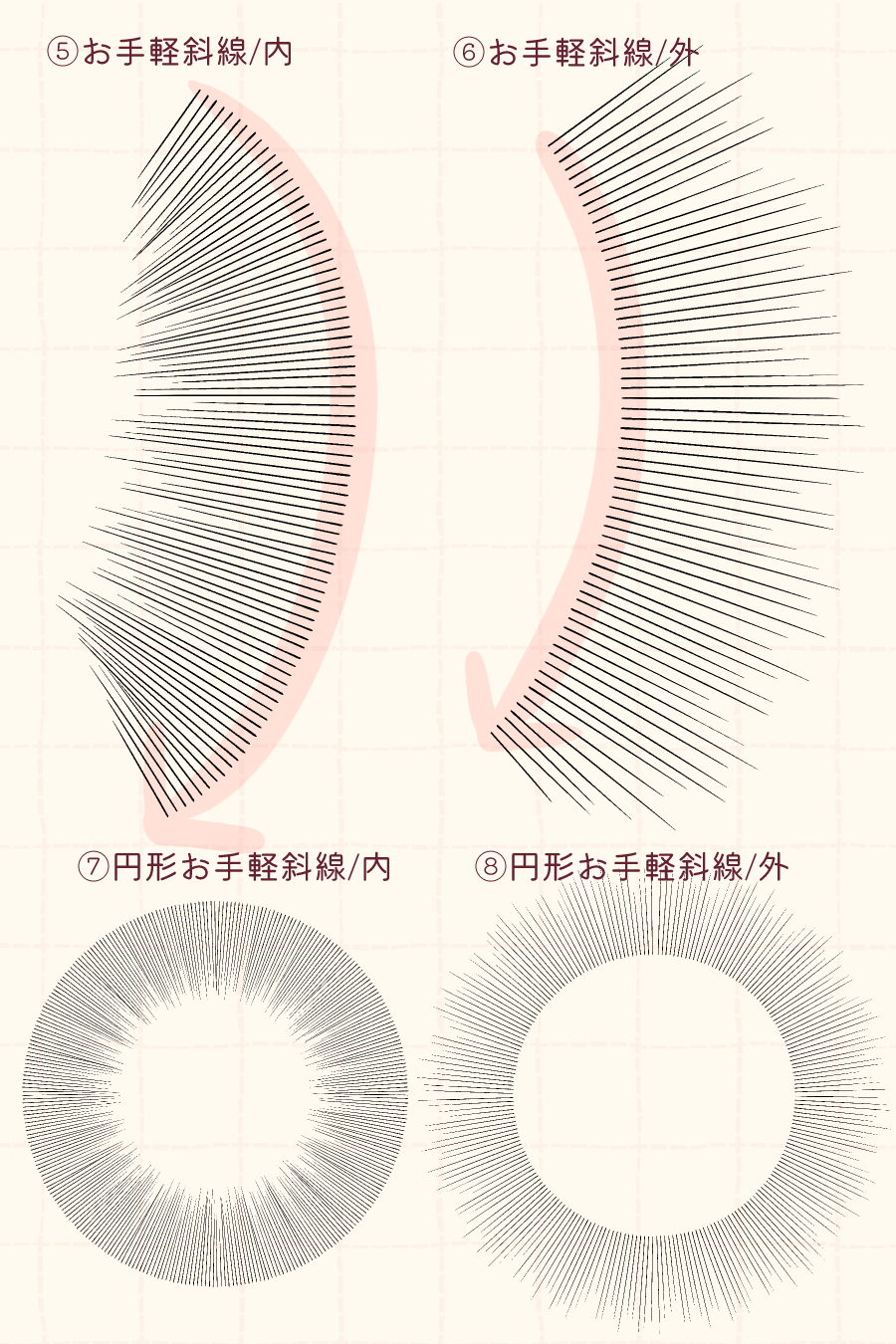
I also made a plate that extends diagonal lines inward and outward depending on the direction of the pen.
A circular tool version is also included with the bonus.
(5) Easy diagonal line / inside (6) Easy diagonal line / outside
(7) Circular easy diagonal line / inside (8) Circular easy diagonal line / outside
It is easy to use by changing the "brush size", "thickness", and "interval" settings according to the situation.
"brush size"... It simply changes size.
"Thickness" ... The length of the diagonal line changes.
"Interval"... The distance between the diagonal lines changes.

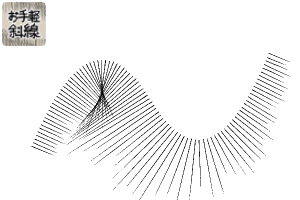
(1) brush size 500 / thickness 200 / spacing 4
(2) brush size 250 / Thickness 200 / Spacing 4
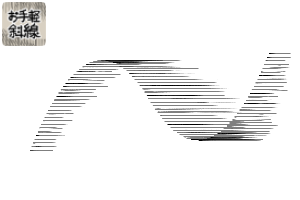
(3) brush size 250 / thickness 100 / spacing 4
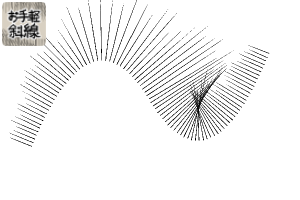
(4) brush size 250 / thickness 100 / spacing 10
"Easy diagonal line / Custom" and "Circular easy diagonal line / Custom" that leave many tool property items for easy customization are also included. Please try and play with various things.
■ Usage video ■ The red color in the middle is the default quick mask function.
"Easy diagonal line / up, down, left and right" is vertical and horizontal to the screen, not the canvas, so if you want to add an angle, you can easily turn the canvas.
Although you can also set the angle from the tool property!
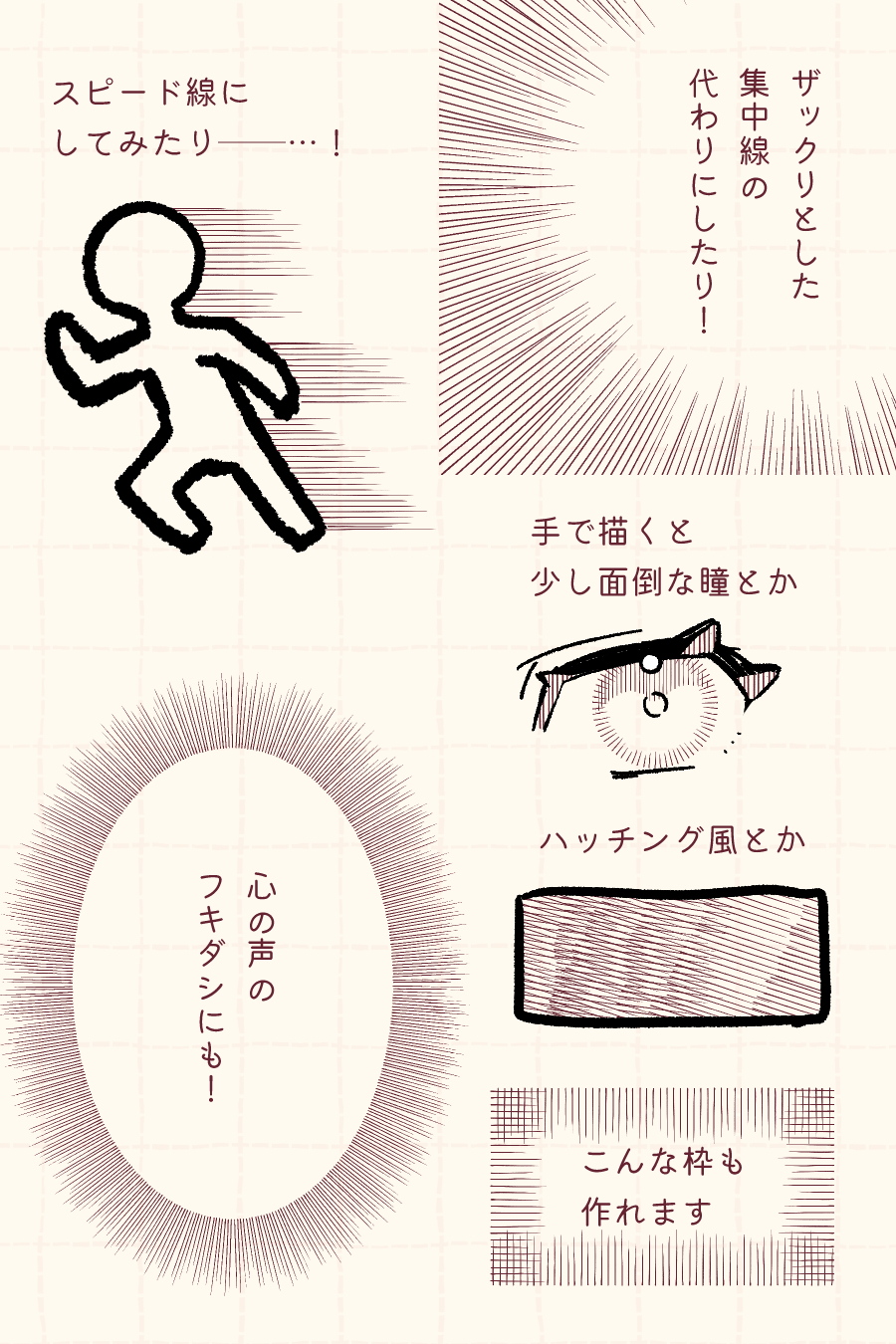
■Usage example■
You can use it quite as you like depending on the settings. tool property fun to play around.
リアルGペンで製作しているので、全体的にほんのりザラつきがあります。
商業原稿サイズでも使えるように作ったつもりです(が、見開き大ゴマの首の影!みたいなレベルのサイズに使うにはさすがにちょっと荒いかもしれません)。
ペンを置いた部分(ブラシ中央)から、お手軽斜線/◯」の◯の向きに向かって線が引かれます。
筆圧が強いほど斜線が長くなります。
赤い矢印はお手軽斜線と同じ筆跡・同じ筆圧が反映されたGペンです。
①お手軽斜線/下 ②お手軽斜線/上
③お手軽斜線/左 ④お手軽斜線/右
ペンの向きに応じて内側・外側に斜線を伸ばす版も作りました。
オマケに円形ツール版も添えてあります。
⑤お手軽斜線/内 ⑥お手軽斜線/外
⑦円形お手軽斜線/内 ⑧円形お手軽斜線/外
場面に応じて「ブラシサイズ」「厚さ」「間隔」の設定を変更すると使いやすいです。
「ブラシサイズ」…単純に大きさが変わります。
「厚さ」…斜線の長さが変わります。
「間隔」…斜線同士の距離が変わります。
①ブラシサイズ500/厚さ200/間隔4
②ブラシサイズ250/厚さ200/間隔4
③ブラシサイズ250/厚さ100/間隔4
④ブラシサイズ250/厚さ100/間隔10
カスタムしやすいようツールプロパティの項目を多く残した「お手軽斜線/カスタム」「円形お手軽斜線/カスタム」も同梱しています。色々試して遊んでみてください。
■使用動画■途中の赤色はデフォルトのクイックマスク機能です。
「お手軽斜線/上下左右」はキャンバスではなく画面に対して垂直・水平なので、角度をつけたい場合はキャンバスを回すとラクです。
ツールプロパティから角度を設定することもできますが!
■使用例■
設定次第でかなり好きに使えます。ツールプロパティいじりまくるのも楽しいです。
Easy diagonal line brush お手軽斜線ブラシ
-
Easy diagonal line / bottom お手軽斜線/下
-
Easy diagonal line / top お手軽斜線/上
-
Easy diagonal line / left お手軽斜線/左
-
Easy diagonal line / inside お手軽斜線/内
-
Easy diagonal line / right お手軽斜線/右
-
Easy diagonal line / outside お手軽斜線/外
-
Easy diagonal line / custom お手軽斜線/カスタム
-
Circular diagonal line / inside 円形お手軽斜線/内
-
Round, easy diagonal line/outside 円形お手軽斜線/外
-
Circular easy diagonal line / custom 円形お手軽斜線/カスタム




Other materials by ゆまい


Popular “Material catalog” materials


New materials




Badges
-
 MVP ◆This user has contributed greatly to the management of the community, by posting many great responses to the questions asked. Once every three months, MVPs are determined based on the points earned during that period and will be recognized accordingly.
 -
 New Valuable Player (NVP) ◆These are the next-best contributors to the community after MVPs. This is awarded to users who have not yet won an MVP award, based on the number of points they have earned.
 -
 Official Expert ◆Chosen out of all MVP awardees, who are already proof of excellence, this is a testimony of outstanding correspondence in the community. After careful screening, they are appointed by CELSYS and assume their position.Note: Formally called “Evangelists”
 -
 Official Moderator of CELSYS ◆Moderators are official CELSYS staff members who are fluent in Japanese as well as various other languages. Moderators are not experts on the software or illustration, so they are not able to directly answer your questions. However, moderators provide communication and language support to ensure that everyone can smoothly communicate with each other.
 -
 CELSYS official accountThe Official Administrator Account