


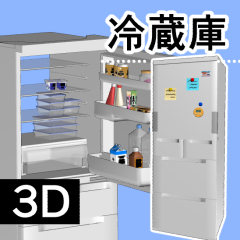




- You can switch the display of the back panel, doors, and accessories to some extent in the layout. Try to find a layout that is close to the image.
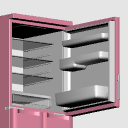
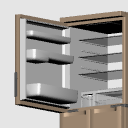
- The doors are double-sided, each with a movable setting.
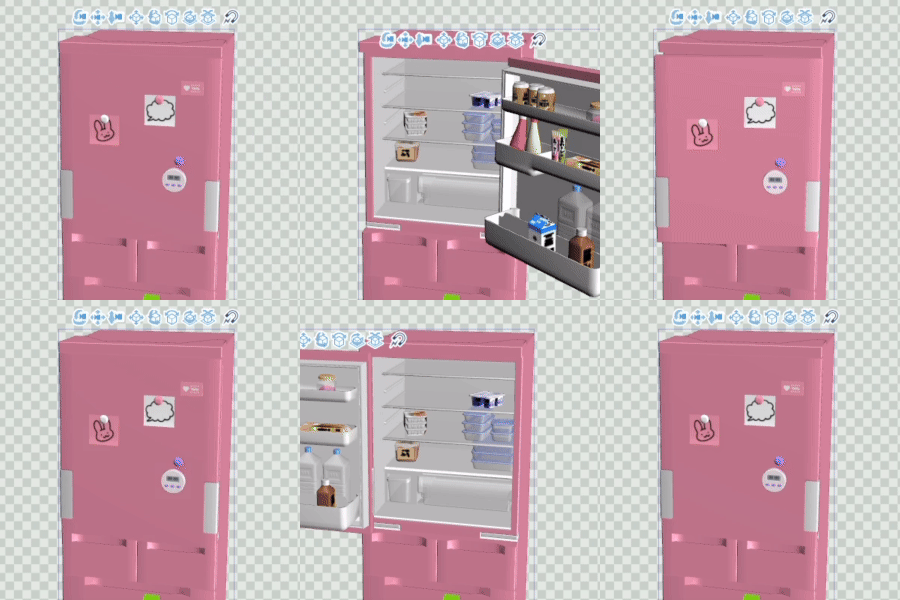
[Note]If the value of [Open Right] (Movable 1) is not 0 and you move the value of [Open Left] (Movable 2), it will float from the main body and move.When setting [Open Left] (Movable 2), be sure to make sure that the value of [Open Right] (Movable 1) is 0.

- レイアウトで背面パネル・扉・小物の表示をある程度切り替えることができます。イメージに近いレイアウトを探ってみてください。
- 扉は両開きで、それぞれに可動が設定されています。
[注意点][右開き](可動1)の値が0でない場合に[左開き](可動2)の値を動かすと本体から浮いて動いてしてしまうので、[左開き](可動2)を設定する場合は必ず[右開き](可動1)の値が0であることを確認してください。
マテリアル
-
default material 初期マテリアル
-
Plain (gray) プレーン(グレー)/plain
-
Black/black 黒/black
-
Pink/pink ピンク/pink
-
Light Brown/light_brown 薄茶/light_brown


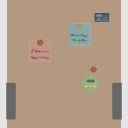
配置
-
◯default layout ◯初期レイアウト
-
◯ No back/back_removed ◯背面なし/back_removed
-
◯No door/door_removed ◯扉なし/door_removed
-
◯ Back, no door / both_removed ◯背面・扉なし/both_removed
-
■ Main unit only/only_base ■本体のみ/only_base
-
■ Main body only, no back / only_base ■本体のみ・背面なし/only_base
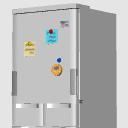
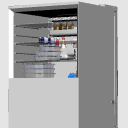
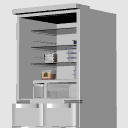
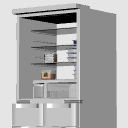
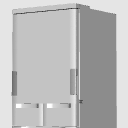
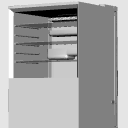
アングル
-
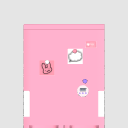
front 正面/front
-
Back/Back 背面/back
-
Top front/upper_front 上部正面/upper_front
-
Upper back/upper_back 上部背面/upper_back
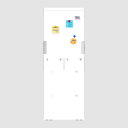

可動パーツ
-
Open Right 右開き
-
Open Left 左開き
Update history


Other materials by 囲炉裏辺


Popular “Material catalog” materials


New materials


-
 MVP ◆This user has contributed greatly to the management of the community, by posting many great responses to the questions asked. Once every three months, MVPs are determined based on the points earned during that period and will be recognized accordingly.
 -
 New Valuable Player (NVP) ◆These are the next-best contributors to the community after MVPs. This is awarded to users who have not yet won an MVP award, based on the number of points they have earned.
 -
 Official Expert ◆Chosen out of all MVP awardees, who are already proof of excellence, this is a testimony of outstanding correspondence in the community. After careful screening, they are appointed by CELSYS and assume their position.Note: Formally called “Evangelists”
 -
 Official Moderator of CELSYS ◆Moderators are official CELSYS staff members who are fluent in Japanese as well as various other languages. Moderators are not experts on the software or illustration, so they are not able to directly answer your questions. However, moderators provide communication and language support to ensure that everyone can smoothly communicate with each other.
 -
 CELSYS official accountThe Official Administrator Account