



It is a auto action that converts a monochrome image to line + tone.

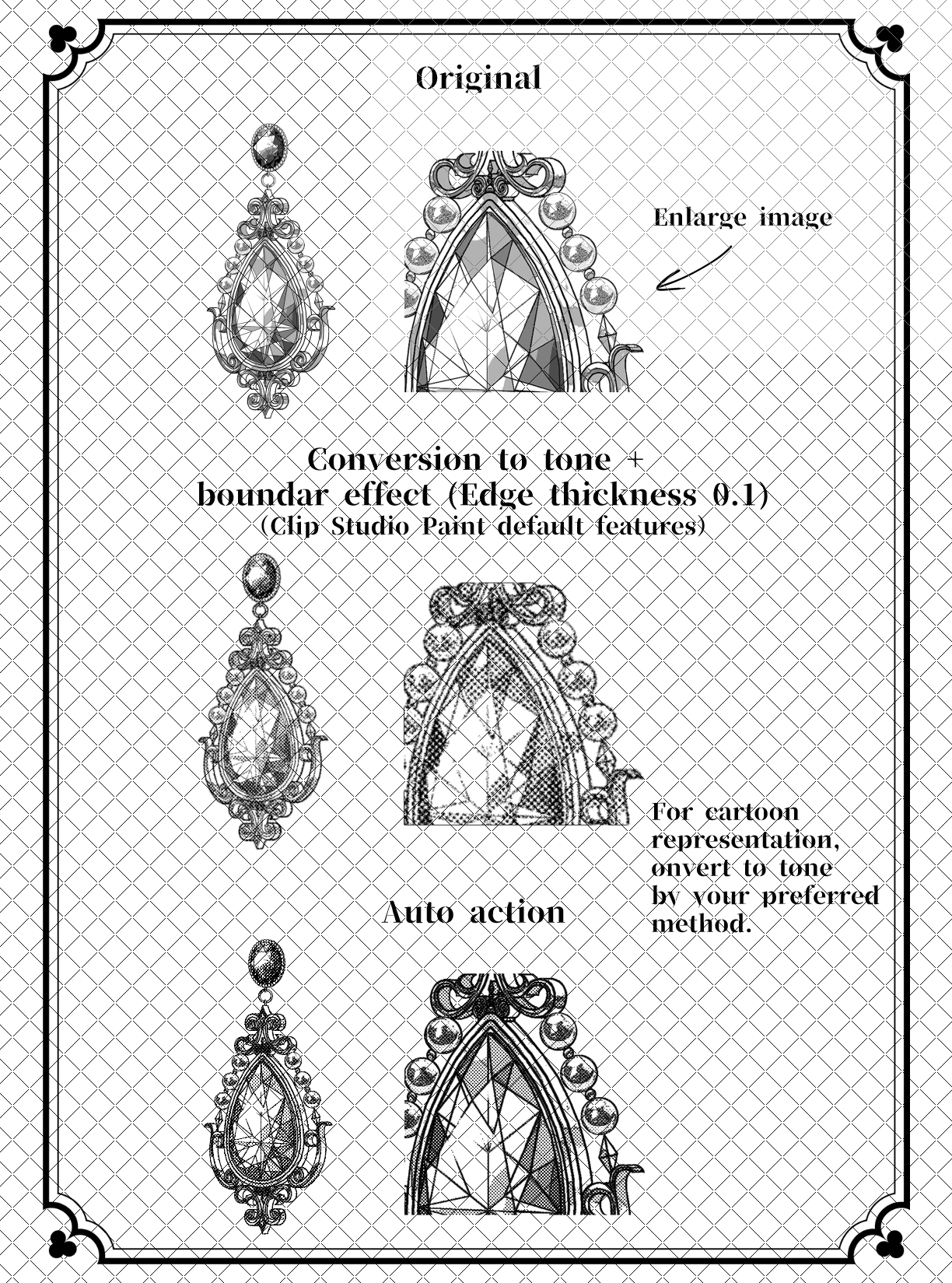
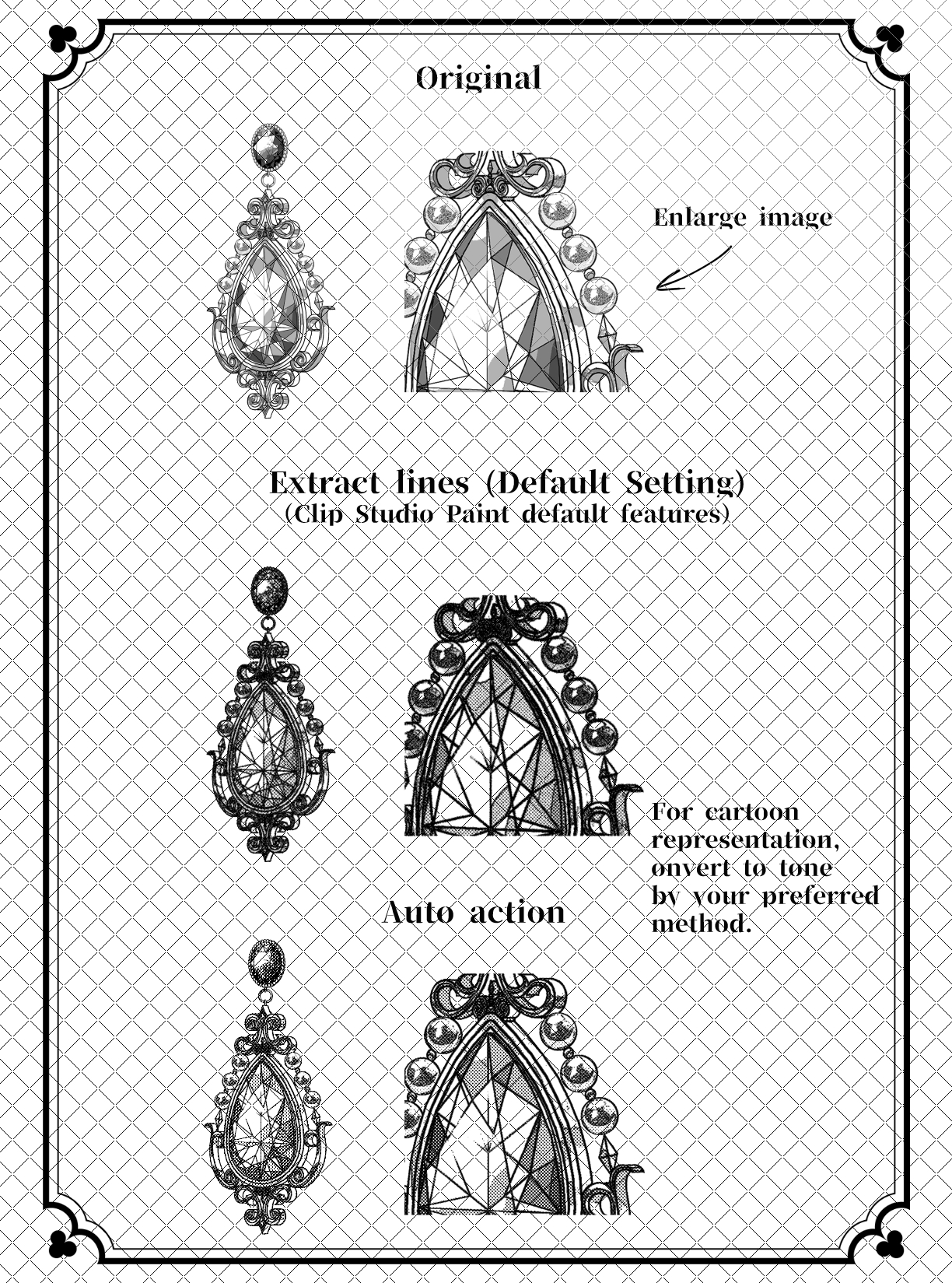
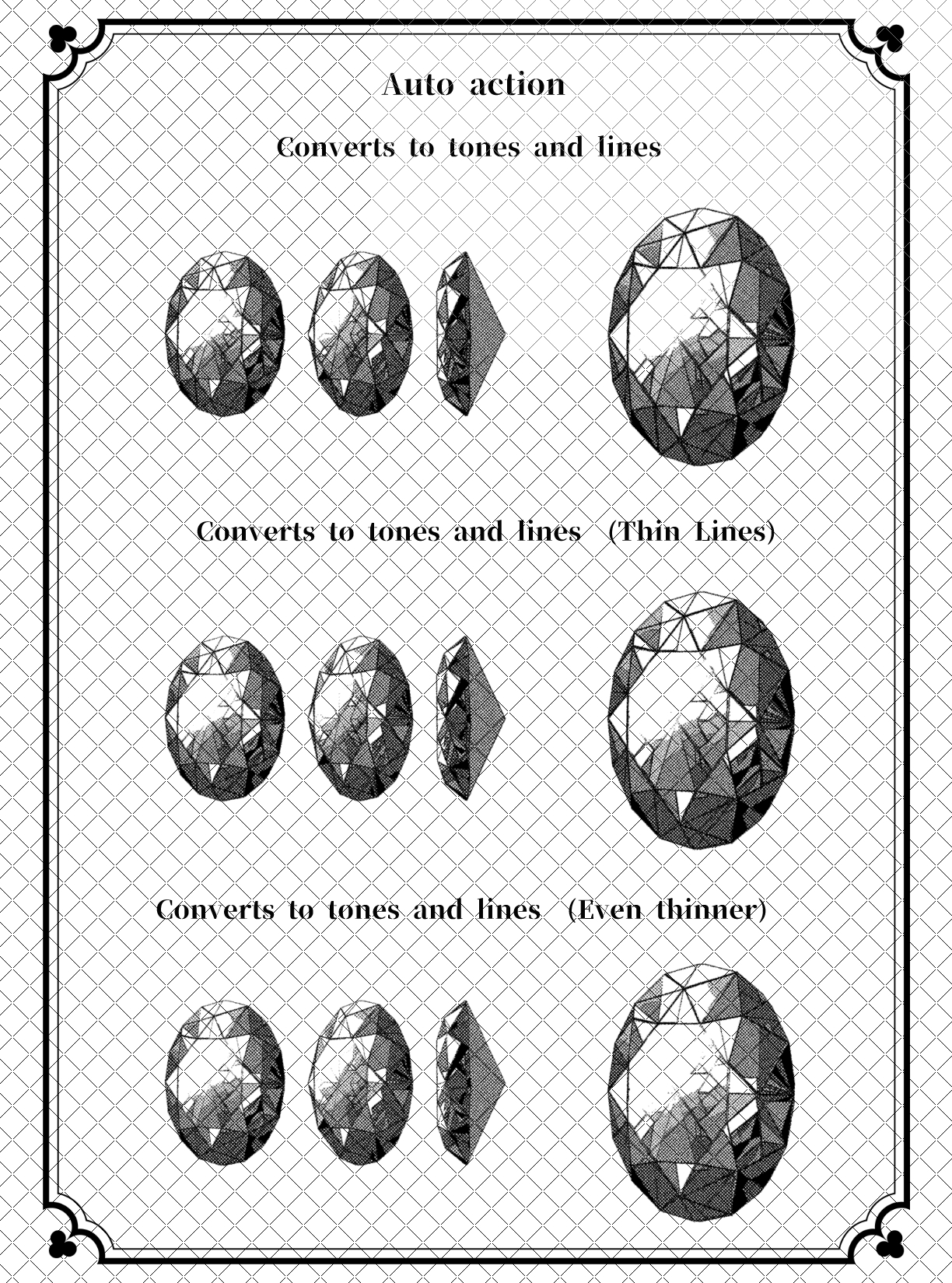
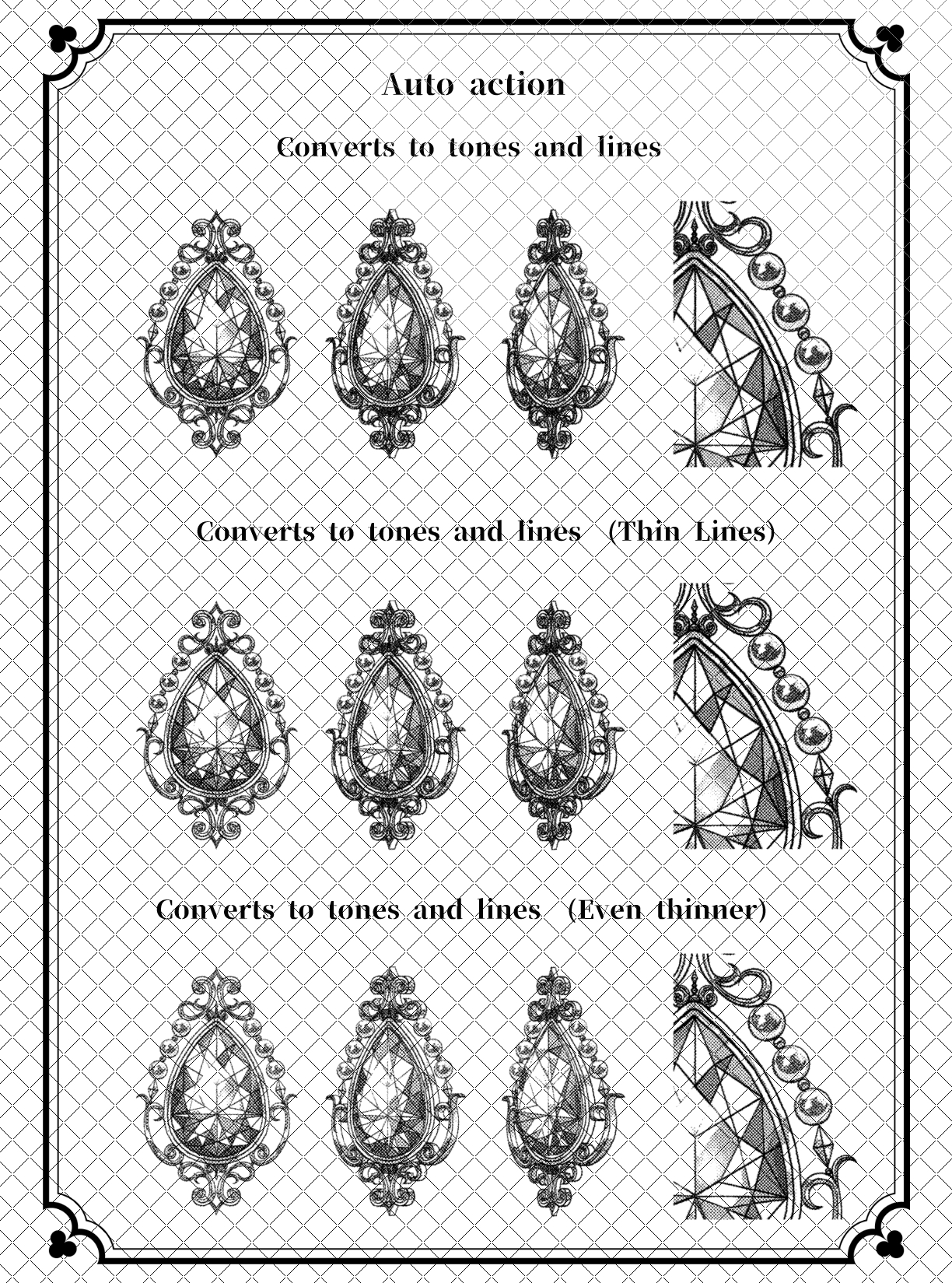
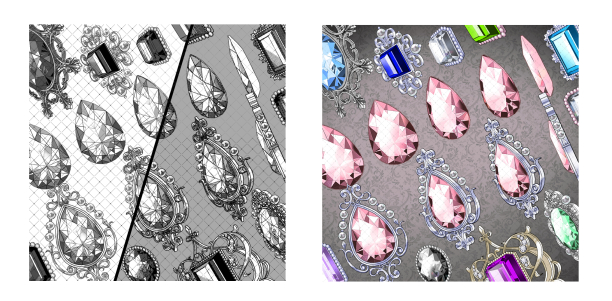
Created to transform self-made material.
You can choose the thinness of the line in 3 levels.
〇How to use
Combine the layers you want to convert into one piece and do it.
〇 Caution
If you perform multiple transformations within the same canvas (work) layer, the conversion may not work.
If you want to convert multiple times, create a separate canvas, convert there, and copy and paste the converted layer folder to the original canvas.
Please follow these steps.
We also sell materials at BOOTH.
https://yuyubrushes.booth.pm/
モノクロ画像を線+トーンに変換するオートアクションです。
自作の素材を変換するために作成しました。
線の細さを3段階選べます。
〇使い方
変換したいレイヤーを一枚にまとめて実行してください。
〇注意
同じキャンバス(作品)のレイヤー内で変換を複数行うと、変換が上手くいかない場合があります。
複数変換したい場合は、別にキャンバスを作成し、そちらで変換、変換後のレイヤーフォルダを元のキャンバスにコピーアンドペーストする
という手順を行ってください。
BOOTHでも素材を販売しております。
https://yuyubrushes.booth.pm/
Category 1 カテゴリ1





Other materials by yuyuya00


Popular “Material catalog” materials


New materials


Badges
-
 MVP ◆This user has contributed greatly to the management of the community, by posting many great responses to the questions asked. Once every three months, MVPs are determined based on the points earned during that period and will be recognized accordingly.
 -
 New Valuable Player (NVP) ◆These are the next-best contributors to the community after MVPs. This is awarded to users who have not yet won an MVP award, based on the number of points they have earned.
 -
 Official Expert ◆Chosen out of all MVP awardees, who are already proof of excellence, this is a testimony of outstanding correspondence in the community. After careful screening, they are appointed by CELSYS and assume their position.Note: Formally called “Evangelists”
 -
 Official Moderator of CELSYS ◆Moderators are official CELSYS staff members who are fluent in Japanese as well as various other languages. Moderators are not experts on the software or illustration, so they are not able to directly answer your questions. However, moderators provide communication and language support to ensure that everyone can smoothly communicate with each other.
 -
 CELSYS official accountThe Official Administrator Account