



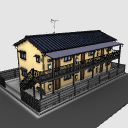
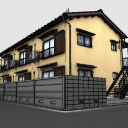
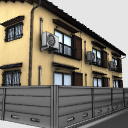
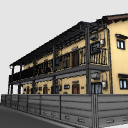
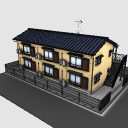
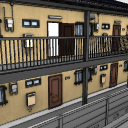
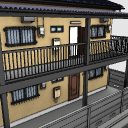
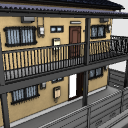
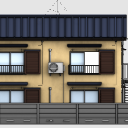
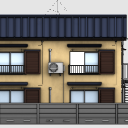
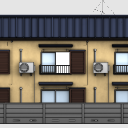
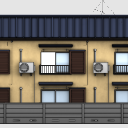
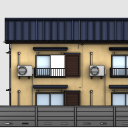
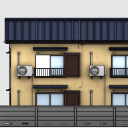
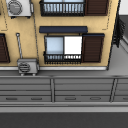
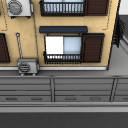
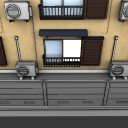
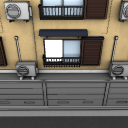
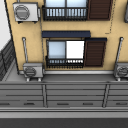
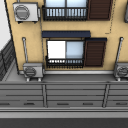
It is a two-story apartment that remains the look of the Showa era.
It is adjusted so that the line drawing is shown as possible neatly so that it can use it in a commercial magazine.
Please to the background.
昭和の面影が残る2階建てアパートです。
商業誌でも使えるように、なるべくきれいに線画が出るように調整してあります。
背景などにどうぞ。


Material マテリアル
-
Chi. 赤
-
Red (No Stairs _ no shadows) 赤(階段_影無し)
-
White (for line drawing) 白(線画用)
-
Green. 青
-
Blue (Outdoor Unit _ No Shadow) 青(室外機_影無し)
-
Red (Outdoor Unit _ No Shadow) 赤(室外機_影無し)
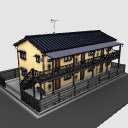
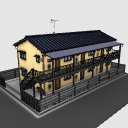

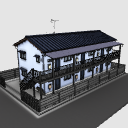
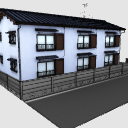
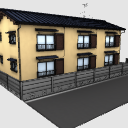
Configuration. 配置
-
Default デフォルト
-
No outdoor unit 室外機なし
-
Without Walls 壁なし
-
No hot water heater 湯沸器なし

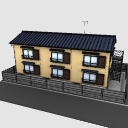
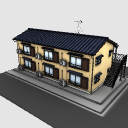
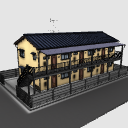
Angle アングル
-
Default デフォルト
-
Whip 煽り
-
Two fuels 煽り2
-
Three fueled 煽り3
-
Entrance 入り口
-
Overlooking. 俯瞰
-
Overlooking 2 俯瞰2
-
Overlooking 3 俯瞰3
-
Window side 窓側
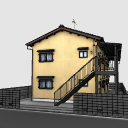
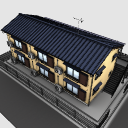
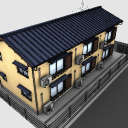
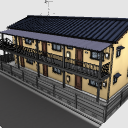
pose parts 可動パーツ
-
Door 101 ドア101
-
Door 201 ドア201
-
Door 102 ドア102
-
Door 202 ドア202
-
Door 203 ドア203
-
Door 103 ドア103
-
201_ window Right 窓201_右
-
Window 201_ Left 窓201_左
-
202_ window Right 窓202_右
-
Window 202_ Left 窓202_左
-
203_ window Right 窓203_右
-
Window 203_ Left 窓203_左
-
101_ window Right 窓101_右
-
Window 101_ Left 窓101_左
-
102_ window Right 窓102_右
-
Window 102_ Left 窓102_左
-
103_ window Right 窓103_右
-
Window 103_ Left 窓103_左
-
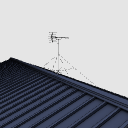
Antenna アンテナ


Other materials by shuchan


Popular “3D object” materials


New materials


-
 MVP ◆This user has contributed greatly to the management of the community, by posting many great responses to the questions asked. Once every three months, MVPs are determined based on the points earned during that period and will be recognized accordingly.
-
 New Valuable Player (NVP) ◆These are the next-best contributors to the community after MVPs. This is awarded to users who have not yet won an MVP award, based on the number of points they have earned.
-
 Official Expert ◆Chosen out of all MVP awardees, who are already proof of excellence, this is a testimony of outstanding correspondence in the community. After careful screening, they are appointed by CELSYS and assume their position.Note: Formally called “Evangelists”
-
 Official Moderator of CELSYS ◆Moderators are official CELSYS staff members who are fluent in Japanese as well as various other languages. Moderators are not experts on the software or illustration, so they are not able to directly answer your questions. However, moderators provide communication and language support to ensure that everyone can smoothly communicate with each other.
-
 CELSYS official accountThe Official Administrator Account