



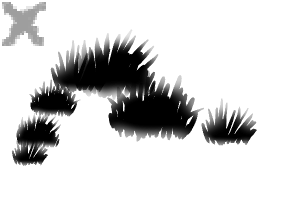
간단한 풀밭을 만들기 위한 풀 브러시 팩. A grass brush pack to make simple meadows of grass.
첫 번째 브러시를 업로드했어요! 즐겁게 읽으시길 바랍니다! ^,....,^
팩 내:
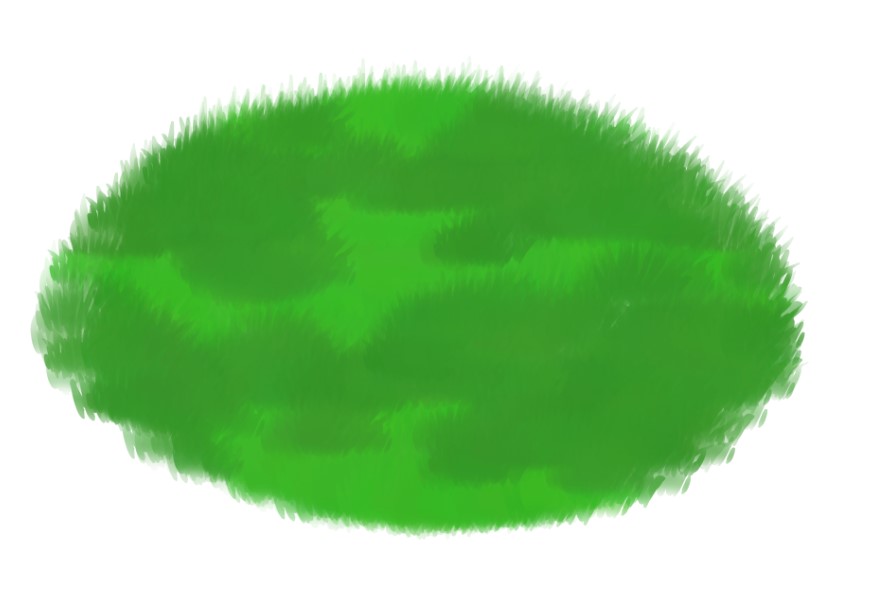
그라스베이스
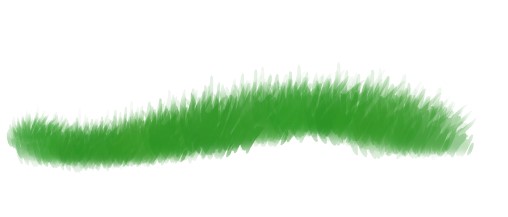
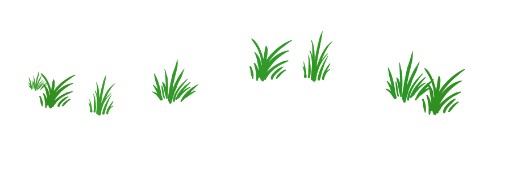
1- GrassBase 브러시를 사용해 베이스를 만드세요
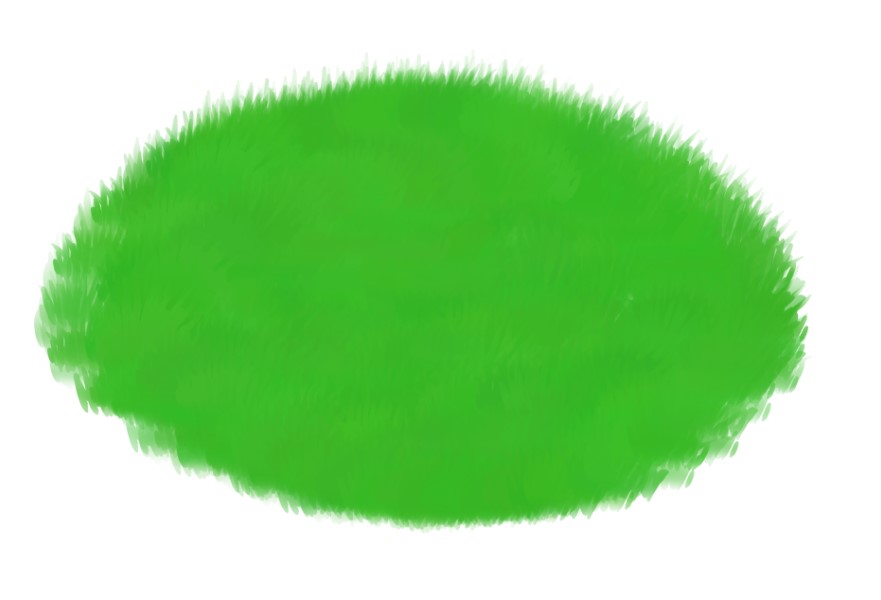

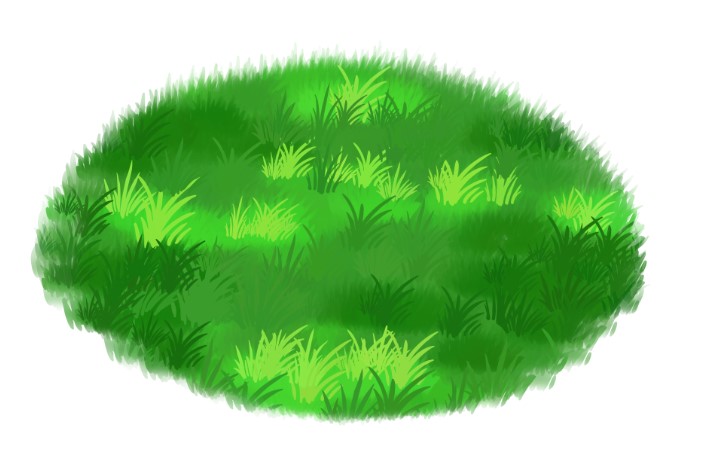
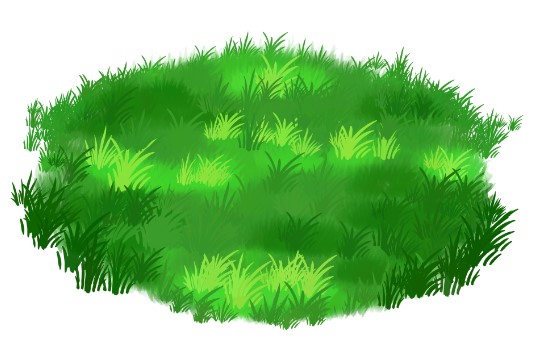


감사합니다, 즐기세요!!

팩 내:
그라스베이스
그라스디테일
단계:
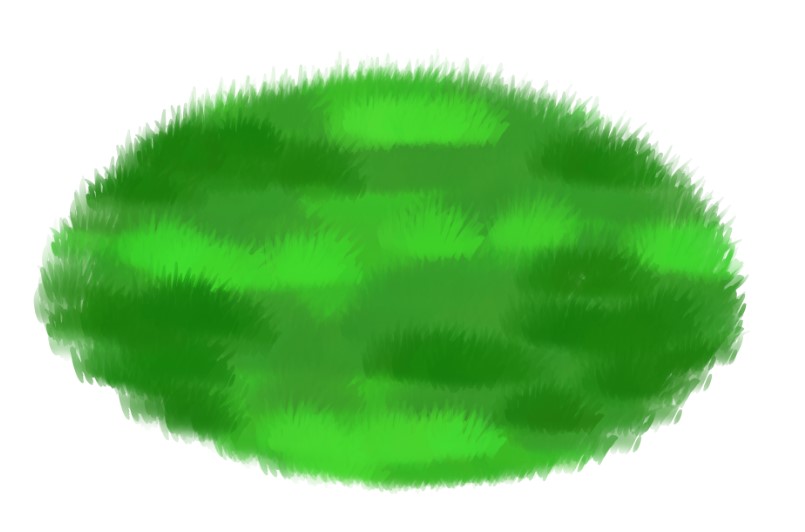
1- GrassBase 브러시를 사용해 베이스를 만드세요
2- 같은 브러시를 사용해 클리핑 레이어에 그림자와 하이라이트를 생성하세요

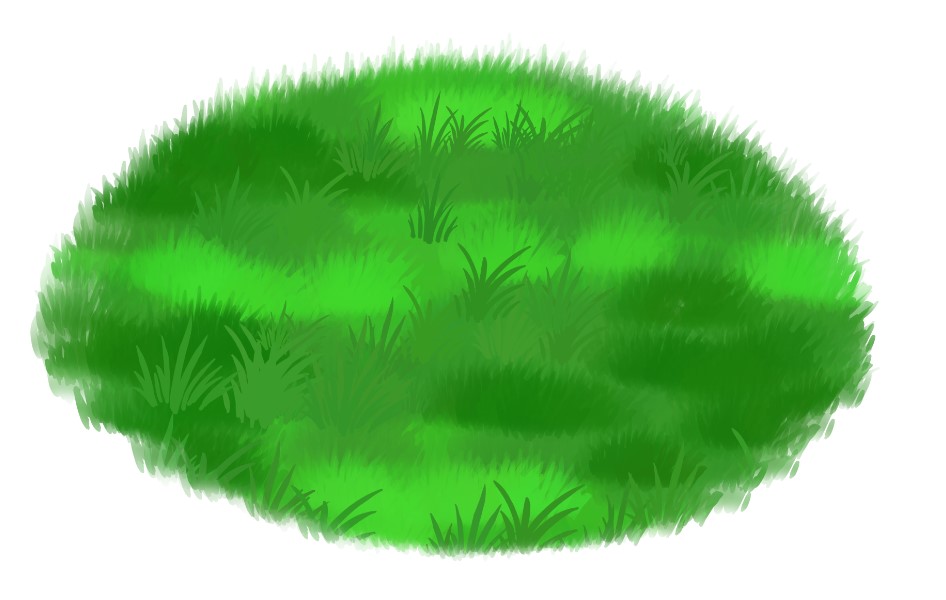
3- GrassDetail을 사용해 미드톤 색상으로 더 많은 질감을 만들어 보세요.
4- 3단계를 그림자 및 하이라이트로 반복하세요. 그림자는 약간 더 어둡게, 하이라이트는 약간 밝게 하세요.
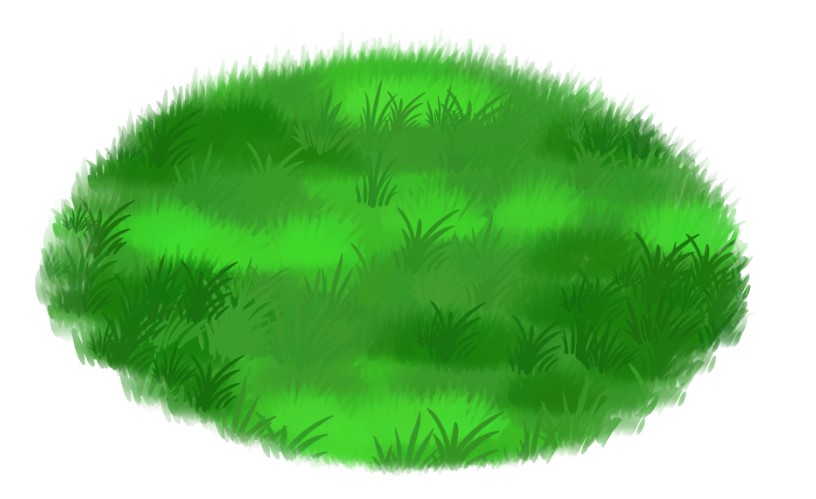
5- 잔디 패치의 가장자리를 좀 더 유기적으로 만드세요. 앞쪽 풀은 더 크고, 뒤쪽 잔디는 더 작았다.
보너스 스텝!!
붓으로 풀밭에 그림자를 만드는 것

1- GrassBase를 사용해 객체 아래 레이어에 그 그림자를 생성하세요.

2- GrassDetail 브러시를 사용해 텍스처 생성
3- 위 레이어에서 GrassBase 와 GrassDetail 둘 다를 사용해 주변 색상을 이용해 오브젝트를 잔디에 자연스럽게 섞으세요.

감사합니다, 즐기세요!!

My first brush to upload! I hope you enjoy! ^,....,^
In the pack:
GrassBase
1- Using the GrassBase Brush create your base
Thank you enjoy!!
In the pack:
GrassBase
GrassDetail
Steps:
1- Using the GrassBase Brush create your base
2- Using the same brush, create your shadows & highlights on a clipping layer
3- Using the GrassDetail create more texture using your midtone colour.
4- Repeat step 3 using your Shadow & Highlight. Make the shadow slightly darker, and make the highlight slightly lighter.
5- Make the edges of your grass patch more organic. The grass in the front larger, and the grass towards the back smaller.
BONUS STEPS!!
Creating a shadow in the grass using the brushes
1- Using GrassBase create that shadow for the object on the layer below the object.
2- Create some texture using the GrassDetail brush
3- On the layer above, using BOTH GrassBase & GrassDetail, blend the object into the grass using the surrounding colours.
Thank you enjoy!!
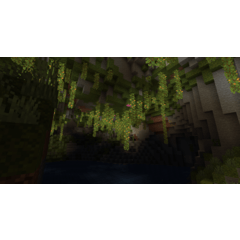
그래스 브러시 Grass Brush






'soxxyhorror'님의 다른 소재


'소재집'의 인기 소재


신규 소재









배지
-
 MVP ◆질문에 적절한 답변을 많이 게시하고 커뮤니티 운영에 크게 공헌한 사용자입니다. MVP는 3개월에 한 번, 그 사이에 획득한 포인트를 바탕으로 결정하고 표창을 실시하고 있습니다.
 -
 NVP(New Valuable Player) ◆MVP 다음으로 커뮤니티 운영에 공헌한 사용자입니다. 이제까지 MVP 수상 경험이 없는 분 중에서 획득한 포인트를 바탕으로 결정하여 표창을 실시하고 있습니다.
 -
 공식 엑스퍼트 ◆뛰어난 응답자의 증표인 MVP수상자 중에서 선택된 커뮤니티에서 가장 뛰어난 응답자의 증표입니다. 심사를 거쳐서 저희 회사에서 의뢰할 경우 취임되십니다.※ 옛 명칭 '에반젤리스트'
 -
 셀시스 공인 모더레이터 ◆모더레이터는 일본어와 기타 언어로 말할 수 있는 셀시스 공인 스태프입니다. 소프트웨어나 창작 전문가가 아니므로 직접 의문을 해결할 수는 없지만 여러분이 순조롭게 소통할 수 있도록 언어나 커뮤니케이션 측면에서 지원합니다.
 -
 셀시스 공식운영에 관련된 공식 계정입니다.