



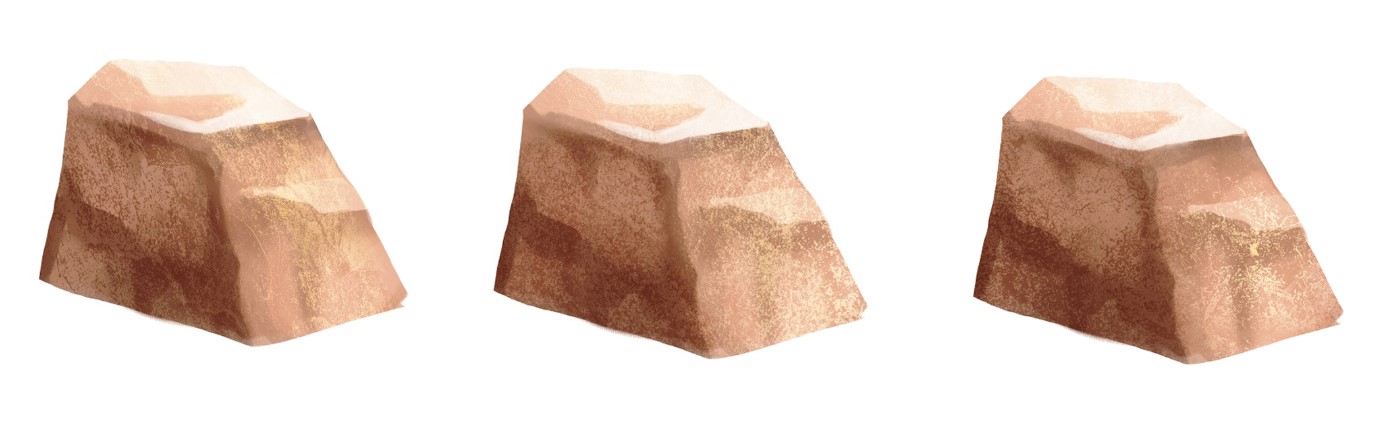
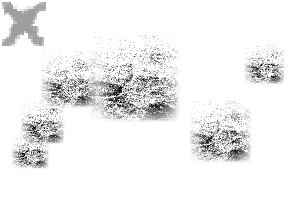
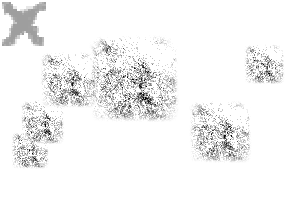
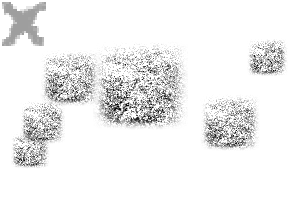
땅과 바위에 현실적인 바위 질감을 더해주는 스탬프 역할을 하는 브러시 팩 A brush pack that acts like a stamp to add a realistic rock texture to your ground & rocks
3개의 텍스처 브러시가 들어간 브러시 팩을 사용해 바위와 땅에 오버레이로 사용해 현실적인 텍스처를 만드는 게 좋습니다.
스타일러스와 함께 사용할 때는 펜 기울기를 활성화하여 보다 무작위적이면서도 효과가 나옵니다.
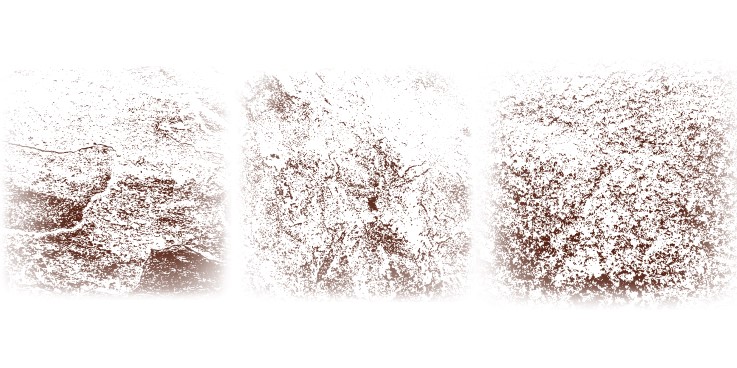
(이 사진들은 제 집 타일 사진입니다.....)
단계:
스타일러스와 함께 사용할 때는 펜 기울기를 활성화하여 보다 무작위적이면서도 효과가 나옵니다.
(이 사진들은 제 집 타일 사진입니다.....)
단계:
1- 평소 방법으로 바위 베이스를 만들어보세요...
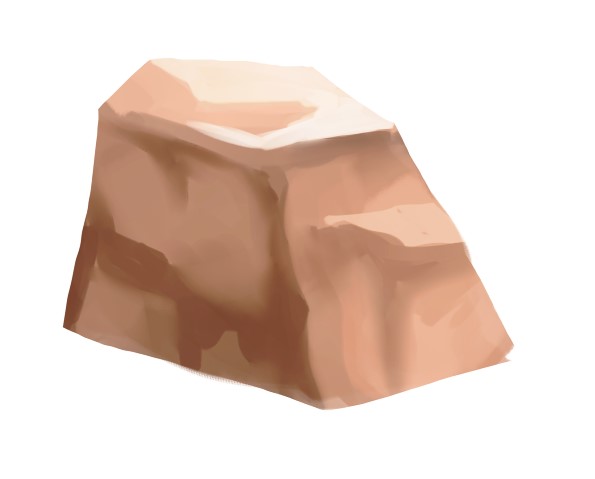
2- 클리핑 층 위에 어두운 색을 골라 붓을 암석의 어두운 면에 찍어주세요.
이 레이어를 곱셈 모드로 설정하고 불투명도를 낮추면 원하는 효과에 도달할 수 있습니다.

3- 새 층을 칠할 때는 붓으로 암석의 밝은 쪽에 연한 색으로 찍어주세요.
이 레이어를 곱셈 모드로 설정하고 불투명도를 낮추면 원하는 효과에 도달할 수 있습니다.

3- 새 층을 칠할 때는 붓으로 암석의 밝은 쪽에 연한 색으로 찍어주세요.
이 레이어를 오버레이로 화면에 올리고 불투명도를 조절해 원하는 효과를 낼 수 있습니다.

팩에는 여러 가지 텍스처가 있고, 믹스앤메이치도 가능합니다!
감사합니다! 즐기세요!!

팩에는 여러 가지 텍스처가 있고, 믹스앤메이치도 가능합니다!
감사합니다! 즐기세요!!
A brush pack with 3 textured brushes to be used as an overlay for your rocks and ground to make a realistic texture.
When used with a stylus, pen tilt is enabled to create a more randomised yet effect.
(these are pictures of my tiles in my house.....)
STEPS:
When used with a stylus, pen tilt is enabled to create a more randomised yet effect.
(these are pictures of my tiles in my house.....)
STEPS:
1- Create your rocks base using your usual methods...
2- On a clipping layer, pick a dark colour and stamp the brush onto the dark side of the rock.
You can put this layer on multiply and lower the opacity until you reach your desired effect.
3- With a new layer, stamp the brush on the light side of the rock using a light colour.
You can put this layer on multiply and lower the opacity until you reach your desired effect.
3- With a new layer, stamp the brush on the light side of the rock using a light colour.
You can put this layer on screen on overlay and adjust the opacity until you reach your desired effect.
There are multiple different textures in the pack and you can mix and match as well!
Thank you! Enjoy!!!
There are multiple different textures in the pack and you can mix and match as well!
Thank you! Enjoy!!!
암석 텍스처 브러시 Rock Texture Brushes


'soxxyhorror'님의 다른 소재


'소재집'의 인기 소재


신규 소재








배지
-
 MVP ◆질문에 적절한 답변을 많이 게시하고 커뮤니티 운영에 크게 공헌한 사용자입니다. MVP는 3개월에 한 번, 그 사이에 획득한 포인트를 바탕으로 결정하고 표창을 실시하고 있습니다.
 -
 NVP(New Valuable Player) ◆MVP 다음으로 커뮤니티 운영에 공헌한 사용자입니다. 이제까지 MVP 수상 경험이 없는 분 중에서 획득한 포인트를 바탕으로 결정하여 표창을 실시하고 있습니다.
 -
 공식 엑스퍼트 ◆뛰어난 응답자의 증표인 MVP수상자 중에서 선택된 커뮤니티에서 가장 뛰어난 응답자의 증표입니다. 심사를 거쳐서 저희 회사에서 의뢰할 경우 취임되십니다.※ 옛 명칭 '에반젤리스트'
 -
 셀시스 공인 모더레이터 ◆모더레이터는 일본어와 기타 언어로 말할 수 있는 셀시스 공인 스태프입니다. 소프트웨어나 창작 전문가가 아니므로 직접 의문을 해결할 수는 없지만 여러분이 순조롭게 소통할 수 있도록 언어나 커뮤니케이션 측면에서 지원합니다.
 -
 셀시스 공식운영에 관련된 공식 계정입니다.