



아름다운 페인팅 효과를 낼 수 있도록 도와주는 텍스처 / 재료 Textures / Materials that help you get beautiful painting effect
안녕하세요!
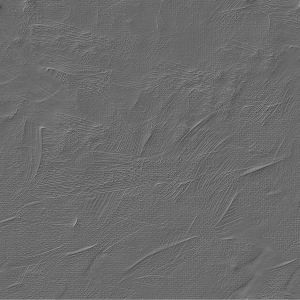
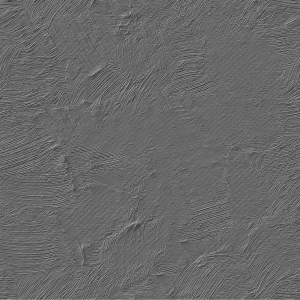
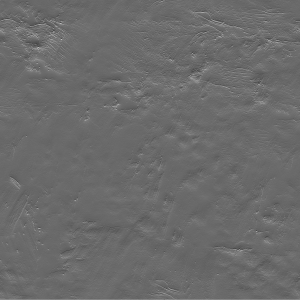
두 텍스처를 같은 크기로 리사이즈하는 것을 잊지 마세요(예: 100%, 55% 또는 원하는 대로 하세요. 반드시 동일해야 합니다).
효과 패널에서 그 부분을 선택하고 원하는 대로 힘 조절을 하세요
![]()

그 전

이후
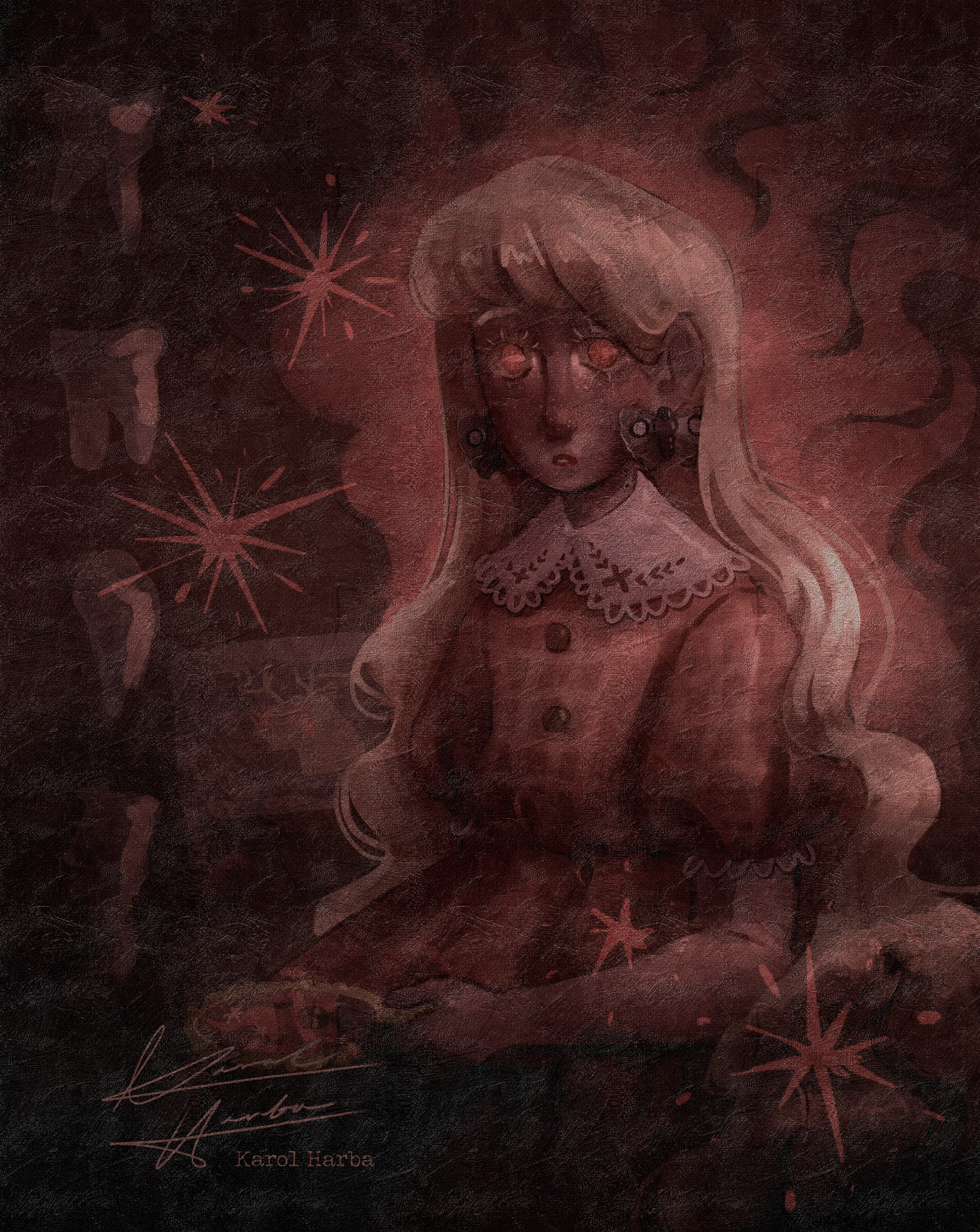
두 텍스처를 같은 크기로 리사이즈하는 것을 잊지 마세요(예: 100%, 55% 또는 원하는 대로 하세요. 반드시 동일해야 합니다).
효과 패널에서 그 부분을 선택하고 원하는 대로 힘 조절을 하세요
그 전

이후
Hello!
Remember to resize both textures to same size (for example 100%, or 55%, or whatever you like, they need to be THE SAME.)
remember to choose THAT in effect panel and play with the strenght as you want
![]()
Before
After
Remember to resize both textures to same size (for example 100%, or 55%, or whatever you like, they need to be THE SAME.)
remember to choose THAT in effect panel and play with the strenght as you want
Before
After
카테고리 1 Category 1





















'KarolH'님의 다른 소재


'소재집'의 인기 소재


신규 소재


배지
-
 MVP ◆질문에 적절한 답변을 많이 게시하고 커뮤니티 운영에 크게 공헌한 사용자입니다. MVP는 3개월에 한 번, 그 사이에 획득한 포인트를 바탕으로 결정하고 표창을 실시하고 있습니다.
 -
 NVP(New Valuable Player) ◆MVP 다음으로 커뮤니티 운영에 공헌한 사용자입니다. 이제까지 MVP 수상 경험이 없는 분 중에서 획득한 포인트를 바탕으로 결정하여 표창을 실시하고 있습니다.
 -
 공식 엑스퍼트 ◆뛰어난 응답자의 증표인 MVP수상자 중에서 선택된 커뮤니티에서 가장 뛰어난 응답자의 증표입니다. 심사를 거쳐서 저희 회사에서 의뢰할 경우 취임되십니다.※ 옛 명칭 '에반젤리스트'
 -
 셀시스 공인 모더레이터 ◆모더레이터는 일본어와 기타 언어로 말할 수 있는 셀시스 공인 스태프입니다. 소프트웨어나 창작 전문가가 아니므로 직접 의문을 해결할 수는 없지만 여러분이 순조롭게 소통할 수 있도록 언어나 커뮤니케이션 측면에서 지원합니다.
 -
 셀시스 공식운영에 관련된 공식 계정입니다.