


[Delicate Sharp Flash Set - Pen Drawing Stroke saturated line] (【繊細シャープフラッシュセット-ペン描きストローク集中線】) 【繊細シャープフラッシュセット-ペン描きストローク集中線】
Content ID:2312441
-
650


"Kei N's Favorite" Emotional Analog Touch saturated line
/ High-resolution action effect brush that utilizes the touch of drawing on paper with analog art materials
[Delicate Sharp Flash Set - Pen Drawing Stroke saturated line]
「慶n'sフェバリット」エモーショナルアナログタッチ集中線
/アナログ画材で紙に描いたタッチを活かした高解像度アクション効果ブラシ
【繊細シャープフラッシュセット-ペン描きストローク集中線】


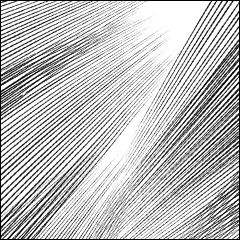
【Delicate Sharpening Set】 【繊細シャープセット】
-
Pen Drawing Sharp Flash Radiation saturated line-1 ペン描きシャープフラッシュ放射集中線-1
-
Pen Drawing Sharp Flash Radiation saturated line-2 ペン描きシャープフラッシュ放射集中線-2
-
Pen Drawing Sharp Flash Radiation saturated line-3 ペン描きシャープフラッシュ放射集中線-3
-
Pen Drawing Sharp Flash Radiation saturated line-4 ペン描きシャープフラッシュ放射集中線-4
-
Pen Drawing Sharp Flash Radiation saturated line-5 ペン描きシャープフラッシュ放射集中線-5
-
Pen Drawing Sharp Flash Radiation saturated line-6 ペン描きシャープフラッシュ放射集中線-6
-
Pen Drawing Sharp Flash Radiation saturated line-7 ペン描きシャープフラッシュ放射集中線-7
-
Pen Drawing Sharp Flash Radiation saturated line-8 ペン描きシャープフラッシュ放射集中線-8
-
Pen Drawing Sharp Flash Radiation saturated line-9 ペン描きシャープフラッシュ放射集中線-9
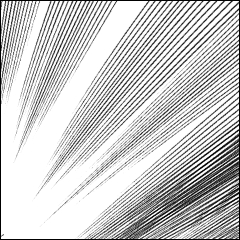
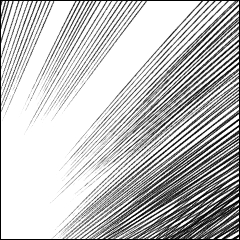

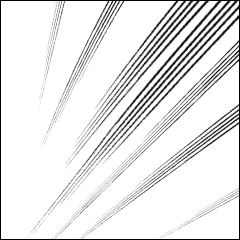


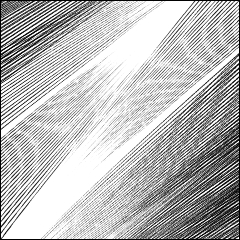

【Delicate Flash Set】 【繊細フラッシュセット】
-
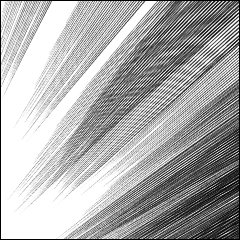
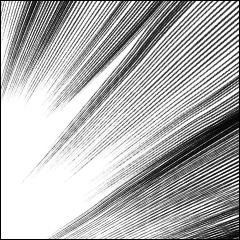
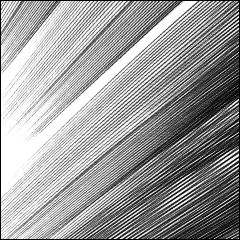
Pen Drawing Flash Radiation saturated line-1 ペン描きフラッシュ放射集中線-1
-
Pen Drawing Flash Radiation saturated line-2 ペン描きフラッシュ放射集中線-2
-
Pen Drawing Flash Radiation saturated line-3 ペン描きフラッシュ放射集中線-3
-
Pen Drawing Flash Radiation saturated line-Right 4 ペン描きフラッシュ放射集中線-右4
-
Pen Drawing Flash Radiation saturated line - Left 5 ペン描きフラッシュ放射集中線-左5
-
Pen Drawing Flash Radiation saturated line-6 ペン描きフラッシュ放射集中線-6
-
Pen Drawing Flash Radiation saturated line-7 ペン描きフラッシュ放射集中線-7
-
Pen Drawing Flash Radiation saturated line - Dark Angle ペン描きフラッシュ放射集中線-濃角
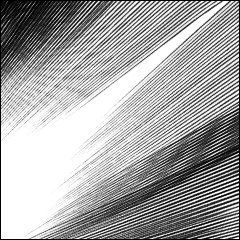
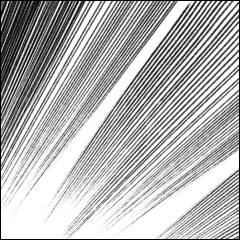
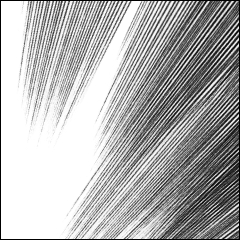
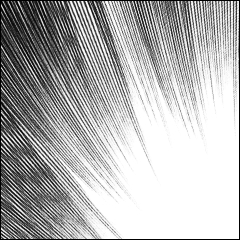
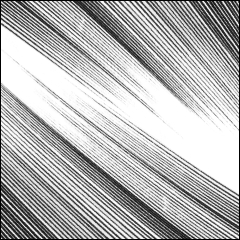
【Delicate Sharp Flash-Tone Set】 【繊細シャープフラッシュ-トーンセット】




Update history
The first update of the 2026 Fall Series!
――We will arrange and provide a set lineup!
- With image material (effect tone) appendix of high resolution sample images!
- beta flash thin lines in this sharp set 9
Combine 8 pieces from the same delicate flash set.
2026秋シリーズupdate第一弾!
●セットラインナップを整えて提供させていただきます!
●高解像度見本画像の画像素材(効果トーン)付録付き!
●ベタフラッシュより線が細いこのシャープセット9本に
同じく繊細なフラッシュセットから8本を合体セットします
Old version





Other materials by 慶n


Popular “Material catalog” materials


New materials




-
 MVP ◆This user has contributed greatly to the management of the community, by posting many great responses to the questions asked. Once every three months, MVPs are determined based on the points earned during that period and will be recognized accordingly.
 -
 New Valuable Player (NVP) ◆These are the next-best contributors to the community after MVPs. This is awarded to users who have not yet won an MVP award, based on the number of points they have earned.
 -
 Official Expert ◆Chosen out of all MVP awardees, who are already proof of excellence, this is a testimony of outstanding correspondence in the community. After careful screening, they are appointed by CELSYS and assume their position.Note: Formally called “Evangelists”
 -
 Official Moderator of CELSYS ◆Moderators are official CELSYS staff members who are fluent in Japanese as well as various other languages. Moderators are not experts on the software or illustration, so they are not able to directly answer your questions. However, moderators provide communication and language support to ensure that everyone can smoothly communicate with each other.
 -
 CELSYS official accountThe Official Administrator Account