



White background version that sticks when you feel a jerk
Content ID:2217559 I wanted a slightly shorter version as well. (I didn't think of more variations than I thought...)
It would be faster to draw the rest by hand, but somehow I can't decide on a good hand-drawn ... It's a hassle to put white ... I made something that I thought would be nice to be able to use at that time.
If you use it normally, I wonder if it is easier to use a white border without white with a border effect than with white ... So I think it's easier to use if you leave only what you like and organize the rest.
As usual, raster and image material are the same thing, so you can choose ... Since the raster is a set of five, it may be easier to choose the size and then delete the rest. image material is easy to rotate as it is, but the smaller it is, the harder it may be to grab it ...
If you are using DEBUT, it is a specification that can only be used image material layer, so please use it.
ハッとした時にペタっと貼る 白背景版
コンテンツID:2217559 にてもう少し短いバージョンも欲しいなと思って作ってみました。(思ったよりバリエーションを思いつかなかった…)
残りは手描きで描いた方が速いだろうけど、なんとなく手描きが上手く決まらない…とか白入れるのもめんどくさい…という時に使えるといいかなと思ったものを作りました。
普通に使うなら白入りよりも白無しを境界効果で白フチつけた方が使いやすいかな…と思いますので、気に入った物だけ残して残りは整理すると使いやすいかなと思います。
例によってラスターと画像素材は同じ物なのでお好みで…ラスターは五個セットなので大きさを選んでからそれ以外を消すやり方がやりやすいかも。画像素材はそのまま回転などはさせやすいものの、小さくなればなるほど掴みづらいかも…
DEBUTをお使いの場合は画像素材レイヤーしか使えない仕様ですので、そちらをお使いください。


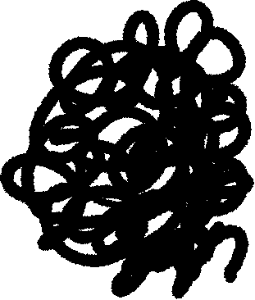
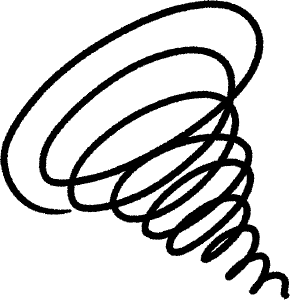
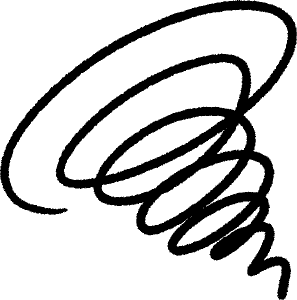
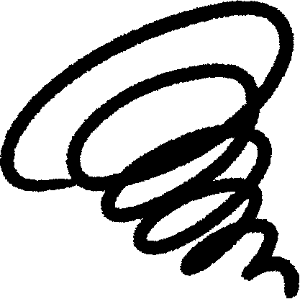
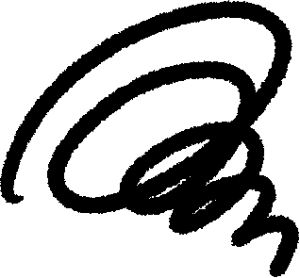
Ha White Background 2 Raster ハッ 白背景2 ラスター
-
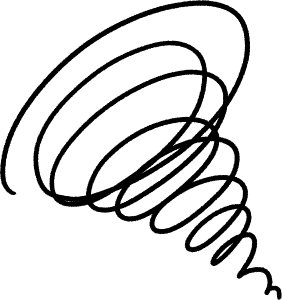
Guruguru ぐるぐる
-
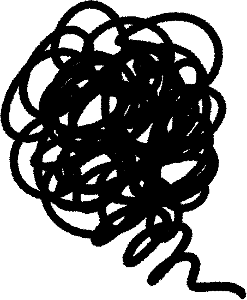
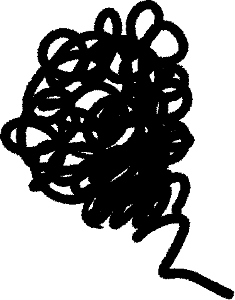
There is a tail もじゃもじゃしっぽあり
-
Mojamoja もじゃもじゃ
-
Ha Simple ハッ シンプル
-
Ha Tai Giza ハッ 太ギザ
-
Ha with simple white ハッ 簡易白付き
-
Ha Simple ハッ 簡易
-
Hagged jagged black and white ハッギザギザ白黒
-
Hagged jagged white ハッギザギザ白
-
Hagged jagged black ハッギザギザ黒
-
With 2 white ハッ短2白付き
-
Hack 2 ハッ短2
-
Ha with short white ハッ 短白付き
-
Ha short ハッ 短














Ha White background 2 short image material ハッ 白背景2 短 画像素材
-
Ha Short Image 1 ハッ 短 画像 1
-
Ha Short Image 2 ハッ 短 画像 2
-
Ha Short Image 3 ハッ 短 画像 3
-
Ha Short Image 4 ハッ 短 画像 4
-
Ha Short Image 5 ハッ 短 画像 5
-
Ha with short and white Image 1 ハッ 短白付き 画像 1
-
Ha with short white Image 2 ハッ 短白付き 画像 2
-
Ha with short and white Image 3 ハッ 短白付き 画像 3
-
Ha with short white image 4 ハッ 短白付き 画像 4
-
Ha with short white Image 5 ハッ 短白付き 画像 5

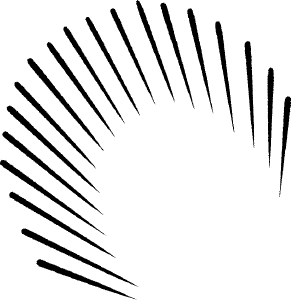
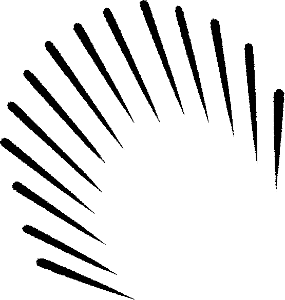
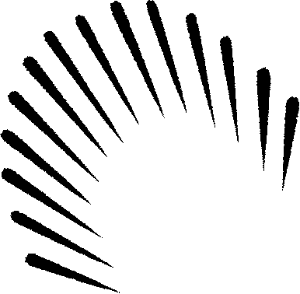

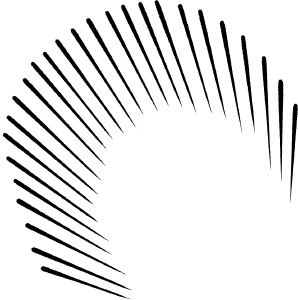
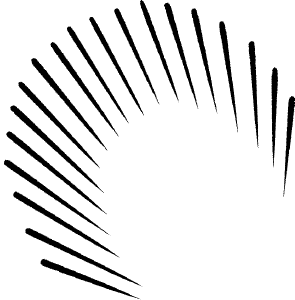
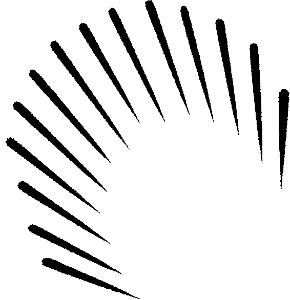
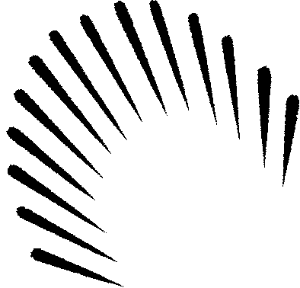
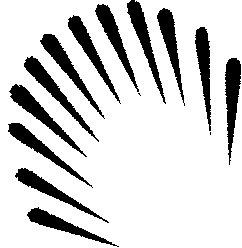
Ha White background 2 Short 2 image material ハッ 白背景2 短2 画像素材
-
Hack 2 Image 1 ハッ短2 画像 1
-
Images 2 ハッ短2 画像 2
-
Hack 2 Image 3 ハッ短2 画像 3
-
Hack 2 Image 4 ハッ短2 画像 4
-
Hats 2 Images 5 ハッ短2 画像 5
-
With 2 white images 1 ハッ短2白付き 画像 1
-
Ha Short 2 with white Image 2 ハッ短2白付き 画像 2
-
Images 3 with Ha minor 2 white ハッ短2白付き 画像 3
-
Ha minor 2 white image 4 ハッ短2白付き 画像 4
-
Images 5 w/ Short 2 white ハッ短2白付き 画像 5
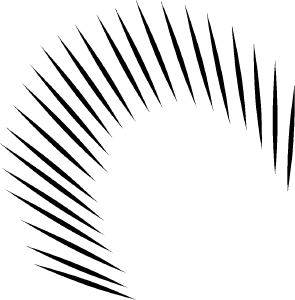
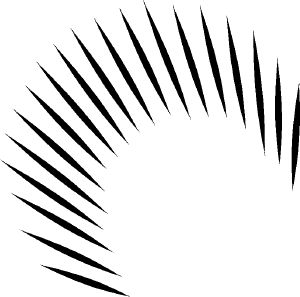
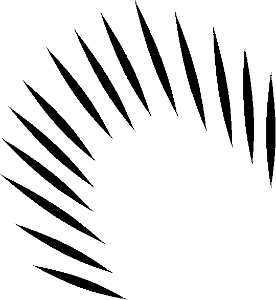
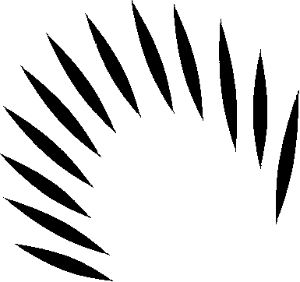
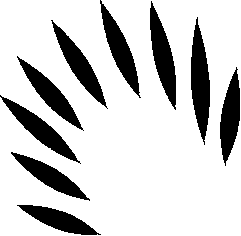
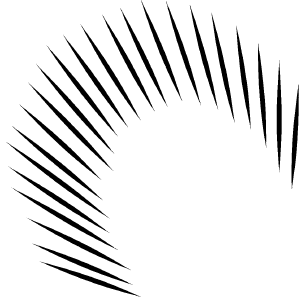
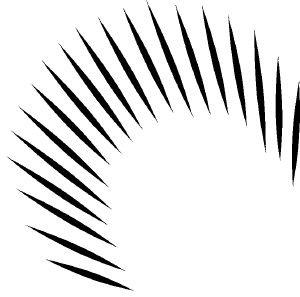
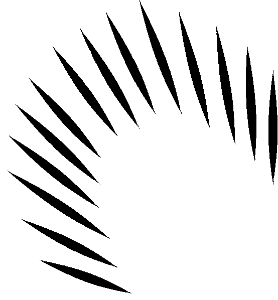
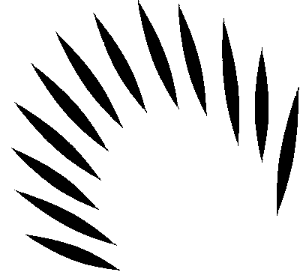
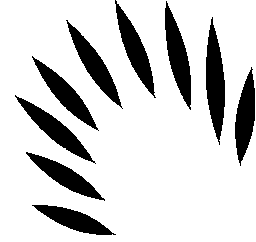
Ha White background 2 jagged image material ハッ 白背景2 ギザギザ 画像素材
-
Hagged jagged white Image 1 ハッギザギザ白 画像 1
-
Hagged jagged white Image 2 ハッギザギザ白 画像 2
-
Hagged jagged white Image 3 ハッギザギザ白 画像 3
-
Hagged jagged white Images 4 ハッギザギザ白 画像 4
-
Hagged jagged white Images 5 ハッギザギザ白 画像 5
-
Hagged jagged black image 1 ハッギザギザ黒 画像 1
-
Hagged jagged black Image 2 ハッギザギザ黒 画像 2
-
Hagged jagged black Images 3 ハッギザギザ黒 画像 3
-
Hagged jagged black Images 4 ハッギザギザ黒 画像 4
-
Hagged jagged black Images 5 ハッギザギザ黒 画像 5
-
Jagged black and white Image 1 ハッギザギザ白黒 画像 1
-
Hagged jagged black and white Image 2 ハッギザギザ白黒 画像 2
-
Jagged black and white Image 3 ハッギザギザ白黒 画像 3
-
Jagged black and white Image 4 ハッギザギザ白黒 画像 4
-
Jagged black and white Image 5 ハッギザギザ白黒 画像 5
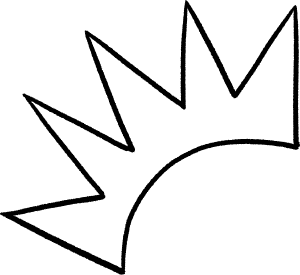

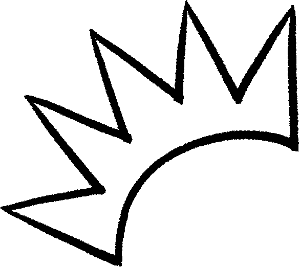
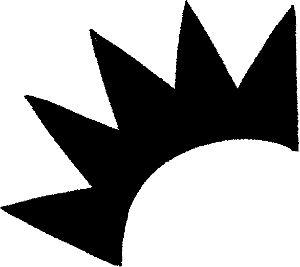


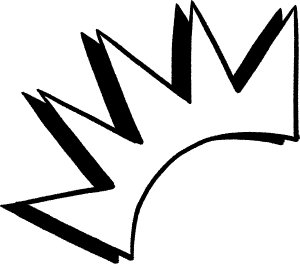
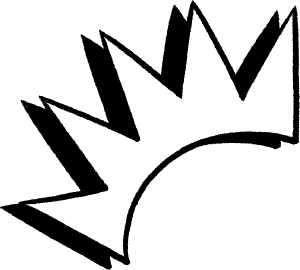
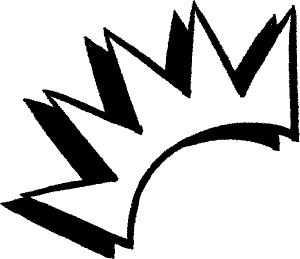
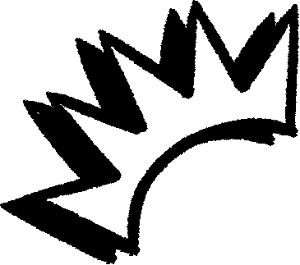
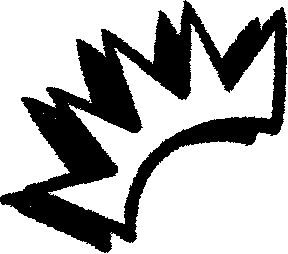
Ha White background 2 simple ハッ 白背景2 簡易
-
Ha Simple Image 1 ハッ 簡易 画像 1
-
Ha Simple Image 2 ハッ 簡易 画像 2
-
Ha Simple Image 3 ハッ 簡易 画像 3
-
Ha Simple Image 4 ハッ 簡易 画像 4
-
Ha Simple Image 5 ハッ 簡易 画像 5
-
Ha with simple white Image 1 ハッ 簡易白付き 画像 1
-
Ha with simple white Image 2 ハッ 簡易白付き 画像 2
-
Ha with simple white Image 3 ハッ 簡易白付き 画像 3
-
Ha with simple white Image 4 ハッ 簡易白付き 画像 4
-
Ha with simple white Image 5 ハッ 簡易白付き 画像 5
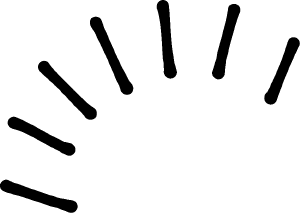


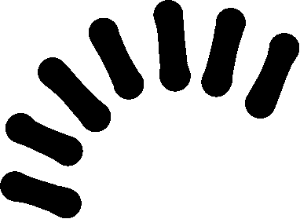

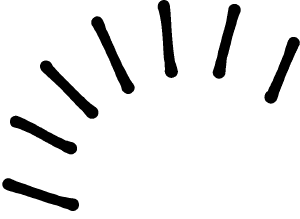


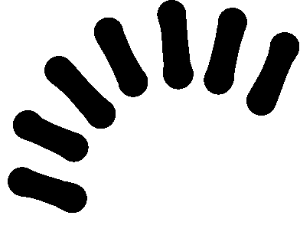

Ha White Background 2 Giza Simple ハッ 白背景2 ギザシンプル
-
Ha Taigiza Image 1 ハッ 太ギザ 画像1
-
Ha Tai Giza Image 2 ハッ 太ギザ 画像 2
-
Ha Tai Giza Image 3 ハッ 太ギザ 画像 3
-
Ha Tai Giza Image 4 ハッ 太ギザ 画像 4
-
Ha Tai Giza Image 5 ハッ 太ギザ 画像 5
-
Ha Simple Image 1 ハッ シンプル 画像 1
-
Ha Simple Image 2 ハッ シンプル 画像 2
-
Ha Simple Image 3 ハッ シンプル 画像 3
-
Ha Simple Image 4 ハッ シンプル 画像 4
-
Ha Simple Image 5 ハッ シンプル 画像 5

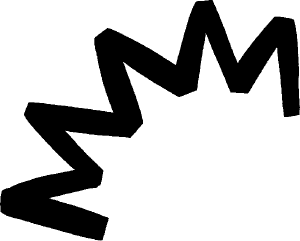
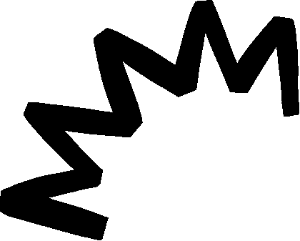
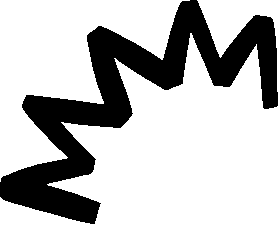
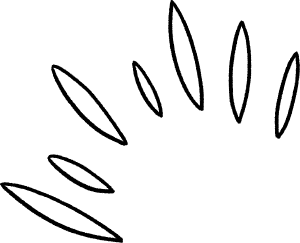
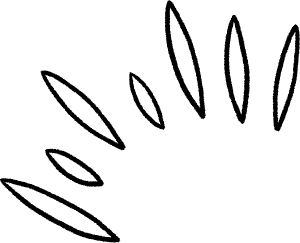
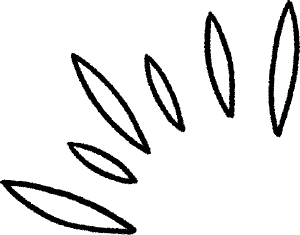
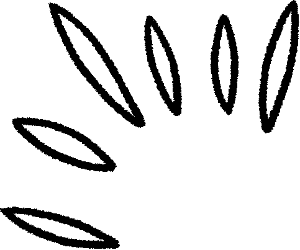
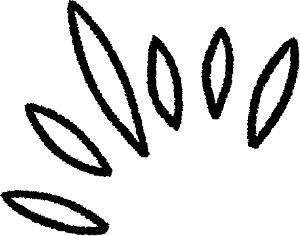
Ha White background 2 Bonus moyamoya ハッ 白背景2 おまけモヤモヤ
-
Mojamoja Image 1 もじゃもじゃ 画像 1
-
Mojamoja Image 2 もじゃもじゃ 画像 2
-
Mojamoja Image 3 もじゃもじゃ 画像 3
-
Mojamoja Image 4 もじゃもじゃ 画像 4
-
Mojamoja Image 5 もじゃもじゃ 画像 5
-
There is a tail Image 1 もじゃもじゃしっぽあり 画像 1
-
There is a tail Image 2 もじゃもじゃしっぽあり 画像 2
-
There is a tail Image 3 もじゃもじゃしっぽあり 画像 3
-
There is a tail Image 4 もじゃもじゃしっぽあり 画像 4
-
There is a tail Image 5 もじゃもじゃしっぽあり 画像 5
-
Round Image 1 ぐるぐる 画像 1
-
Round Image 2 ぐるぐる 画像 2
-
Round Image 3 ぐるぐる 画像 3
-
Round Image 4 ぐるぐる 画像 4
-
Round Image 5 ぐるぐる 画像 5



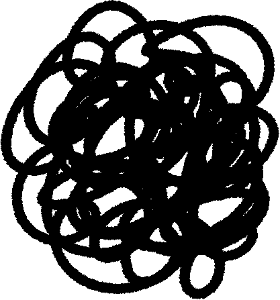





Other materials by TNBN


Popular “Material catalog” materials


New materials




-
 MVP ◆This user has contributed greatly to the management of the community, by posting many great responses to the questions asked. Once every three months, MVPs are determined based on the points earned during that period and will be recognized accordingly.
 -
 New Valuable Player (NVP) ◆These are the next-best contributors to the community after MVPs. This is awarded to users who have not yet won an MVP award, based on the number of points they have earned.
 -
 Official Expert ◆Chosen out of all MVP awardees, who are already proof of excellence, this is a testimony of outstanding correspondence in the community. After careful screening, they are appointed by CELSYS and assume their position.Note: Formally called “Evangelists”
 -
 Official Moderator of CELSYS ◆Moderators are official CELSYS staff members who are fluent in Japanese as well as various other languages. Moderators are not experts on the software or illustration, so they are not able to directly answer your questions. However, moderators provide communication and language support to ensure that everyone can smoothly communicate with each other.
 -
 CELSYS official accountThe Official Administrator Account