


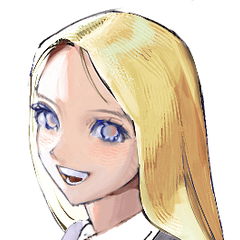

⚠︎ Take a copy of the picture you want to process and take action on the copy.
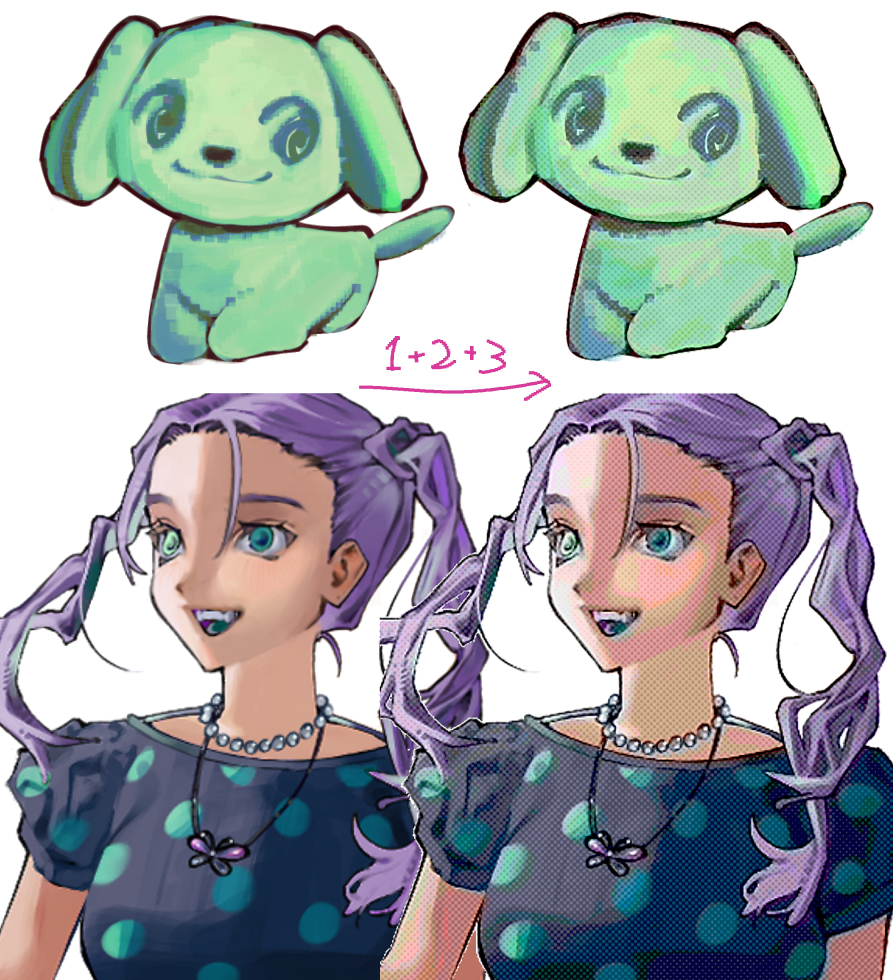
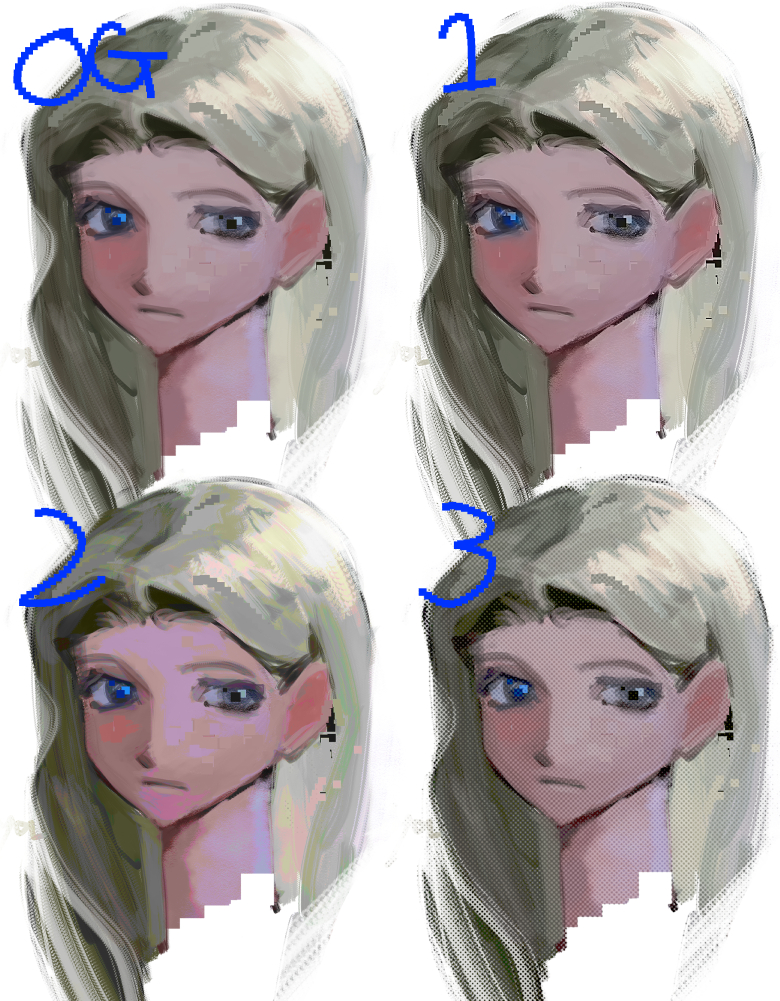

Each can be used alone without stacking.
It may be a good idea to change the combine mode, opacity, hue, etc. accordingly.

You can adjust the roughness of the dots by unchecking the command to change the number of tone lines or replacing it with the value you prefer.
Thank you for watching!
⚠︎加工したい絵のコピーをとり、コピーにアクションをかけてください。
重ね掛けせずにそれぞれ単体でも使えます。
合成モードや不透明度、色相などを適宜変更するといいかもしれません。
トーン線数を変更するコマンドのチェックを外す、または好みの値に差し替えることで、ドットの荒さを調整できます。
ご覧いただきありがとうございました!


Other materials by アナーニャ


Popular “Auto Action” materials


New materials







Badges
-
 MVP ◆This user has contributed greatly to the management of the community, by posting many great responses to the questions asked. Once every three months, MVPs are determined based on the points earned during that period and will be recognized accordingly.
 -
 New Valuable Player (NVP) ◆These are the next-best contributors to the community after MVPs. This is awarded to users who have not yet won an MVP award, based on the number of points they have earned.
 -
 Official Expert ◆Chosen out of all MVP awardees, who are already proof of excellence, this is a testimony of outstanding correspondence in the community. After careful screening, they are appointed by CELSYS and assume their position.Note: Formally called “Evangelists”
 -
 Official Moderator of CELSYS ◆Moderators are official CELSYS staff members who are fluent in Japanese as well as various other languages. Moderators are not experts on the software or illustration, so they are not able to directly answer your questions. However, moderators provide communication and language support to ensure that everyone can smoothly communicate with each other.
 -
 CELSYS official accountThe Official Administrator Account