


즉석 파티: 60+ 브러시 메가팩 (Instant Party: 60+ Brush Megapack) Instant Party: 60+ Brush Megapack
콘텐츠 ID:2230861
-
124


60개 이상의 브러시 스탬프가 메가팩으로 즉시 축제 파티를 그릴 수 있습니다. Megapack of more than sixty Brush Stamps that allow you to instantly draw festive parties.
2. "코믹" = 흑백 붓.


특정 설계


2. "comic" = monochrome brushes.
Specific Design
[컬러] 브러시 [Color] Brushes
-
파티: 선물 [우아함] Party: Presents [Elegant]
-
파티: 선물 [휴일] Party: Presents [Holiday]
-
파티: 선물 [생일] Party: Presents [Birthday]
-
파티: 팝퍼스 2 라이트 [컬러] Party: Poppers 2 Right [Color]
-
파티: 팝퍼스 2 레프트 [컬러] Party: Poppers 2 Left [Color]
-
파티: 팝퍼스 1 라이트 [컬러] Party: Poppers 1 Right [Color]
-
파티: 팝퍼스 1 남음 [컬러] Party: Poppers 1 Left [Color]
-
파티: 콘페티 터기 [컬러] Party: Confetti Popper [Color]
-
파티: 색종이 [색상] Party: Confetti [Color]
-
파티: 촛불 [색상] Party: Candles [Color]
-
파티: 얇은 촛불 [컬러] Party: Thin Candles [Color]
-
파티: 트위스티드 캔들 [컬러] Party: Twisted Candles [Color]
-
파티: 케이크 [색상] Party: Cake [Color]
-
파티: 풍선 부엉이 [컬러] Party: Balloon Bunches [Color]
-
정당: 리본 곡선 [파란색] Party: Ribbon Curved [Blue]
-
파티: 리본 스트랜드 [파란색] Party: Ribbon Strand [Blue]
-
파티: 리본 보우 [파란색] Party: Ribbon Bow [Blue]
-
파티: 리본 퍼프 [파란색] Party: Ribbon Puff [Blue]
-
정당: 리본 커브드 [녹색] Party: Ribbon Curved [Green]
-
정당: 리본 스트랜드 [녹색] Party: Ribbon Strand [Green]
-
파티: 리본 보우 [초록색] Party: Ribbon Bow [Green]
-
파티: 리본 퍼프 [초록색] Party: Ribbon Puff [Green]
-
파티: 리본 커브드 [빨간색] Party: Ribbon Curved [Red]
-
파티: 리본 스트랜드 [빨강] Party: Ribbon Strand [Red]
-
파티: 리본 보우 [빨강] Party: Ribbon Bow [Red]
-
파티: 리본 퍼프 [빨간색] Party: Ribbon Puff [Red]


























[만화] 단색 브러시 [Comic] Monochrome Brushes
-
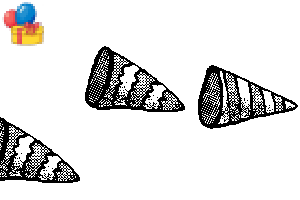
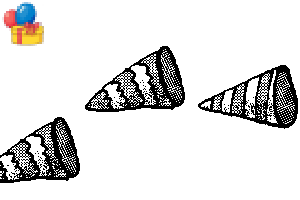
파티: 팝퍼스 2 라이트 [만화] Party: Poppers 2 Right [Comic]
-
파티: 팝퍼스 2 레프트 [만화] Party: Poppers 2 Left [Comic]
-
파티: 팝퍼스 1 라이트 [만화] Party: Poppers 1 Right [Comic]
-
파티: 팝퍼스 1 남음 [만화] Party: Poppers 1 Left [Comic]
-
파티: 콘페티 팝퍼 [만화] Party: Confetti Popper [Comic]
-
파티: 콘페티 [만화] Party: Confetti [Comic]
-
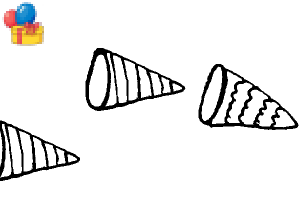
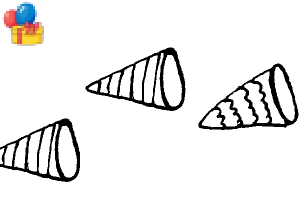
파티: 캔들스 [만화] Party: Candles [Comic]
-
파티: 씬 캔들즈 [만화] Party: Thin Candles [Comic]
-
파티: 트위스티드 캔들스 [만화] Party: Twisted Candles [Comic]
-
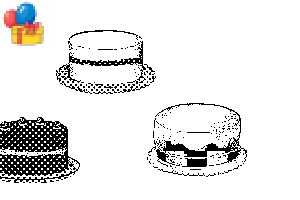
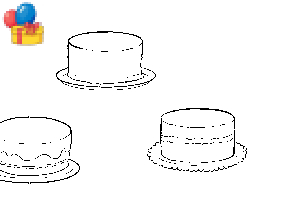
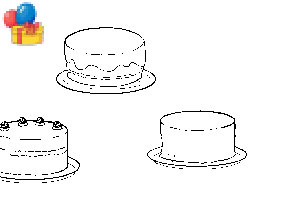
파티: 케이크 [만화] Party: Cake [Comic]
-
파티: 프레젠츠 [만화] Party: Presents [Comic]
-
파티: 벌룬 번치 [만화] Party: Balloon Bunches [Comic]
-
파티: 리본 커브드 [만화] Party: Ribbon Curved [Comic]
-
파티: 리본 스트랜드 [만화] Party: Ribbon Strand [Comic]
-
파티: 리본 보우 [만화] Party: Ribbon Bow [Comic]
-
파티: 리본 퍼프 [만화] Party: Ribbon Puff [Comic]






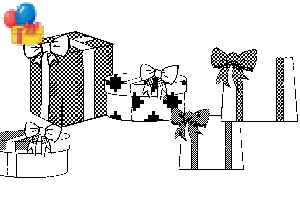
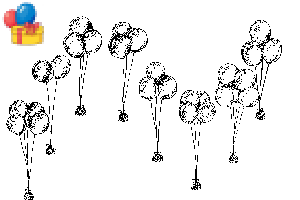




[빈칸] 윤곽 브러시 [Blank] Outline Brushes
-
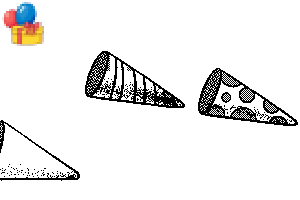
당: 팝퍼스 2 우측 [빈칸] Party: Poppers 2 Right [Blank]
-
파티: 팝퍼스 2 왼쪽 [공백] Party: Poppers 2 Left [Blank]
-
파티: 팝퍼스 1 라이트 [빈칸] Party: Poppers 1 Right [Blank]
-
파티: 팝퍼스 1 남음 [빈칸] Party: Poppers 1 Left [Blank]
-
파티: 콘페티 팝퍼 [빈칸] Party: Confetti Popper [Blank]
-
파티: 콘페티 [빈칸] Party: Confetti [Blank]
-
파티: 캔들 [빈칸] Party: Candles [Blank]
-
파티: 얇은 촛불 [빈 상태] Party: Thin Candles [Blank]
-
파티: 트위스티드 캔들즈 [빈칸] Party: Twisted Candles [Blank]
-
파티: 케이크 [공백] Party: Cake [Blank]
-
파티: 케이크 [공백] Party: Cake [Blank]
-
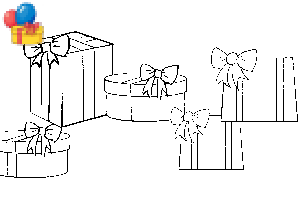
파티: 선물 [빈칸] Party: Presents [Blank]
-
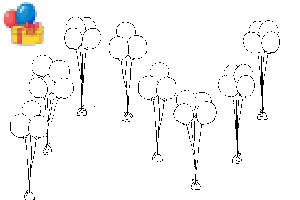
파티: 풍선 번치 [빈칸] Party: Balloon Bunches [Blank]
-
정당: 리본 커브드 [공백] Party: Ribbon Curved [Blank]
-
파티: 리본 스트랜드 [공백] Party: Ribbon Strand [Blank]
-
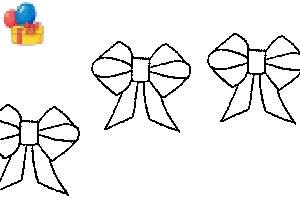
당: 리본 보우 [빈칸] Party: Ribbon Bow [Blank]
-
파티: 리본 퍼프 [빈칸] Party: Ribbon Puff [Blank]
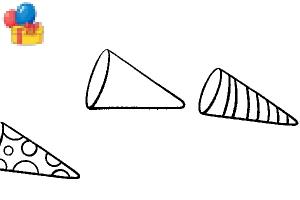
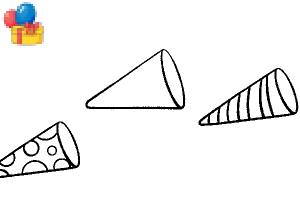








데코 및 서클 툴 Deco and Circle Tools
-
파티: 해피 세미서클 브러시 Party: Happy Semicircle Brush
-
파티: 해피 서클 브러시 Party: Happy Circle Brush
-
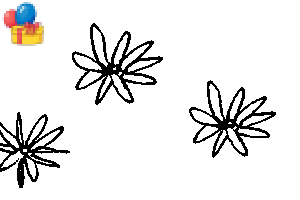
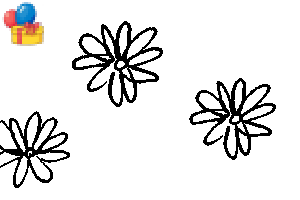
파티: 해피 플라워스 2C Party: Happy Flowers 2C
-
파티: 해피 플라워스 1C Party: Happy Flowers 1C
-
파티: 플라워 링 1C Party: Flower Ring 1C
-
파티: 플라워 링 2C Party: Flower Ring 2C
-
파티: 해피 헤일로 01 Party: Happy Halo 01
-
파티: 해피 헤일로 02 Party: Happy Halo 02
-
파티: 해피 헤일로 03 Party: Happy Halo 03









'mh.elise'님의 다른 소재


'소재집'의 인기 소재


신규 소재







-
 MVP ◆질문에 적절한 답변을 많이 게시하고 커뮤니티 운영에 크게 공헌한 사용자입니다. MVP는 3개월에 한 번, 그 사이에 획득한 포인트를 바탕으로 결정하고 표창을 실시하고 있습니다.
 -
 NVP(New Valuable Player) ◆MVP 다음으로 커뮤니티 운영에 공헌한 사용자입니다. 이제까지 MVP 수상 경험이 없는 분 중에서 획득한 포인트를 바탕으로 결정하여 표창을 실시하고 있습니다.
 -
 공식 엑스퍼트 ◆뛰어난 응답자의 증표인 MVP수상자 중에서 선택된 커뮤니티에서 가장 뛰어난 응답자의 증표입니다. 심사를 거쳐서 저희 회사에서 의뢰할 경우 취임되십니다.※ 옛 명칭 '에반젤리스트'
 -
 셀시스 공인 모더레이터 ◆모더레이터는 일본어와 기타 언어로 말할 수 있는 셀시스 공인 스태프입니다. 소프트웨어나 창작 전문가가 아니므로 직접 의문을 해결할 수는 없지만 여러분이 순조롭게 소통할 수 있도록 언어나 커뮤니케이션 측면에서 지원합니다.
 -
 셀시스 공식운영에 관련된 공식 계정입니다.