



It is a seamless creation material シームレス作成素材です
It is a simple seamless creation material that utilizes the texture painting function
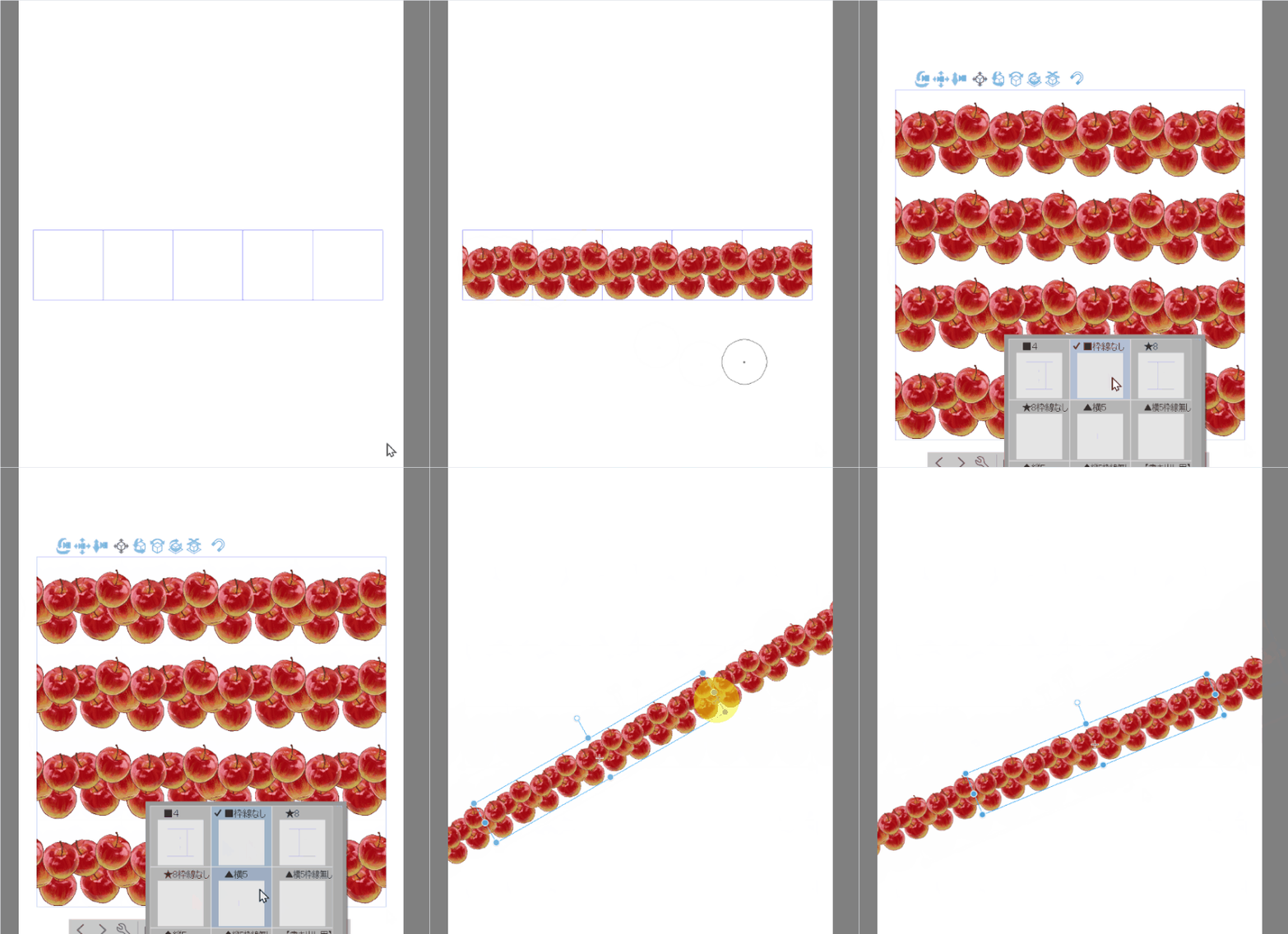

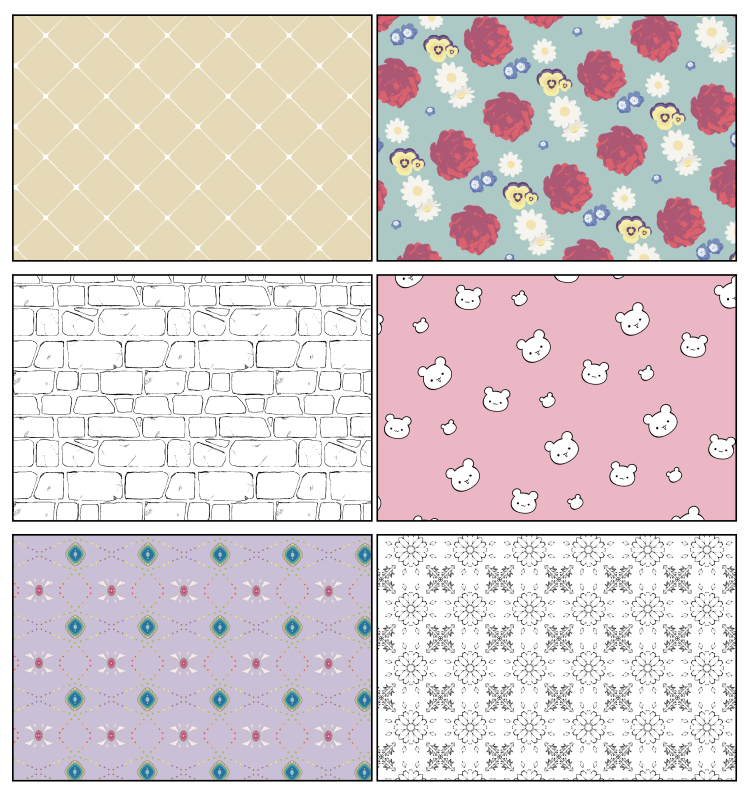
The drawing of the joints is smooth, so it feels like painting.
You can easily make seamless materials!
- When you want to quickly create your own seamless material
- Illustration background assistance
- When to make a ribbon-type brush
- Such as Atari when making a tight seamless material ...
I think you can make various arrangements!
(*Texture painting does not have a layer function.)
When adding to the foreground or background, duplicate the material and layer it...)
【Material Details】
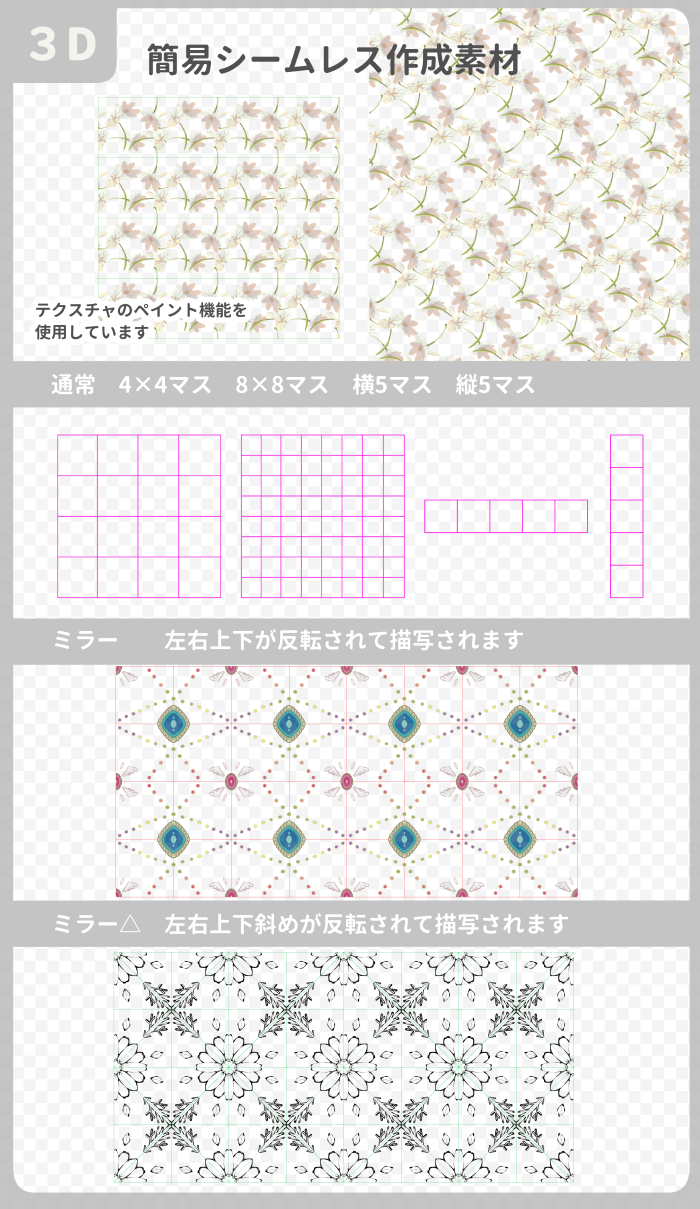
- Normal
- Two types of mirrors... Pattern making, etc.
【Texture size】
You can change it from the material preset. The bigger it is, the heavier it is to process
- 1000px (light, initial display)
- 2000px
- 3000px
- 5000px (very heavy)
Borders can be removed from layouts or objects
Also for making ribbon brushes (examples use your own brushes)

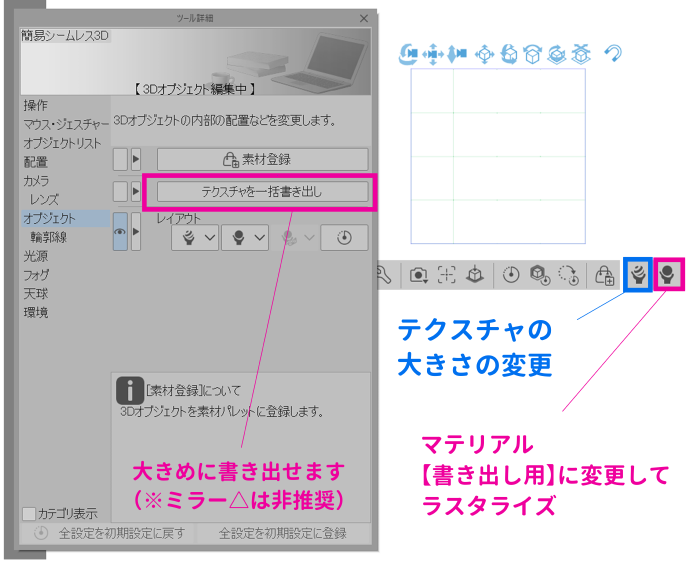
◆ How to export textures
batch export and
There are two patterns of hiding borders and rasterize
About [batch export texture]
All 1000px~5000px textures will be exported
Use a texture of the size you painted.
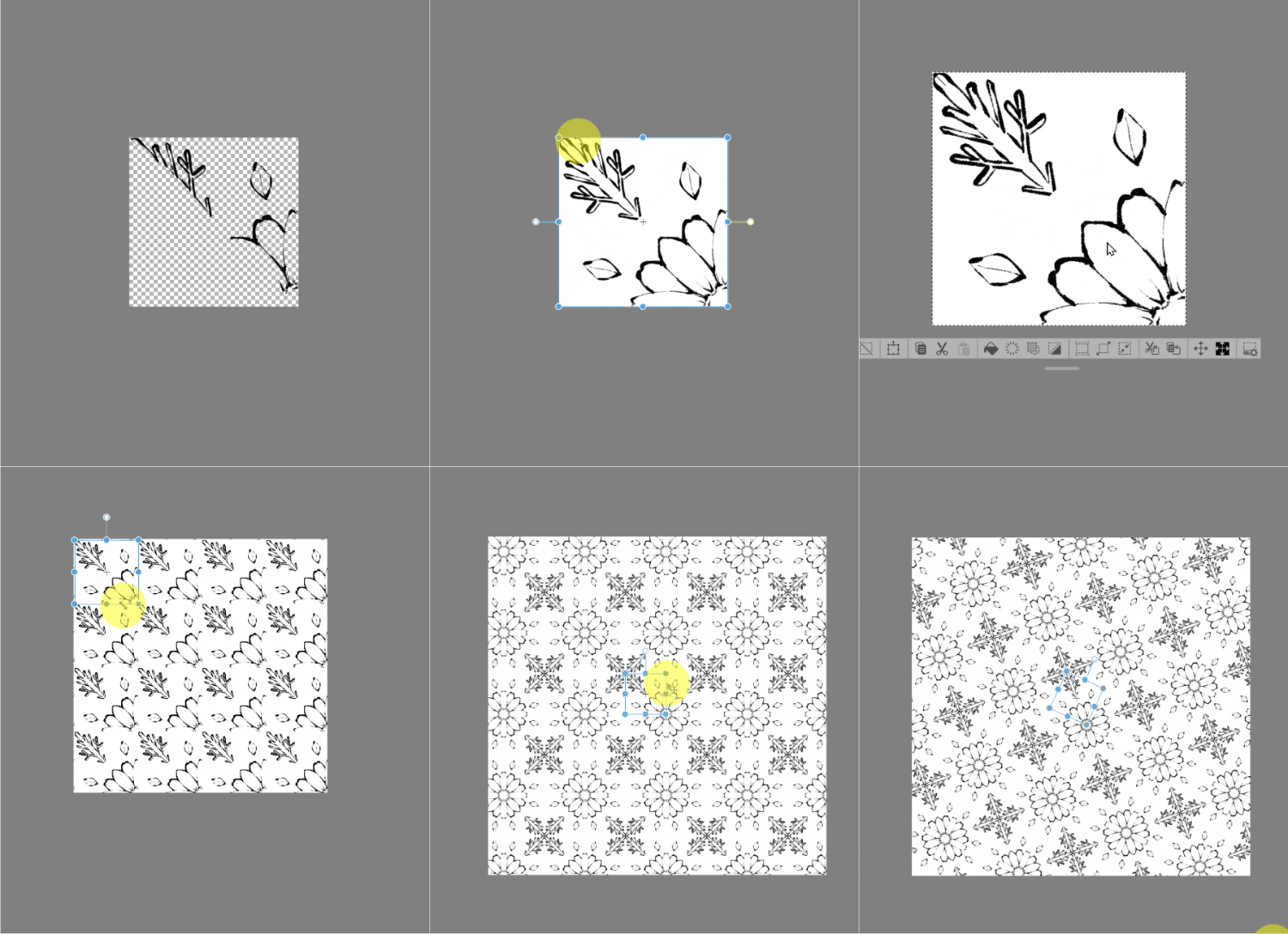
● When the mirror type is batch export instead of rasterize
Editing will be required
Copy → exported texture→ flip left and right rotate to fit the angle
Select the canvas and convert it to image material
(If there is a gap of a few pixels, eliminate it)
Tiling Settings... Wrap (voila)
----------------------------------
★ Example of use (hand-drawn and created with self-made brushes)
テクスチャのペイント機能を活用した簡易シームレス作成素材です
繋ぎ目の描写がスムーズなのでペイント感覚で
簡単にシームレス素材を作ることが出来ます!
- 独自のシームレス素材をサクッと作りたいとき
- イラストの背景の補助
- リボンタイプのブラシを作るとき
- きっちりしたシームレス素材を作るときのアタリなど…
様々なアレンジができると思います!
(※テクスチャペイントにはレイヤー機能はないので
前景や背景に書き足すときは素材を複製して重ねてください…)
【素材内容】
- 通常
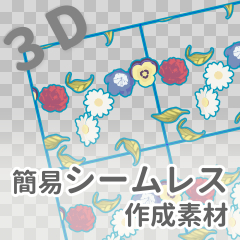
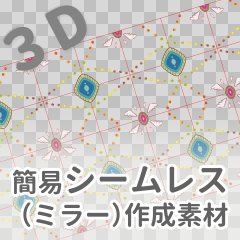
- ミラー2種…模様作りなど
【テクスチャのサイズ】
マテリアルのプリセットから変更できます。大きいほど処理が重いです
- 1000px(軽い・初期表示)
- 2000px
- 3000px
- 5000px(すごく重い)
枠線はレイアウトまたはオブジェクリストから消せます
リボンブラシ作りにも(作例は自作ブラシを使用)
◆テクスチャの書き出し方
一括書き出しと
枠線を非表示してラスタライズの2パターンあります
【テクスチャを一括書き出し】について
1000px~5000pxのテクスチャがすべて書き出されます
ペイントした大きさのテクスチャをご使用ください
●ミラータイプをラスタライズではなく一括書き出しした場合は
編集が必要になります
書き出したテクスチャのコピー→左右反転→角に合わせて回転
キャンバスを全選択して画像素材へ変換
(数ピクセルの隙間がある場合は無くしておく)
タイリング設定…折り返し (出来上がり)
----------------------------------
★使用例(手描きと自作ブラシで作成)
Seamless Creation Materials シームレス作成素材


Other materials by fumishichi777


Popular “Material catalog” materials


New materials


Badges
-
 MVP ◆This user has contributed greatly to the management of the community, by posting many great responses to the questions asked. Once every three months, MVPs are determined based on the points earned during that period and will be recognized accordingly.
 -
 New Valuable Player (NVP) ◆These are the next-best contributors to the community after MVPs. This is awarded to users who have not yet won an MVP award, based on the number of points they have earned.
 -
 Official Expert ◆Chosen out of all MVP awardees, who are already proof of excellence, this is a testimony of outstanding correspondence in the community. After careful screening, they are appointed by CELSYS and assume their position.Note: Formally called “Evangelists”
 -
 Official Moderator of CELSYS ◆Moderators are official CELSYS staff members who are fluent in Japanese as well as various other languages. Moderators are not experts on the software or illustration, so they are not able to directly answer your questions. However, moderators provide communication and language support to ensure that everyone can smoothly communicate with each other.
 -
 CELSYS official accountThe Official Administrator Account