


【Celestial Sphere】Saihate no Wilderness [25 species] (【天球】さいはての原野【25種】) 【天球】さいはての原野【25種】
Content ID:2274238
-
24


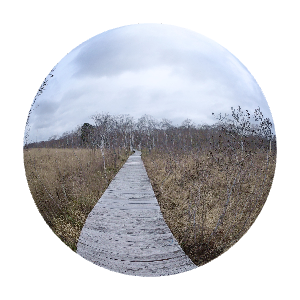
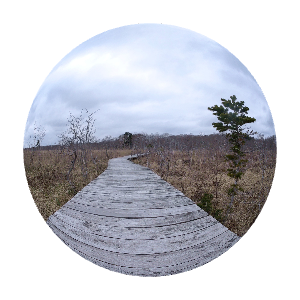
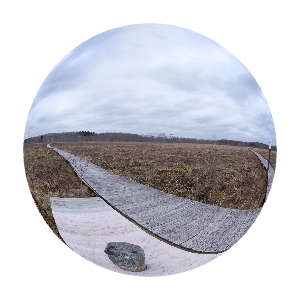
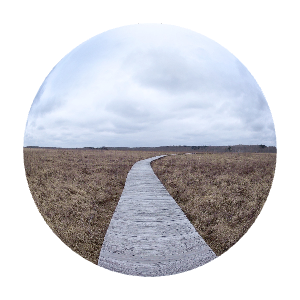
Collection of 3D celestial sphere background materials with the theme of the northern wilderness
Set of 25
北の原野をテーマにした3D天球背景素材集
25種セット
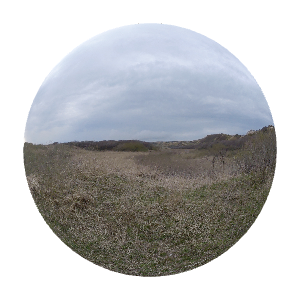
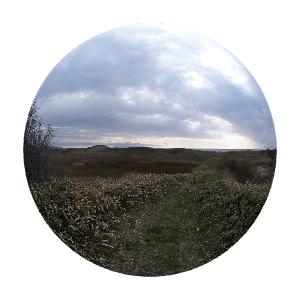
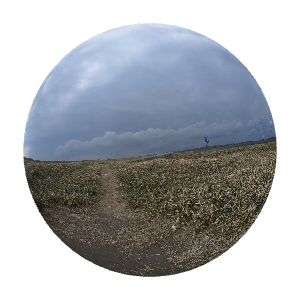
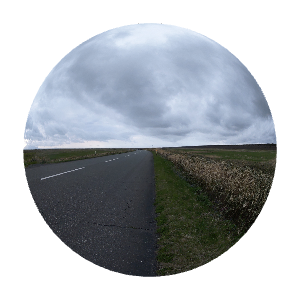
Somewhere lonely, the scenery of the northernmost wilderness.
Illustrations, manga backgrounds, reference materials, TRPG and novel materials, etc.
11 new celestial images added


The following are existing materials
■Sample GIF


■Screenshot


・ The downloaded celestial material is
From the "Material column" of the CLIP STUDIO PAINT,
By dragging and dropping to the canvas
You can easily add layers.

・ When processing, select the celestial sphere layer and
If you use "Layer" - "rasterize",
You can crop it as it looks and layer it normally.
When you load a celestial image,
If the image is too close/too far,
In the tool property that appears when you select the celestial layer
If you set "Angle" - "Perspective" between 10 ~ 20,
It is closer to what it looks like to the naked eye.
I think it's also interesting to exaggerate the sense of distance.

どこか寂寥感のある、最北の原野の風景。
イラスト・漫画の背景や参考資料、TRPGや小説の素材などなどに。
新規天球画像 11種 追加
以下、既存素材
■サンプルGIF
■スクリーンショット
・ダウンロードした天球素材は、
CLIP STUDIO PAINTの「素材欄」から、
キャンバスへドラッグ&ドロップすることで
簡単にレイヤー追加できます。
・加工する場合は、天球レイヤーを選択して
「レイヤー」-「ラスタライズ」を使うと、
その見え方のまま切り取って通常レイヤー化できます。
天球画像を読み込んだ際、キャンバスに対して
画像が近すぎる/遠すぎる場合は、
天球レイヤーを選択した時に出てくるツールプロパティ内にある
「アングル」-「パース」を10~20の間くらいにすると、
肉眼での見え方に近くなります。
距離感を誇張するのも面白いと思います。
Existing Materials 既存素材
-
【Celestial Sphere】Saihate no Wilderness 12 【天球】さいはての原野12
-
【Celestial Sphere】Saihate no Wilderness 11 【天球】さいはての原野11
-
【Celestial Sphere】Saihate no Wilderness 10 【天球】さいはての原野10
-
【Celestial Sphere】Saihate no Wilderness 09 【天球】さいはての原野09
-
【Celestial Sphere】Saihate no Wilderness 08 【天球】さいはての原野08
-
【Celestial Sphere】Saihate no Wilderness 07 【天球】さいはての原野07
-
【Celestial Sphere】Saihate no Wilderness 06 【天球】さいはての原野06
-
【Celestial Sphere】Saihate no Wilderness 05 【天球】さいはての原野05
-
【Celestial Sphere】Saihate no Wilderness 04 【天球】さいはての原野04
-
【Celestial Sphere】Saihate no Wilderness 03 【天球】さいはての原野03
-
【Celestial Sphere】Saihate no Wilderness 02 【天球】さいはての原野02
-
【Celestial Sphere】Saihate no Wilderness 01 【天球】さいはての原野01
-
【Celestial Sphere】Saihate no Wilderness, End 04 【天球】さいはての原野・果て04
-
【Celestial Sphere】Saihate no Wilderness, End 03 【天球】さいはての原野・果て03
-
【Celestial Sphere】Saihate no Wilderness, End 02 【天球】さいはての原野・果て02
-
【Celestial Sphere】Saihate no Wilderness, End 01 【天球】さいはての原野・果て01
-
【Celestial Sphere】Saihate no Wilderness, Wooden Path 06 【天球】さいはての原野・木道06
-
【Celestial Sphere】Saihate no Wilderness, Wooden Path 05 【天球】さいはての原野・木道05
-
【Celestial Sphere】Saihate no Wilderness, Wooden Path 04 【天球】さいはての原野・木道04
-
【Celestial Sphere】Saihate no Wilderness, Wooden Path 03 【天球】さいはての原野・木道03
-
【Celestial Sphere】Saihate no Wilderness, Wooden Path 02 【天球】さいはての原野・木道02
-
【Celestial Sphere】Saihate no Wilderness, Wooden Path 01 【天球】さいはての原野・木道01
-
【Celestial Sphere】 Saihate no Wilderness, End Night 01 【天球】 さいはての原野・果て夜01
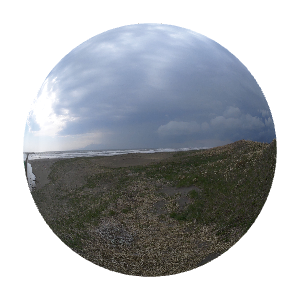
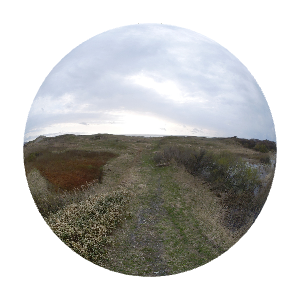
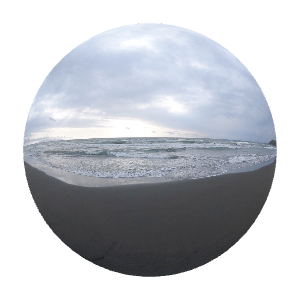
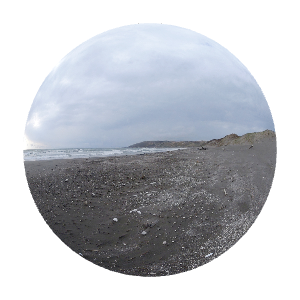
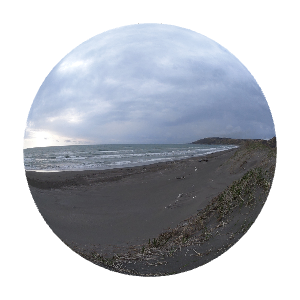
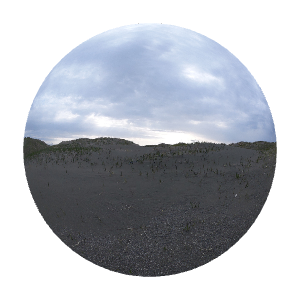
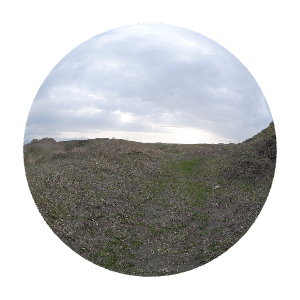
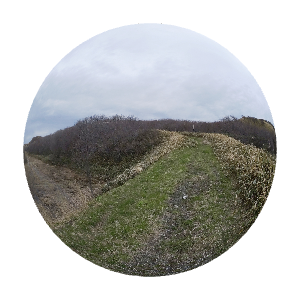
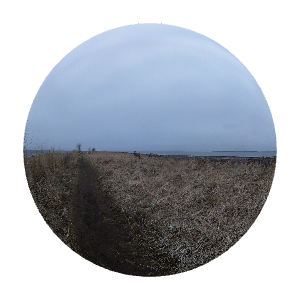

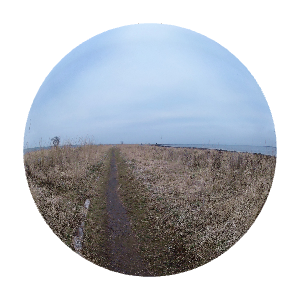
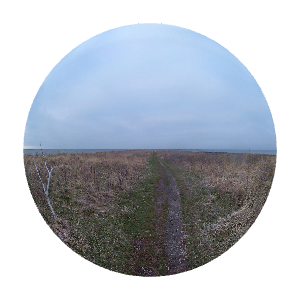
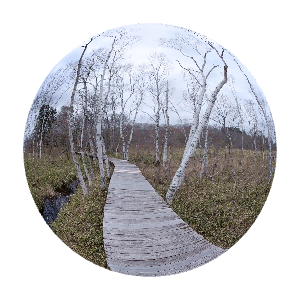
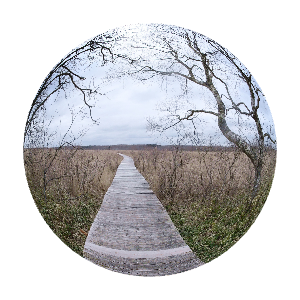
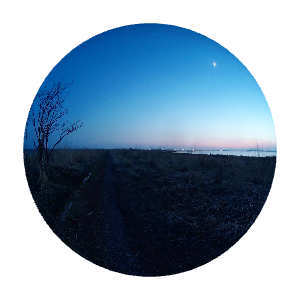
2026 Additional Materials 2026追加素材
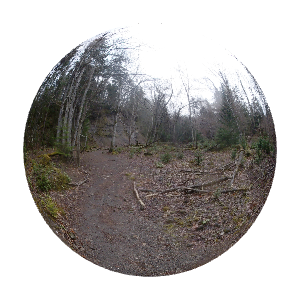

Old version


Other materials by 旅想ねもと


Popular “Material catalog” materials


New materials




-
 MVP ◆This user has contributed greatly to the management of the community, by posting many great responses to the questions asked. Once every three months, MVPs are determined based on the points earned during that period and will be recognized accordingly.
 -
 New Valuable Player (NVP) ◆These are the next-best contributors to the community after MVPs. This is awarded to users who have not yet won an MVP award, based on the number of points they have earned.
 -
 Official Expert ◆Chosen out of all MVP awardees, who are already proof of excellence, this is a testimony of outstanding correspondence in the community. After careful screening, they are appointed by CELSYS and assume their position.Note: Formally called “Evangelists”
 -
 Official Moderator of CELSYS ◆Moderators are official CELSYS staff members who are fluent in Japanese as well as various other languages. Moderators are not experts on the software or illustration, so they are not able to directly answer your questions. However, moderators provide communication and language support to ensure that everyone can smoothly communicate with each other.
 -
 CELSYS official accountThe Official Administrator Account