


A basic set of stripes.
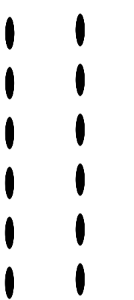
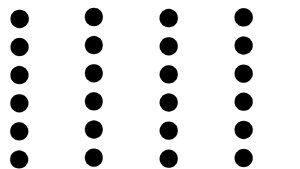
I needed some basic stripes and made these for fun. There's a lot of stripes in this set for easy shrinking when you need it: 25px stripes have a greater range of smallness they can shrink to than 200px. Test them on your art to see what's best in your case. Bigger sizes are better for backgrounds, smaller are better for clothes and other small areas.
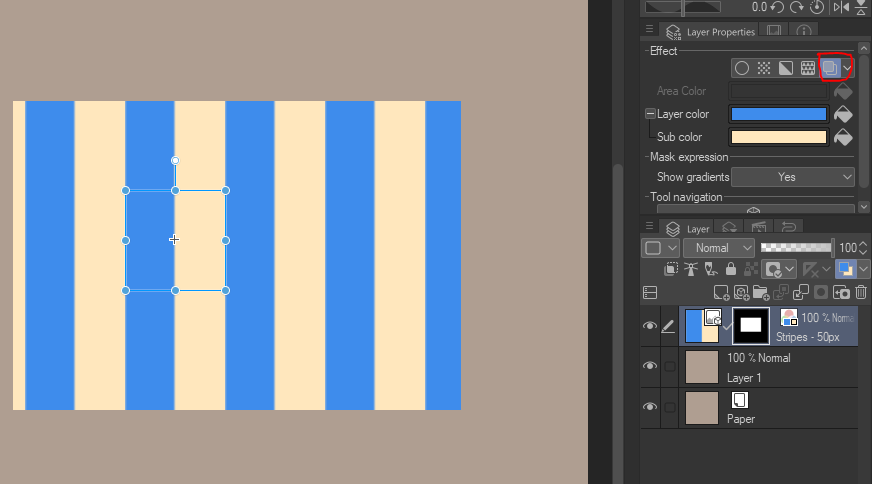
The fastest way is by going to the "Layer Properties" menu, then clicking on "Layer Color". You can change the black & white to whatever you choose from there. :) Don't be afraid to use gradients or blending modes either.





"How do I change the color?"
The fastest way is by going to the "Layer Properties" menu, then clicking on "Layer Color". You can change the black & white to whatever you choose from there. :) Don't be afraid to use gradients or blending modes either.
"What if I want transparent stripes?"
1. Rasterize your stripe layer.
2. Go to "Edit > Convert Brightness to Opacity"
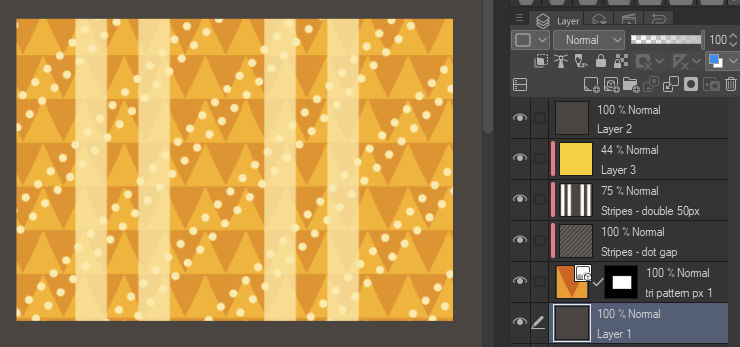
3. Now you can layer other patterns under your stripes.
Quick Examples:


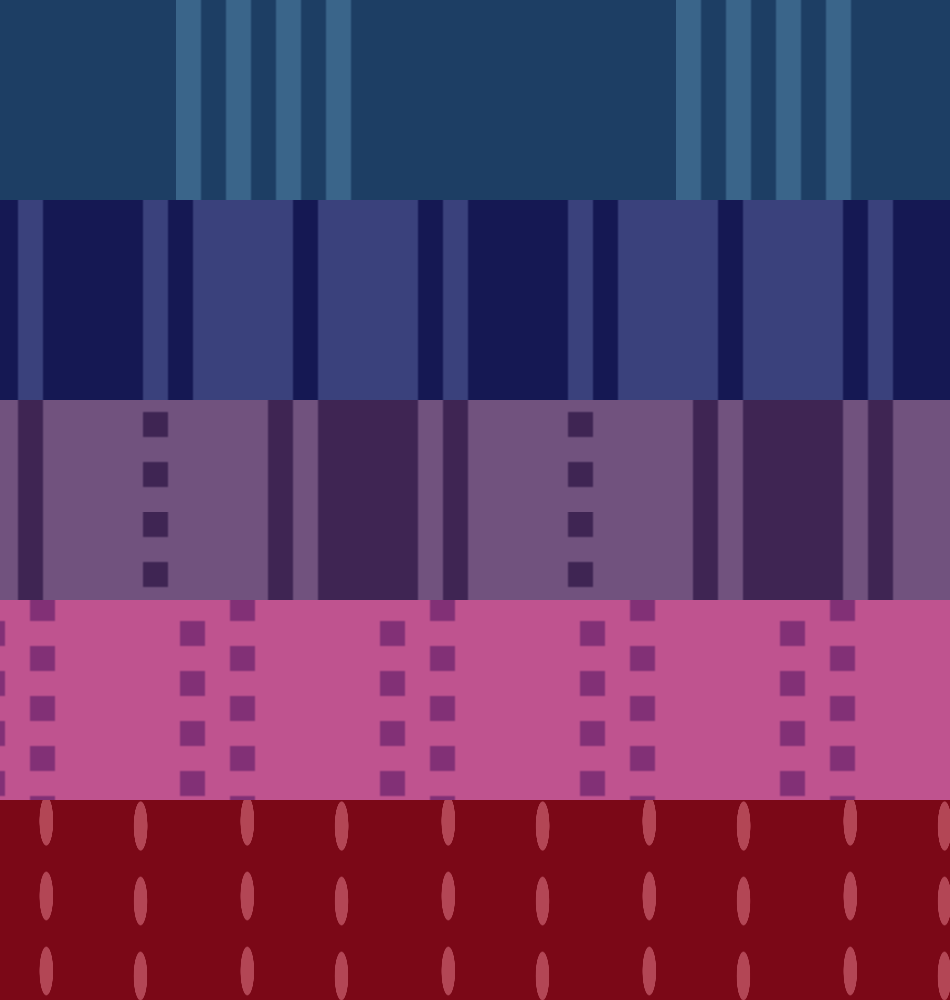
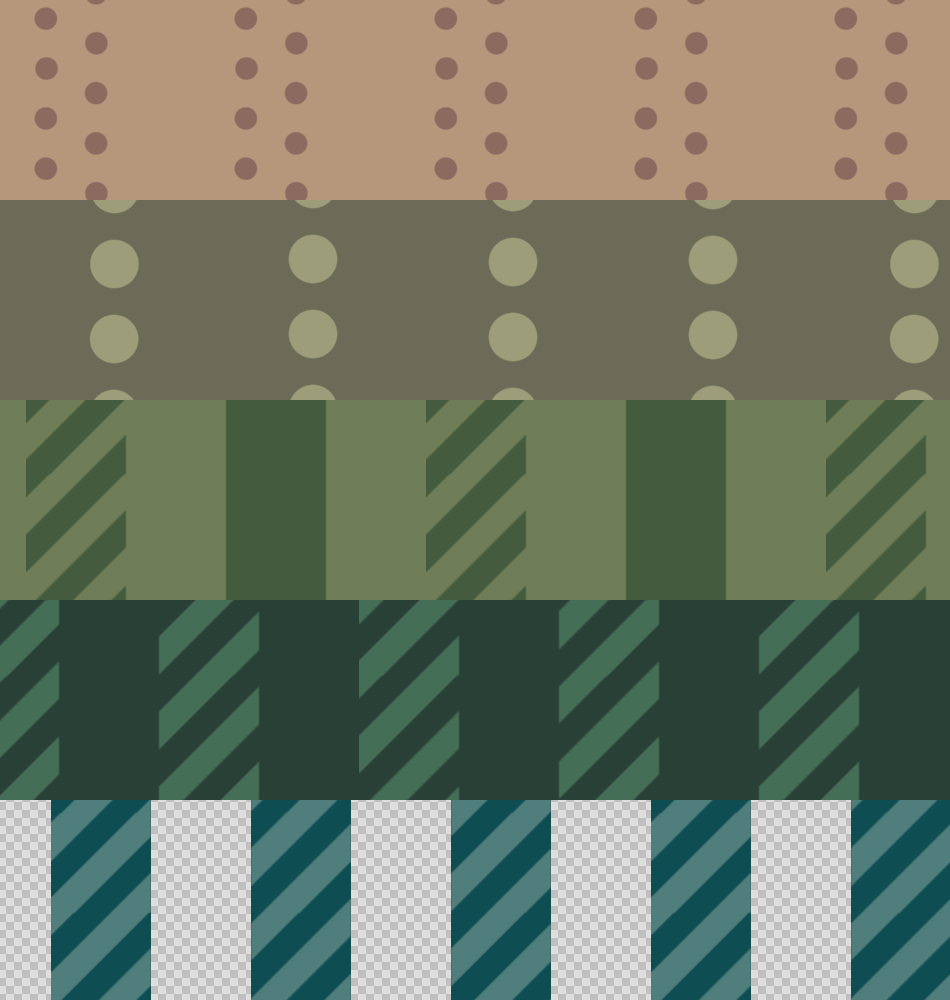
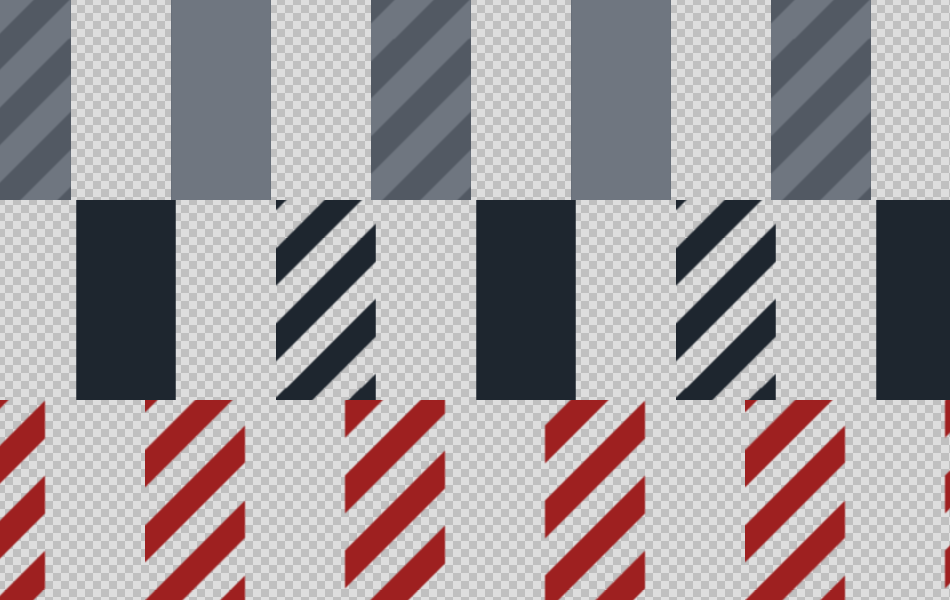
Here's all the stripes at 100% zoom.
Basic







Multi










Dots and Dashes
-
Stripes - dash and thick
-
Stripes - square dots
-
Stripes - dot gap
-
Stripes - Oval Rows
-
Stripes - Dot rows
-
Stripes - striped stripes
-
Stripes - Striped and Solid
-
Stripes - Striped and Solid 2 color transparent
-
Stripes - striped stripes transparent
-
Stripes - Striped and Solid transparent
-
Stripes - striped stripes transparent
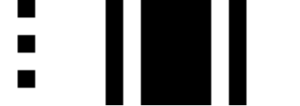
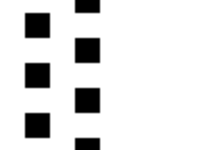
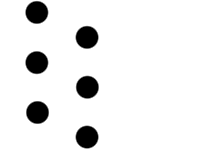








Other materials by saturns_day


Popular “Material catalog” materials


New materials




Badges
-
 MVP ◆This user has contributed greatly to the management of the community, by posting many great responses to the questions asked. Once every three months, MVPs are determined based on the points earned during that period and will be recognized accordingly.
 -
 New Valuable Player (NVP) ◆These are the next-best contributors to the community after MVPs. This is awarded to users who have not yet won an MVP award, based on the number of points they have earned.
 -
 Official Expert ◆Chosen out of all MVP awardees, who are already proof of excellence, this is a testimony of outstanding correspondence in the community. After careful screening, they are appointed by CELSYS and assume their position.Note: Formally called “Evangelists”
 -
 Official Moderator of CELSYS ◆Moderators are official CELSYS staff members who are fluent in Japanese as well as various other languages. Moderators are not experts on the software or illustration, so they are not able to directly answer your questions. However, moderators provide communication and language support to ensure that everyone can smoothly communicate with each other.
 -
 CELSYS official accountThe Official Administrator Account
