


열대 식물 패턴 및 요소 (Tropical Botanical Patterns & Elements) Tropical Botanical Patterns & Elements
콘텐츠 ID:2301080
-
60


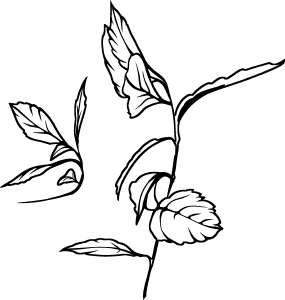
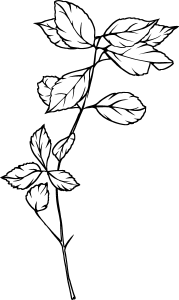
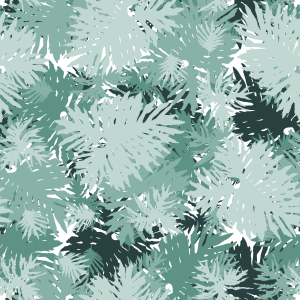
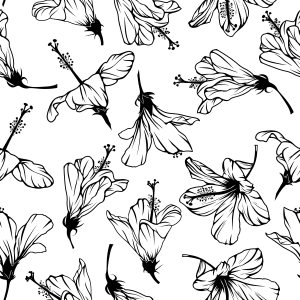
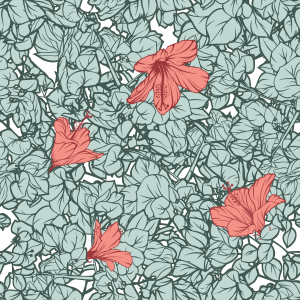
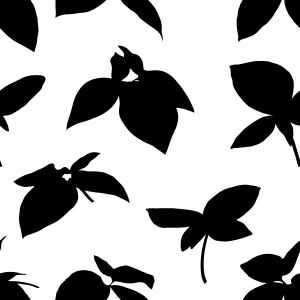
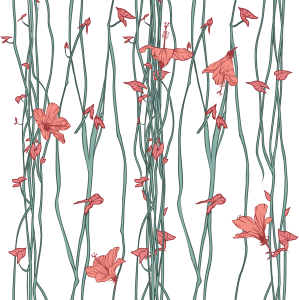
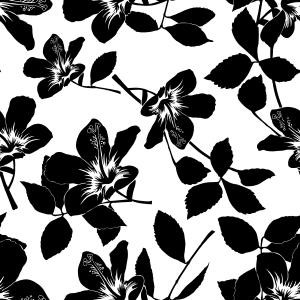
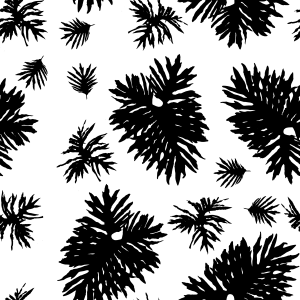
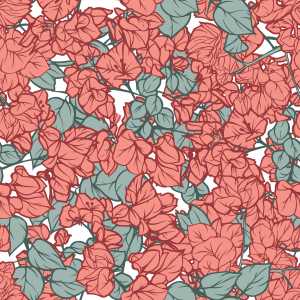
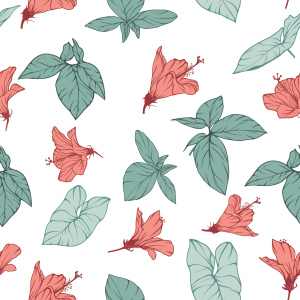
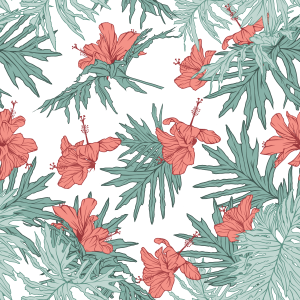
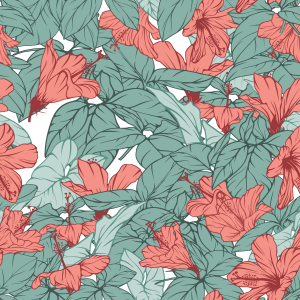
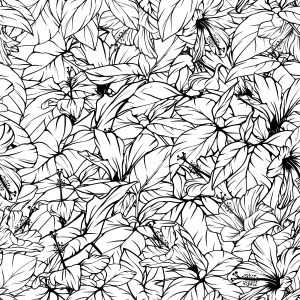
열대 식물 자산 팩으로, 분리된 요소들과 매끄러운 패턴을 특징으로 하며, 실제 잎사귀와 히비스커스 꽃 사진을 활용해 만들어졌습니다. 깔끔한 선 아트와 단색 흰색 채우기로 스타일리시하며, 레이어 컬러와 그라데이언트 맵을 통해 비파괴적인 리컬러링이 가능합니다. 문구류, 축하 카드, 표지, 표면 디자인에 이상적입니다. A tropical botanical asset pack featuring isolated elements and seamless patterns, created from real photos of foliage and hibiscus flowers. Stylized with clean line art and solid white fills, ready for non-destructive recoloring via Layer Color and Gradient Maps. Ideal for stationery, greeting cards, covers, and surface design.
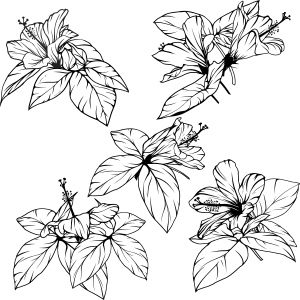
고립된 선화 요소와 매끄러운 패턴을 포함한 수제 열대 식물 자산 모음. 실제 브라질 식물(히비스커스, 덩굴잎, 무성한 덤불)에서 직접 파생된 이 자산들은 대담한 실루엣과 명확한 선을 균형 있게 스타일링했습니다.
비파괴 염색 기법과 완벽히 호환되어 문구류, 엽서, 포장재, 책 표지, 섬유 디자인에 이상적입니다.
주요 특징:
이음새 없는 타일링: 눈에 띄는 이음새 없이 완벽하게 연속적으로 반복됩니다.
비파괴 친화적: 레이어 > 레이어 색상, 클리핑 마스크, 또는 그라데이언트 맵을 사용해 다시 색칠할 준비가 되어 있습니다.
모듈식 다재다능성: 개별 요소들을 사용하거나 미리 만들어진 패턴 모듈을 결합하세요.

사용 방법:
패턴 적용: Material 팔레트에서 패턴 재질을 캔버스나 활성 선택 구역 안으로 드래그 앤 드롭하세요. Object 서브툴(단축어 O)을 사용해 타일링을 자유롭게 스케일링, 회전, 정렬하세요.
색상 변화 (비파괴적):
재료 레이어를 선택하세요.
레이어 속성 패널> 효과로 가서 레이어 색상> 활성화하세요.
원하는 색상을 레이어 컬러 (윤곽선/어두운 톤)와 서브 컬러 (채우기/밝은 톤)로 설정하세요.
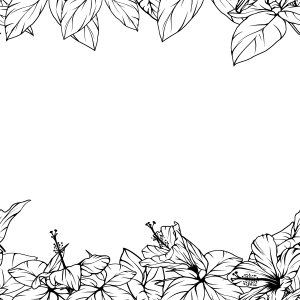
고립된 요소 사용: 개별 식물 재료를 프로젝트에 끌어와 맞춤 프레임, 초점 포인트, 모듈식 구성을 만들어보세요.
휴대폰 사진으로 자연스러운 식물 패턴을 만드는 방법을 배우고 싶으신가요?
제 공식 클립 스튜디오 팁 단계별 튜토리얼을 확인해 보세요: "일상적인 플로라에서 카드 디자인까지"
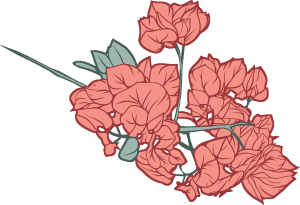
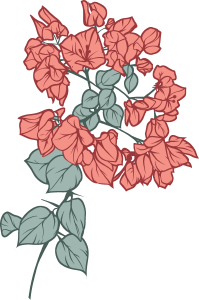
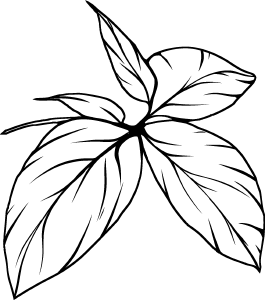
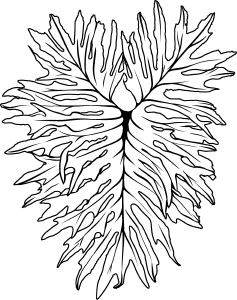
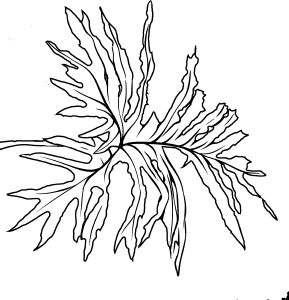
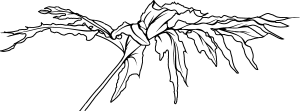
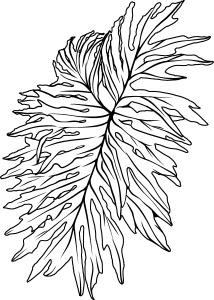
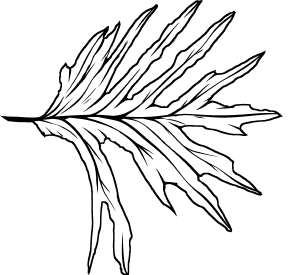
A collection of handcrafted tropical botanical assets, including isolated line-art elements and seamless patterns. Derived directly from real Brazilian flora (hibiscus, vine leaves, and lush undergrowth), these assets were stylized to balance bold silhouettes with clear line work.
They are fully compatible with non-destructive coloring techniques, making them ideal for stationery, postcards, packaging, book covers, and textile design.
Key Features:
Seamless Tiling: Perfect continuous repetition with no visible seams.
Non-Destructive Friendly: Ready to be recolored using Layer Property > Layer Color, Clipping Masks, or Gradient Maps.
Modular Versatility: Use isolated elements individually or combine the pre-built pattern modules.
How to Use:
Applying Patterns: Drag and drop the pattern material from the Material palette directly onto your canvas or inside an active selection. Use the Object sub-tool (shortcut O) to freely scale, rotate, and align the tiling.
Changing Colors (Non-Destructive):
Select the material layer.
Go to the Layer Property panel > Effect > enable Layer Color.
Set your desired colors for Layer color (outline/dark tones) and Sub color (fill/light tones).
Using Isolated Elements: Drag individual plant materials into your project to create custom frames, focal points, or modular compositions.
Want to learn how to create your own seamless botanical patterns from phone photos?
Check out my official step-by-step tutorial on Clip Studio TIPS: "From Everyday Flora to Card Design"
카테고리 1 Category 1
-
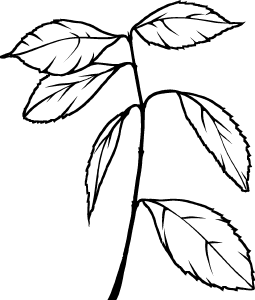
Tropical_Galho_08 Tropical_Galho_08
-
Tropical_Galho_07 Tropical_Galho_07
-
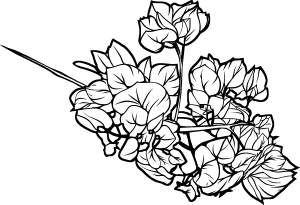
Tropical_Flor_04_Silhueta Tropical_Flor_04_Silhueta
-
Tropical_Flor_04_Transparencia Tropical_Flor_04_Transparencia
-
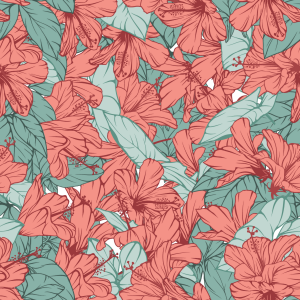
Tropical_Flor_01 Tropical_Flor_01
-
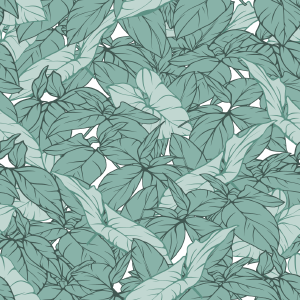
Tropical_Folhagem_01 Tropical_Folhagem_01
-
Tropical_Folhagem_02 Tropical_Folhagem_02
-
Tropical_Folhagem_03 Tropical_Folhagem_03
-
Tropical_Folhagem_04 Tropical_Folhagem_04
-
Tropical_Folhagem_05 Tropical_Folhagem_05
-
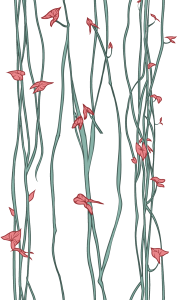
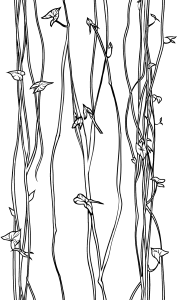
Tropical_Cipo_03 Tropical_Cipo_03
-
Tropical_Cipo_01 Tropical_Cipo_01
-
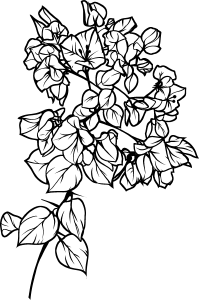
Tropical_Flor_02 Tropical_Flor_02
-
Tropical_Flor_03 Tropical_Flor_03
-
Tropical_FolhaG_06 Tropical_FolhaG_06
-
Tropical_FolhaG_01 Tropical_FolhaG_01
-
Tropical_FolhaG_05 Tropical_FolhaG_05
-
Tropical_FolhaG_04 Tropical_FolhaG_04
-
Tropical_FolhaG_03 Tropical_FolhaG_03
-
Tropical_FolhaG_02 Tropical_FolhaG_02
-
Tropical_Flor_07 Tropical_Flor_07
-
Tropical_Galho_04 Tropical_Galho_04
-
Tropical_Galho_03 Tropical_Galho_03
-
Tropical_Flor_04 Tropical_Flor_04
-
Tropical_Flor_04 Tropical_Flor_04
-
Tropical_Galho_06 Tropical_Galho_06
-
Tropical_Galho_05 Tropical_Galho_05
-
Tropical_Folhagem_07 Tropical_Folhagem_07
-
Tropical_Folhagem_08 Tropical_Folhagem_08
-
Tropical_Folhagem_06 Tropical_Folhagem_06
-
Tropical_Flor_05 Tropical_Flor_05
-
Tropical_Flor_06 Tropical_Flor_06
-
Tropical_Folhagem_09 Tropical_Folhagem_09
-
Tropical_Cipo_02 Tropical_Cipo_02
-
Tropical_Galho_01 Tropical_Galho_01
-
Tropical_Galho_02 Tropical_Galho_02
-
패턴 20 Pattern 20
-
패턴 10 Pattern 10
-
패턴 15 Pattern 15
-
패턴 18 Pattern 18
-
패턴 09 Pattern 09
-
패턴 11 Pattern 11
-
패턴 12 Pattern 12
-
패턴 21 Pattern 21
-
패턴 13 Pattern 13
-
패턴 14 Pattern 14
-
패턴 08 Pattern 08
-
패턴 07 Pattern 07
-
패턴 17 Pattern 17
-
패턴 19 Pattern 19
-
패턴 05 Pattern 05
-
패턴 06 Pattern 06
-
패턴 01 Pattern 01
-
패턴 16 Pattern 16
-
패턴 04 Pattern 04
-
패턴 03 Pattern 03
-
패턴 02 Pattern 02





























'MelanciaComics'님의 다른 소재


'소재집'의 인기 소재


신규 소재





-
 MVP ◆질문에 적절한 답변을 많이 게시하고 커뮤니티 운영에 크게 공헌한 사용자입니다. MVP는 3개월에 한 번, 그 사이에 획득한 포인트를 바탕으로 결정하고 표창을 실시하고 있습니다.
 -
 NVP(New Valuable Player) ◆MVP 다음으로 커뮤니티 운영에 공헌한 사용자입니다. 이제까지 MVP 수상 경험이 없는 분 중에서 획득한 포인트를 바탕으로 결정하여 표창을 실시하고 있습니다.
 -
 공식 엑스퍼트 ◆뛰어난 응답자의 증표인 MVP수상자 중에서 선택된 커뮤니티에서 가장 뛰어난 응답자의 증표입니다. 심사를 거쳐서 저희 회사에서 의뢰할 경우 취임되십니다.※ 옛 명칭 '에반젤리스트'
 -
 셀시스 공인 모더레이터 ◆모더레이터는 일본어와 기타 언어로 말할 수 있는 셀시스 공인 스태프입니다. 소프트웨어나 창작 전문가가 아니므로 직접 의문을 해결할 수는 없지만 여러분이 순조롭게 소통할 수 있도록 언어나 커뮤니케이션 측면에서 지원합니다.
 -
 셀시스 공식운영에 관련된 공식 계정입니다.