



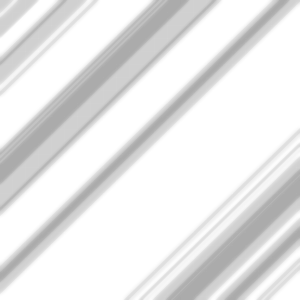
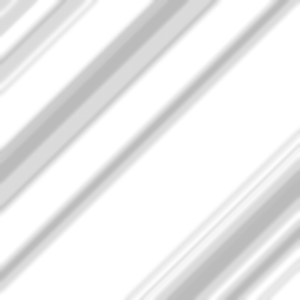
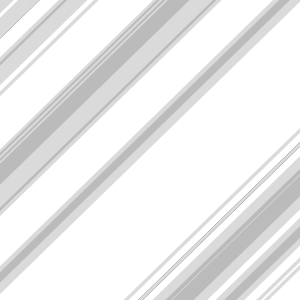
금속성 효과를 내기 위해 반짝이는 빛과 그림자의 선들. 빛과 어둠의 반짝임 육각형 점들이 추가로 배치되어 있습니다. 어떤 기본 색상에도 첨가해서 금속처럼 보이게 하는 것. Lines of glistening light and shadow to create a metallic effect. With additional options with speckles of light and dark with glistening hexagons. to be added to any base color to make it seem metallic.
여섯 가지 텍스처 중 하나를 기본 색상 위에 드래그 앤 드롭하세요. (제가 가장 좋아하는 건 약간 흐릿하고 평면적인 'Fancy Metallic Combo'입니다) 그리고 기본 색상을 복제하세요. 구리 주황, 황금빛 노랑, 연한 회색 실버 등이죠. 그 후 "메탈릭 곱셈 섹션"에 클립을 붙이고 레이어 타일을 "곱셈"으로 바꾼 뒤, 불투명도를 원하는 대로 낮추세요(제 제안은 35% 정도입니다). 그러면 효과가 보일 겁니다.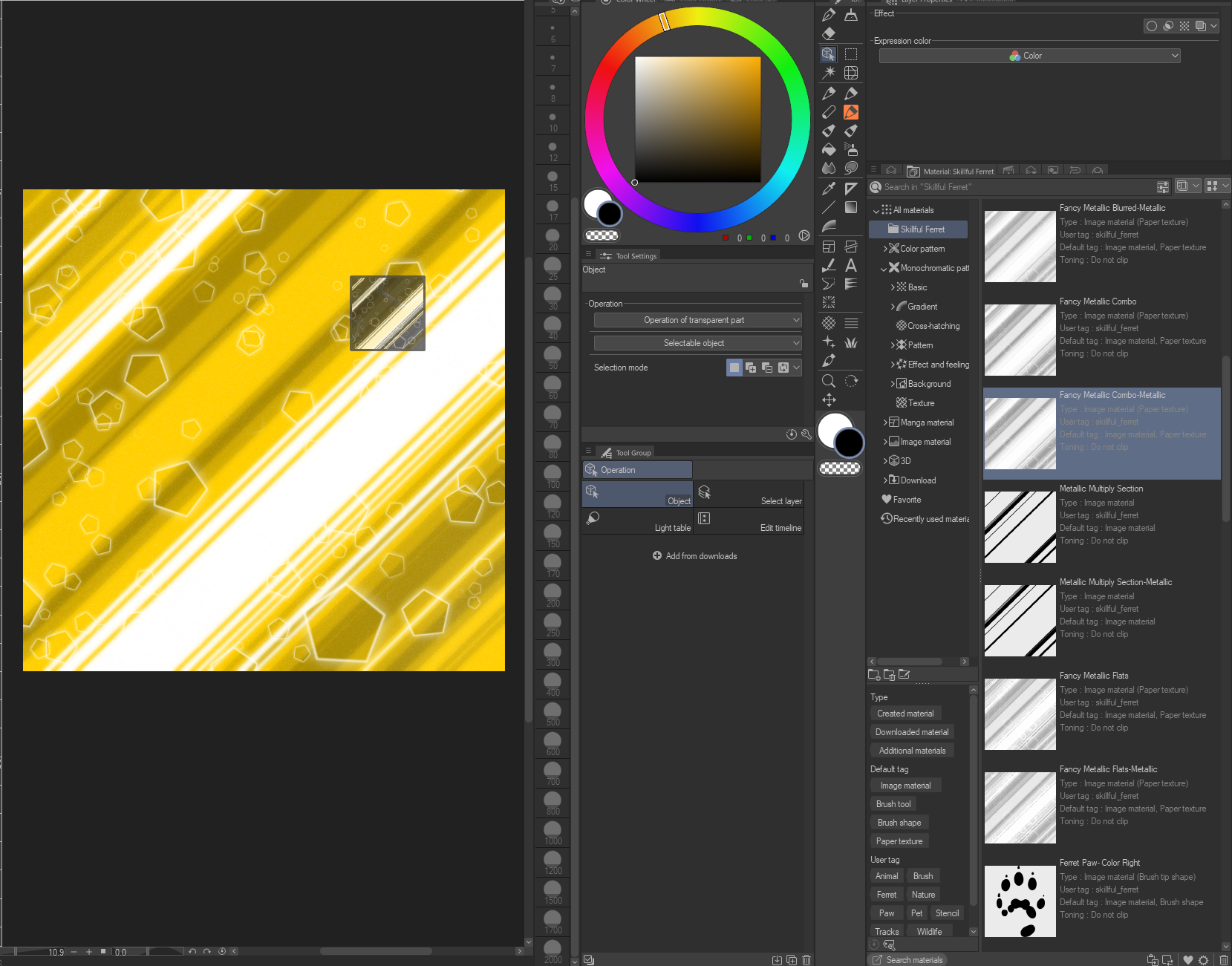
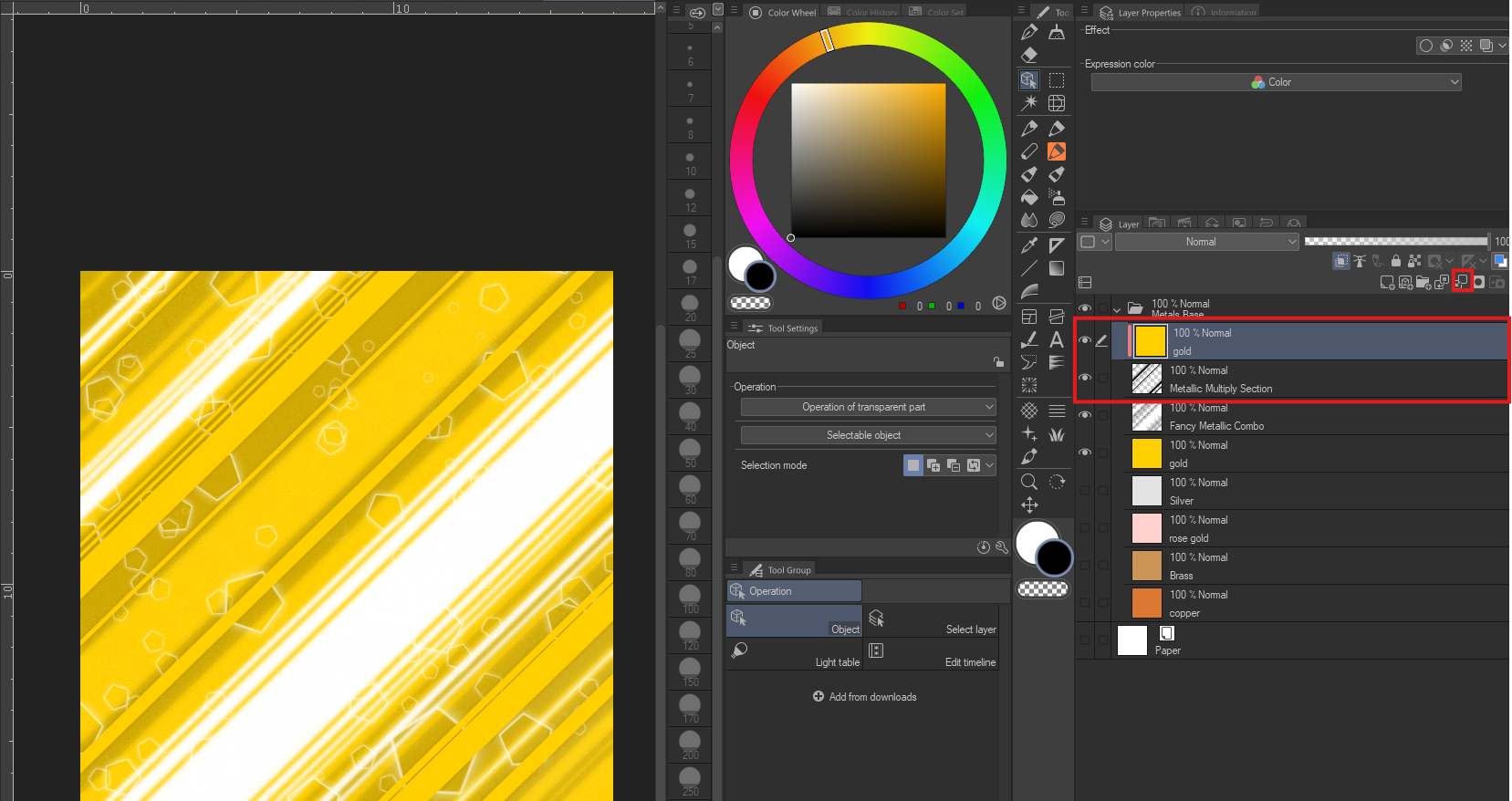
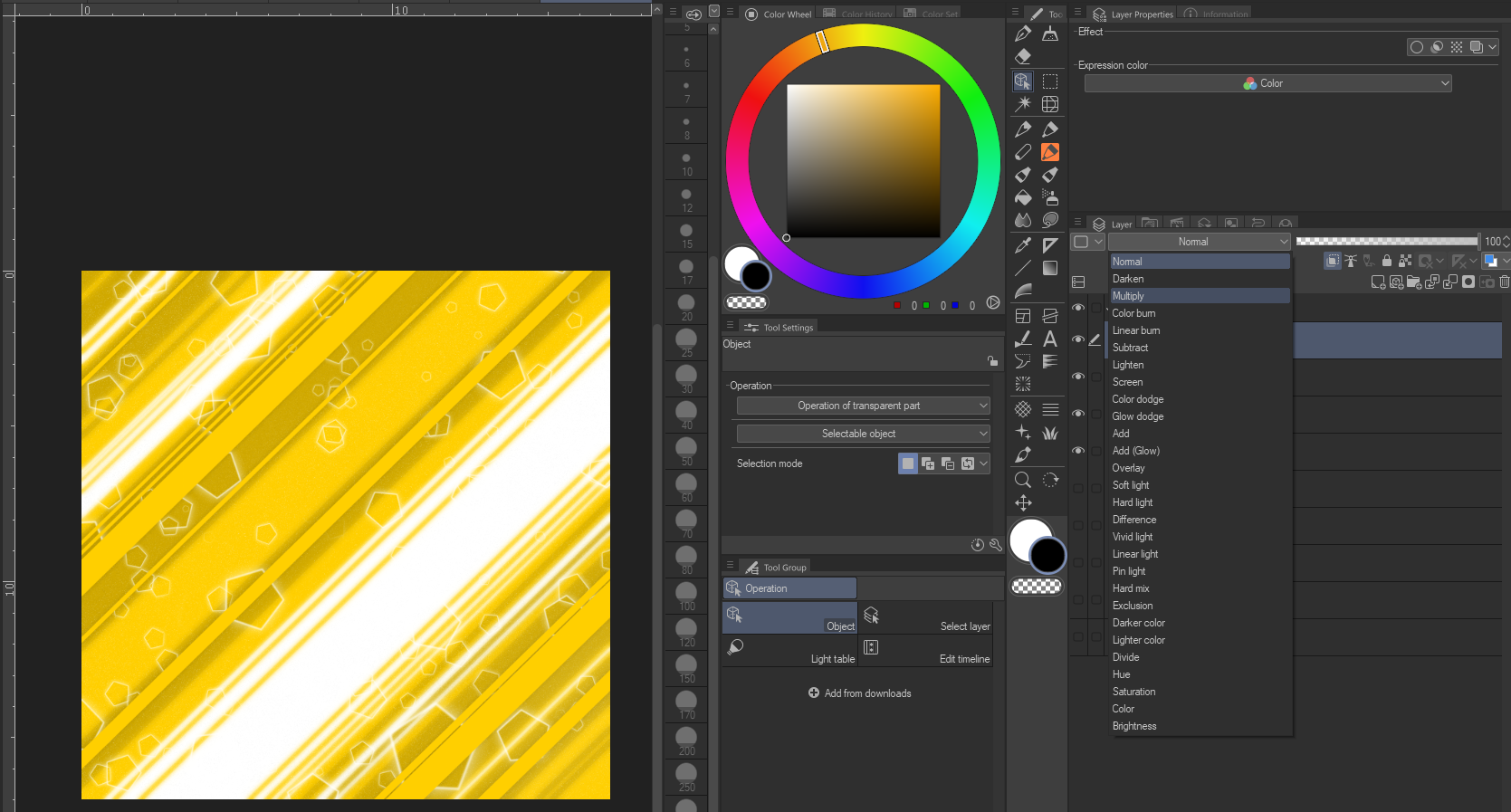
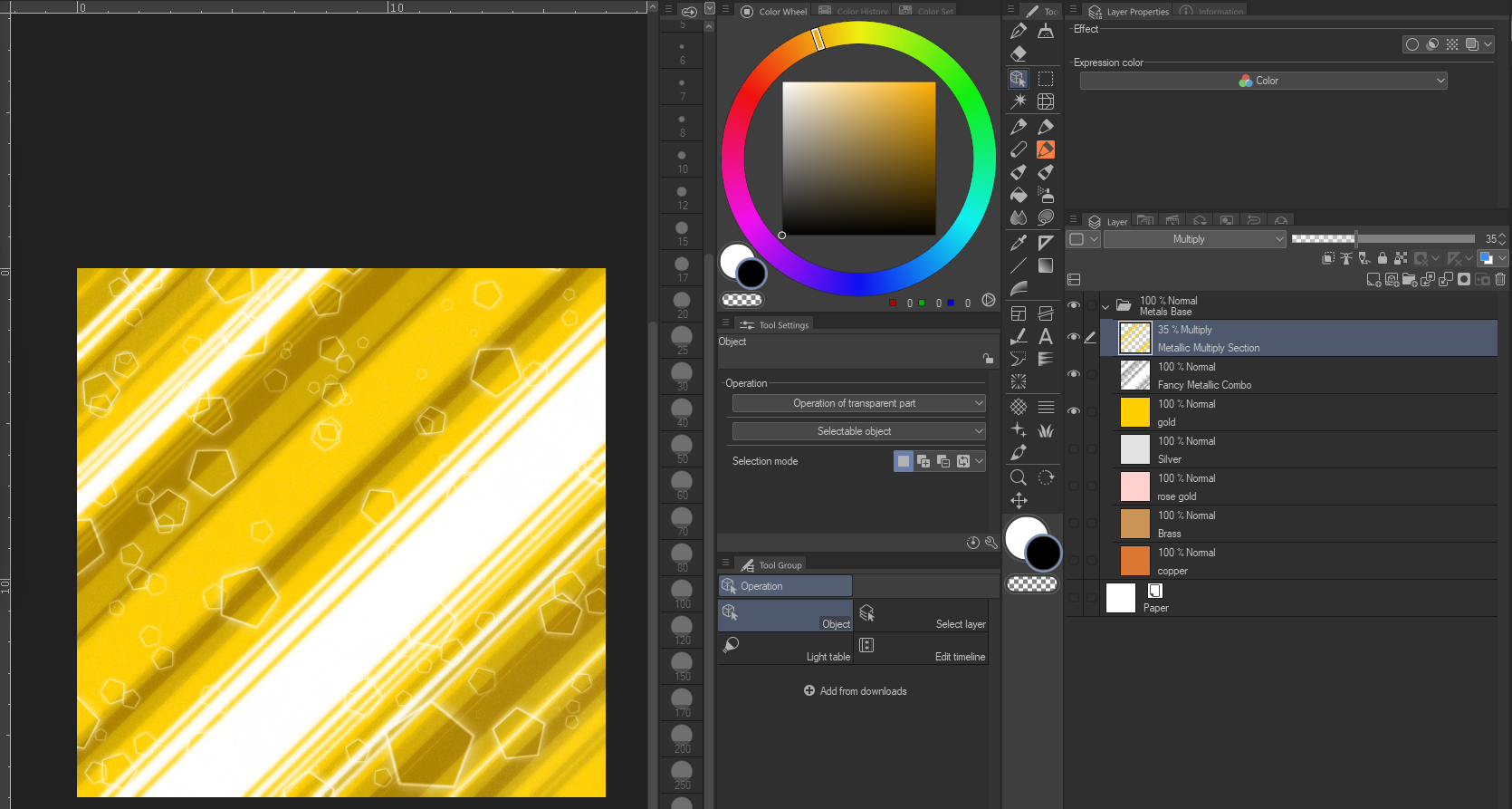
Drag and drop one of the six textures over your base color. (My favorite is "Fancy Metallic Combo" which has a little blur and a little flat in it) then duplicate your base color, whether its copper orange, golden yellow, or a light grey silver etc. Then take that and clip it to the "metallic Multiply Section" and change its layer tyle to "Multiply" then reduce the opacity as desired (35% is my suggestion) and you will get the effect seen.
금속성 Metallics








'SkillfulFerret'님의 다른 소재


'소재집'의 인기 소재


신규 소재






배지
-
 MVP ◆질문에 적절한 답변을 많이 게시하고 커뮤니티 운영에 크게 공헌한 사용자입니다. MVP는 3개월에 한 번, 그 사이에 획득한 포인트를 바탕으로 결정하고 표창을 실시하고 있습니다.
 -
 NVP(New Valuable Player) ◆MVP 다음으로 커뮤니티 운영에 공헌한 사용자입니다. 이제까지 MVP 수상 경험이 없는 분 중에서 획득한 포인트를 바탕으로 결정하여 표창을 실시하고 있습니다.
 -
 공식 엑스퍼트 ◆뛰어난 응답자의 증표인 MVP수상자 중에서 선택된 커뮤니티에서 가장 뛰어난 응답자의 증표입니다. 심사를 거쳐서 저희 회사에서 의뢰할 경우 취임되십니다.※ 옛 명칭 '에반젤리스트'
 -
 셀시스 공인 모더레이터 ◆모더레이터는 일본어와 기타 언어로 말할 수 있는 셀시스 공인 스태프입니다. 소프트웨어나 창작 전문가가 아니므로 직접 의문을 해결할 수는 없지만 여러분이 순조롭게 소통할 수 있도록 언어나 커뮤니케이션 측면에서 지원합니다.
 -
 셀시스 공식운영에 관련된 공식 계정입니다.