



브러시 조정에 필요한 모든 필수 설정은 도구 설정 패널에 표시됩니다.
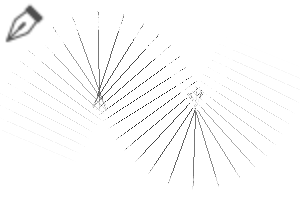
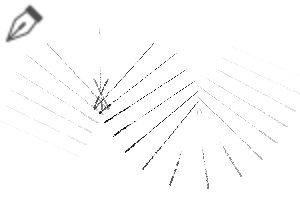
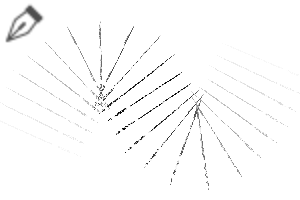
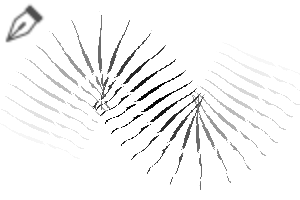
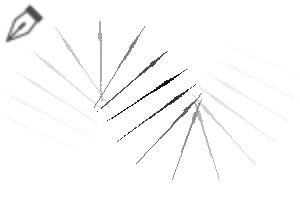
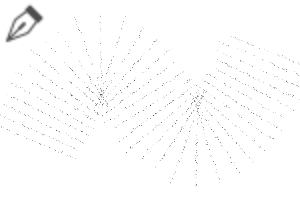
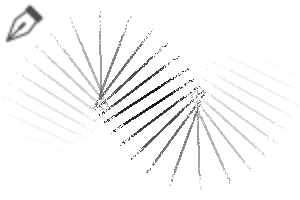
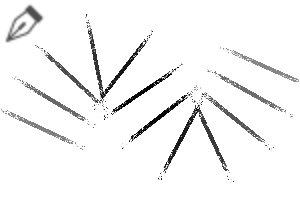
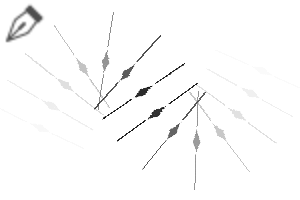
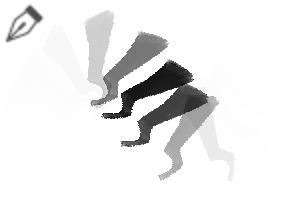
비슷한 모양의 붓은 비슷한 이름을 붙입니다. 예를 들어, 삼각형 모양의 붓은 ' 웬즈데이'라고 명명됩니다.
■ 갭: 스트로크 간격을 조절함
■ 두께: 붓 두께를 조절합니다
■ 플립: 붓 방향 변경
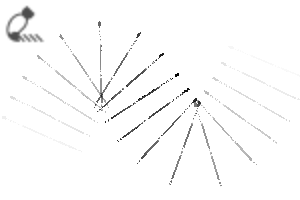
■ 색상 혼합 모드: 활성화되면 브러시가 블렌딩 도구처럼 작동합니다. 이 카메라는 페인트칠된 부분에 직접 사용할 수 있도록 설계되었으며, 색상을 선택할 수 없습니다.
업데이트 참고: 줌 시 브러시 크기를 고정시키기 위해 [화면에 크기별로 지정] 설정을 제거하세요.

All essential settings for adjusting the brushes are displayed in the Tool Settings panel.
Brushes with similar shapes will be given similar names. For example, brushes with a triangular shape will be named Wednesday.
■ Gap: Adjusts the spacing between strokes
■ Thickness: Adjusts the brush thickness
■ Flip: Changes the brush direction
■ Color Mixing Mode: When enabled, the brush works like a blending tool. It is designed to be used directly on painted areas and cannot pick colors.
Update Note: Remove [Specify by size on screen] setting to keep the brush size fixed when zooming.
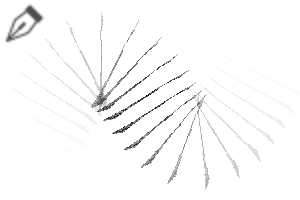
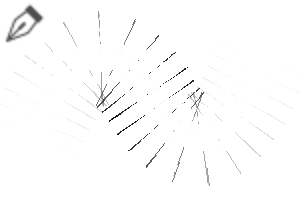
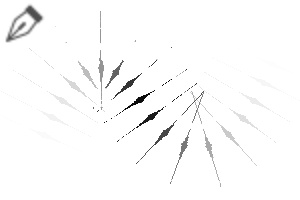
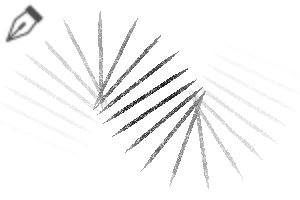
II 라인 브러시 2 II Line Brush 2
-
월요일 1일 Monday 1
-
월요일 2일 Monday 2
-
월요일 3일 Monday 3
-
월요일 4일 Monday 4
-
월요일 5일 Monday 5
-
월요일 6일 Monday 6
-
월요일 7일 Monday 7
-
월요일 8일 Monday 8
-
월요일 9일 Monday 9
-
월요일 10일 Monday 10
-
월요일 11일 Monday 11
-
월요일 12일 Monday 12
-
월요일 13일 Monday 13
-
월요일 14일 Monday 14
-
월요일 15일 Monday 15
-
16일 월요일 Monday 16
-
월요일 17일 Monday 17
-
월요일 18일 Monday 18
-
월요일 19일 Monday 19
-
월요일 20일 Monday 20
-
21일 월요일 Monday 21
-
22일 월요일 Monday 22
-
23일 월요일 Monday 23
-
월요일 24일 Monday 24
-
월요일 25일 Monday 25
-
화요일 1일 Tuesday 1
-
화요일 2일 Tuesday 2
-
화요일 3일 Tuesday 3
-
화요일 4일 Tuesday 4
-
화요일 5일 Tuesday 5
-
화요일 6일 Tuesday 6
-
화요일 7일 Tuesday 7
-
화요일 8일 Tuesday 8
-
화요일 9일 Tuesday 9
-
화요일 10일 Tuesday 10
-
화요일 11일 Tuesday 11
-
화요일 12일 Tuesday 12
-
화요일 13일 Tuesday 13
-
화요일 14일 Tuesday 14
-
화요일 15일 Tuesday 15
-
화요일 16일 Tuesday 16
-
화요일 17일 Tuesday 17
-
화요일 18일 Tuesday 18
-
화요일 19일 Tuesday 19
-
화요일 20일 Tuesday 20
-
수요일 1일 Wednesday 1
-
수요일 2 Wednesday 2
-
수요일 3일 Wednesday 3
-
수요일 4일 Wednesday 4
-
수요일 5일 Wednesday 5
-
수요일 6일 Wednesday 6
-
수요일 7일 Wednesday 7
-
수요일 8일 Wednesday 8
-
수요일 9일 Wednesday 9
-
수요일 10일 Wednesday 10
-
수요일 11일 Wednesday 11
-
수요일 12일 Wednesday 12
-
수요일 13일 Wednesday 13
-
수요일 14일 Wednesday 14
-
수요일 15일 Wednesday 15
-
목요일 1일 Thursday 1
-
목요일 2일 Thursday 2
-
목요일 3일 Thursday 3
-
목요일 4일 Thursday 4
-
목요일 5일 Thursday 5
-
목요일 6일 Thursday 6
-
목요일 7일 Thursday 7
-
목요일 8일 Thursday 8
-
목요일 9일 Thursday 9
-
목요일 10일 Thursday 10
-
목요일 11일 Thursday 11
-
목요일 12일 Thursday 12
-
목요일 13일 Thursday 13
-
목요일 14일 Thursday 14
-
목요일 15일 Thursday 15
-
목요일 16일 Thursday 16
-
목요일 17일 Thursday 17
-
목요일 18일 Thursday 18
-
목요일 19일 Thursday 19
-
목요일 20일 Thursday 20
-
목요일 21일 Thursday 21
-
목요일 22일 Thursday 22
-
목요일 23일 Thursday 23
-
목요일 24일 Thursday 24
-
목요일 25일 Thursday 25
-
목요일 26일 Thursday 26
-
목요일 27일 Thursday 27
-
목요일 28일 Thursday 28
-
목요일 29일 Thursday 29
-
목요일 30일 Thursday 30
-
금요일 1일 Friday 1
-
금요일 2일 Friday 2
-
금요일 3일 Friday 3
-
금요일 4일 Friday 4
-
금요일 5일 Friday 5
-
금요일 6일 Friday 6
-
금요일 7일 Friday 7
-
금요일 8일 Friday 8
-
금요일 9일 Friday 9
-
금요일 10일 Friday 10





















































































구 버전





'II2'님의 다른 소재


'소재집'의 인기 소재


신규 소재


-
 MVP ◆질문에 적절한 답변을 많이 게시하고 커뮤니티 운영에 크게 공헌한 사용자입니다. MVP는 3개월에 한 번, 그 사이에 획득한 포인트를 바탕으로 결정하고 표창을 실시하고 있습니다.
 -
 NVP(New Valuable Player) ◆MVP 다음으로 커뮤니티 운영에 공헌한 사용자입니다. 이제까지 MVP 수상 경험이 없는 분 중에서 획득한 포인트를 바탕으로 결정하여 표창을 실시하고 있습니다.
 -
 공식 엑스퍼트 ◆뛰어난 응답자의 증표인 MVP수상자 중에서 선택된 커뮤니티에서 가장 뛰어난 응답자의 증표입니다. 심사를 거쳐서 저희 회사에서 의뢰할 경우 취임되십니다.※ 옛 명칭 '에반젤리스트'
 -
 셀시스 공인 모더레이터 ◆모더레이터는 일본어와 기타 언어로 말할 수 있는 셀시스 공인 스태프입니다. 소프트웨어나 창작 전문가가 아니므로 직접 의문을 해결할 수는 없지만 여러분이 순조롭게 소통할 수 있도록 언어나 커뮤니케이션 측면에서 지원합니다.
 -
 셀시스 공식운영에 관련된 공식 계정입니다.