



새 붓 끝 만들기
직선 도구→ 브러시 모양으로 점선을 선택한 → 선을 그→ 브러시 팁 모양으로 등록하세요.
브러시 팁 교체
커스터마이즈하고 싶은 브러시를 복제하세요 → 고급 도구 설정에서 브러시 팁 → 재질 → 열기→ 원래 브러시 팁을 제거하고 새로 등록한 브러시 팁으로 교체하세요.

Create New Brush Tip
Straight Line Tool → Select Dotted Line in Brush Shape → Draw the line → Register it as a Brush Tip Shape.
Replace Brush Tip
Duplicate the brush you want to customize → Open Advanced Tool Settings → Brush Tip → Material → Remove the original brush tip and replace it with your newly registered brush tip.
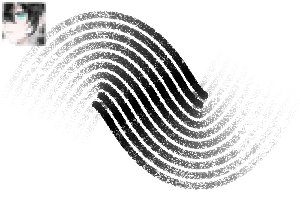
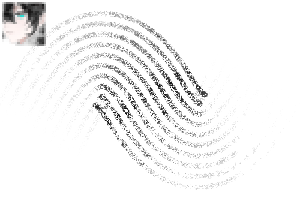
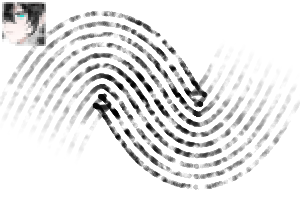
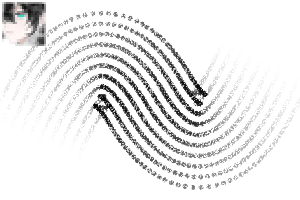
5라인 5line
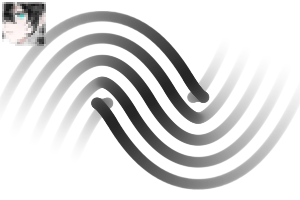
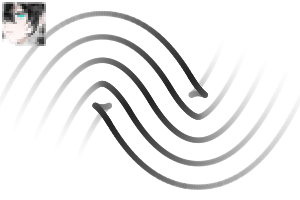
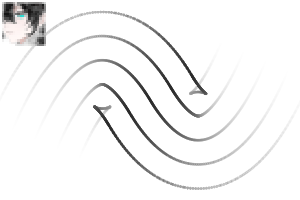
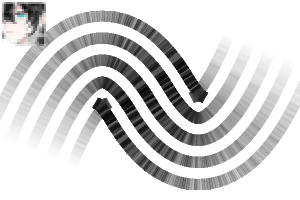
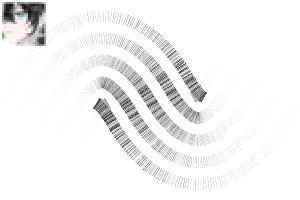
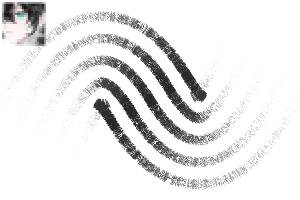
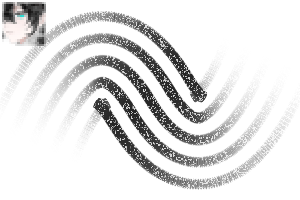
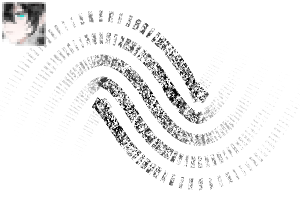
7라인 7line
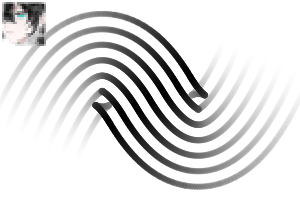
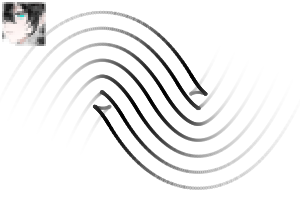
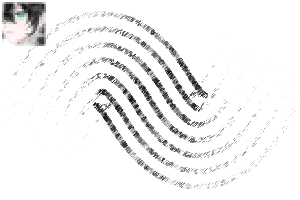
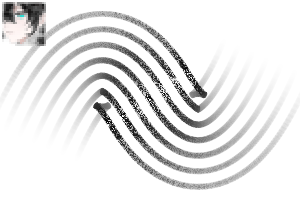
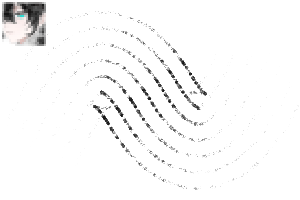
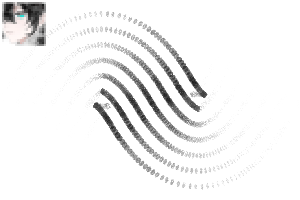
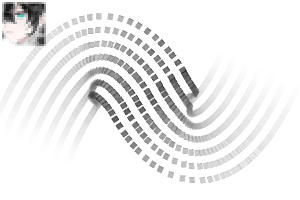
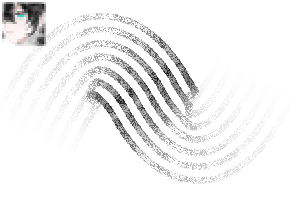
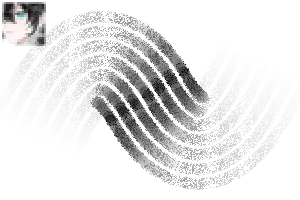
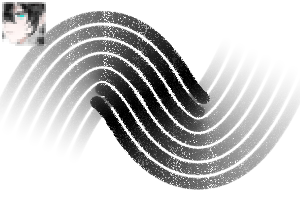
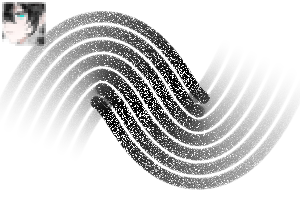
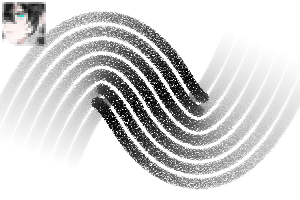
10라인 10line
-
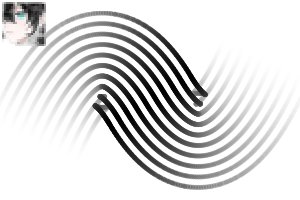
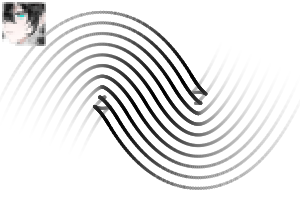
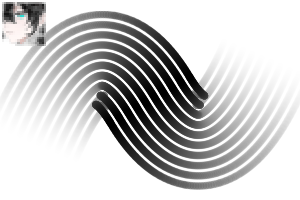
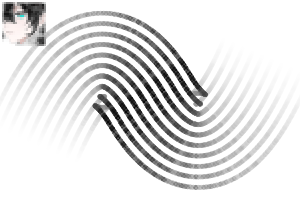
II 10행 - 1 II 10line - 1
-
II 10행 - 2 II 10line - 2
-
II 10행 - 3 II 10line - 3
-
II 10행 - 4 II 10line - 4
-
II 10행 - 5 II 10line - 5
-
II 10행 - 6 II 10line - 6
-
II 10행 - 7 II 10line - 7
-
II 10행 - 8 II 10line - 8
-
II 10행 - 9 II 10line - 9
-
II 10행 - 10 II 10line - 10
-
II 10행 - 11 II 10line - 11
-
II 10행 - 12 II 10line - 12




'II2'님의 다른 소재


'소재집'의 인기 소재


신규 소재


-
 MVP ◆질문에 적절한 답변을 많이 게시하고 커뮤니티 운영에 크게 공헌한 사용자입니다. MVP는 3개월에 한 번, 그 사이에 획득한 포인트를 바탕으로 결정하고 표창을 실시하고 있습니다.
 -
 NVP(New Valuable Player) ◆MVP 다음으로 커뮤니티 운영에 공헌한 사용자입니다. 이제까지 MVP 수상 경험이 없는 분 중에서 획득한 포인트를 바탕으로 결정하여 표창을 실시하고 있습니다.
 -
 공식 엑스퍼트 ◆뛰어난 응답자의 증표인 MVP수상자 중에서 선택된 커뮤니티에서 가장 뛰어난 응답자의 증표입니다. 심사를 거쳐서 저희 회사에서 의뢰할 경우 취임되십니다.※ 옛 명칭 '에반젤리스트'
 -
 셀시스 공인 모더레이터 ◆모더레이터는 일본어와 기타 언어로 말할 수 있는 셀시스 공인 스태프입니다. 소프트웨어나 창작 전문가가 아니므로 직접 의문을 해결할 수는 없지만 여러분이 순조롭게 소통할 수 있도록 언어나 커뮤니케이션 측면에서 지원합니다.
 -
 셀시스 공식운영에 관련된 공식 계정입니다.