


연마, 스펀지, 회피 및 연소 도구 (Sharpen, Sponge, Dodge and Burn Tools) Sharpen, Sponge, Dodge and Burn Tools
콘텐츠 ID:2275745
-
30


CSP에서 항상 원하던 Photoshop Sharpen, Sponge, Burn, Dodge Tools입니다. 부드러운 붓으로 사용하세요. Photoshop Sharpen, Sponge, Burn and Dodge Tools that I've always wanted in CSP. Use them with a soft brush.
자동 액션은 사용 준비가 되어 있습니다. 파일에 최소 두 개의 레이어가 있어야 하고, 동작을 시작하려면 보이는 레이어에 있어야 합니다. 제 추천:
샤프닝: 보통 4000x4000 캔버스에서 작업합니다. 더 큰 캔버스를 원한다면 자동 액션을 실행하기 전에 이 박스를 확인하세요:

그 다음 언샤프 마스크의 반경과 임계값을 각각 10-20씩 높입니다:

그 후에는 체크박스를 해제하면 설정이 저장되어 있습니다.
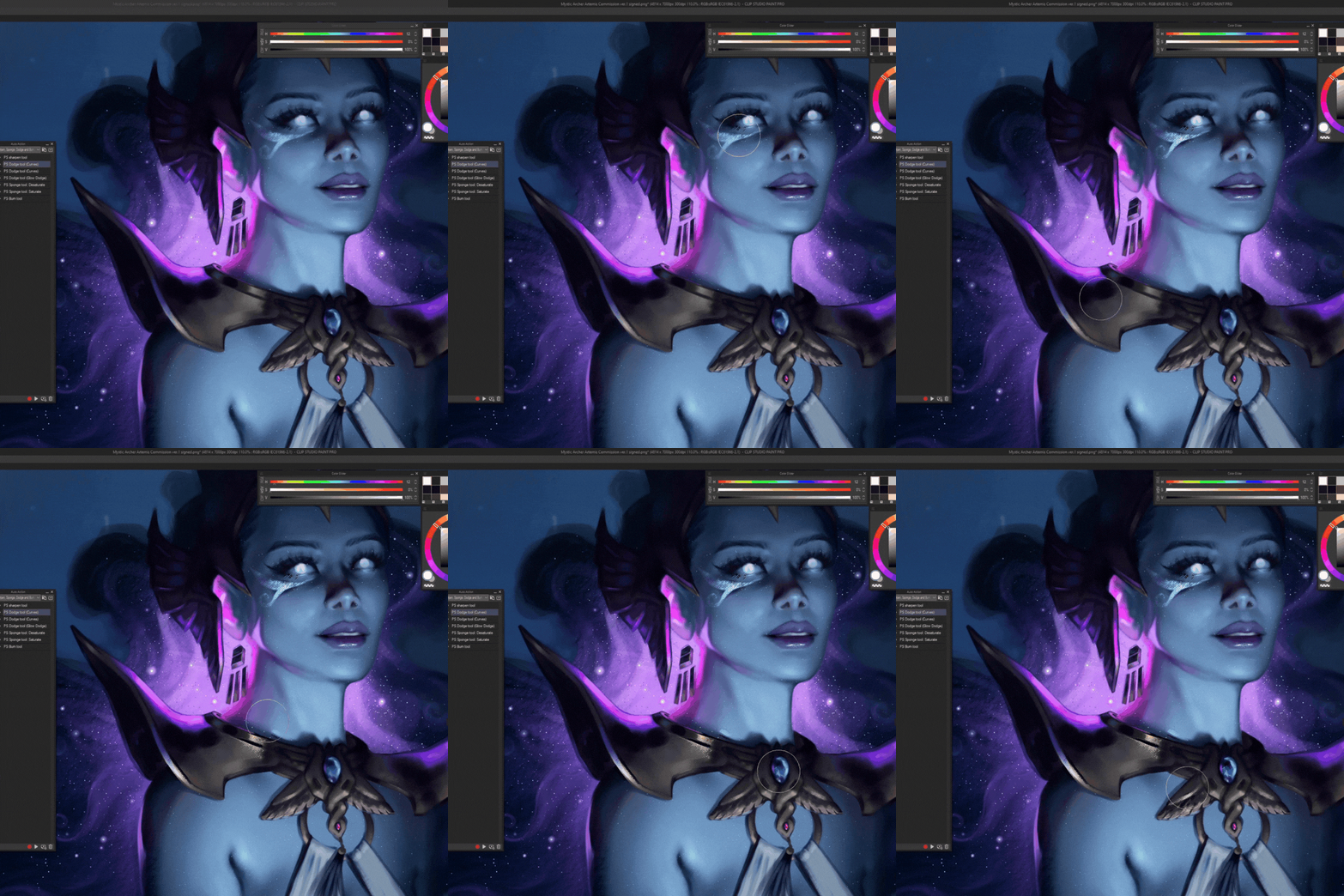
도지: 어두운 곳과 밝은 곳에 대한 다양한 프리셋이 있습니다. 글로우 도지 옵션은 그 위에 글로우 도지 레이어를 얹고 회색빛을 선택해요(성능 친화적).
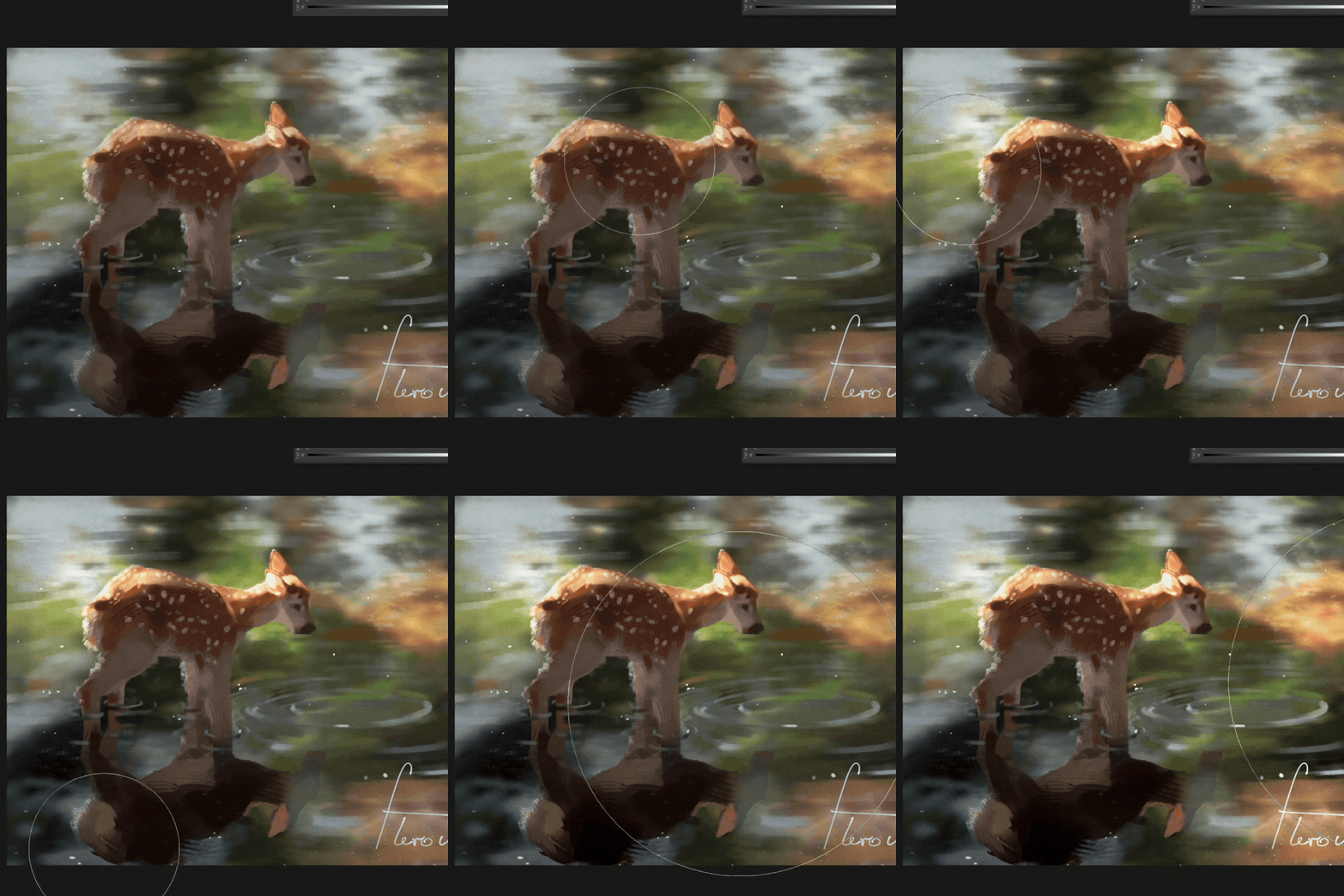
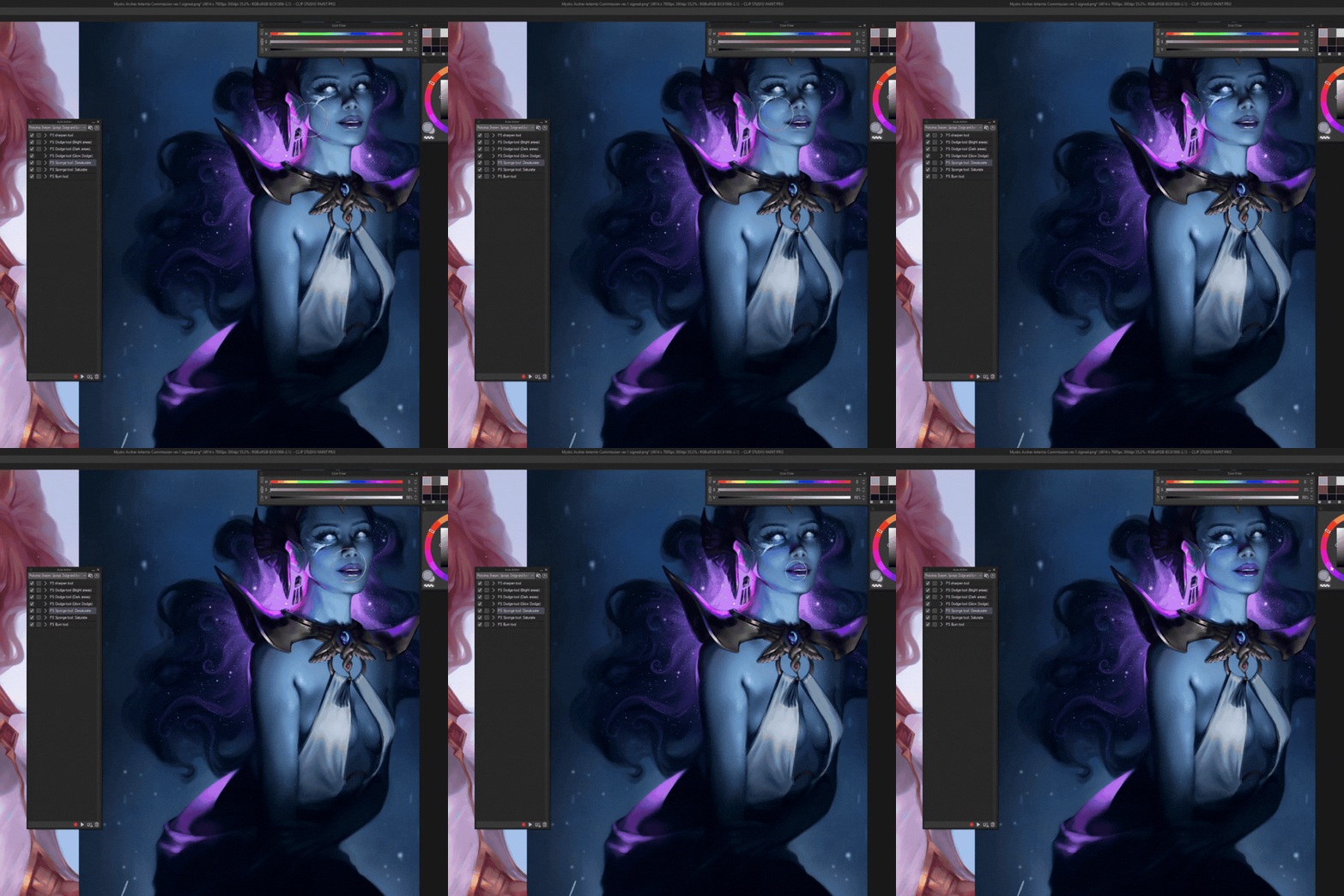
스펀지: 포화/채도 저하. 메모도 없고요.
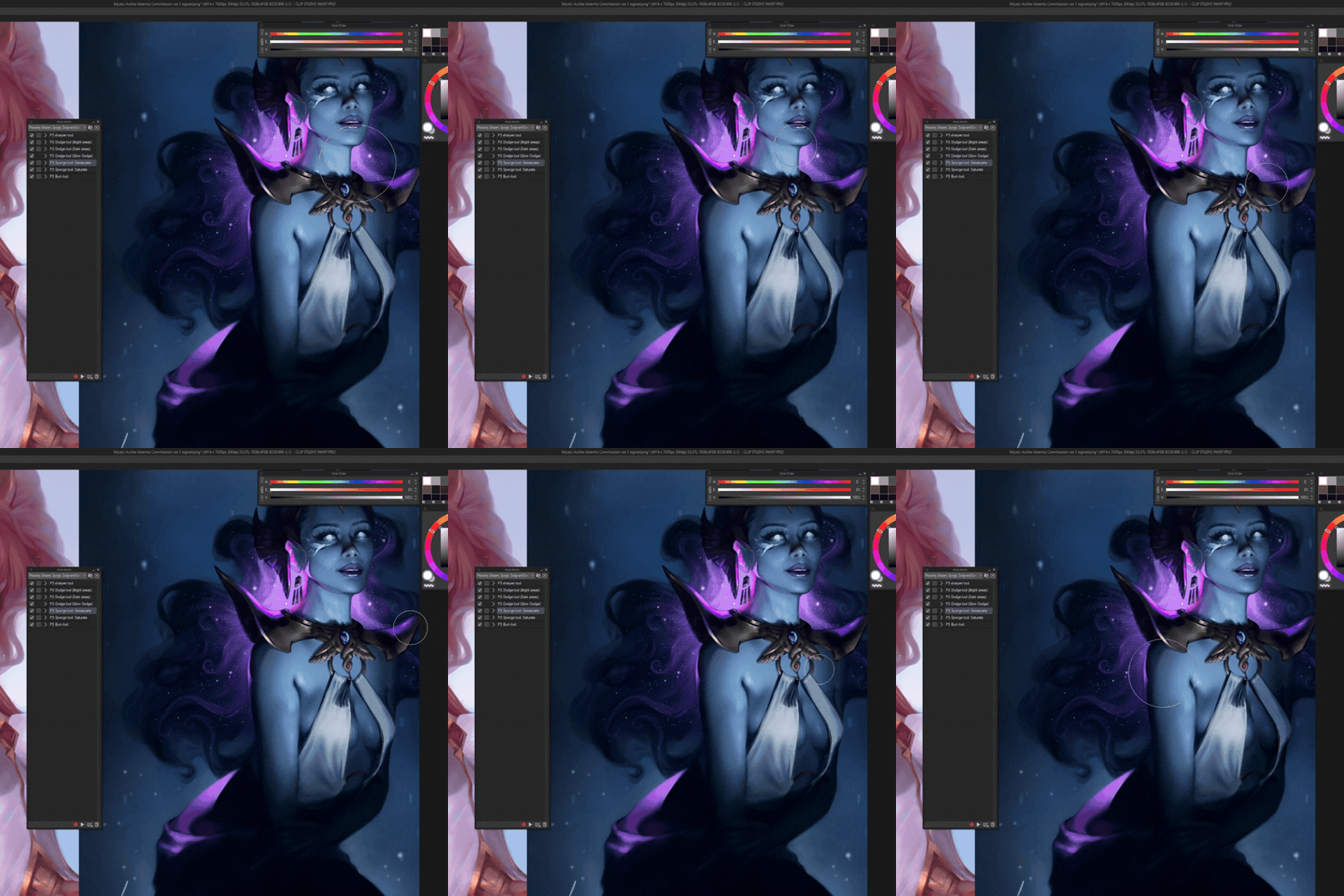
번: 노트 없음.
추신. 접근성을 위해 도구 바 바로 아래 퀵 액세스 바에 모든 자동 액션을 커스텀 아이콘과 함께 추가했지만, 당연히 그럴 필요는 없어요:) <3 즐겁게 감상하세요

샤프닝: 보통 4000x4000 캔버스에서 작업합니다. 더 큰 캔버스를 원한다면 자동 액션을 실행하기 전에 이 박스를 확인하세요:

그 다음 언샤프 마스크의 반경과 임계값을 각각 10-20씩 높입니다:

그 후에는 체크박스를 해제하면 설정이 저장되어 있습니다.
도지: 어두운 곳과 밝은 곳에 대한 다양한 프리셋이 있습니다. 글로우 도지 옵션은 그 위에 글로우 도지 레이어를 얹고 회색빛을 선택해요(성능 친화적).
스펀지: 포화/채도 저하. 메모도 없고요.
번: 노트 없음.
추신. 접근성을 위해 도구 바 바로 아래 퀵 액세스 바에 모든 자동 액션을 커스텀 아이콘과 함께 추가했지만, 당연히 그럴 필요는 없어요:) <3 즐겁게 감상하세요

Auto actions are ready to use. You have to have at least two layers in the file and have to be on a visible layer to start the action. My recommendations:
Sharpen: I usually work on 4000x4000 canvas. For bigger canvases check this box right here before running the auto action:
Then heighten the radius and threshold of the unsharp mask by 10-20 each:
After that just uncheck the box and your settings will have saved for future uses.
Dodge: There are different presets for dark and bright areas. The glow dodge option just makes a glow dodge layer on top and picks a greyish color (performance friendly).
Sponge: Saturate/desaturate. No notes.
Burn: No notes.
PS. For ease of access I added all the auto actions in quick access bar right under my tool bar with custom icons, but you obviously don't need to do that :) Enjoy <3
Sharpen: I usually work on 4000x4000 canvas. For bigger canvases check this box right here before running the auto action:
Then heighten the radius and threshold of the unsharp mask by 10-20 each:
After that just uncheck the box and your settings will have saved for future uses.
Dodge: There are different presets for dark and bright areas. The glow dodge option just makes a glow dodge layer on top and picks a greyish color (performance friendly).
Sponge: Saturate/desaturate. No notes.
Burn: No notes.
PS. For ease of access I added all the auto actions in quick access bar right under my tool bar with custom icons, but you obviously don't need to do that :) Enjoy <3





'오토 액션'의 인기 소재


신규 소재


배지
-
 MVP ◆질문에 적절한 답변을 많이 게시하고 커뮤니티 운영에 크게 공헌한 사용자입니다. MVP는 3개월에 한 번, 그 사이에 획득한 포인트를 바탕으로 결정하고 표창을 실시하고 있습니다.
 -
 NVP(New Valuable Player) ◆MVP 다음으로 커뮤니티 운영에 공헌한 사용자입니다. 이제까지 MVP 수상 경험이 없는 분 중에서 획득한 포인트를 바탕으로 결정하여 표창을 실시하고 있습니다.
 -
 공식 엑스퍼트 ◆뛰어난 응답자의 증표인 MVP수상자 중에서 선택된 커뮤니티에서 가장 뛰어난 응답자의 증표입니다. 심사를 거쳐서 저희 회사에서 의뢰할 경우 취임되십니다.※ 옛 명칭 '에반젤리스트'
 -
 셀시스 공인 모더레이터 ◆모더레이터는 일본어와 기타 언어로 말할 수 있는 셀시스 공인 스태프입니다. 소프트웨어나 창작 전문가가 아니므로 직접 의문을 해결할 수는 없지만 여러분이 순조롭게 소통할 수 있도록 언어나 커뮤니케이션 측면에서 지원합니다.
 -
 셀시스 공식운영에 관련된 공식 계정입니다.