



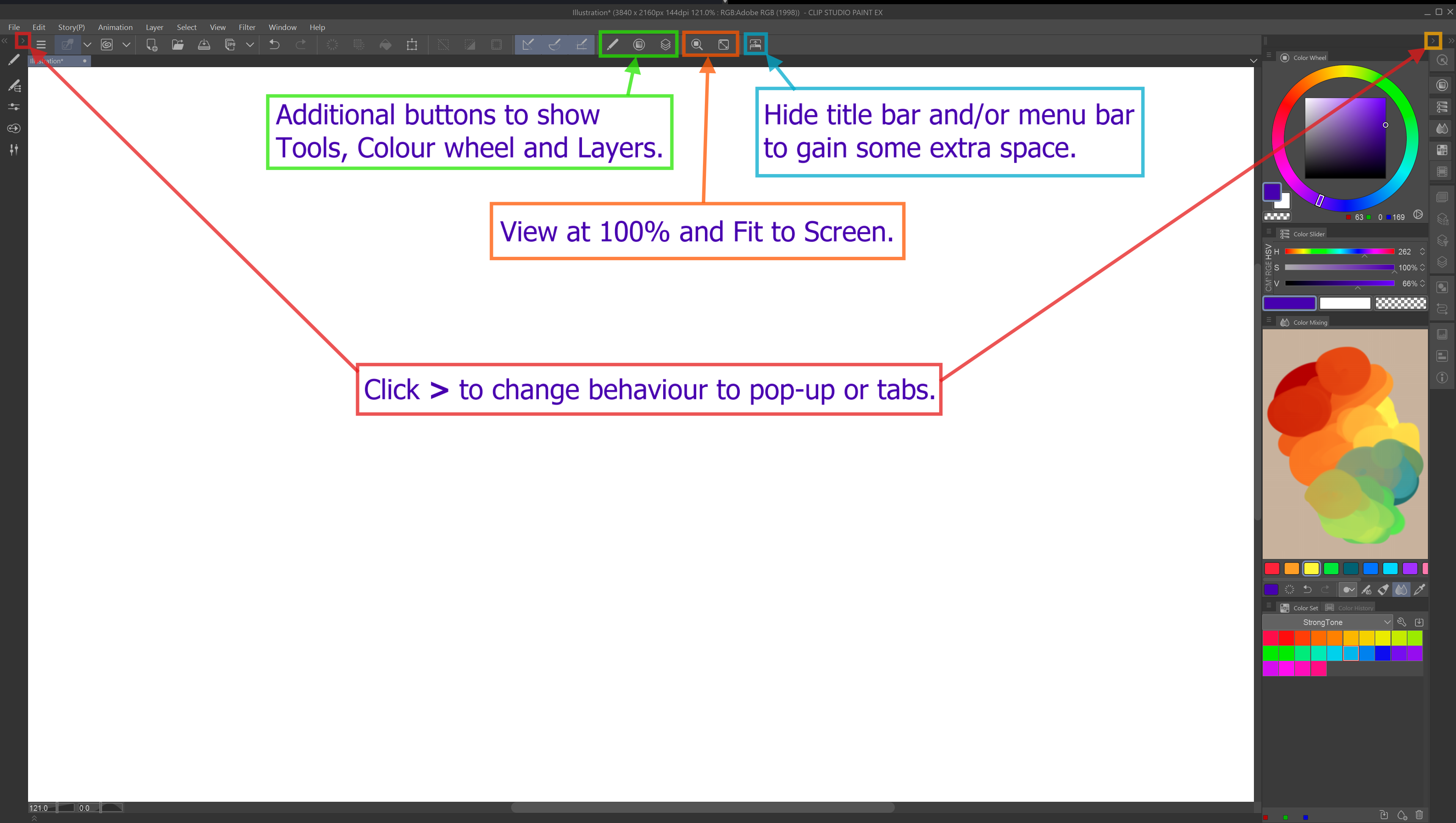
펜 디스플레이 태블릿을 위한 최소한의 작업 공간. Huion Kamvas Pro 19 화면을 기반으로 합니다. Minimal workspace for pen display tablets. Based on a Huion Kamvas Pro 19 screen.
이것이 제가 현재 Huion Kamvas Pro 19 펜 디스플레이 태블릿에서 사용하는 작업 공간입니다. 화면에 최소한의 잡동사니를 원했는데, 저한테 맞는 걸 못 찾았어요. 그래서 저는 제 작품을 만들어 공유하기로 했습니다.
텍스트와 인터페이스 요소를 편안하게 표시할 수 있는 최적의 설정을 아직 찾고 있지만, 지금 제가 가진 것은 다음과 같습니다:
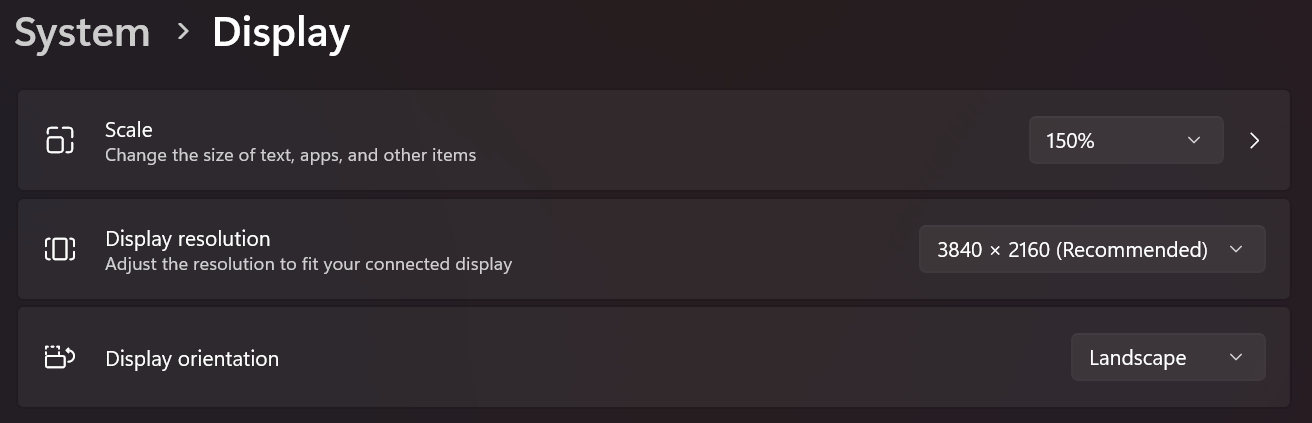

윈도우용 디스플레이 설정:
스케일 150%
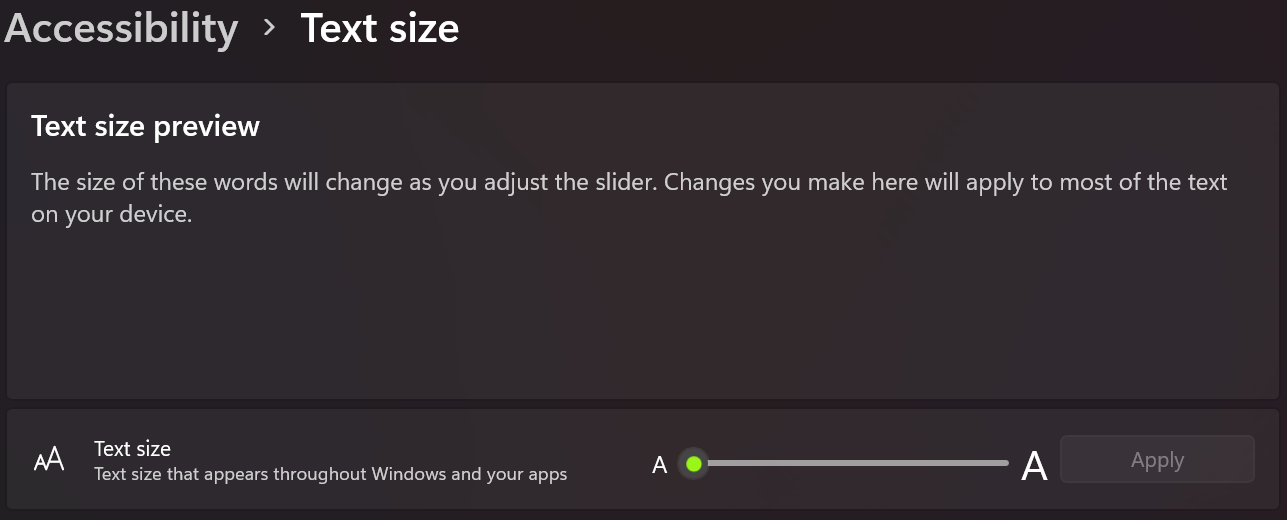
텍스트 크기를 늘릴 수도 있지만, 지금은 기본값으로 설정해 두었습니다:
Clip Studio Paint의 선호도:
터치 연산> 기본 인터페이스>

이 방법이 여러분에게도 도움이 되길 바라며, 필요하면 새 버전을 업로드하겠습니다.
즐겁게 읽으세요!
This is my current workspace that I use on my Huion Kamvas Pro 19 pen display tablet. I wanted minimal clutter on screen and could not find one that felt good to me. So, I decided to make and share my own.
I'm still figuring out the best settings to display text and interface elements comfortably, but this is what I have now:
Display settings for Windows:
Scale 150%
I might increase text size, but for now I have it at it's default:
Preferences in Clip Studio Paint:
Interface > Touch Operations > Default
I hope this work for you as well, I will upload a new version if I feel the need.
Enjoy!



'워크스페이스'의 인기 소재





신규 소재





배지
-
 MVP ◆질문에 적절한 답변을 많이 게시하고 커뮤니티 운영에 크게 공헌한 사용자입니다. MVP는 3개월에 한 번, 그 사이에 획득한 포인트를 바탕으로 결정하고 표창을 실시하고 있습니다.
 -
 NVP(New Valuable Player) ◆MVP 다음으로 커뮤니티 운영에 공헌한 사용자입니다. 이제까지 MVP 수상 경험이 없는 분 중에서 획득한 포인트를 바탕으로 결정하여 표창을 실시하고 있습니다.
 -
 공식 엑스퍼트 ◆뛰어난 응답자의 증표인 MVP수상자 중에서 선택된 커뮤니티에서 가장 뛰어난 응답자의 증표입니다. 심사를 거쳐서 저희 회사에서 의뢰할 경우 취임되십니다.※ 옛 명칭 '에반젤리스트'
 -
 셀시스 공인 모더레이터 ◆모더레이터는 일본어와 기타 언어로 말할 수 있는 셀시스 공인 스태프입니다. 소프트웨어나 창작 전문가가 아니므로 직접 의문을 해결할 수는 없지만 여러분이 순조롭게 소통할 수 있도록 언어나 커뮤니케이션 측면에서 지원합니다.
 -
 셀시스 공식운영에 관련된 공식 계정입니다.