



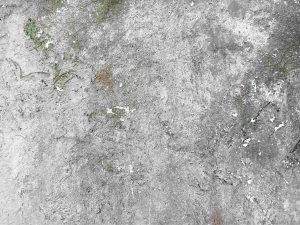
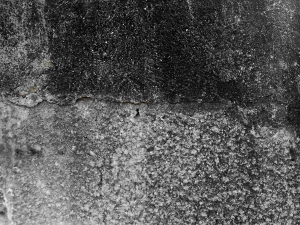
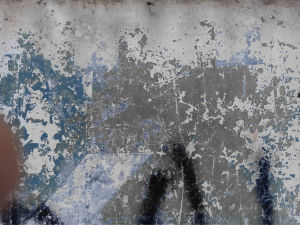
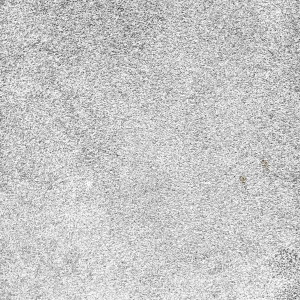
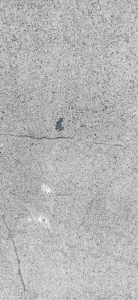
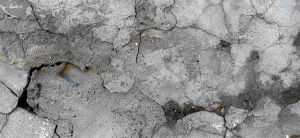
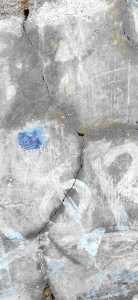
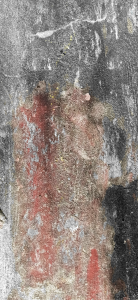
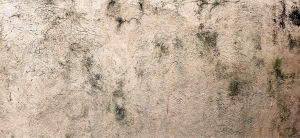
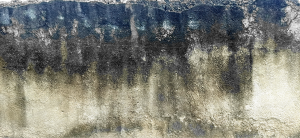
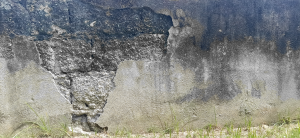
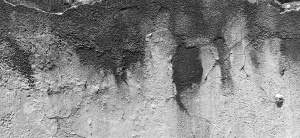
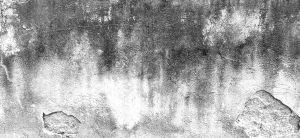
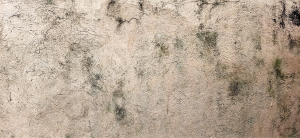
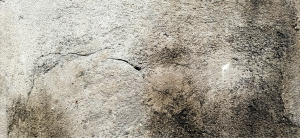
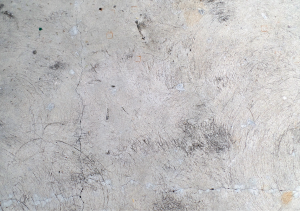
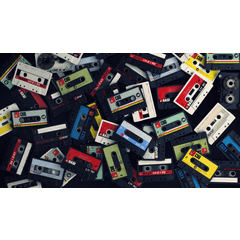
텍스처를 사용하여 그림 베터를 만드는 방법에는 여러 가지가 있습니다.
1. 레이어 속성으로 이동하여 텍스처 오버레이 를 클릭하십시오. 선호도에 따라 텍스처의 강도를 조정하십시오.
2. 오버레이, 곱하기, 화면 등과 같은 레이어 유형으로 재생할 수 있습니다.
3. 텍스처를 배치 한 후 레이어 를 래스터화 한 다음 편집 -> 밝기 를 불투명도로 변환으로 이동하십시오.
(새 자산이있을 때이 자료 세트를 업데이트 할 것입니다)
There are many ways to use textures to make your picture bettter.
1. Go to Layer Property and click OVERLAY TEXTURE. Adjust the strength of the texture depending on your preference.
2. You can play with Layer types like overlay, multiply, screen, etc
3. After you've placed your texture, Rasterize the layer then go to Edit -> Convert Brightness to Opacity.
(Will update this material set when I have new assets)
카테고리 1 Category 1


갱신 이력
새로운 텍스처가 추가되었습니다! Added new textures!





'OrangeNek0'님의 다른 소재


'소재집'의 인기 소재


신규 소재


배지
-
 MVP ◆질문에 적절한 답변을 많이 게시하고 커뮤니티 운영에 크게 공헌한 사용자입니다. MVP는 3개월에 한 번, 그 사이에 획득한 포인트를 바탕으로 결정하고 표창을 실시하고 있습니다.
 -
 NVP(New Valuable Player) ◆MVP 다음으로 커뮤니티 운영에 공헌한 사용자입니다. 이제까지 MVP 수상 경험이 없는 분 중에서 획득한 포인트를 바탕으로 결정하여 표창을 실시하고 있습니다.
 -
 공식 엑스퍼트 ◆뛰어난 응답자의 증표인 MVP수상자 중에서 선택된 커뮤니티에서 가장 뛰어난 응답자의 증표입니다. 심사를 거쳐서 저희 회사에서 의뢰할 경우 취임되십니다.※ 옛 명칭 '에반젤리스트'
 -
 셀시스 공인 모더레이터 ◆모더레이터는 일본어와 기타 언어로 말할 수 있는 셀시스 공인 스태프입니다. 소프트웨어나 창작 전문가가 아니므로 직접 의문을 해결할 수는 없지만 여러분이 순조롭게 소통할 수 있도록 언어나 커뮤니케이션 측면에서 지원합니다.
 -
 셀시스 공식운영에 관련된 공식 계정입니다.