



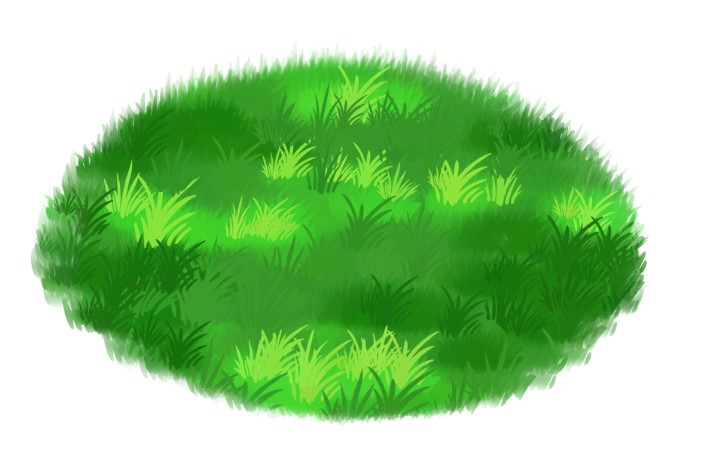
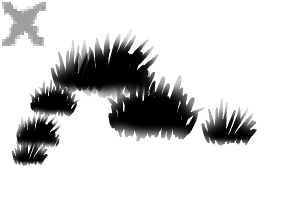
草のブラシパックでシンプルな草原を作る。 A grass brush pack to make simple meadows of grass.
初めてアップロードしたブラシです!楽しんでいただければ幸いです!^,....,^
パック内で:
グラスベース
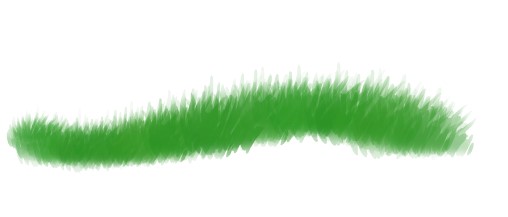
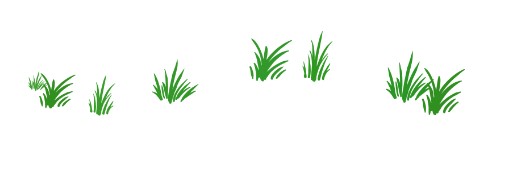
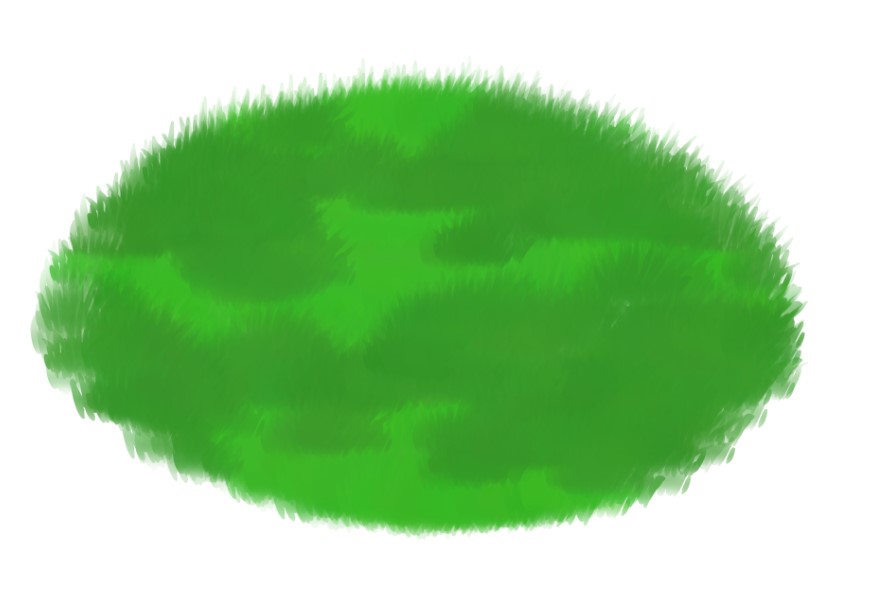
1- GrassBaseブラシを使ってベースを作成します
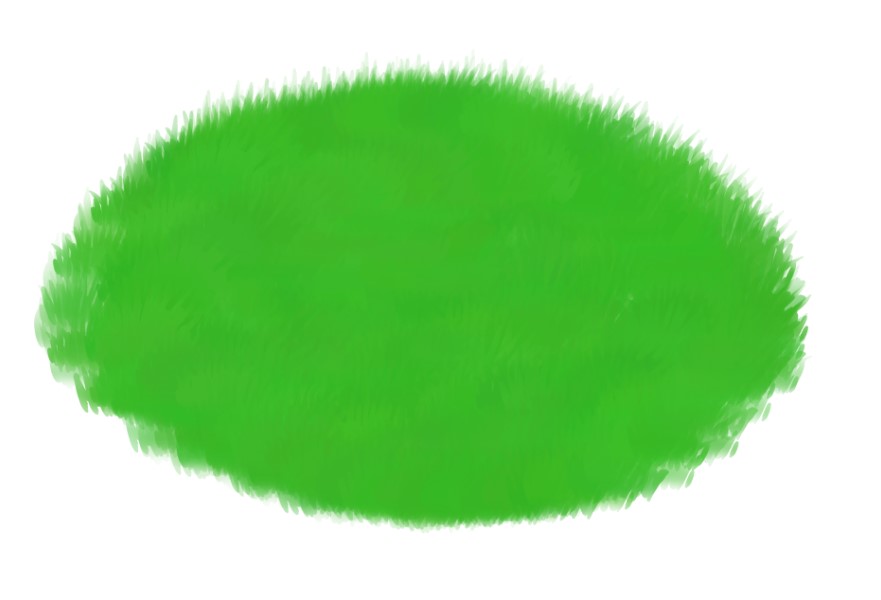


ありがとうございます、楽しんでください!!
パック内で:
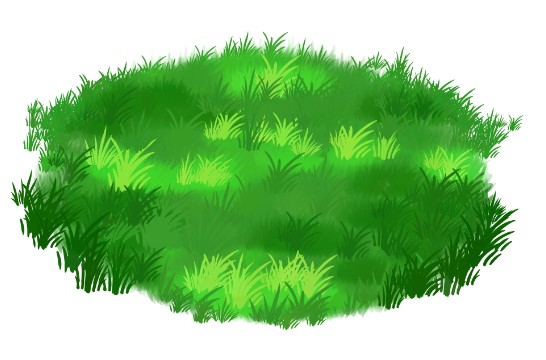
グラスベース
グラスディテール
ステップ:
1- GrassBaseブラシを使ってベースを作成します
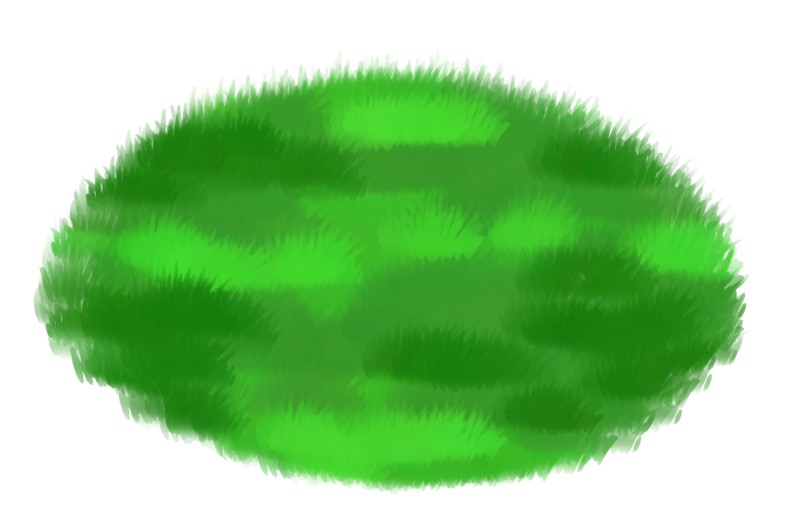
2- 同じブラシを使って、クリッピングレイヤーに影とハイライトを作成します

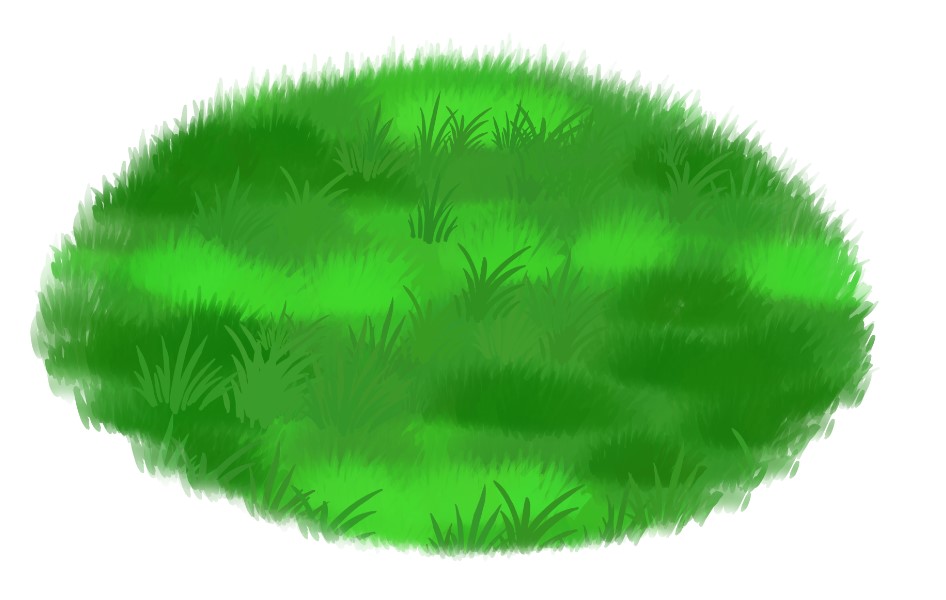
3- GrassDetailを使って、ミッドトーンの色を使ってより多くのテクスチャを作りましょう。
4- シャドウ&ハイライトを使ってステップ3を繰り返します。影を 少し 暗くし、ハイライトを 少し 明るくします。
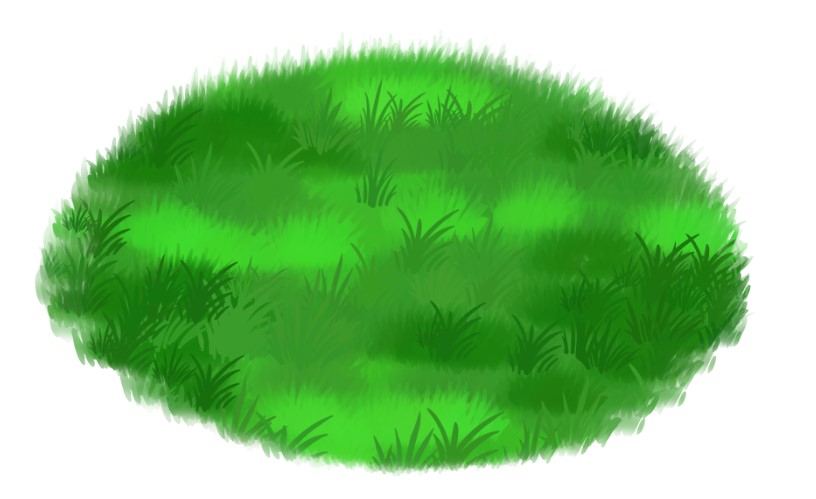
5- 芝生の縁をもっとオーガニックにしましょう。前方の草は大きく、後ろの方の草は小さい。
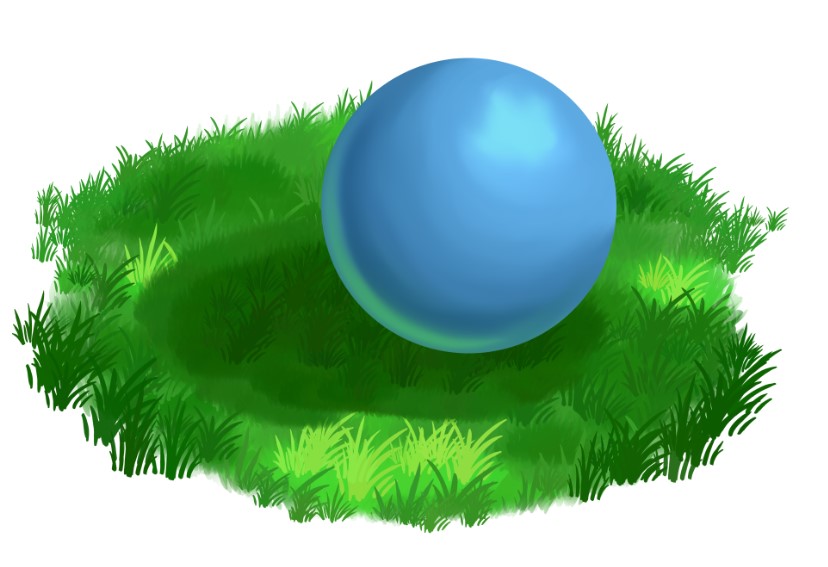
ボーナスステップ!!
ブラシを使って草に影を作る方法
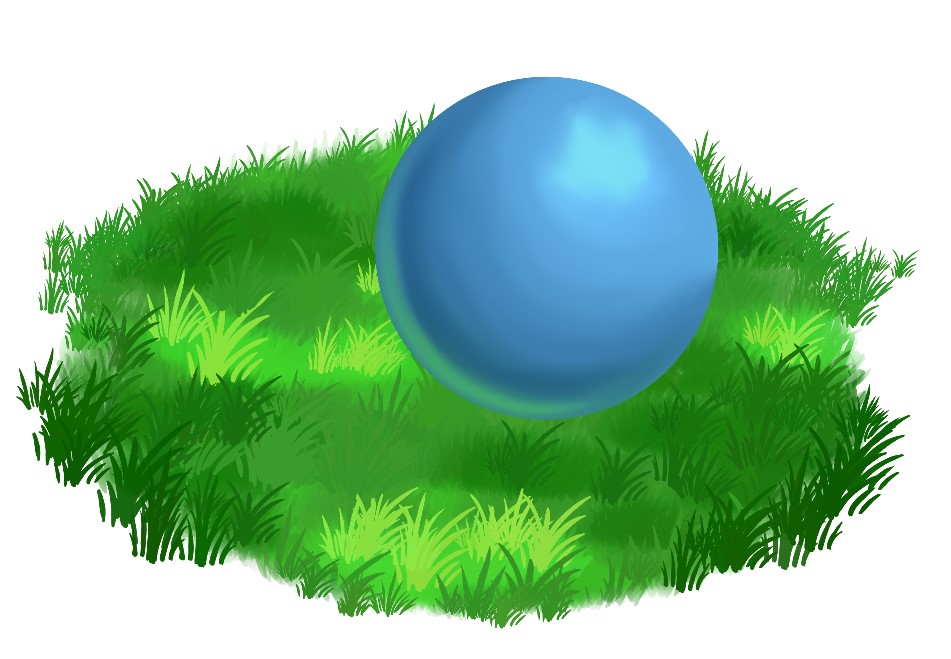
1- GrassBaseを使って、そのオブジェクトのシャドウをオブジェクトの下のレイヤーに作成します。
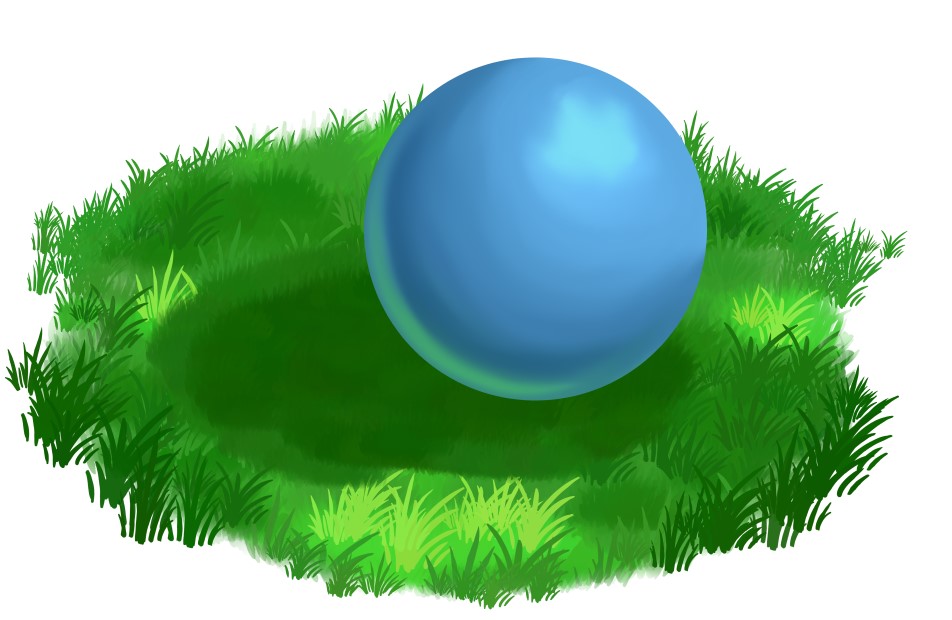
2- GrassDetail ブラシを使ってテクスチャを作成する
3- 上のレイヤーで、 GrassBase と GrassDetailの両方を使って、周囲の色を使ってオブジェクトを草にブレンドします。

ありがとうございます、楽しんでください!!
My first brush to upload! I hope you enjoy! ^,....,^
In the pack:
GrassBase
1- Using the GrassBase Brush create your base
Thank you enjoy!!
In the pack:
GrassBase
GrassDetail
Steps:
1- Using the GrassBase Brush create your base
2- Using the same brush, create your shadows & highlights on a clipping layer
3- Using the GrassDetail create more texture using your midtone colour.
4- Repeat step 3 using your Shadow & Highlight. Make the shadow slightly darker, and make the highlight slightly lighter.
5- Make the edges of your grass patch more organic. The grass in the front larger, and the grass towards the back smaller.
BONUS STEPS!!
Creating a shadow in the grass using the brushes
1- Using GrassBase create that shadow for the object on the layer below the object.
2- Create some texture using the GrassDetail brush
3- On the layer above, using BOTH GrassBase & GrassDetail, blend the object into the grass using the surrounding colours.
Thank you enjoy!!
グラスブラシ Grass Brush






"soxxyhorror"さんの別の素材


"素材集"の人気素材


新着素材


バッジ
-
 MVP ◆質問に対して適切な回答を数多く投稿し、コミュニティの運営に大きく貢献したユーザーです。MVPは3ヶ月に一度、その間に獲得したポイントを元に決定し、表彰を行っています。
 -
 NVP (New Valuable Player) ◆MVPに次いでコミュニティの運営に貢献したユーザーです。これまでMVPの受賞経験のない方から、獲得したポイントを元に決定し、表彰を行なっています。
 -
 公式エキスパート ◆優れた回答者の証であるMVP受賞者の中からさらに選ばれた、コミュニティで最も優良な回答者の証です。審査を経て当社から依頼し就任いただいています。※旧名称「エバンジェリスト」
 -
 セルシス公認モデレーター ◆モデレーターは、日本語とその他の言語が話せるセルシス公認のスタッフです。ソフトウェアや創作のエキスパートではないので、直接疑問を解決することはできませんが、みなさんがスムーズにコミュニケーションできるように、言葉やコミュニケーションの側面からサポートします。
 -
 セルシス公式運営に関連した公式アカウントです。