



It is a brush that can be easily shaded on long and narrow bars. 細長い棒等に簡単に陰影をつけられるブラシです。
- Select an area and then press Shift from one end to extend it to the other end to create a simple two-sided gradient.
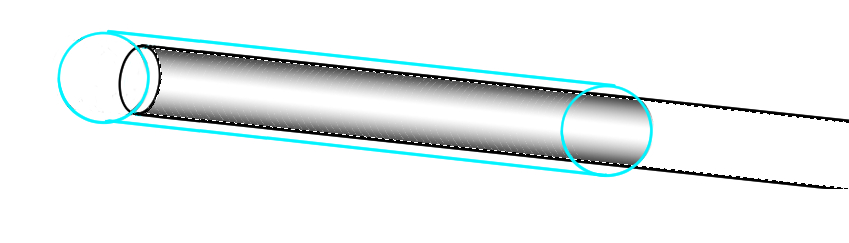
- You can adjust the degree of gradient application by brush size, ink density, start position, etc.

- If the shape is drawn along a parallel curve ruler, etc., you can draw a gradient along the ruler.

- 領域選択してから一方の端からShiftを押してもう一方の端に伸ばせば簡易な両側グラデーションになります。
- ブラシサイズやインク濃度、開始位置などでグラデーションのかかり具合を調整できます。
- 平行曲線定規等に沿って描かれた図形なら、定規に沿ったグラデーションを引けます。


Other materials by M-FORCE


Popular “Brush” materials


New materials




Badges
-
 MVP ◆This user has contributed greatly to the management of the community, by posting many great responses to the questions asked. Once every three months, MVPs are determined based on the points earned during that period and will be recognized accordingly.
 -
 New Valuable Player (NVP) ◆These are the next-best contributors to the community after MVPs. This is awarded to users who have not yet won an MVP award, based on the number of points they have earned.
 -
 Official Expert ◆Chosen out of all MVP awardees, who are already proof of excellence, this is a testimony of outstanding correspondence in the community. After careful screening, they are appointed by CELSYS and assume their position.Note: Formally called “Evangelists”
 -
 Official Moderator of CELSYS ◆Moderators are official CELSYS staff members who are fluent in Japanese as well as various other languages. Moderators are not experts on the software or illustration, so they are not able to directly answer your questions. However, moderators provide communication and language support to ensure that everyone can smoothly communicate with each other.
 -
 CELSYS official accountThe Official Administrator Account