



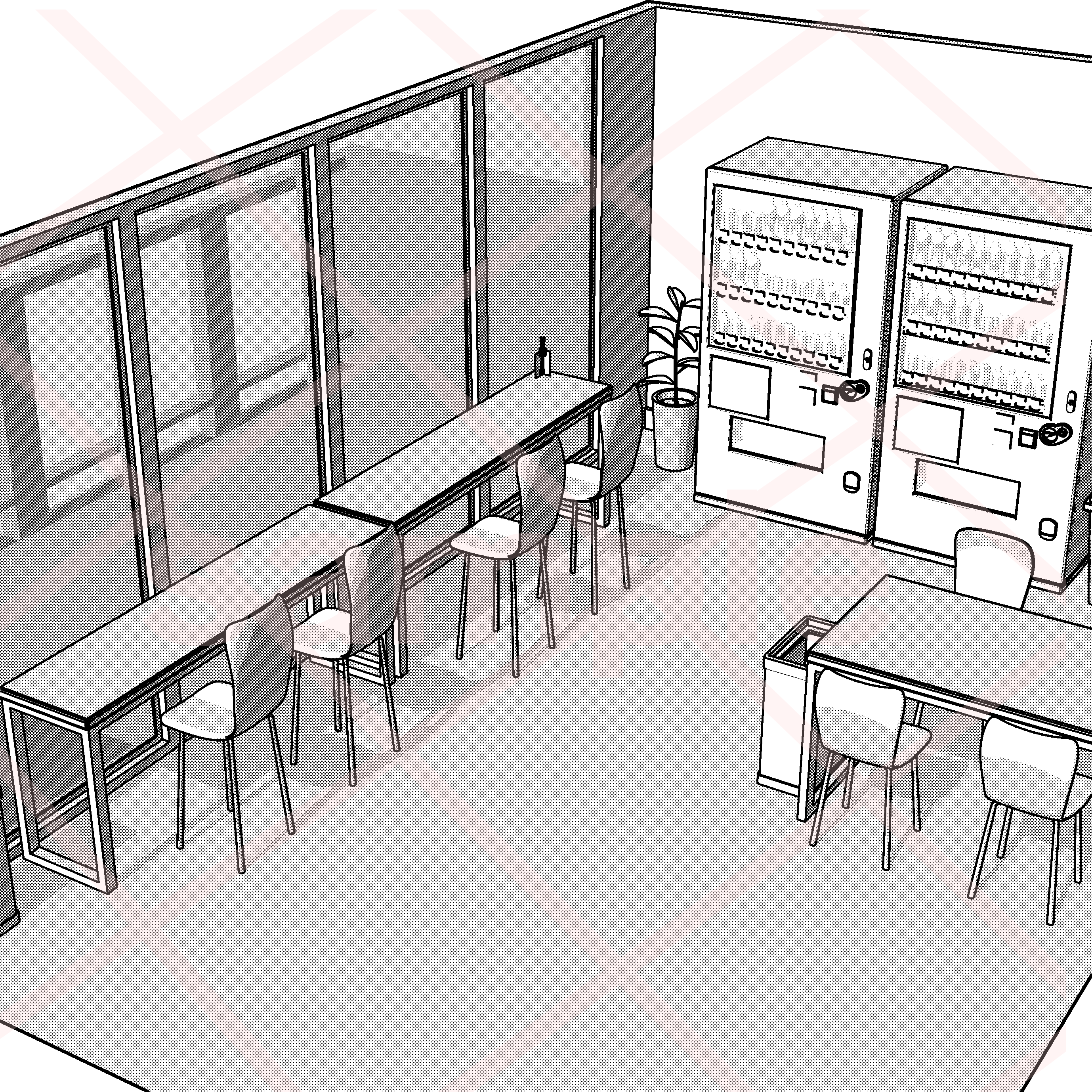
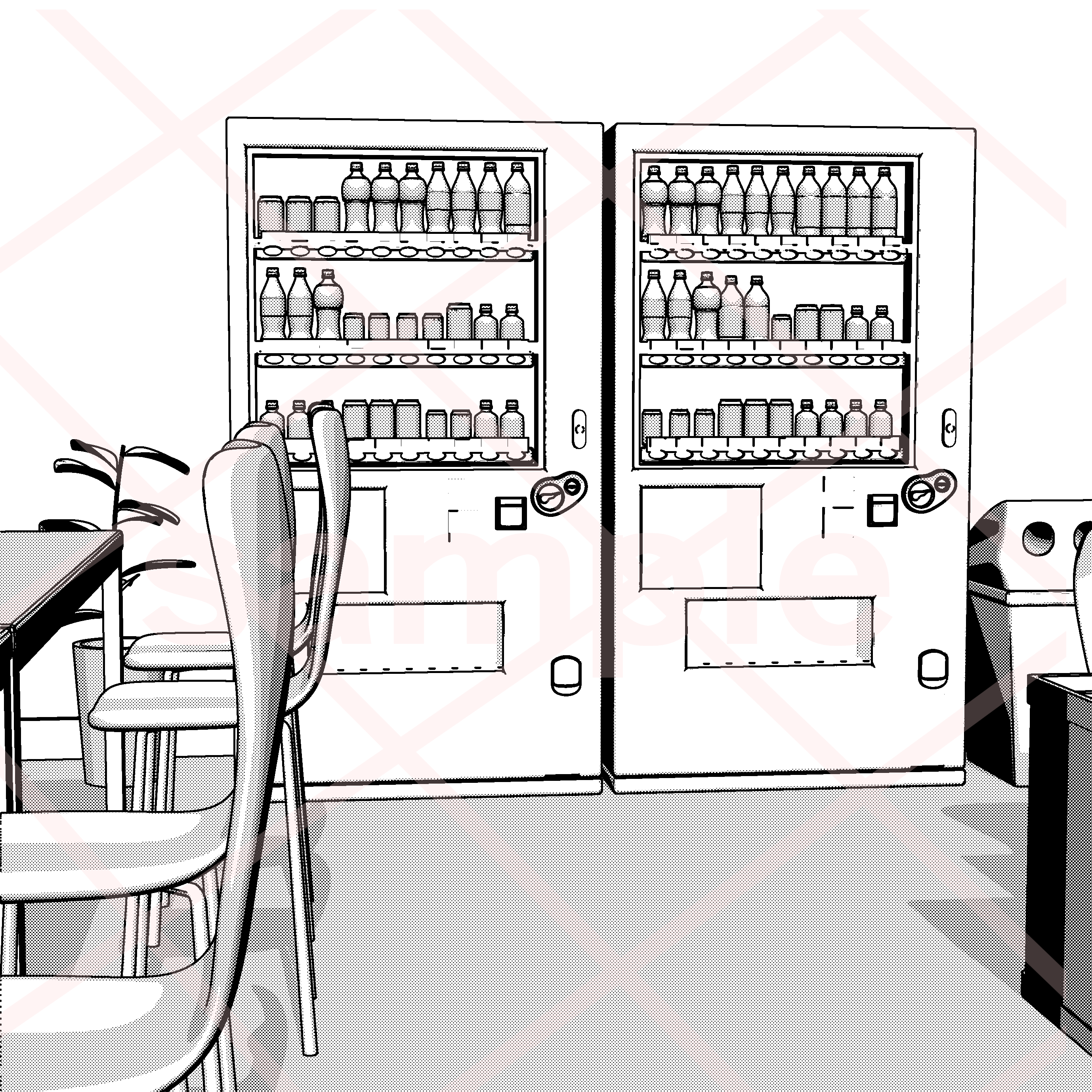
It is a break room in a 3D office.
It can also be used for rest areas.
3Dのオフィスの休憩室です。
その他休憩所にもご使用いただけます。
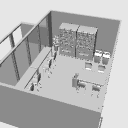
Overall view







object List
Each object movable.
If you switch Show Show Wall, it is easy to convert LT, etc.


LT with tone after conversion
The window glass and the panel of the vending machine are translucent, so if it is toned, the semi-transparency will come out as it is.
Line art only

If you only have a line drawing, the half-transparent will not be reflected, so if you want to export the contents of the vending machine as a line drawing, hide the panel of the vending machine.

Hidden panel with LT post-conversion tone
Line art only

Personnel Placement

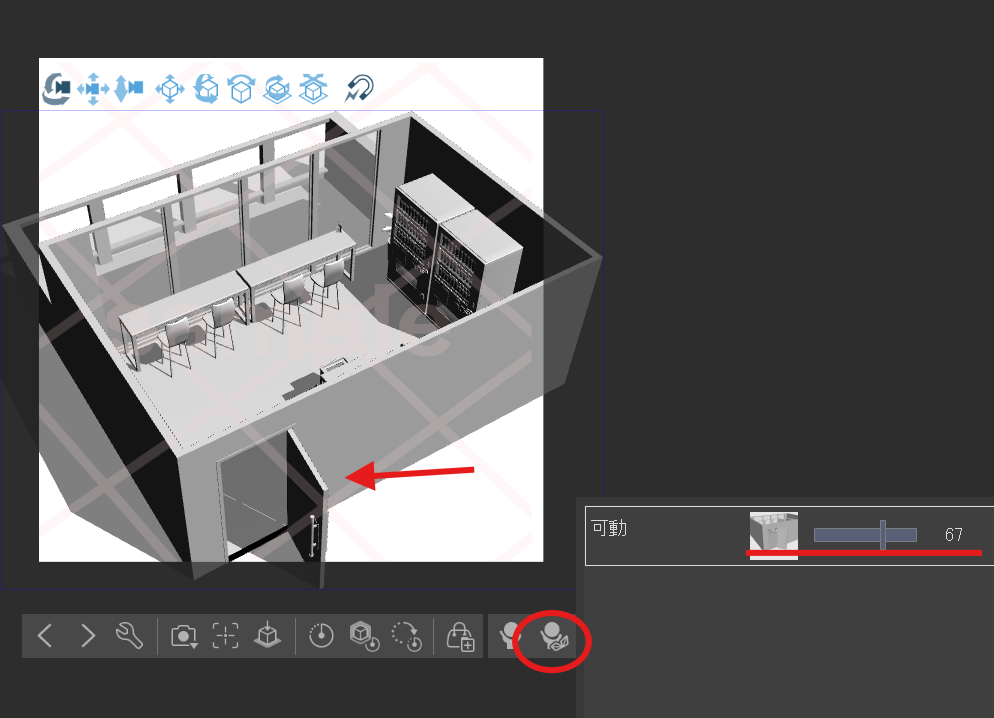
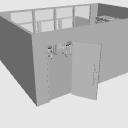
The door can be moved with a slider.
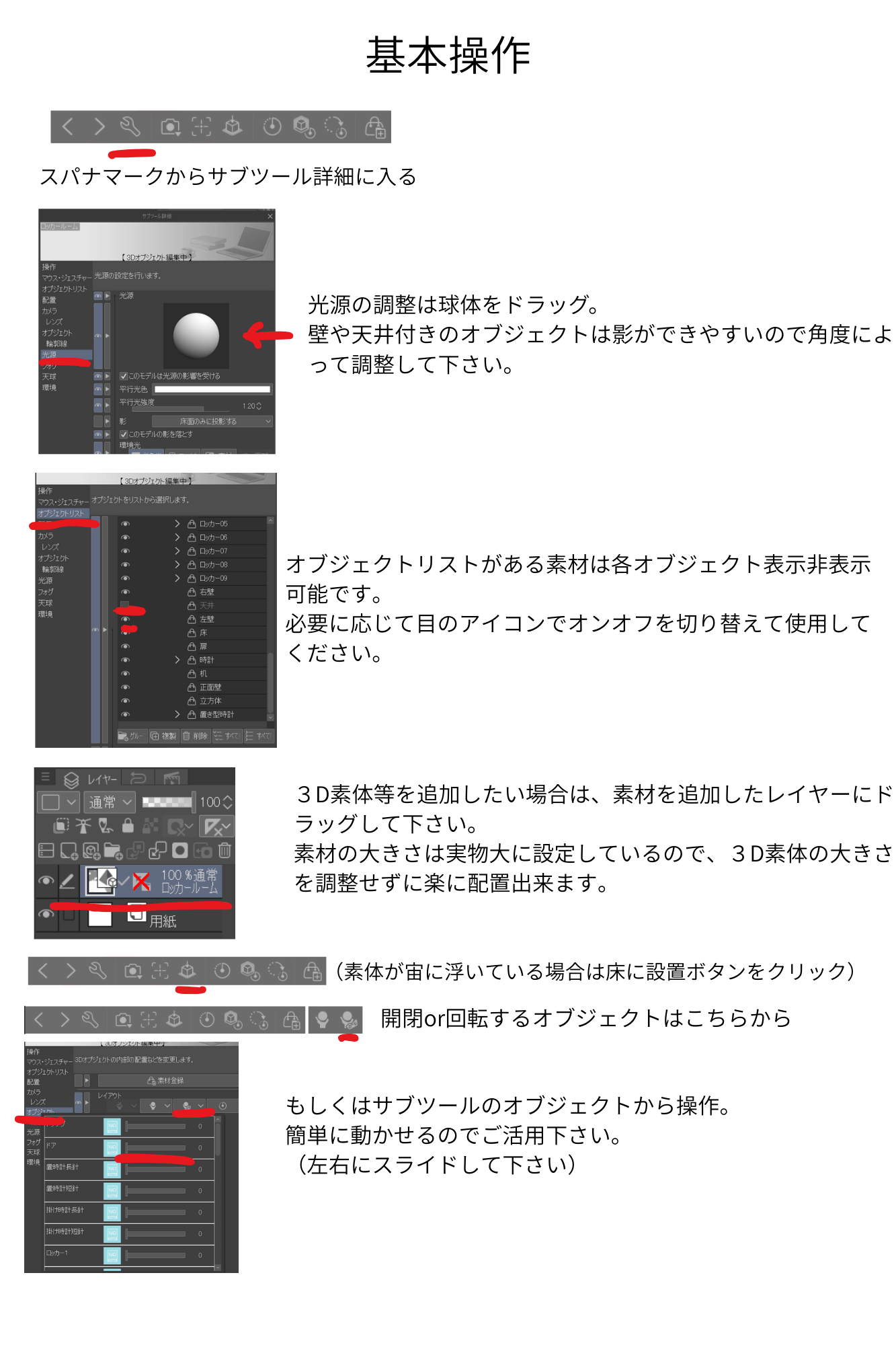
Please refer to the following for basic settings.
全体図
オブジェクトリスト
各オブジェクト可動します。
壁を表示非表示切り替えるとLT変換等しやすいです。
LT変換後トーン付き
窓ガラスと自販機のパネルを半透明にしているのでトーン付きだと半透感がそのまま出ます。
線画のみ
線画のみの場合半透明部分は反映されないので、自販機の中身も線画で書き出ししたい場合は自販機のパネルを非表示にしてください。
パネルを非表示のLT変換後トーン付き
線画のみ
人物配置
ドアはスライダーで可動出来ます。
基本設定は下記をご参照ください。
Material マテリアル
-
default material 初期マテリアル

configuration 配置
-
default layout 初期レイアウト
pose parts 可動パーツ
-
Moving 可動







Other materials by まるまるねっこ


Popular “3D object” materials


New materials


Badges
-
 MVP ◆This user has contributed greatly to the management of the community, by posting many great responses to the questions asked. Once every three months, MVPs are determined based on the points earned during that period and will be recognized accordingly.
 -
 New Valuable Player (NVP) ◆These are the next-best contributors to the community after MVPs. This is awarded to users who have not yet won an MVP award, based on the number of points they have earned.
 -
 Official Expert ◆Chosen out of all MVP awardees, who are already proof of excellence, this is a testimony of outstanding correspondence in the community. After careful screening, they are appointed by CELSYS and assume their position.Note: Formally called “Evangelists”
 -
 Official Moderator of CELSYS ◆Moderators are official CELSYS staff members who are fluent in Japanese as well as various other languages. Moderators are not experts on the software or illustration, so they are not able to directly answer your questions. However, moderators provide communication and language support to ensure that everyone can smoothly communicate with each other.
 -
 CELSYS official accountThe Official Administrator Account