


THEFLYINGPANDA HERE
(tldr: at the end)

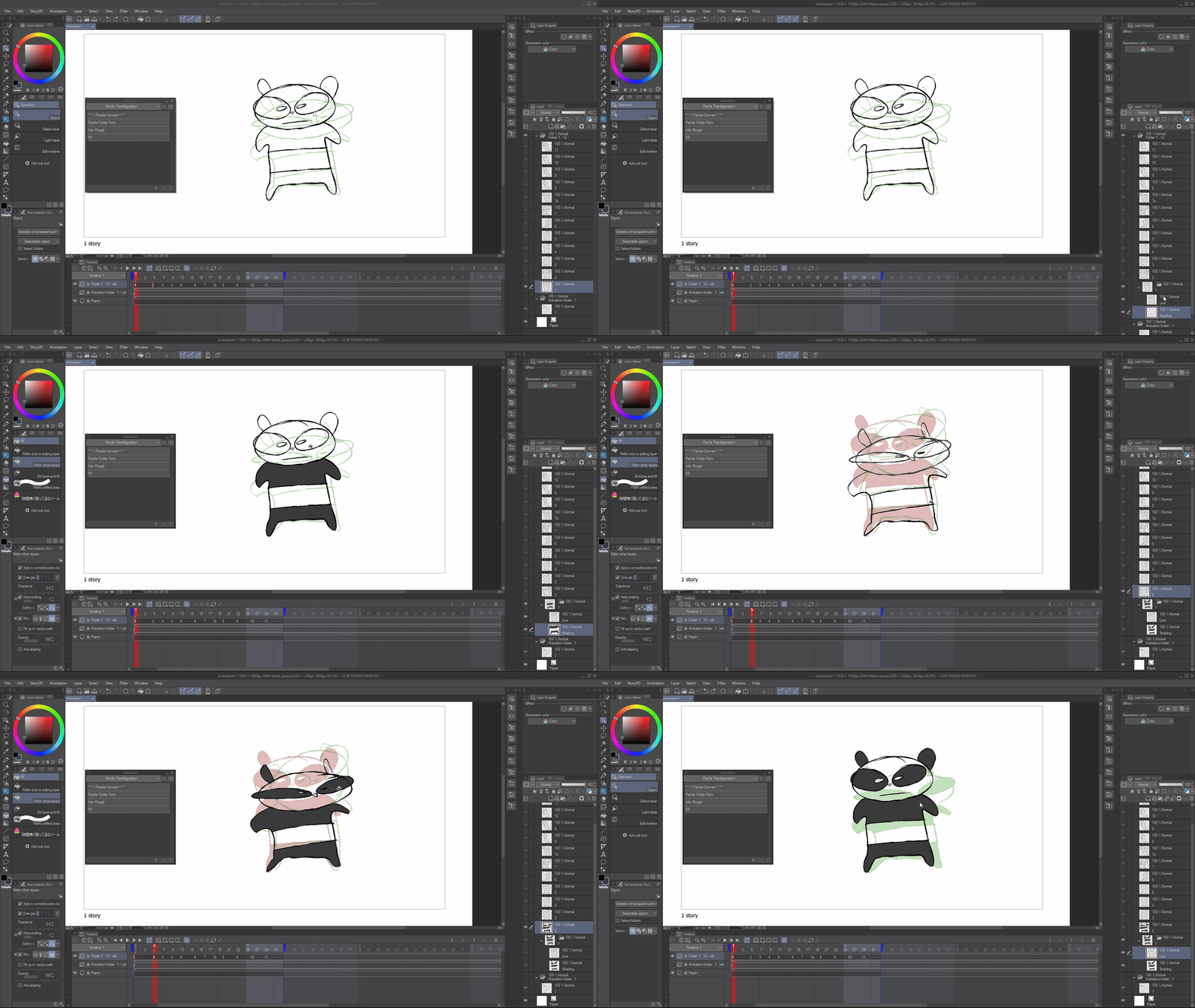
Pands Folder Form
Into Rough
- I use this auto action by setting it to a keyboard shortcut, and making it F5. I tend to use "F5 ALL LAYER" more than single layer but, it's up to you.
- It is simply "Insert Frame" but without all the finicky stuff. Just press a button.
*Why folders?

Thanks for using this pack :D
I made these auto actions for myself, and after a while I realised... why not give them out to you guys since they've helped me so much!
I made these auto actions for myself, and after a while I realised... why not give them out to you guys since they've helped me so much!
Here's a run down of what these do:
PANDA CANVAS
PANDA CANVAS
- At the beginning of an animation, I use this just to set up my canvas.
(I don't really use this much, it's just here for fun.)
Pands Folder Form
- My Bread and Butter.
- I sometimes just animate straight ahead roughs on 1 layer. "Pands Folder Form", and it instantly makes the Single Frame into a Folder* named: 'Line' and 'Shading'.
- GREAT for quick anims, roughs and animatics. If I forget to set up folders, I use this auto action.
(I really like to use this with the Ice Cream Fill Tool (Content ID:1759448))
Into Rough
- Folder Form but instead of line, it turns it into a rough, incase you wanted to line it. I don't really use this, it's just an experiment.
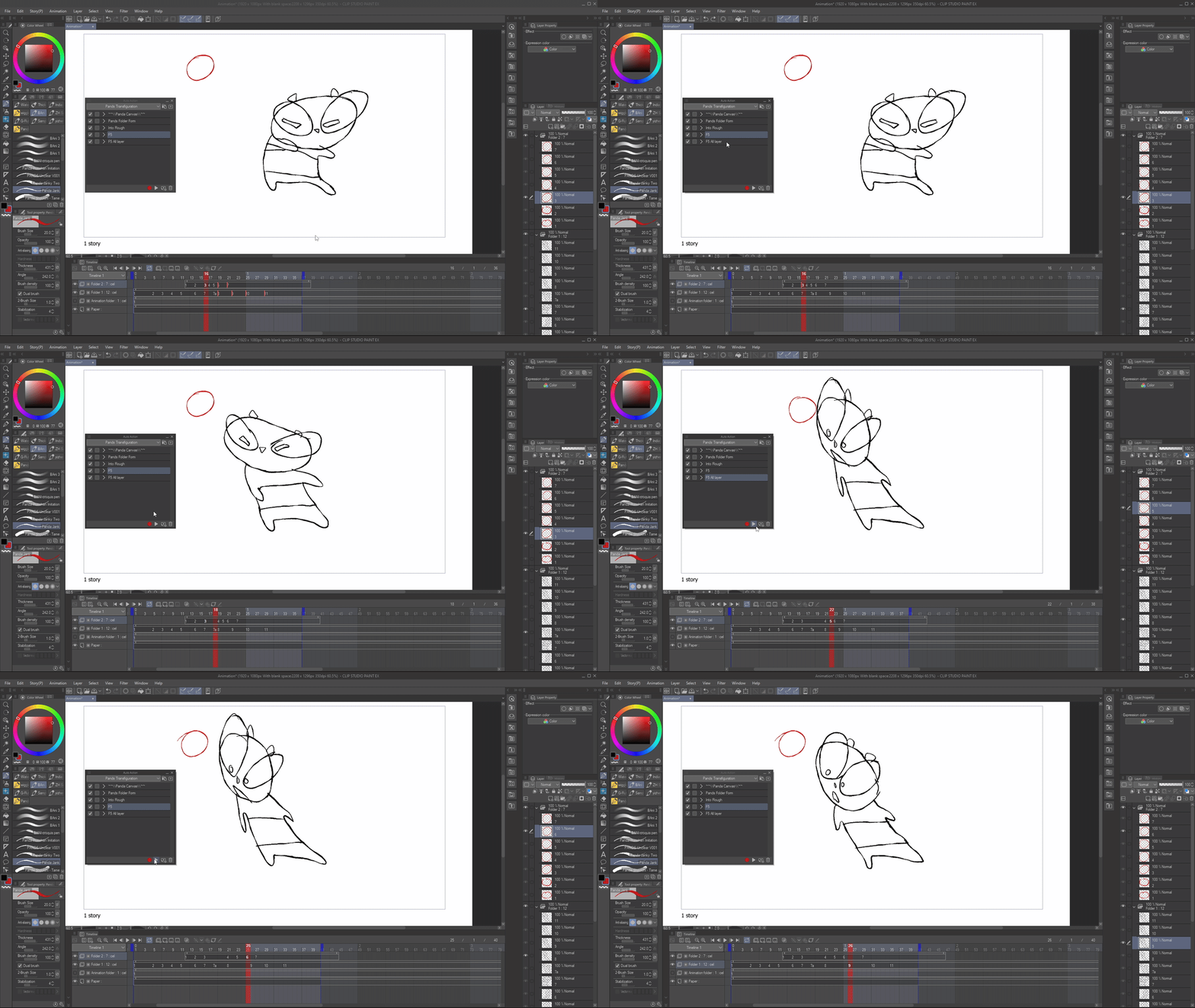
F5 + F5 All Layer
- F5 is a common Adobe Animate keyboard shortcut to increase frames.
- I use this auto action by setting it to a keyboard shortcut, and making it F5. I tend to use "F5 ALL LAYER" more than single layer but, it's up to you.
- It is simply "Insert Frame" but without all the finicky stuff. Just press a button.
*Why folders?
Anime often uses Folders and it's good to get into the habit of using folders.
TLDR:
I use 'Pands Folder Form' and 'F5 All Layers' the most.
I use 'Pands Folder Form' and 'F5 All Layers' the most.
The others are just for fun.
I hope this inspired you to try making your own auto actions and having fun with animation :D








Other materials by TheFlyingPanda

Popular “Auto Action” materials




New materials


Badges
-
 MVP ◆This user has contributed greatly to the management of the community, by posting many great responses to the questions asked. Once every three months, MVPs are determined based on the points earned during that period and will be recognized accordingly.
 -
 New Valuable Player (NVP) ◆These are the next-best contributors to the community after MVPs. This is awarded to users who have not yet won an MVP award, based on the number of points they have earned.
 -
 Official Expert ◆Chosen out of all MVP awardees, who are already proof of excellence, this is a testimony of outstanding correspondence in the community. After careful screening, they are appointed by CELSYS and assume their position.Note: Formally called “Evangelists”
 -
 Official Moderator of CELSYS ◆Moderators are official CELSYS staff members who are fluent in Japanese as well as various other languages. Moderators are not experts on the software or illustration, so they are not able to directly answer your questions. However, moderators provide communication and language support to ensure that everyone can smoothly communicate with each other.
 -
 CELSYS official accountThe Official Administrator Account
