



It is a rotary locking type handcuff that can be opened and closed with moving parts.
Details are simplified.
Chains should be added with a brush or handwriting.
可動部が開閉できるロータリーロッキング式の手錠です。
ディテールは簡略化しています。
チェーンはブラシや手書きで追加してください。
〇How to open handcuffs
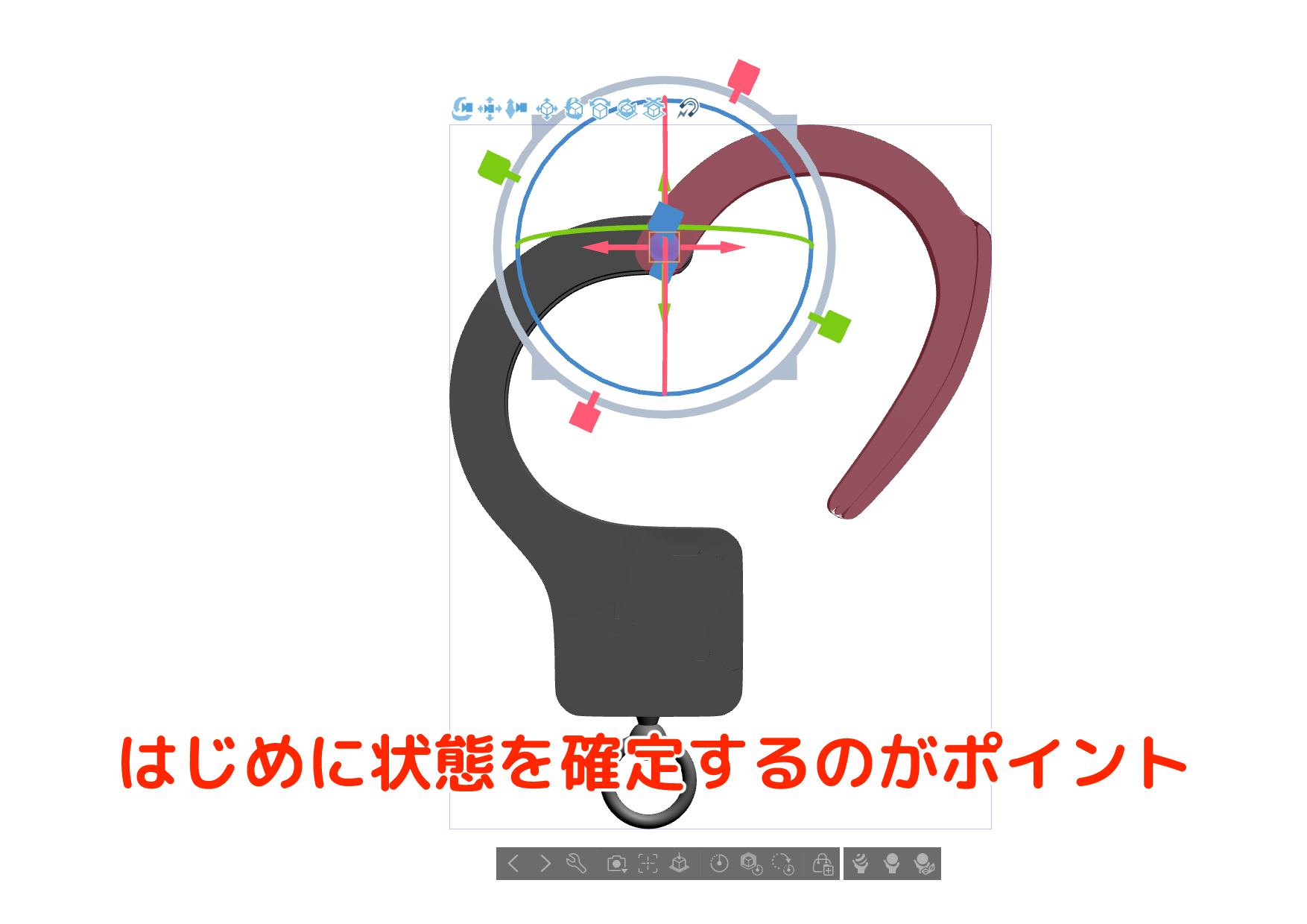
- reset rotate the material (initial state)
- Select moving parts
- Display the manipulator of moving parts and rotate left and right
* Once the status is decided, it is convenient to disable the picking of 3D materials. The initial state is pickable.
〇Example of use
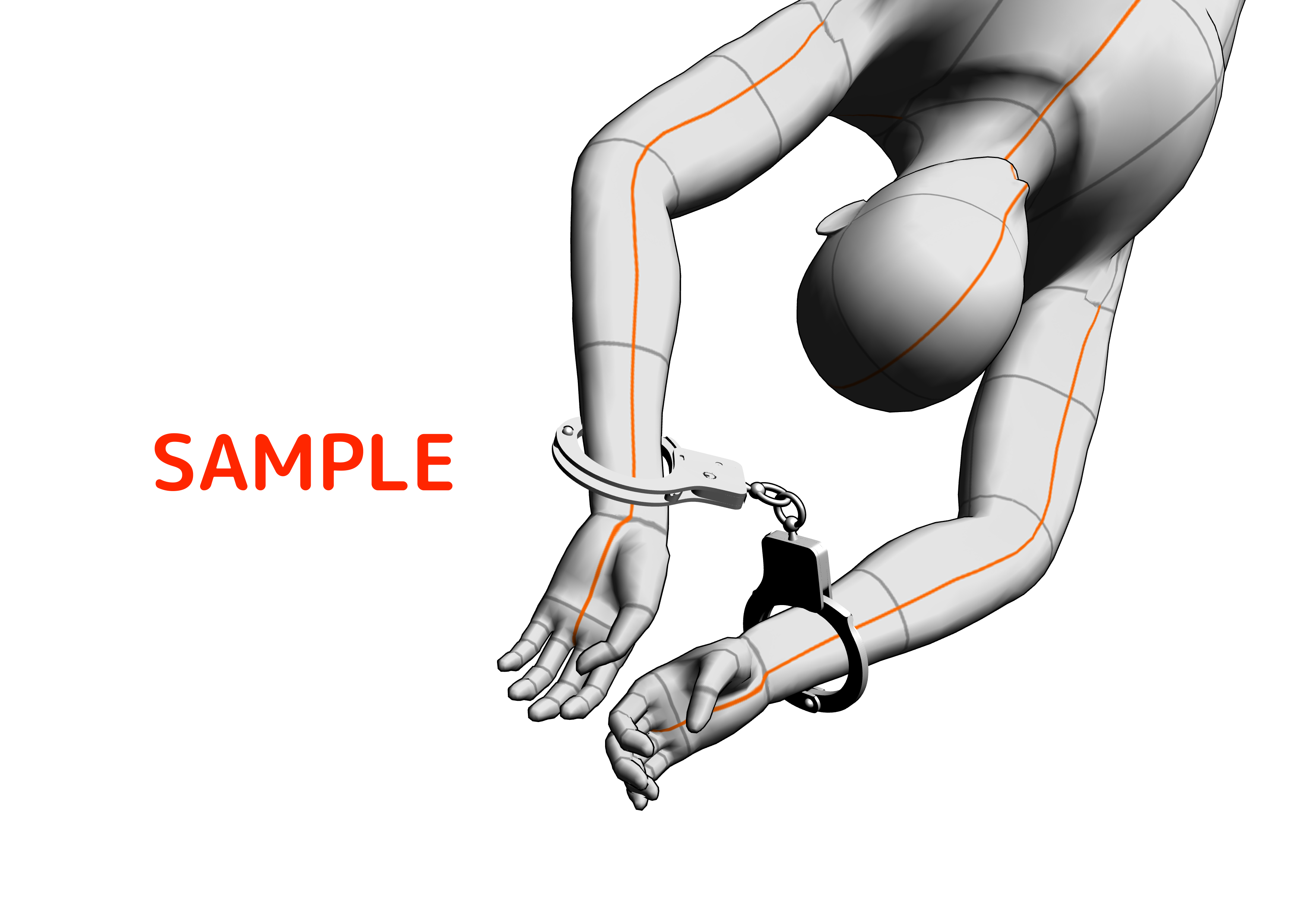
If you place two materials and stack rings on top of each other, you can easily complete the handcuffed state.
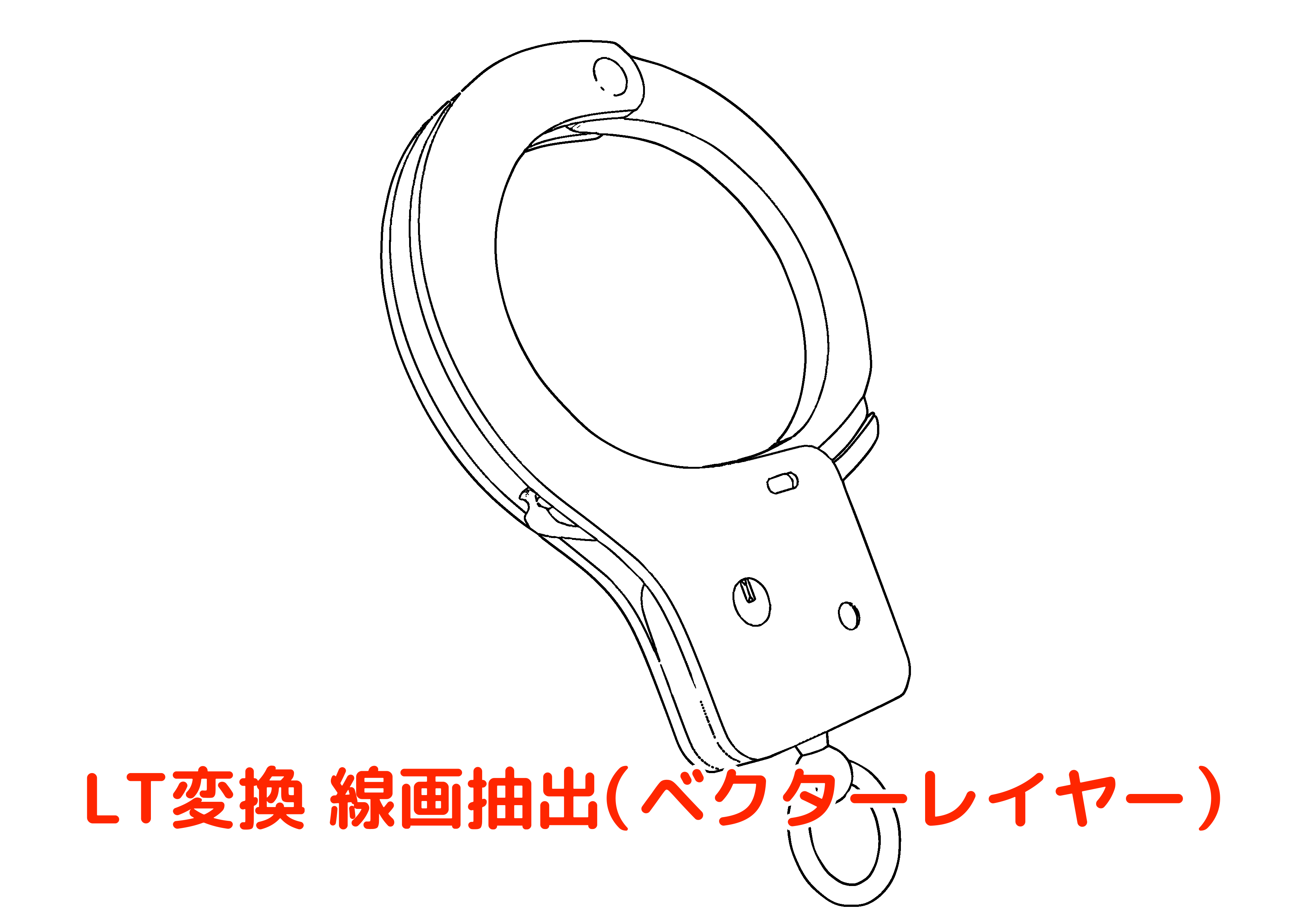
It is in a state of lt conversion of layer. Please use it according to the purpose.
〇手錠の開け方
- 素材の回転をリセット(初期状態に)する
- 可動部パーツを選択する
- 可動部のマニピュレータを表示して左右に回転する
※状態が決まったら、3D素材のピックを不可にすると便利です。初期状態はピック可。
〇使用例
素材を2つ配置して、リングを重ねればカンタンに手錠をはめた状態が完成します。
レイヤーのLT変換をした状態です。用途に応じてご利用ください。
material マテリアル
-
default material 初期マテリアル

disposition 配置
-
default layout 初期レイアウト



Popular “3D object” materials





New materials


Badges
-
 MVP ◆This user has contributed greatly to the management of the community, by posting many great responses to the questions asked. Once every three months, MVPs are determined based on the points earned during that period and will be recognized accordingly.
 -
 New Valuable Player (NVP) ◆These are the next-best contributors to the community after MVPs. This is awarded to users who have not yet won an MVP award, based on the number of points they have earned.
 -
 Official Expert ◆Chosen out of all MVP awardees, who are already proof of excellence, this is a testimony of outstanding correspondence in the community. After careful screening, they are appointed by CELSYS and assume their position.Note: Formally called “Evangelists”
 -
 Official Moderator of CELSYS ◆Moderators are official CELSYS staff members who are fluent in Japanese as well as various other languages. Moderators are not experts on the software or illustration, so they are not able to directly answer your questions. However, moderators provide communication and language support to ensure that everyone can smoothly communicate with each other.
 -
 CELSYS official accountThe Official Administrator Account