


熱帶植物圖案與元素 (Tropical Botanical Patterns & Elements) Tropical Botanical Patterns & Elements
素材ID:2301080
-
60


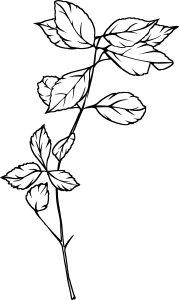
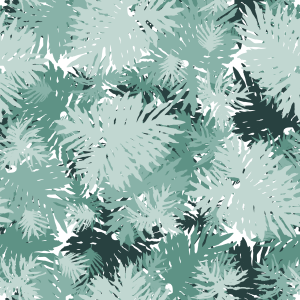
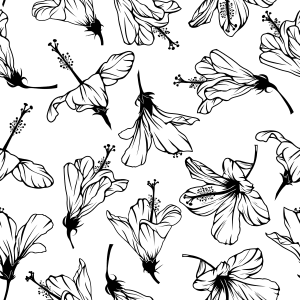
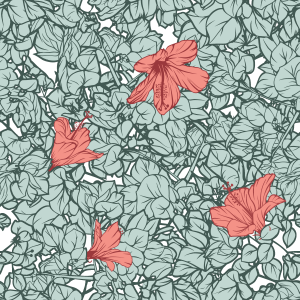
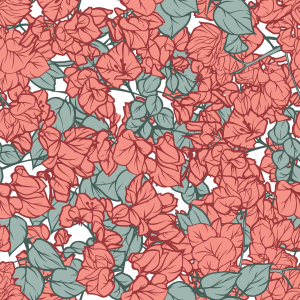
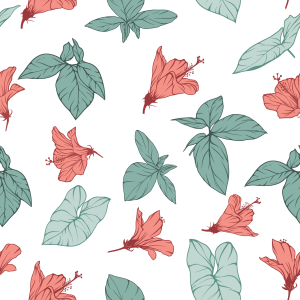
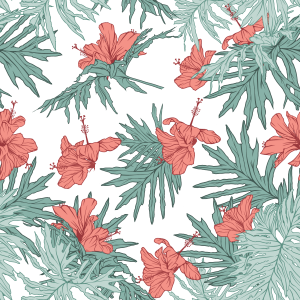
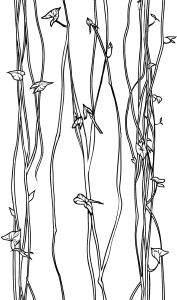
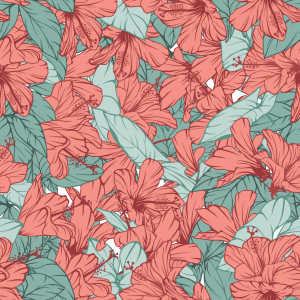
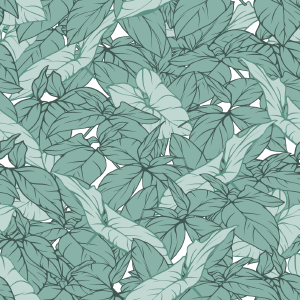
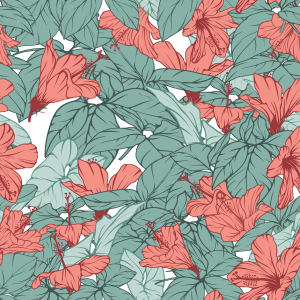
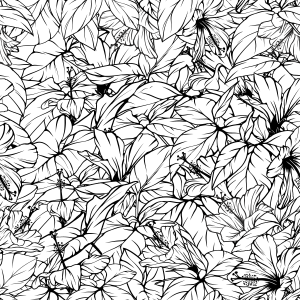
一個熱帶植物資產包,特色是孤立元素與無縫圖案,由真實的葉片與扶桑花照片製作而成。以乾淨的線條藝術和純白填充風格化,準備透過圖層色彩與漸層貼圖進行非破壞性重新上色。非常適合用於文具、賀卡、封面及表面設計。 A tropical botanical asset pack featuring isolated elements and seamless patterns, created from real photos of foliage and hibiscus flowers. Stylized with clean line art and solid white fills, ready for non-destructive recoloring via Layer Color and Gradient Maps. Ideal for stationery, greeting cards, covers, and surface design.
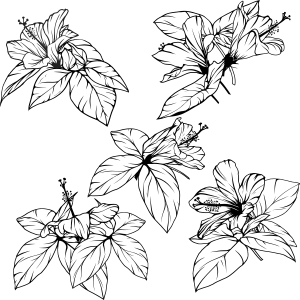
一系列手工製作的熱帶植物資產,包含獨立的線條元素與無縫圖案。這些資產直接取材自巴西真實植物(扶桑花、藤葉與茂密的灌木叢),風格化以平衡大膽輪廓與清晰線條。
它們完全相容於非破壞性著色技術,非常適合用於文具、明信片、包裝、書籍封面及紡織品設計。
主要特色:
無縫磁磚: 完美且連續的重複,沒有明顯的接縫。
非破壞性友善:準備用圖層屬性>圖層顏色、裁剪遮罩或漸層貼圖重新著色。
模組化多功能性: 單獨使用獨立元素,或結合預先組裝好的圖案模組。

使用方法:
套用圖案: 直接將材質 調色盤 的圖案材質拖放到畫布上或在活動選取中。使用 物件 子工具(快捷鍵 O)自由縮放、旋轉和對齊平鋪。
變色(非破壞性):
選擇材質圖層。
到 圖層屬性 面板> 效果 >啟用 圖層顏色。
設定你想要的顏色,分別是 圖層顏色 (輪廓/暗色調)和 子色 (補光/光色調)。
使用孤立元素: 將個別植物材料拖入你的專案中,創造自訂框架、焦點或模組化構圖。
想學習如何從手機照片創作出無縫的植物圖案嗎?
請參考我官方的 Clip Studio TIPS 逐步教學:「 從日常花卉到卡片設計」
A collection of handcrafted tropical botanical assets, including isolated line-art elements and seamless patterns. Derived directly from real Brazilian flora (hibiscus, vine leaves, and lush undergrowth), these assets were stylized to balance bold silhouettes with clear line work.
They are fully compatible with non-destructive coloring techniques, making them ideal for stationery, postcards, packaging, book covers, and textile design.
Key Features:
Seamless Tiling: Perfect continuous repetition with no visible seams.
Non-Destructive Friendly: Ready to be recolored using Layer Property > Layer Color, Clipping Masks, or Gradient Maps.
Modular Versatility: Use isolated elements individually or combine the pre-built pattern modules.
How to Use:
Applying Patterns: Drag and drop the pattern material from the Material palette directly onto your canvas or inside an active selection. Use the Object sub-tool (shortcut O) to freely scale, rotate, and align the tiling.
Changing Colors (Non-Destructive):
Select the material layer.
Go to the Layer Property panel > Effect > enable Layer Color.
Set your desired colors for Layer color (outline/dark tones) and Sub color (fill/light tones).
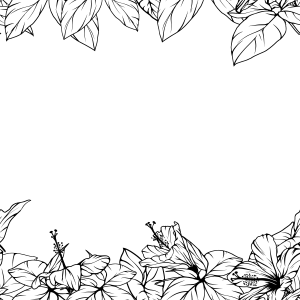
Using Isolated Elements: Drag individual plant materials into your project to create custom frames, focal points, or modular compositions.
Want to learn how to create your own seamless botanical patterns from phone photos?
Check out my official step-by-step tutorial on Clip Studio TIPS: "From Everyday Flora to Card Design"
第一類 Category 1
-
Tropical_Galho_08 Tropical_Galho_08
-
Tropical_Galho_07 Tropical_Galho_07
-
Tropical_Flor_04_Silhueta Tropical_Flor_04_Silhueta
-
Tropical_Flor_04_Transparencia Tropical_Flor_04_Transparencia
-
Tropical_Flor_01 Tropical_Flor_01
-
Tropical_Folhagem_01 Tropical_Folhagem_01
-
Tropical_Folhagem_02 Tropical_Folhagem_02
-
Tropical_Folhagem_03 Tropical_Folhagem_03
-
Tropical_Folhagem_04 Tropical_Folhagem_04
-
Tropical_Folhagem_05 Tropical_Folhagem_05
-
Tropical_Cipo_03 Tropical_Cipo_03
-
Tropical_Cipo_01 Tropical_Cipo_01
-
Tropical_Flor_02 Tropical_Flor_02
-
Tropical_Flor_03 Tropical_Flor_03
-
Tropical_FolhaG_06 Tropical_FolhaG_06
-
Tropical_FolhaG_01 Tropical_FolhaG_01
-
Tropical_FolhaG_05 Tropical_FolhaG_05
-
Tropical_FolhaG_04 Tropical_FolhaG_04
-
Tropical_FolhaG_03 Tropical_FolhaG_03
-
Tropical_FolhaG_02 Tropical_FolhaG_02
-
Tropical_Flor_07 Tropical_Flor_07
-
Tropical_Galho_04 Tropical_Galho_04
-
Tropical_Galho_03 Tropical_Galho_03
-
Tropical_Flor_04 Tropical_Flor_04
-
Tropical_Flor_04 Tropical_Flor_04
-
Tropical_Galho_06 Tropical_Galho_06
-
Tropical_Galho_05 Tropical_Galho_05
-
Tropical_Folhagem_07 Tropical_Folhagem_07
-
Tropical_Folhagem_08 Tropical_Folhagem_08
-
Tropical_Folhagem_06 Tropical_Folhagem_06
-
Tropical_Flor_05 Tropical_Flor_05
-
Tropical_Flor_06 Tropical_Flor_06
-
Tropical_Folhagem_09 Tropical_Folhagem_09
-
Tropical_Cipo_02 Tropical_Cipo_02
-
Tropical_Galho_01 Tropical_Galho_01
-
Tropical_Galho_02 Tropical_Galho_02
-
模式20 Pattern 20
-
模式10 Pattern 10
-
模式15 Pattern 15
-
模式18 Pattern 18
-
模式09 Pattern 09
-
模式11 Pattern 11
-
模式12 Pattern 12
-
模式21 Pattern 21
-
模式13 Pattern 13
-
模式14 Pattern 14
-
模式08 Pattern 08
-
模式07 Pattern 07
-
模式17 Pattern 17
-
模式19 Pattern 19
-
模式05 Pattern 05
-
模式06 Pattern 06
-
模式01 Pattern 01
-
模式16 Pattern 16
-
模式04 Pattern 04
-
模式03 Pattern 03
-
模式02 Pattern 02


































「MelanciaComics」的其他素材


「素材集」的人氣素材


最新素材


-
 MVP ◆針對問題投稿了眾多適切的回答,對社群有顯著貢獻的用戶。每3個月一次,會依據期間內獲得的點數選出MVP用戶,並進行表揚。
 -
 NVP(New Valuable Player) ◆繼MVP後,對社群營運做出良好貢獻的用戶。將從不曾獲選為MVP的用戶中,依據獲得的點數進行評選、表揚。
 -
 官方推廣大使 ◆從被證明為優良回答用戶的MVP獲獎者中選出社群中最優異的回答者。並經審查後由本社委託就任。※舊名稱為「Evangelist」
 -
 CELSYS公認Moderator ◆Moderator為會使用日文及其他語言的CELSYS公認工作人員。由於並非軟體或創作的專業人士,Moderator無法直接為用戶解決疑問,但能在語言、交流方面提供支援,幫助用戶們順利地進行溝通。
 -
 CELSYS官方為與營運相關的官方帳號。