



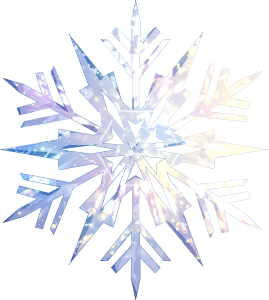
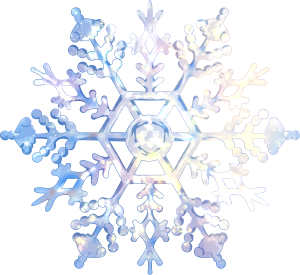
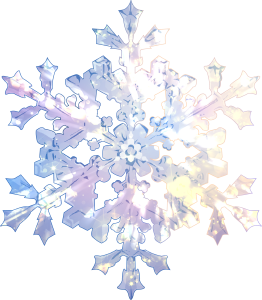
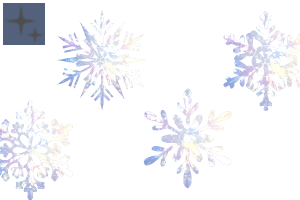
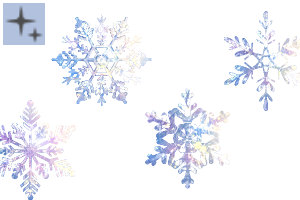
Snowflake 有畫筆和圖像版本,非常適合為您的設計添加複雜、冰冷的細節。它的每一筆都能創造出精緻的雪花圖案,非常適合創作以冬季為主題的藝術品、節日裝飾品或神奇的效果。 The Snowflake is in brush and image version, it's perfect for adding intricate, icy details to your designs. It creates delicate snowflake patterns with each stroke, making it ideal for creating winter-themed artwork, festive decorations, or magical effects.
如何使用 (畫筆版本):
1. 選擇畫筆:從畫筆庫中選擇 Snowflake 畫筆
2. 調整設定:
- 大小:使用畫筆大小滑塊將雪花縮放到所需的大小。
- 不透明度:調整以獲得更微妙或更大膽的效果。
- 顏色:通過使用自動動作或濾鏡自由嘗試顏色以獲得獨特的的效果!
如何使用 (鏡像 版本):
1. 將其拖放到畫布上: (來自 assets/material library)
HOW TO USE (brush version):
1. Select the Brush: Choose the Snowflake Brush from your brush library
2. Adjust Settings:
- Size: Scale the snowflakes to your desired size using the brush size slider.
- Opacity: Adjust for more subtle or bold effects.
- Color: free to experiment with colors for unique effects by using auto action or filtr!
HOW TO USE (image version):
1. Drop it to the canvas: (from assets/material library)
類別1 Category 1
-
雪花之光 9 snowflake light 9
-
雪花之光 8 snowflake light 8
-
雪花之光 7 snowflake light 7
-
雪花之光 6 snowflake light 6
-
雪花之光 5 snowflake light 5
-
雪花之光 4 snowflake light 4
-
雪花之光 3 snowflake light 3
-
雪花之光 2 snowflake light 2
-
雪花之光 1 snowflake light 1
-
雪花10 snowflake10
-
雪花8 snowflake8
-
雪花 7 snowflake 7
-
雪花 6 snowflake 6
-
雪花5 snowflake5
-
雪花4 snowflake4
-
SNLWFlake3 snlwflake3
-
雪花2 snowflake2
-
第 6 層 2 Layer 6 2
-
SNOWFLAKE light 2 刷子 SNOWFLAKE light 2 brush
-
SNOWFLAKE 1 刷 SNOWFLAKE 1 brush


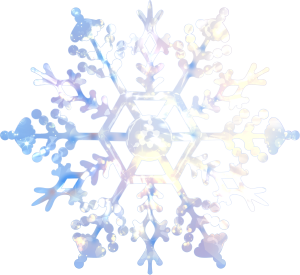
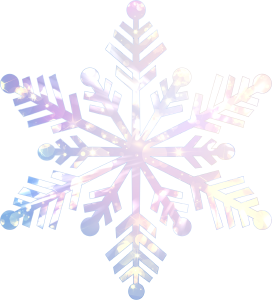

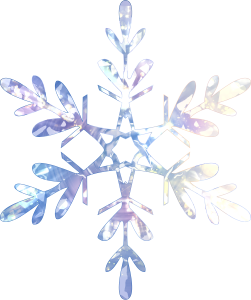
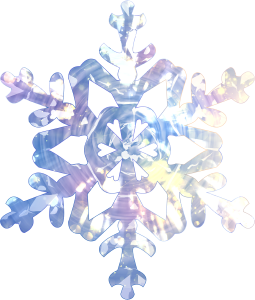
過去版本


「banacup」的其他素材


「素材集」的人氣素材


最新素材





徽章
-
 MVP ◆針對問題投稿了眾多適切的回答,對社群有顯著貢獻的用戶。每3個月一次,會依據期間內獲得的點數選出MVP用戶,並進行表揚。
 -
 NVP(New Valuable Player) ◆繼MVP後,對社群營運做出良好貢獻的用戶。將從不曾獲選為MVP的用戶中,依據獲得的點數進行評選、表揚。
 -
 官方推廣大使 ◆從被證明為優良回答用戶的MVP獲獎者中選出社群中最優異的回答者。並經審查後由本社委託就任。※舊名稱為「Evangelist」
 -
 CELSYS公認Moderator ◆Moderator為會使用日文及其他語言的CELSYS公認工作人員。由於並非軟體或創作的專業人士,Moderator無法直接為用戶解決疑問,但能在語言、交流方面提供支援,幫助用戶們順利地進行溝通。
 -
 CELSYS官方為與營運相關的官方帳號。