



新しい筆先を作成する
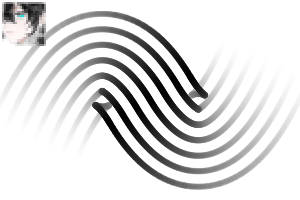
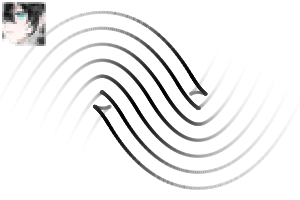
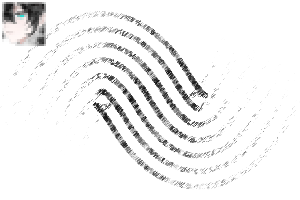
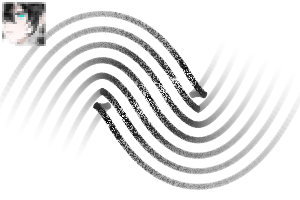
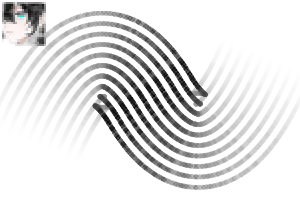
ストレートラインツール→ブラシの形で 点線を選択し→その線を描いて筆先の形として登録→
ブラシの先端を交換する
カスタマイズしたいブラシを複製→ 詳細 ツール設定 を開き→ ブラシチップ → マテリアル →元のブラシチップを削除して新しく登録したブラシチップに交換してください。

Create New Brush Tip
Straight Line Tool → Select Dotted Line in Brush Shape → Draw the line → Register it as a Brush Tip Shape.
Replace Brush Tip
Duplicate the brush you want to customize → Open Advanced Tool Settings → Brush Tip → Material → Remove the original brush tip and replace it with your newly registered brush tip.
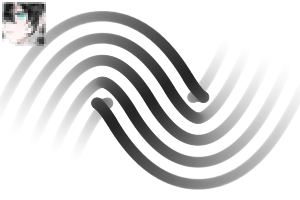
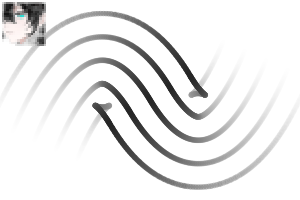
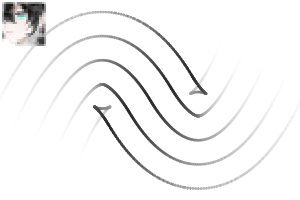
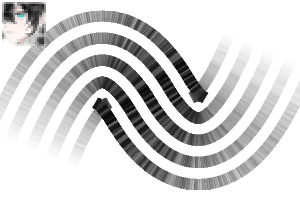
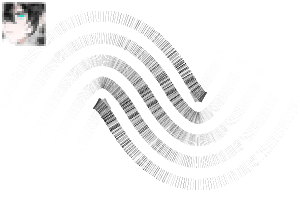
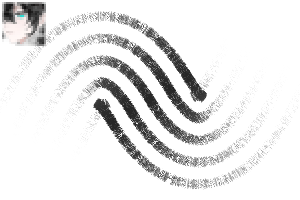
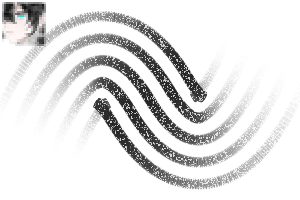
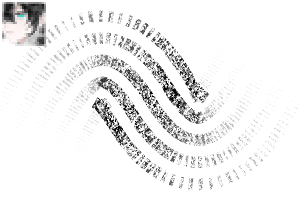
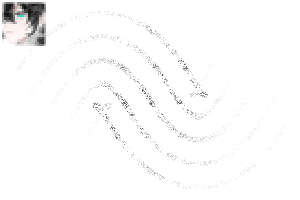
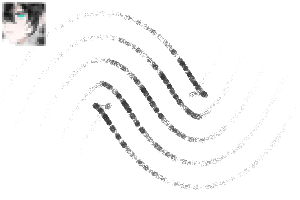
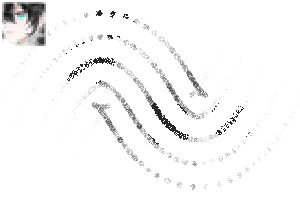
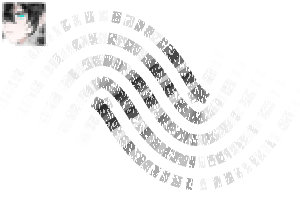
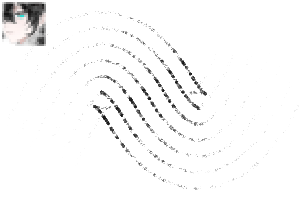
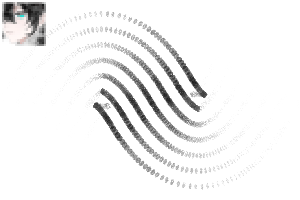
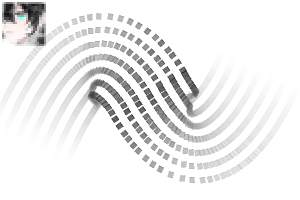
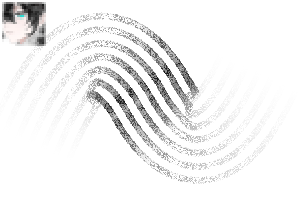
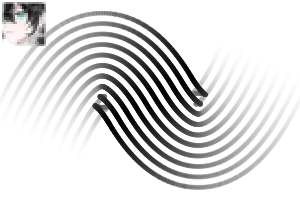
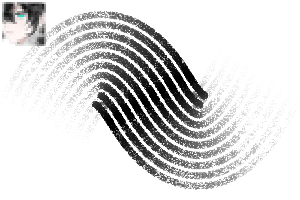
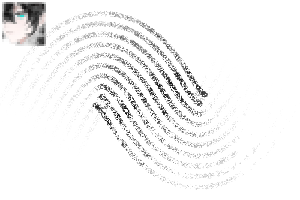
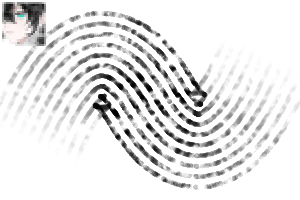
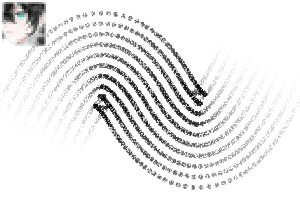
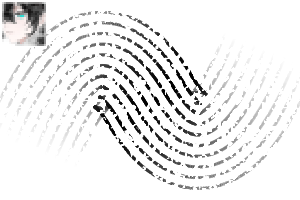
5ライン 5line
-
II 5ライン - 1 II 5line - 1
-
II 5ライン - 2 II 5line - 2
-
II 5ライン - 3 II 5line - 3
-
II 5ライン - 4 II 5line - 4
-
II 5ライン - 5 II 5line - 5
-
II 5行 - 6 II 5line - 6
-
II 5ライン - 7 II 5line - 7
-
II 5行 - 8 II 5line - 8
-
II 5ライン - 9 II 5line - 9
-
II 5ライン - 10 II 5line - 10
-
II 5ライン - 11 II 5line - 11
-
II 5ライン - 12 II 5line - 12
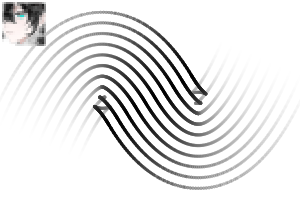
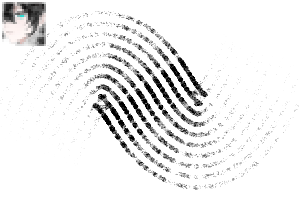
7ライン 7line
-
II 7ライン - 1 II 7line - 1
-
II 7ライン - 2 II 7line - 2
-
II 7ライン - 3 II 7line - 3
-
II 7ライン - 4 II 7line - 4
-
II 7ライン - 5 II 7line - 5
-
II 7ライン - 6 II 7line - 6
-
II 7ライン - 7 II 7line - 7
-
II 7ライン - 8 II 7line - 8
-
II 7行 - 9 II 7line - 9
-
II 7ライン - 10 II 7line - 10
-
II 7ライン - 11 II 7line - 11
-
II 7ライン - 12 II 7line - 12
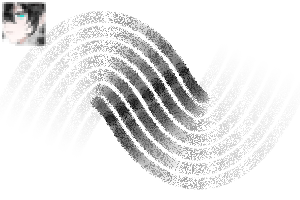
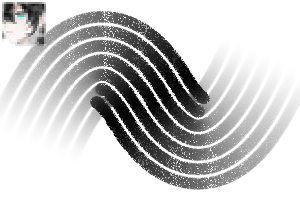
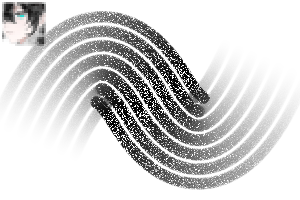
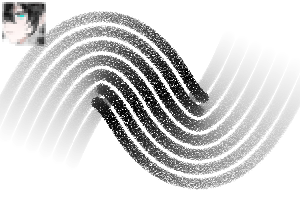
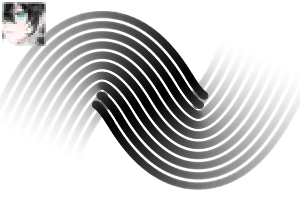
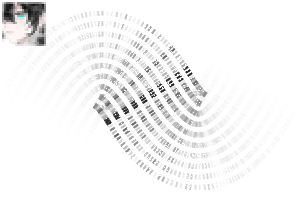
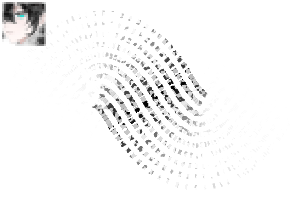
10ライン 10line
-
II 10行 - 1 II 10line - 1
-
II 10行 - 2 II 10line - 2
-
II 10行 - 3 II 10line - 3
-
II 10行 - 4 II 10line - 4
-
II 10行 - 5 II 10line - 5
-
II 10行 - 6 II 10line - 6
-
II 10ライン - 7 II 10line - 7
-
II 10行 - 8 II 10line - 8
-
II 10行 - 9 II 10line - 9
-
II 10ライン - 10 II 10line - 10
-
II 10行 - 11 II 10line - 11
-
II 10ライン - 12 II 10line - 12






"II2"さんの別の素材


"素材集"の人気素材


新着素材




-
 MVP ◆質問に対して適切な回答を数多く投稿し、コミュニティの運営に大きく貢献したユーザーです。MVPは3ヶ月に一度、その間に獲得したポイントを元に決定し、表彰を行っています。
 -
 NVP (New Valuable Player) ◆MVPに次いでコミュニティの運営に貢献したユーザーです。これまでMVPの受賞経験のない方から、獲得したポイントを元に決定し、表彰を行なっています。
 -
 公式エキスパート ◆優れた回答者の証であるMVP受賞者の中からさらに選ばれた、コミュニティで最も優良な回答者の証です。審査を経て当社から依頼し就任いただいています。※旧名称「エバンジェリスト」
 -
 セルシス公認モデレーター ◆モデレーターは、日本語とその他の言語が話せるセルシス公認のスタッフです。ソフトウェアや創作のエキスパートではないので、直接疑問を解決することはできませんが、みなさんがスムーズにコミュニケーションできるように、言葉やコミュニケーションの側面からサポートします。
 -
 セルシス公式運営に関連した公式アカウントです。