


自分でジュエリーやブローチ、122のアセットを作ってください (Make your own jewelry/brooch/122 assets) Make your own jewelry/brooch/122 assets
コンテンツID:2242555
-
109


Clip Studio Paintの最も充実したジュエリー作成キットでキャラクターイラストをレベルアップさせましょう!王室のファンタジーの主人公でも、現代のファッションアイコンでも、このパックは数秒で美しいアクセサリーを「鍛える」ために必要なすべてを提供します。 Level up your character illustrations with the most comprehensive jewelry creation kit for Clip Studio Paint! Whether you are drawing a royal fantasy protagonist or a modern fashion icon, this pack provides everything you need to "forge" stunning accessories in seconds.
 中身:
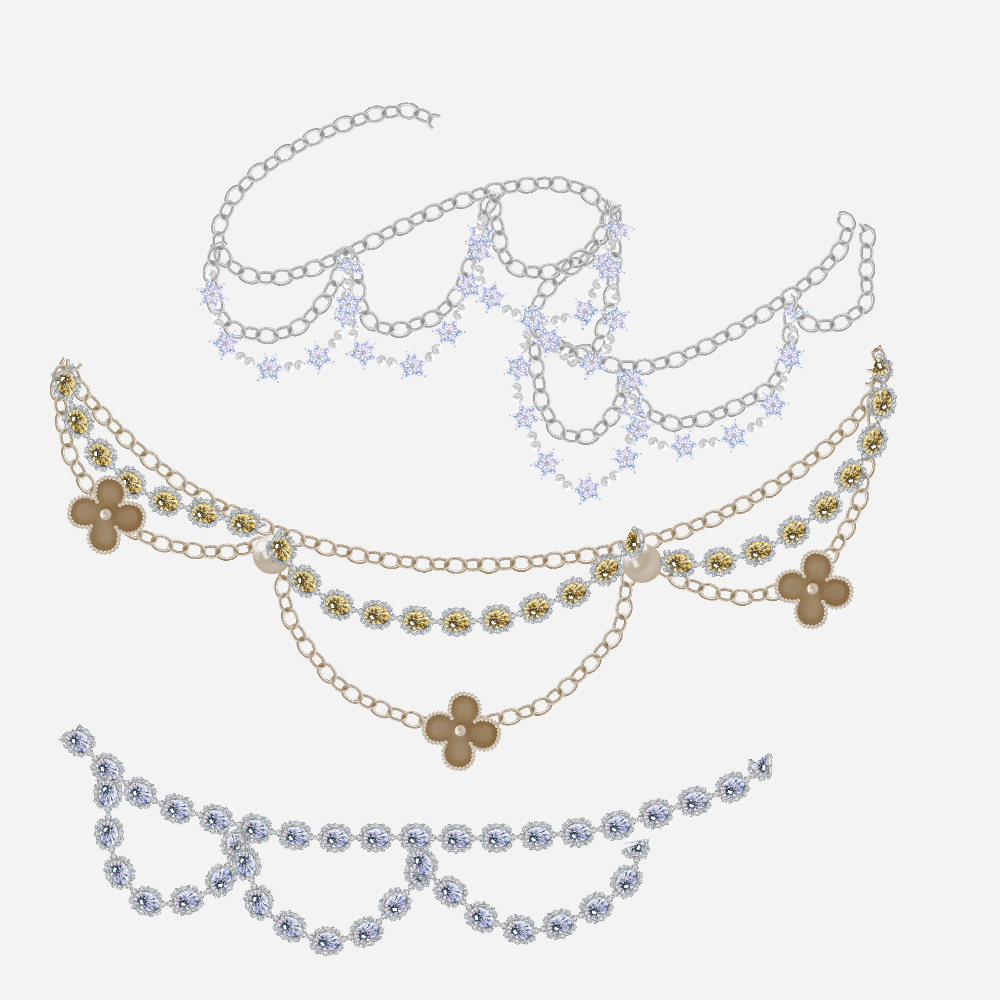
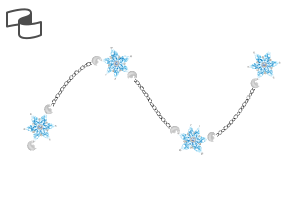
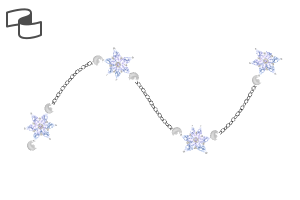
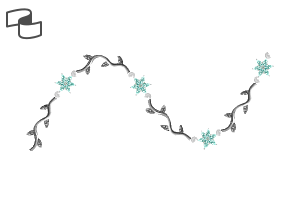
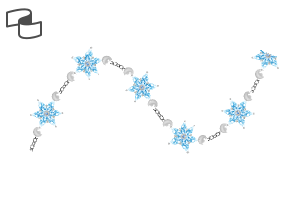
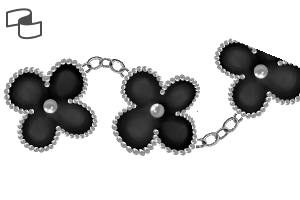
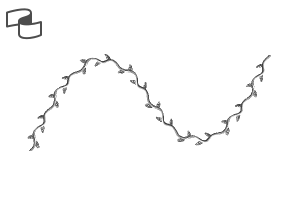
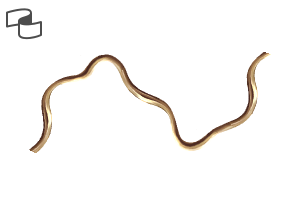
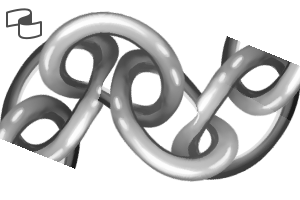
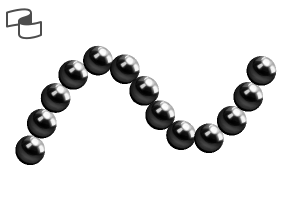
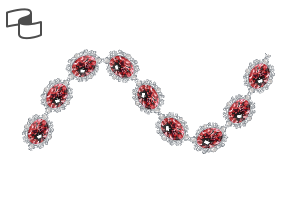
中身:- チェーンブラシ: ペンの筆跡に沿って滑らかに動くので、ネックレスやブレスレット、アンクレットに最適です。
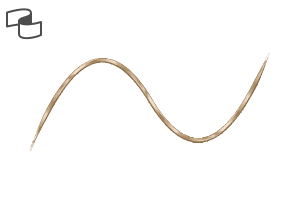
- メタリック&ゴールドのテクスチャ: 貴金属の光沢を模した特別に調整されたブラシで、手間のかかるシェーディングなしで即座に磨き上げられた見た目を実現します。


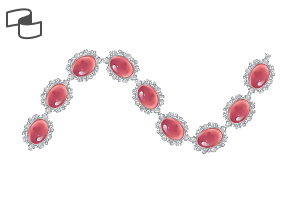
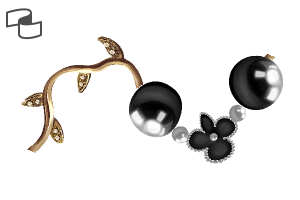
- 122種類の素材: すぐに使えるブラシ や 原材料 (ベイル、ペンダント、原材料)を含 み、自分だけのユニークなデザインを作れるよう。


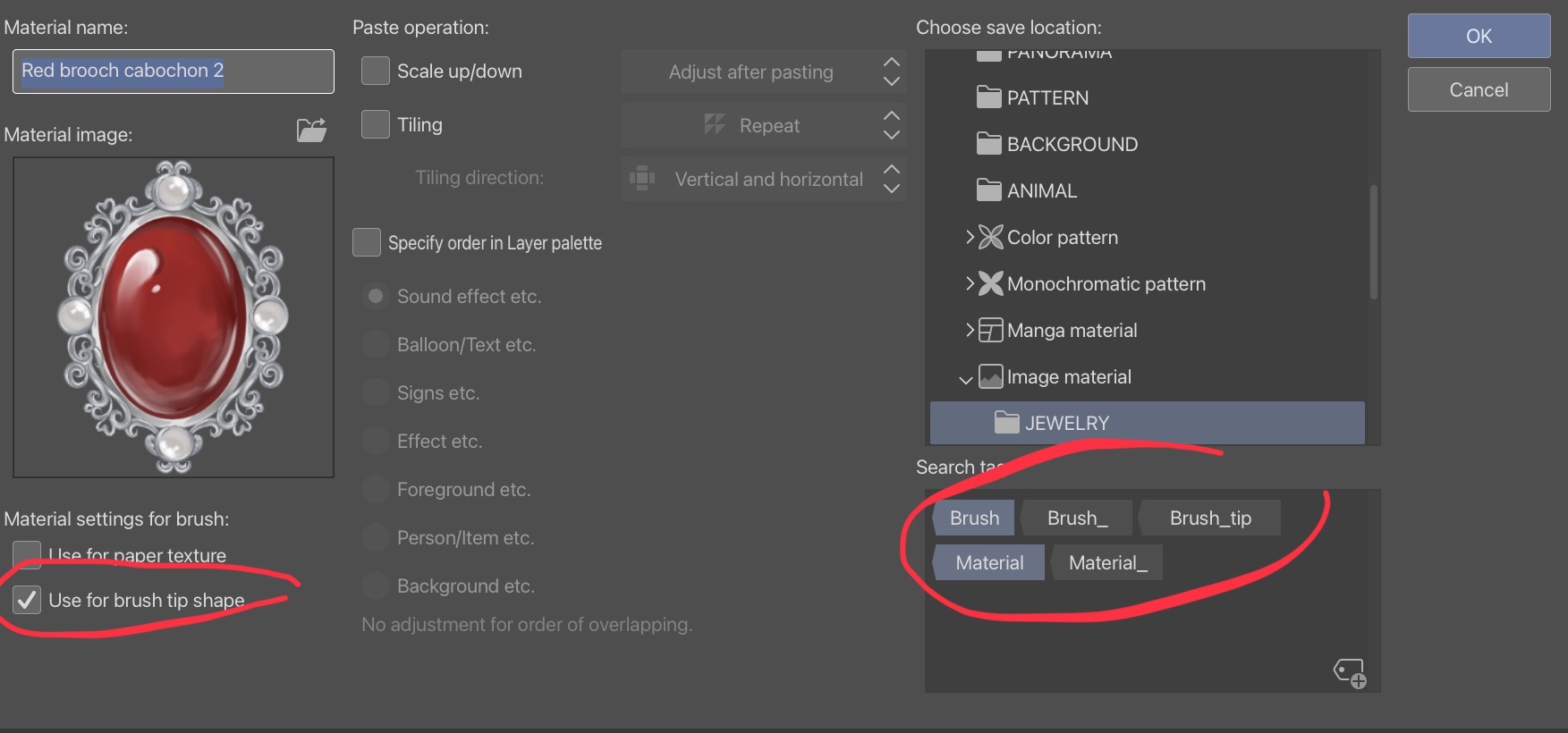
ブラシチップを有効にする: 原材料を自分のカスタムブラシとして使うには、マテリアルプロパティウィンドウの「ブラシチップ形状に使用」 オプションを確認する のを忘れないでください。
整理整頓を忘れずに: 素材に自分だけのカスタムタグを付けて、ジュエリーコレクションを自分の好みに整理できます!
無限のカスタマイズ: 生素材を組み合わせ たり改造したりでき、あなたのアートスタイルに真に合ったジュエリーを作り出せます。


インポート: ファイルをCSPマテリアルパレットにドラッグします。
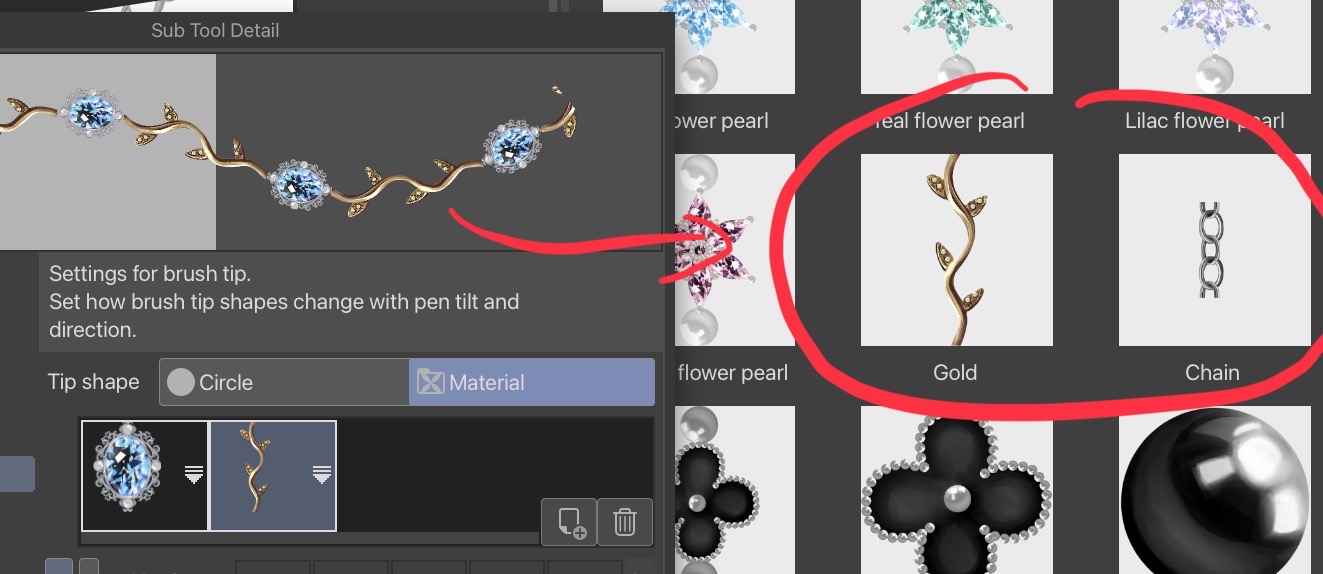
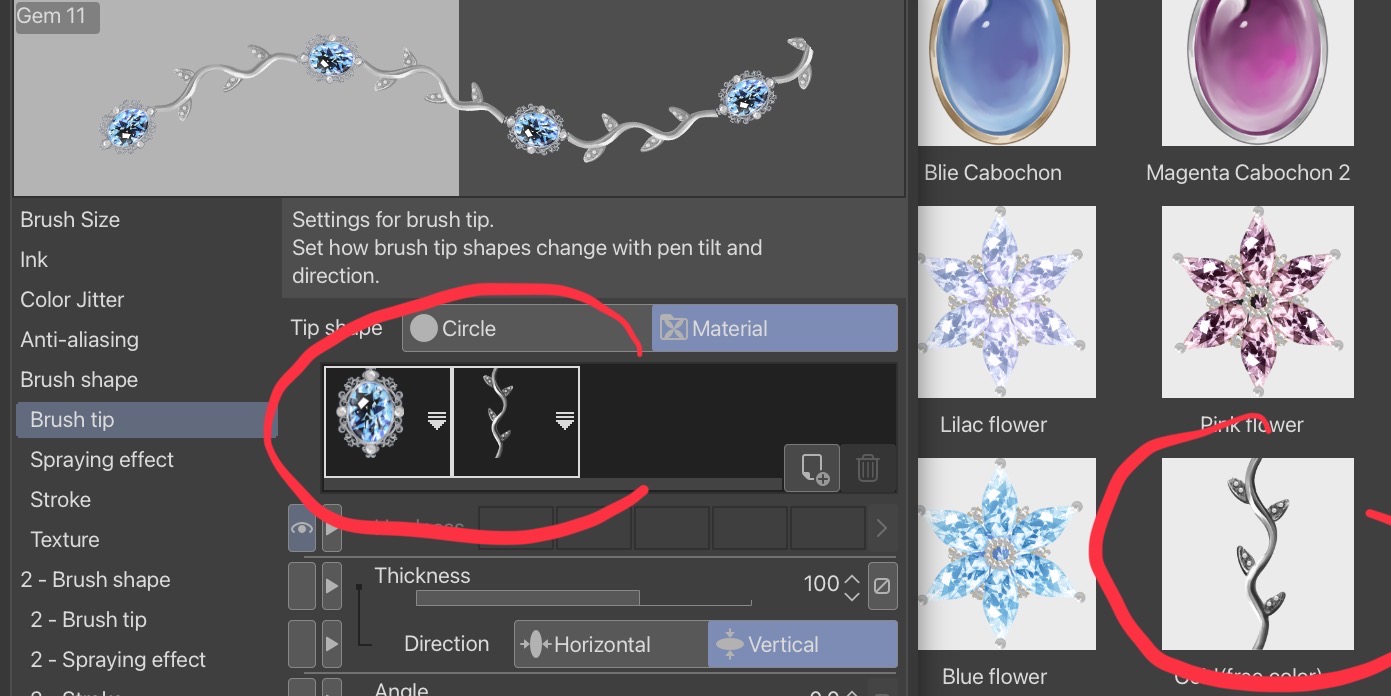
セットアップ: 新しいサブツールを作成したい場合は、原材料をブラシチップとして登録してください。
クリエイト: カスタムジュエリーを組み立てて、デザインに命を吹き込みましょう!
 What’s Inside:
- Chain Brushes: They follow your pen strokes fluidly—perfect for necklaces, bracelets, and anklets.
- Metallic & Gold Textures: Specially calibrated brushes that mimic the luster of precious metals, giving you an instant polished look without tedious manual shading.
- 122 Materials: including Ready-to-Use Brushes and Raw Components (bails, pendants, and raw materials) to build your own unique designs.
Activate Brush Tip: To use the raw materials as your own custom brush, don't forget to check the "Use for brush tip shape" option in the Material Property window.
Stay Organized: Don't forget to add your own custom tags to the materials so you can organize your jewelry collection exactly how you like it!
Infinite Customization: With raw assets, you can mix, match, and modify raw elements to create jewelry that is truly unique to your art style.
Import: Drag the files into your CSP Material palette.
Setup: Register the raw material as a brush tip if you wish to create a new sub-tool.
Create: Assemble your custom jewelry pieces and bring your design to life!
カテゴリー1 Category 1
-
保釈 Bail
-
ベイルゴールド Bail gold
-
保釈 Bail
-
ジェム10 Gem 10
-
ジェム8 Gem 8
-
ジェム7 Gem 7
-
ジェム6 Gem 6
-
ジェム9 Gem 9
-
ジェム5 Gem 5
-
ジェム4 Gem 4
-
ジェム3 Gem 3
-
ジェム2 Gem 2
-
ジェム Gem
-
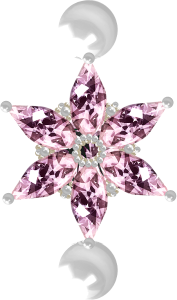
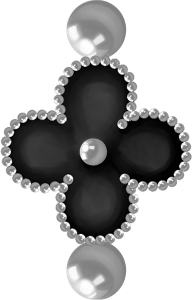
花8 Flower 8
-
花7 Flower 7
-
パール3 Pearl 3
-
花6 Flower 6
-
花の宝石12 Flower gem 12
-
花の宝石11 Flower gem 11
-
花の宝石10 Flower gem 10
-
花の宝石9 Flower gem 9
-
花の宝石8 Flower gem 8
-
花の宝石7 Flower gem 7
-
花の宝石6 Flower gem 6
-
花の宝石5 Flower gem 5
-
フラワー5 Flower 5
-
花4 Flower 4
-
花の宝石ゴールド8 Flower gem gold 8
-
花の宝石 ゴールド7 Flower gem gold 7
-
花の宝石 ゴールド 6 Flower gem gold 6
-
花の宝石 ゴールド 5 Flower gem gold 5
-
花の宝石 ゴールド4 Flower gem gold 4
-
花の宝石 ゴールド3 Flower gem gold 3
-
花の宝石 ゴールド 2 Flower gem gold 2
-
花の宝石 ゴールド 1 Flower gem gold 1
-
フラワーゴールド2 Flower gold 2
-
花の金 1 Flower gold 1
-
花の宝石4 Flower gem 4
-
花の宝石3 Flower gem 3
-
花の宝石2 Flower gem 2
-
花の宝石1 Flower gem 1
-
花(1) Flower (one)
-
花3 Flower 3
-
花2 Flower 2
-
花1 Flower 1
-
ゴールド3(フリーカラー) Gold 3 (free color)
-
ゴールド3 Gold 3
-
ゴールド2(フリーカラー) Gold 2(free color)
-
ゴールド2 Gold 2
-
ゴールド(フリーカラーシャープ) Gold (free color sharp)
-
ゴールド(シャープ) Gold (sharp)
-
金色(自由色) Gold (free color)
-
金 Gold
-
チェーン(小型) Chain (small)
-
チェーン(大きい) Chain (big)
-
パールネックレス2 Pearl necklace 2
-
パールネックレス(ギャップ) Pearl necklace(gap)
-
パールネックレス Pearl necklace
-
グリーンブローチのファセット2 Green brooch facet 2
-
ラベンダーブローチのファセット2 Lavender brooch facet 2
-
イエローブローチのファセット2 Yello brooch facet 2
-
銀のブローチファセット2 Silver brooch facet 2
-
マゼンタブローチのファセット2 Magenta brooch facet 2
-
青いブローチのファセット2 Blue brooch facet 2
-
緑のブローチのファセット Green brooch facet
-
ラベンダーのブローチファセット Lavender brooch facet
-
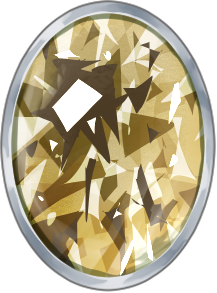
黄色いブローチのファセット Yellow brooch facet
-
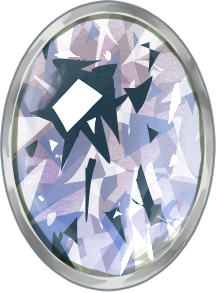
銀のブローチファセット Silver brooch facet
-
マゼンタのブローチ面 Magenta brooch facet
-
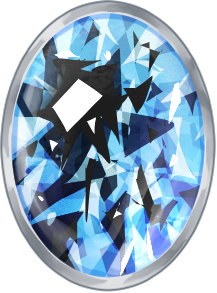
青いブローチのファセット Blue brooch facet
-
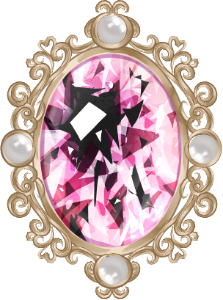
ピンクブローチ カボション2 Pink brooch cabochon 2
-
青いブローチ カボション 2 Blue brooch cabochon 2
-
マゼンタブローチ カボション 2 Magenta brooch cabochon 2
-
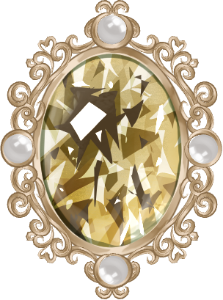
イエローブローチカボション2 Yellow brooch cabochon 2
-
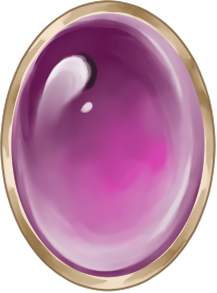
ピンクのブローチカボション Pink brooch cabochon
-
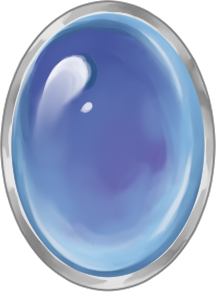
青いブローチ・カボション Blue brooch cabochon
-
イエローブローチカボション Yellow brooch cabochon
-
マゼンタのブローチカボション Magenta brooch cabochon
-
グリーンファセット Green Facet
-
グリーンファセット2 Green Facet 2
-
シルバーファセット Silver Facet
-
シルバーファセット2 Silver Facet 2
-
イエローファセット2 Yellow Facet 2
-
イエローファセット Yellow Facet
-
ラベンダー・ファセット2 Lavender Facet 2
-
ラベンダーのファセット Lavender Facet
-
マゼンタのファセット2 Magenta Facet 2
-
マゼンタの面 Magenta Facet
-
ブルーファセット2 Blue Facet 2
-
ブルーファセット Blue Facet
-
イエローカボション2 Yellow Cabochon 2
-
イエローカボション Yellow Cabochon
-
ピンク・カボション Pink Cabochon
-
ピンクカボション2 Pink Cabochon 2
-
ブルーカボション2 Blue Cabochon 2
-
ブリー・カボション Blie Cabochon
-
マゼンタ・カボション2 Magenta Cabochon 2
-
マゼンタ・カボション Magenta Cabochon
-
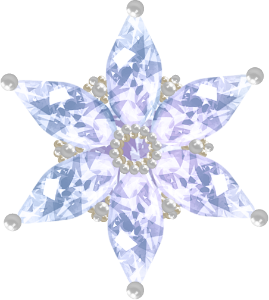
ライラックの花 Lilac flower
-
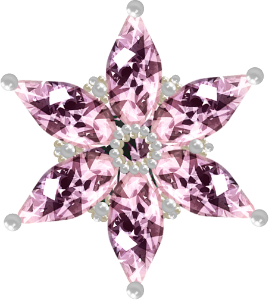
ピンクの花 Pink flower
-
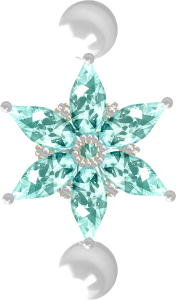
ティールフラワー Teal flower
-
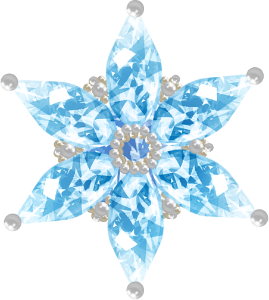
青い花 Blue flower
-
金色(自由色) Gold(free color)
-
青い花真珠 Blue flower pearl
-
ティールフラワーパール Teal flower pearl
-
ライラックフラワーパール Lilac flower pearl
-
マゼンタフラワーパール Magenta flower pearl
-
金 Gold
-
チェーン Chain
-
花+真珠 Flower+pearl
-
花 Flower
-
パール Pearl
-
ジェム12 Gem 12
-
ジェム11 Gem 11
-
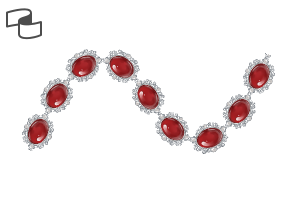
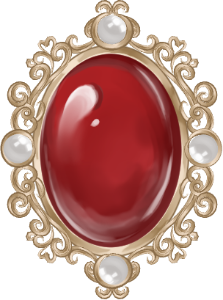
赤いブローチ カボション 2 Red brooch cabochon 2
-
赤いブローチカボション Red brooch cabochon
-
赤いカボション2 Red cabochon 2
-
赤いカボション Red cabochon
-
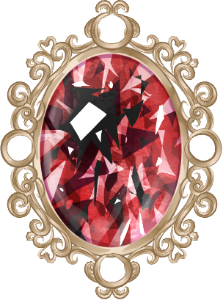
赤い男2 Red facet 2
-
赤いやつ Red facet
-
赤い男2 Red facet 2
-
赤いブローチの面 Red brooch facet












































"Oos"さんの別の素材


"素材集"の人気素材


新着素材


-
 MVP ◆質問に対して適切な回答を数多く投稿し、コミュニティの運営に大きく貢献したユーザーです。MVPは3ヶ月に一度、その間に獲得したポイントを元に決定し、表彰を行っています。
 -
 NVP (New Valuable Player) ◆MVPに次いでコミュニティの運営に貢献したユーザーです。これまでMVPの受賞経験のない方から、獲得したポイントを元に決定し、表彰を行なっています。
 -
 公式エキスパート ◆優れた回答者の証であるMVP受賞者の中からさらに選ばれた、コミュニティで最も優良な回答者の証です。審査を経て当社から依頼し就任いただいています。※旧名称「エバンジェリスト」
 -
 セルシス公認モデレーター ◆モデレーターは、日本語とその他の言語が話せるセルシス公認のスタッフです。ソフトウェアや創作のエキスパートではないので、直接疑問を解決することはできませんが、みなさんがスムーズにコミュニケーションできるように、言葉やコミュニケーションの側面からサポートします。
 -
 セルシス公式運営に関連した公式アカウントです。