


インスタントパーティー:60+ブラッシュメガパック (Instant Party: 60+ Brush Megapack) Instant Party: 60+ Brush Megapack
コンテンツID:2230861
-
127


60枚以上のブラシスタンプ入りのメガパックで、瞬時に祝祭パーティーを描くことができます。 Megapack of more than sixty Brush Stamps that allow you to instantly draw festive parties.
2. 「コミック」 = モノクロの筆。


特定設計


2. "comic" = monochrome brushes.
Specific Design
[カラー]ブラシ [Color] Brushes
-
パーティー:プレゼンツ【エレガント】 Party: Presents [Elegant]
-
パーティー:プレゼント[ホリデー] Party: Presents [Holiday]
-
パーティー:プレゼント [誕生日] Party: Presents [Birthday]
-
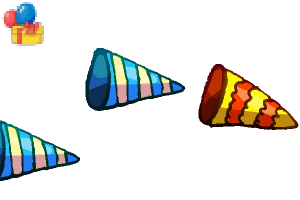
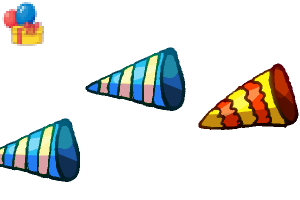
パーティー:ポッパーズ2右[カラー] Party: Poppers 2 Right [Color]
-
パーティー:ポッパーズ 2 レフト [カラー] Party: Poppers 2 Left [Color]
-
パーティー:ポッパーズ1右[カラー] Party: Poppers 1 Right [Color]
-
パーティー:ポッパーズ 1 残り [カラー] Party: Poppers 1 Left [Color]
-
パーティー:コンフェッティ・ポッパー[カラー] Party: Confetti Popper [Color]
-
パーティー:紙吹雪[色] Party: Confetti [Color]
-
パーティー:キャンドル [カラー] Party: Candles [Color]
-
パーティー:薄いキャンドル [カラー] Party: Thin Candles [Color]
-
パーティー:ツイステッド・キャンドルズ[カラー] Party: Twisted Candles [Color]
-
パーティー:ケーキ[色] Party: Cake [Color]
-
パーティー:バルーンバンチズ[カラー] Party: Balloon Bunches [Color]
-
党派:リボンカーブド[青] Party: Ribbon Curved [Blue]
-
パーティー:リボンストランド[青] Party: Ribbon Strand [Blue]
-
パーティー:リボンボウ[青] Party: Ribbon Bow [Blue]
-
党:リボンパフ[青] Party: Ribbon Puff [Blue]
-
党派:リボンカーブド[緑] Party: Ribbon Curved [Green]
-
党派:リボンストランド[緑] Party: Ribbon Strand [Green]
-
所属:リボンボウ[緑] Party: Ribbon Bow [Green]
-
パーティー:リボンパフ[緑] Party: Ribbon Puff [Green]
-
党派:リボンカーブド[赤] Party: Ribbon Curved [Red]
-
パーティー:リボンストランド[赤] Party: Ribbon Strand [Red]
-
パーティー:リボンボウ[赤] Party: Ribbon Bow [Red]
-
パーティー:リボンパフ[赤] Party: Ribbon Puff [Red]
























[コミック]モノクロブラシ [Comic] Monochrome Brushes
-
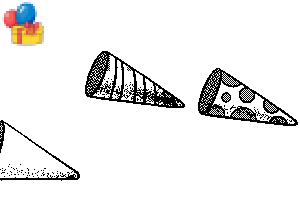
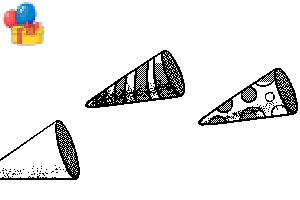
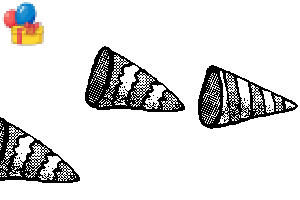
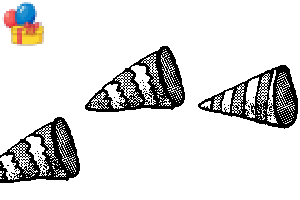
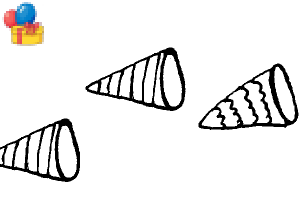
パーティー:ポッパーズ2ライト【コミック】 Party: Poppers 2 Right [Comic]
-
パーティー:ポッパーズ2レフト【コミック】 Party: Poppers 2 Left [Comic]
-
パーティー:ポッパーズ1ライト【コミック】 Party: Poppers 1 Right [Comic]
-
パーティー:ポッパーズ 残り1 [コミック] Party: Poppers 1 Left [Comic]
-
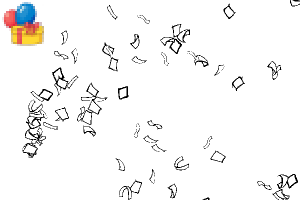
パーティー:コンフェッティ・ポッパー【コミック】 Party: Confetti Popper [Comic]
-
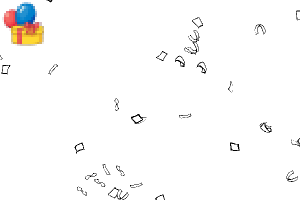
パーティー:コンフェッティ【コミック】 Party: Confetti [Comic]
-
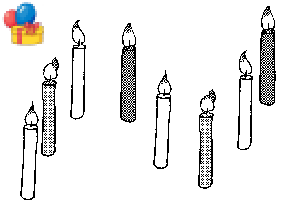
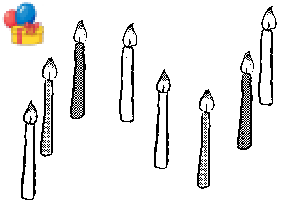
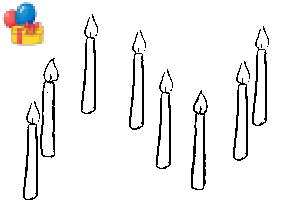
パーティー:キャンドルズ[コミック] Party: Candles [Comic]
-
パーティー:シン・キャンドルズ【コミック】 Party: Thin Candles [Comic]
-
パーティー:ツイステッド・キャンドルズ【コミック】 Party: Twisted Candles [Comic]
-
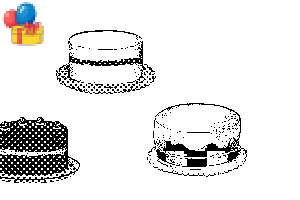
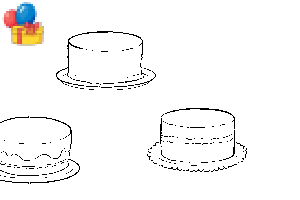
パーティー:ケーキ【コミック】 Party: Cake [Comic]
-
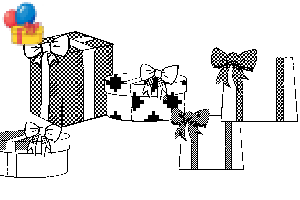
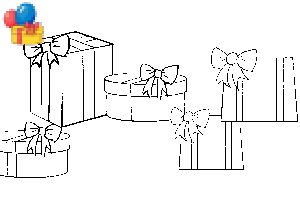
パーティー:プレゼンツ[コミック] Party: Presents [Comic]
-
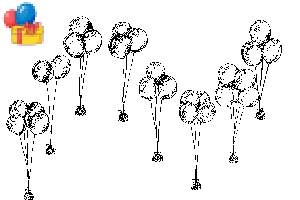
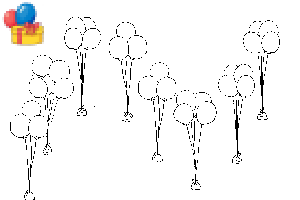
パーティー:バルーンバンチズ【コミック】 Party: Balloon Bunches [Comic]
-
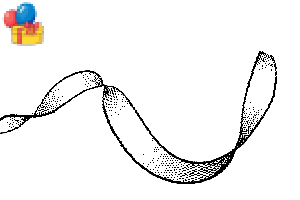
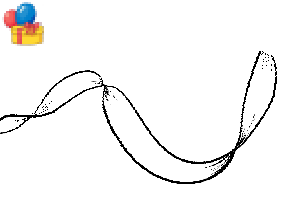
パーティー:リボンカーブド【コミック】 Party: Ribbon Curved [Comic]
-
パーティー:リボンストランド【コミック】 Party: Ribbon Strand [Comic]
-
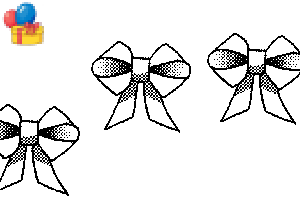
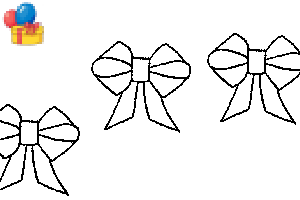
パーティー:リボンボウ【コミック】 Party: Ribbon Bow [Comic]
-
パーティー:リボンパフ【コミック】 Party: Ribbon Puff [Comic]





[空白]アウトラインブラシ [Blank] Outline Brushes
-
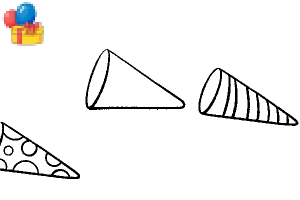
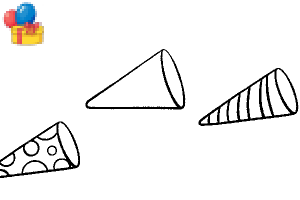
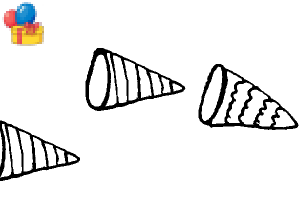
党派:ポッパーズ2右[空欄] Party: Poppers 2 Right [Blank]
-
党派:ポッパーズ 2 レフト [空欄] Party: Poppers 2 Left [Blank]
-
パーティー:ポッパーズ1右[空欄] Party: Poppers 1 Right [Blank]
-
パーティー:ポッパーズ 残り1 [空白] Party: Poppers 1 Left [Blank]
-
パーティー:コンフェッティ・ポッパー [空白] Party: Confetti Popper [Blank]
-
パーティー:紙吹雪[空白] Party: Confetti [Blank]
-
パーティー:キャンドルズ[空白] Party: Candles [Blank]
-
パーティー:薄いキャンドルズ[空白] Party: Thin Candles [Blank]
-
パーティー:ツイステッド・キャンドルズ[空白] Party: Twisted Candles [Blank]
-
パーティー:ケーキ[空白] Party: Cake [Blank]
-
パーティー:ケーキ[空白] Party: Cake [Blank]
-
パーティー:プレゼンツ[空白] Party: Presents [Blank]
-
パーティー:バルーンバンチズ[空白] Party: Balloon Bunches [Blank]
-
党派:リボンカーブド[空欄] Party: Ribbon Curved [Blank]
-
所属:リボンストランド[空欄] Party: Ribbon Strand [Blank]
-
パーティー:リボンボウ[空白] Party: Ribbon Bow [Blank]
-
パーティー:リボンパフ[空白] Party: Ribbon Puff [Blank]





デコとサークルツール Deco and Circle Tools
-
パーティー:ハッピーセミサークルブラシ Party: Happy Semicircle Brush
-
パーティー:ハッピーサークルブラシ Party: Happy Circle Brush
-
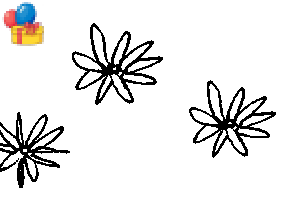
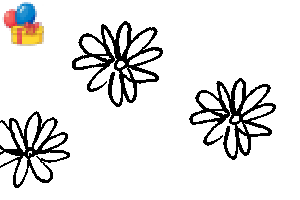
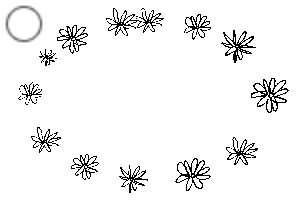
パーティー:ハッピーフラワーズ2C Party: Happy Flowers 2C
-
パーティー:ハッピーフラワーズ1C Party: Happy Flowers 1C
-
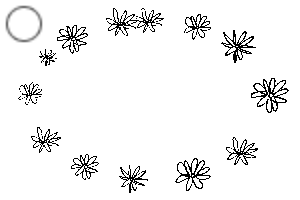
パーティー:フラワーリング1C Party: Flower Ring 1C
-
パーティー:フラワーリング2C Party: Flower Ring 2C
-
パーティー:ハッピーHalo 01 Party: Happy Halo 01
-
パーティー:ハッピーHalo 02 Party: Happy Halo 02
-
パーティー:ハッピーHalo 03 Party: Happy Halo 03







"mh.elise"さんの別の素材


"素材集"の人気素材


新着素材





-
 MVP ◆質問に対して適切な回答を数多く投稿し、コミュニティの運営に大きく貢献したユーザーです。MVPは3ヶ月に一度、その間に獲得したポイントを元に決定し、表彰を行っています。
 -
 NVP (New Valuable Player) ◆MVPに次いでコミュニティの運営に貢献したユーザーです。これまでMVPの受賞経験のない方から、獲得したポイントを元に決定し、表彰を行なっています。
 -
 公式エキスパート ◆優れた回答者の証であるMVP受賞者の中からさらに選ばれた、コミュニティで最も優良な回答者の証です。審査を経て当社から依頼し就任いただいています。※旧名称「エバンジェリスト」
 -
 セルシス公認モデレーター ◆モデレーターは、日本語とその他の言語が話せるセルシス公認のスタッフです。ソフトウェアや創作のエキスパートではないので、直接疑問を解決することはできませんが、みなさんがスムーズにコミュニケーションできるように、言葉やコミュニケーションの側面からサポートします。
 -
 セルシス公式運営に関連した公式アカウントです。