



使いやすいデジタル吹き出しです。傑作ではないことは理解していますが、少なくとも下書きやデジタルのスクリーンには使えます。 Just an easy-to-use Digital speech bubble. I understand it's not a masterpiece, but it can at least be used for drafts, or even screens for digital things.
ステップ1:画像ファイルを選択します
ステップ2:必要な場所にドラッグ&クリックするだけです。
ステップ3:通常の右クリックオプションを使って調整します。
他の資料と同様に、このブラシはユーザーやダウンロードユーザーに対して無料で提供されます。
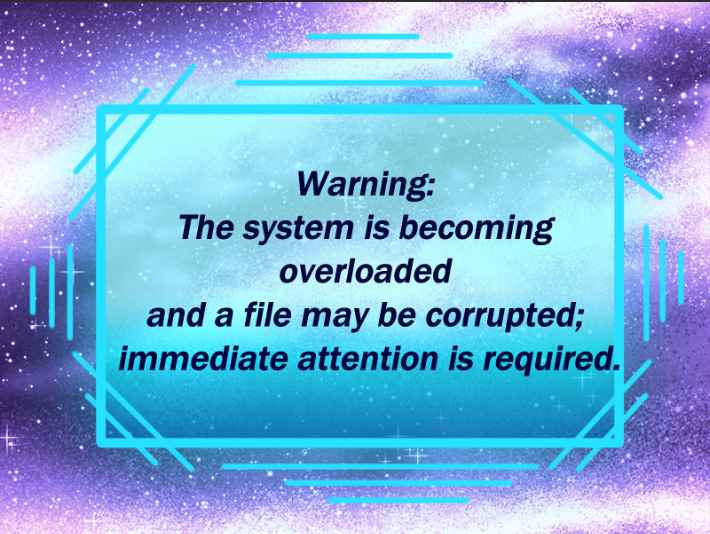
こちらはその写真と、スピーチと背景です:
Step 1: Select the Image file
Step 2: Simply drag and click to the area you require it to be on.
Step 3: Adjust using the usual right-click options.
As said with the other materials, this brush will remain free for users/downloaders.
Here's a picture of it with some speech and a background:


"skzeal"さんの別の素材


"画像素材"の人気素材




新着素材


バッジ
-
 MVP ◆質問に対して適切な回答を数多く投稿し、コミュニティの運営に大きく貢献したユーザーです。MVPは3ヶ月に一度、その間に獲得したポイントを元に決定し、表彰を行っています。
 -
 NVP (New Valuable Player) ◆MVPに次いでコミュニティの運営に貢献したユーザーです。これまでMVPの受賞経験のない方から、獲得したポイントを元に決定し、表彰を行なっています。
 -
 公式エキスパート ◆優れた回答者の証であるMVP受賞者の中からさらに選ばれた、コミュニティで最も優良な回答者の証です。審査を経て当社から依頼し就任いただいています。※旧名称「エバンジェリスト」
 -
 セルシス公認モデレーター ◆モデレーターは、日本語とその他の言語が話せるセルシス公認のスタッフです。ソフトウェアや創作のエキスパートではないので、直接疑問を解決することはできませんが、みなさんがスムーズにコミュニケーションできるように、言葉やコミュニケーションの側面からサポートします。
 -
 セルシス公式運営に関連した公式アカウントです。