



デジタル水彩画用のツールには、11本のブラシと2枚のテクスチャが含まれています。 The tools for digital watercolor are included 11 brushes and 2 textures.
私の水彩画セット。個人的な作品に水彩風のブラシが必要だったので作りました。
このブラシにはテクスチャがありますが、最良の結果を得るには、常にレイヤーパネルの上部にある紙のテクスチャレイヤーを使用します。
編集
色の変更、彩度の変更、覆い焼きブラシ、焼き込みブラシを追加しました。
ペイントブラシ:


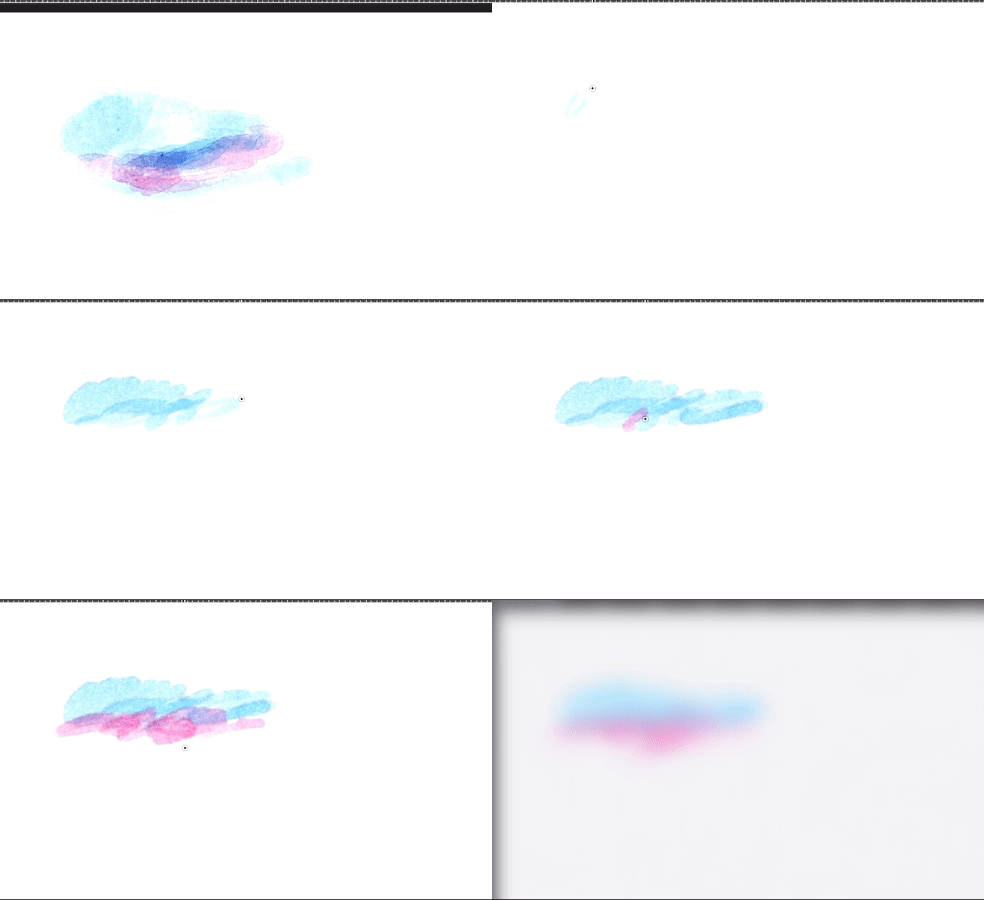




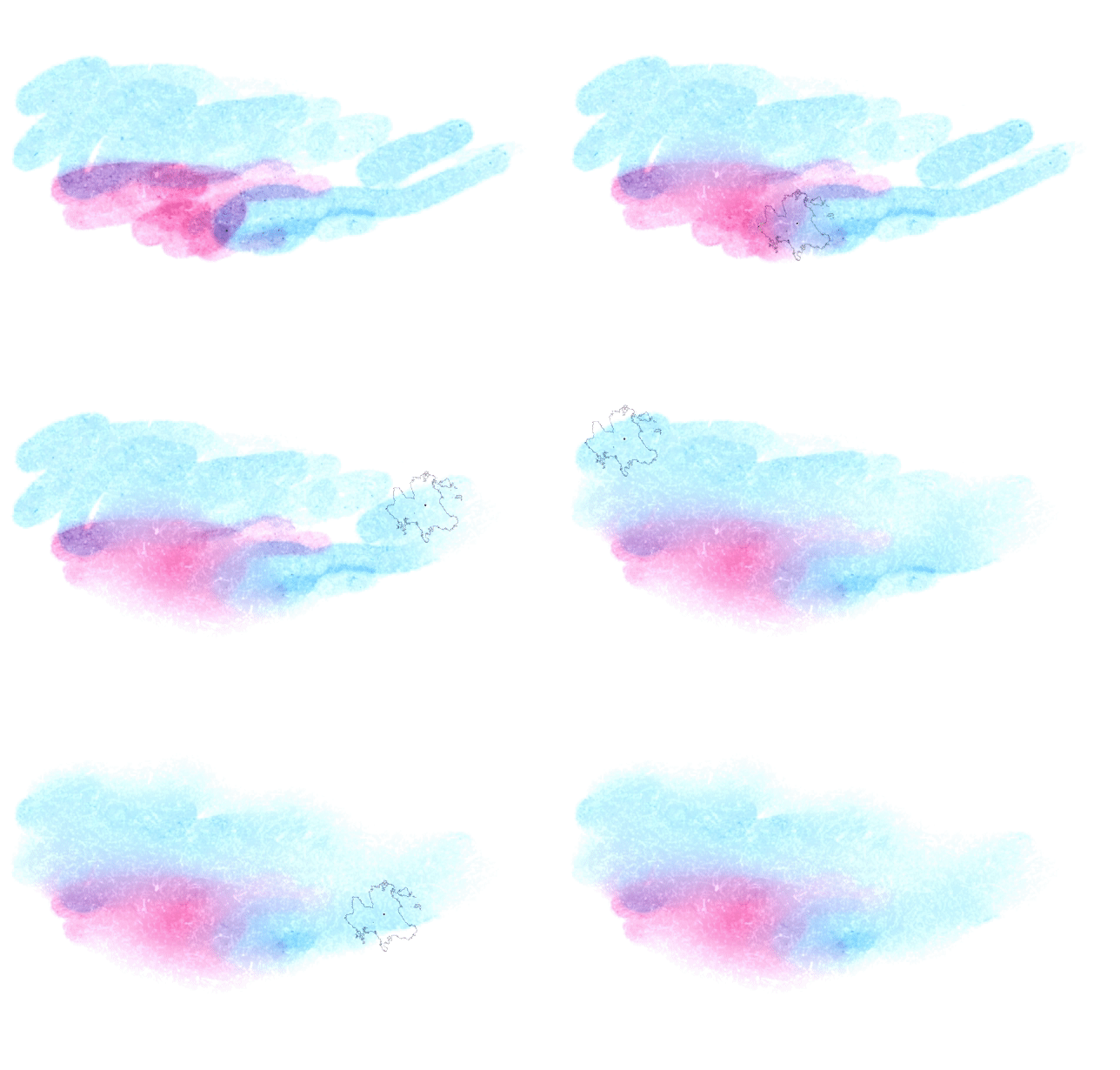


Watercolor_edge
Watercolor_soft_edge
Watercolor_edge_cover
Watercolor_cover
Strong_wet_color
Watercolor_transparent
Watercolor_edge_detail
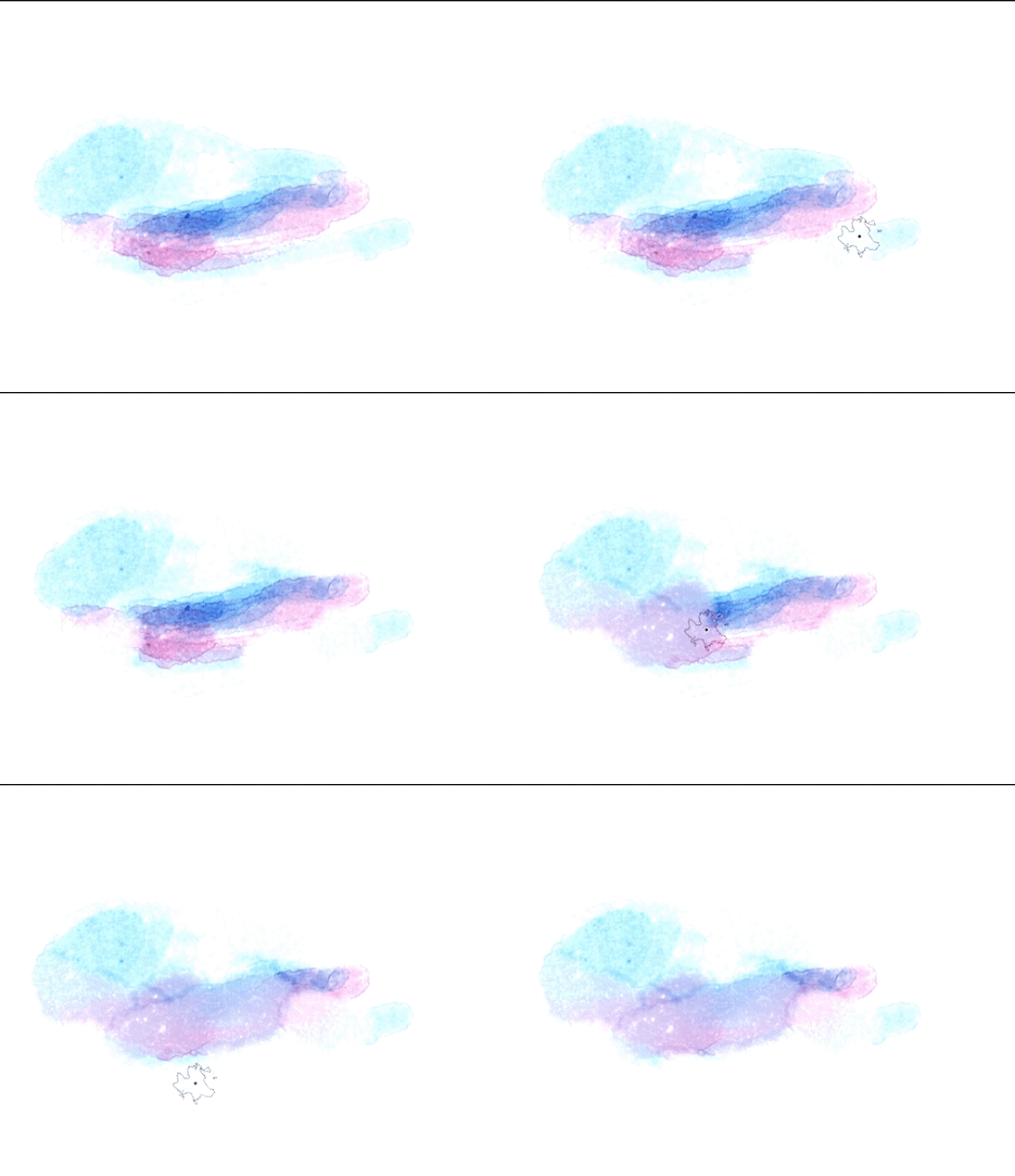
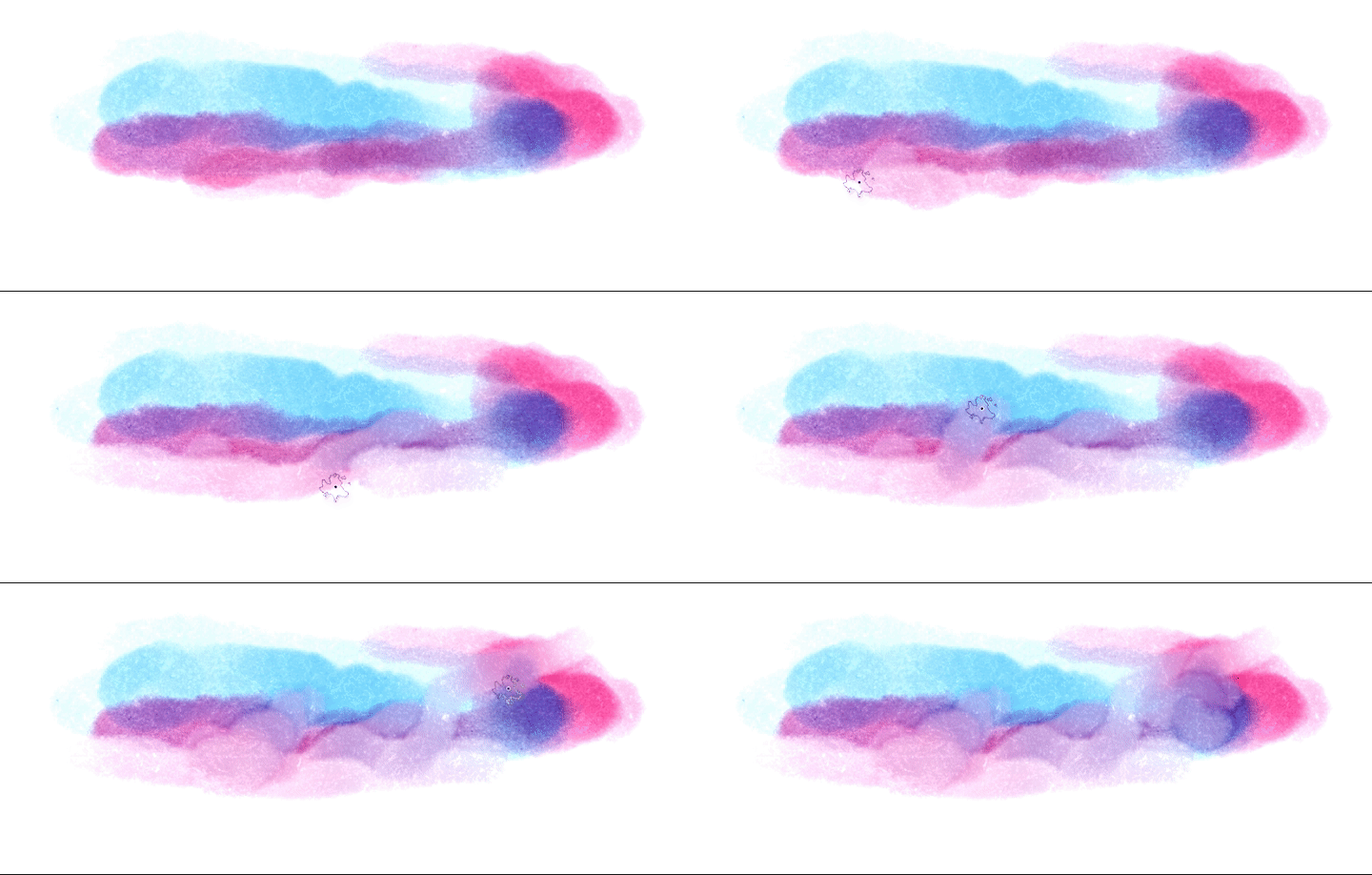
ブレンディングブラシ:
More_water_edge
Water_more_soft_edge
For_blending_edge
Water_blend
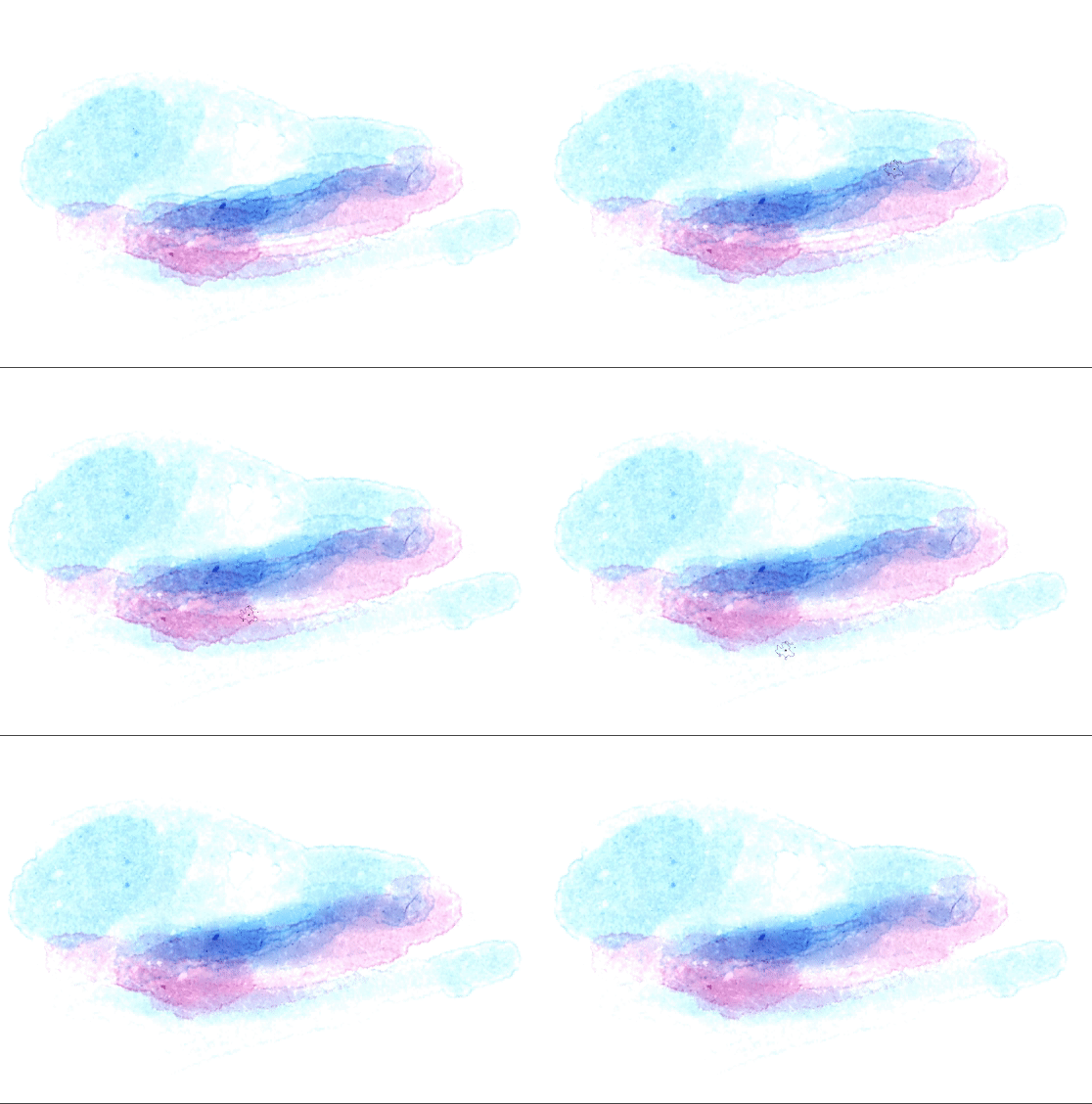
新しいブラシ:色の変更、彩度の変更、覆い焼き、焼き込み。

テクスチャペーパー:
私はそれをレイヤー効果で使用します:

私がこのブラシを作ったイラスト:

My watercolor set. I have made it because I needed watercolor style brushes for my personal works.
This brushes have a textures but for the best result I always use the paper textures layers at the top in my layers panel.
EDIT
I added color change, change saturation, dodge and burn brushes.
Painting brushes:
Watercolor_edge
Watercolor_soft_edge
Watercolor_edge_cover
Watercolor_cover
Strong_wet_color
Watercolor_transparent
Watercolor_edge_detail
Blending brushes:
More_water_edge
Water_more_soft_edge
For_blending_edge
Water_blend
New brushes: change color, change saturation, dodge and burn.
Textures paper:
I use it with layer effect:
The illustration that I have made this brushes:
絵画 Painting
-
Watercolor_edge_detail Watercolor_edge_detail
-
Watercolor_transparent Watercolor_transparent
-
strong_wet_color strong_wet_color
-
Watercolor_cover Watercolor_cover
-
Watercolor_soft_edge_cover Watercolor_soft_edge_cover
-
Watercolor_soft_edge Watercolor_soft_edge
-
Watercolor_edge Watercolor_edge
-
躱す dodge
-
色を変更 change Color
-
彩度を変更する change saturation
-
燃える burn


ブレンド Blending


テクスチャ Textures










"canitiem"さんの別の素材


"素材集"の人気素材


新着素材




バッジ
-
 MVP ◆質問に対して適切な回答を数多く投稿し、コミュニティの運営に大きく貢献したユーザーです。MVPは3ヶ月に一度、その間に獲得したポイントを元に決定し、表彰を行っています。
 -
 NVP (New Valuable Player) ◆MVPに次いでコミュニティの運営に貢献したユーザーです。これまでMVPの受賞経験のない方から、獲得したポイントを元に決定し、表彰を行なっています。
 -
 公式エキスパート ◆優れた回答者の証であるMVP受賞者の中からさらに選ばれた、コミュニティで最も優良な回答者の証です。審査を経て当社から依頼し就任いただいています。※旧名称「エバンジェリスト」
 -
 セルシス公認モデレーター ◆モデレーターは、日本語とその他の言語が話せるセルシス公認のスタッフです。ソフトウェアや創作のエキスパートではないので、直接疑問を解決することはできませんが、みなさんがスムーズにコミュニケーションできるように、言葉やコミュニケーションの側面からサポートします。
 -
 セルシス公式運営に関連した公式アカウントです。