



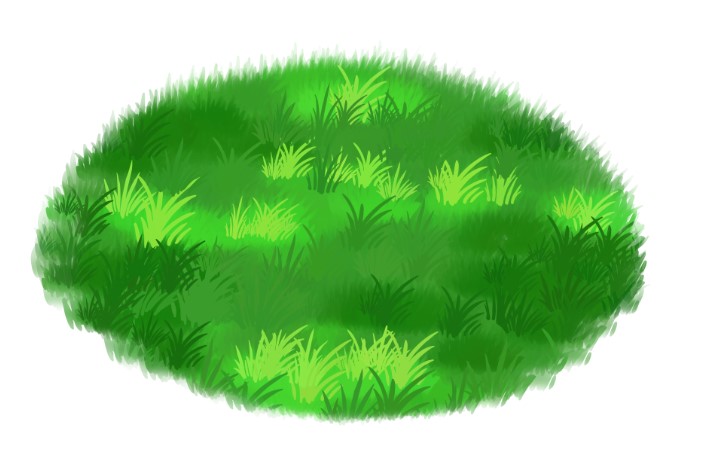
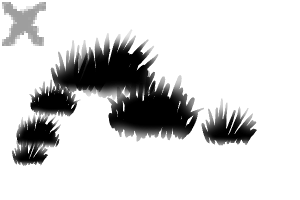
用草刷包來做簡單的草地。 A grass brush pack to make simple meadows of grass.
我第一把要上傳的畫筆!希望你會喜歡!^,....,^
在外包中:
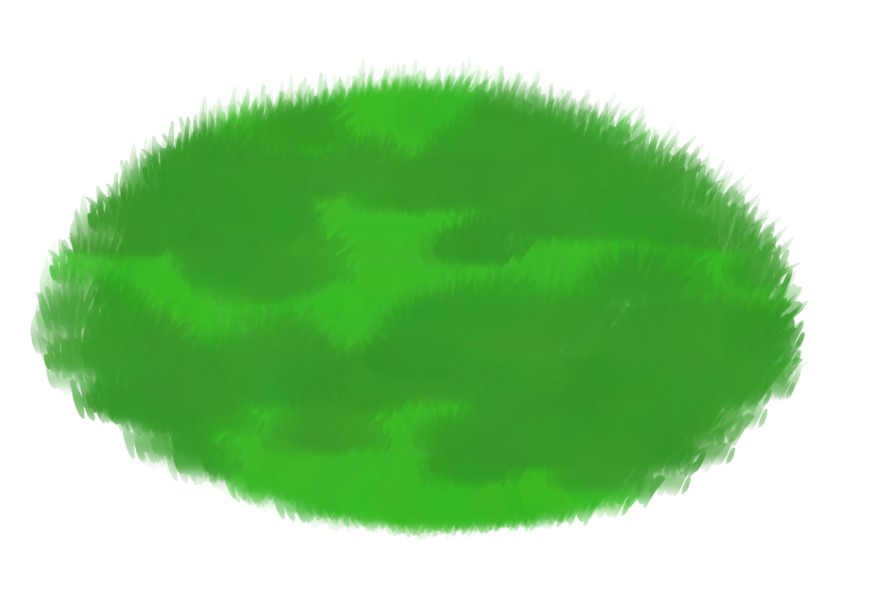
草基
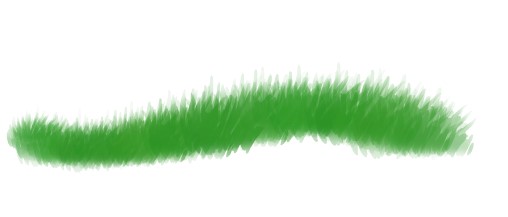
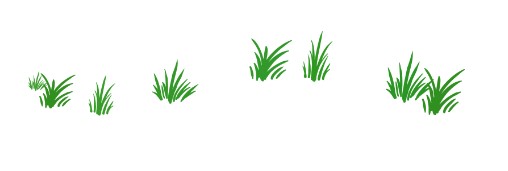
1- 使用 GrassBase 筆刷建立你的基地



謝謝,請享受!!
在外包中:
草基
草地細節
步驟:
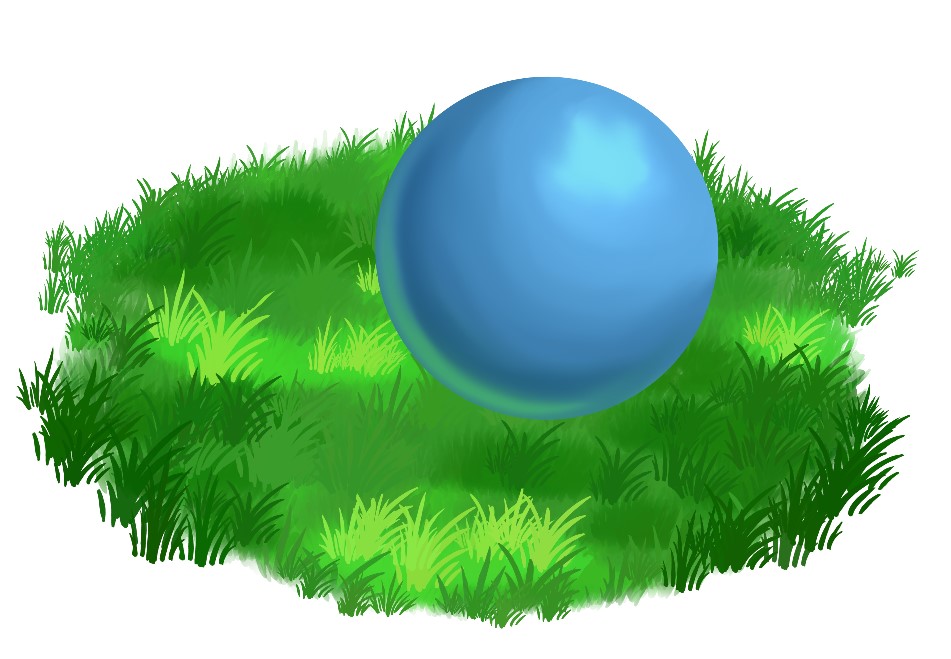
1- 使用 GrassBase 筆刷建立你的基地
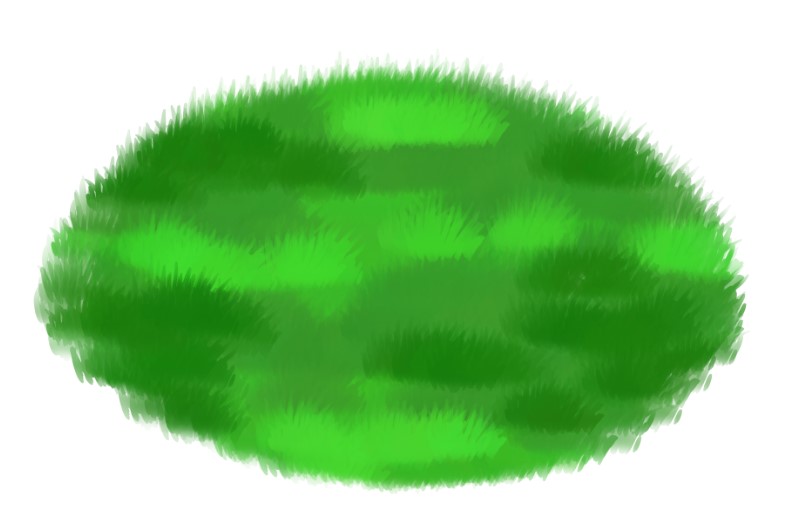
2- 用同一筆刷子在裁剪圖層上建立陰影和高光

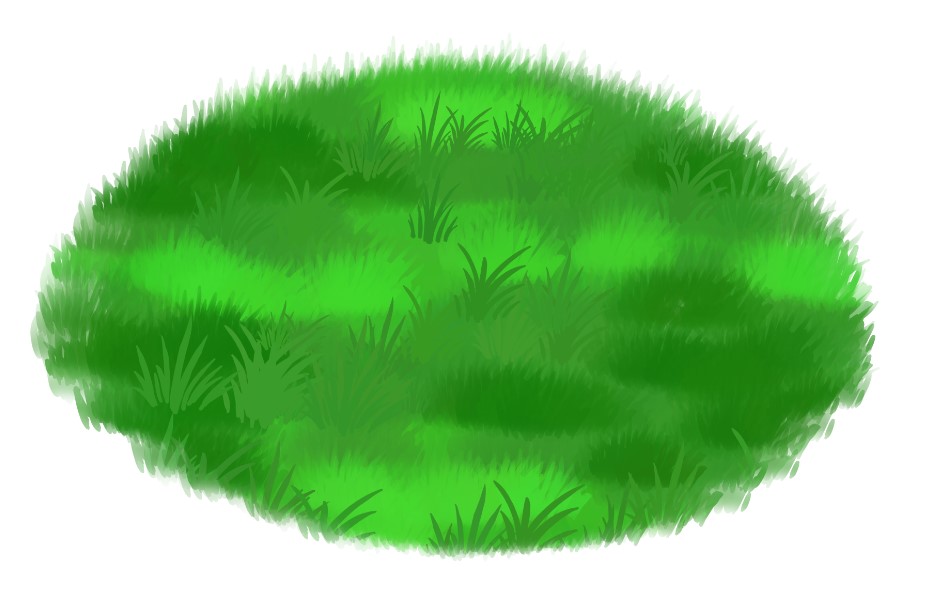
3- 用 GrassDetail 用你的中間色調來創造更多質感。
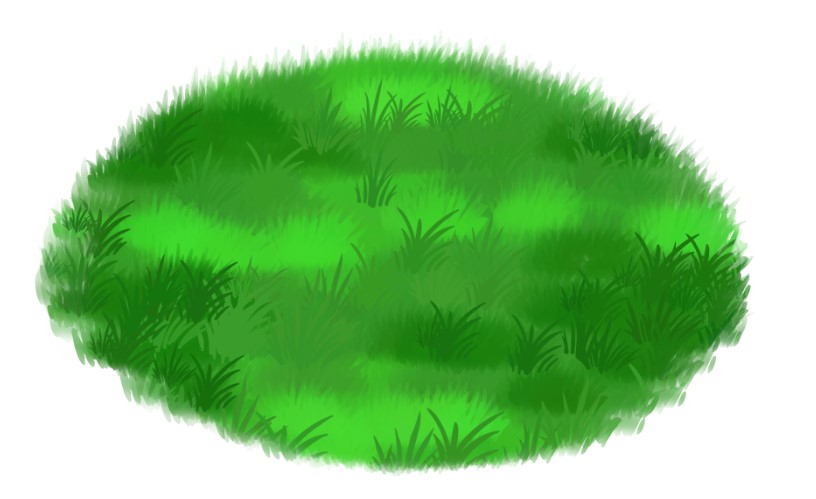
4- 用陰影與高光重複步驟3。讓陰影 稍微 變暗 ,高光 稍微變淺。
5- 讓你的草地邊緣變得更有機。前面的草比較大,後面的草比較小。

額外步驟!!
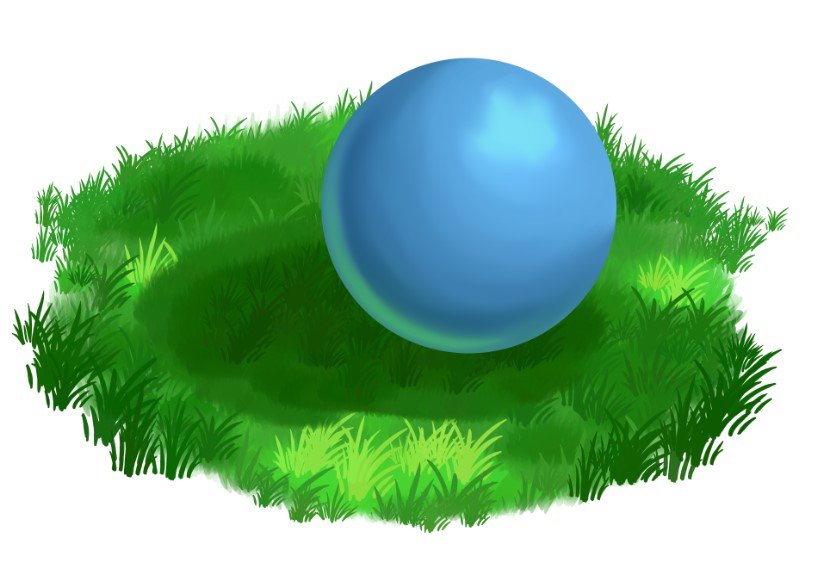
用畫筆在草地上製造陰影
1- 使用 GrassBase 在物件下方的圖層上建立該物件的陰影。
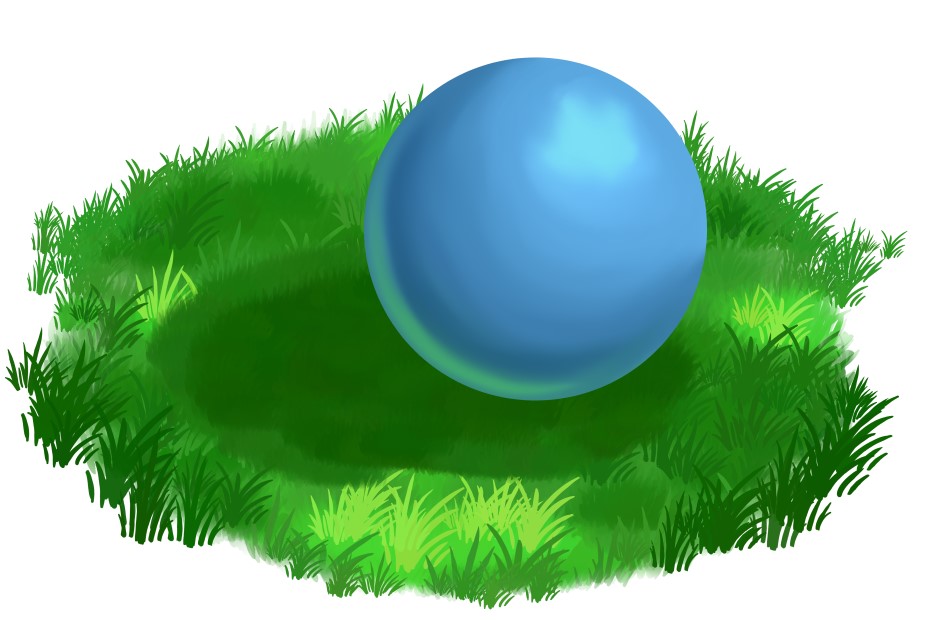
2- 使用 GrassDetail 筆刷製作一些貼圖
3- 在上方圖層,使用 GrassBase 和 GrassDetail,利用周圍顏色將物件與草地融合。

謝謝,請享受!!
My first brush to upload! I hope you enjoy! ^,....,^
In the pack:
GrassBase
1- Using the GrassBase Brush create your base
Thank you enjoy!!
In the pack:
GrassBase
GrassDetail
Steps:
1- Using the GrassBase Brush create your base
2- Using the same brush, create your shadows & highlights on a clipping layer
3- Using the GrassDetail create more texture using your midtone colour.
4- Repeat step 3 using your Shadow & Highlight. Make the shadow slightly darker, and make the highlight slightly lighter.
5- Make the edges of your grass patch more organic. The grass in the front larger, and the grass towards the back smaller.
BONUS STEPS!!
Creating a shadow in the grass using the brushes
1- Using GrassBase create that shadow for the object on the layer below the object.
2- Create some texture using the GrassDetail brush
3- On the layer above, using BOTH GrassBase & GrassDetail, blend the object into the grass using the surrounding colours.
Thank you enjoy!!
草叢 Grass Brush














「soxxyhorror」的其他素材


「素材集」的人氣素材


最新素材







徽章
-
 MVP ◆針對問題投稿了眾多適切的回答,對社群有顯著貢獻的用戶。每3個月一次,會依據期間內獲得的點數選出MVP用戶,並進行表揚。
 -
 NVP(New Valuable Player) ◆繼MVP後,對社群營運做出良好貢獻的用戶。將從不曾獲選為MVP的用戶中,依據獲得的點數進行評選、表揚。
 -
 官方推廣大使 ◆從被證明為優良回答用戶的MVP獲獎者中選出社群中最優異的回答者。並經審查後由本社委託就任。※舊名稱為「Evangelist」
 -
 CELSYS公認Moderator ◆Moderator為會使用日文及其他語言的CELSYS公認工作人員。由於並非軟體或創作的專業人士,Moderator無法直接為用戶解決疑問,但能在語言、交流方面提供支援,幫助用戶們順利地進行溝通。
 -
 CELSYS官方為與營運相關的官方帳號。