



我目前正在製作一套裝飾畫筆,但因為不知道什麼時候能完成,所以我先上傳10支畫筆。 為了獲得最佳體驗,請閱讀以下說明,了解如何自訂畫筆。
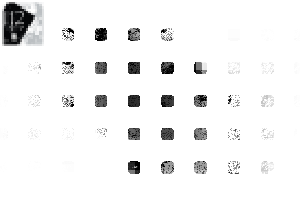
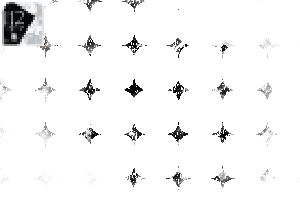
註:由於筆尖形狀是從材質圖像創建的,請在工具設定面板中使用 [縮放比例] 和 [旋轉角度]調整粒子大小與方向(向下捲動可查看範例圖片)
此外,你也可以開啟 [更換筆尖顏色] ,讓顏色有細微變化。有些筆刷預設就啟用了這個功能,但如果你喜歡固定顏色,也可以關閉它。


I'm currently creating a decor brush set, but since I have no idea when I'll actually finish it, I'm uploading 10 brushes first. For the best experience, please read the notes below to see how to customize the brush.
Note: Since the brush tip shape is created from a texture image, please adjust the particle size and direction using [Scale Ratio] and [Rotation Angle] in the Tool Settings panel (Scroll down to see the example image)
Additionally, you can turn on [Change brush tip color] for a subtle color variation. Some brushes have this feature enabled by default, but you can turn it off if you prefer a fixed color.
第一類 Category 1


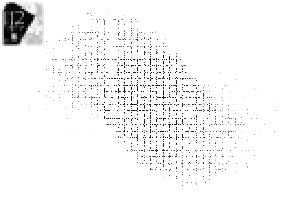
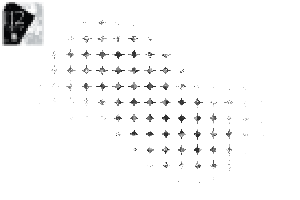
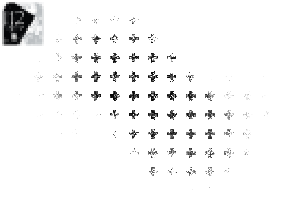
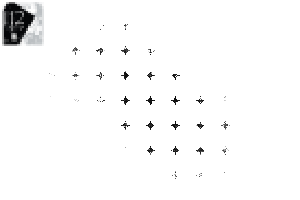










「II2」的其他素材


「素材集」的人氣素材


最新素材


徽章
-
 MVP ◆針對問題投稿了眾多適切的回答,對社群有顯著貢獻的用戶。每3個月一次,會依據期間內獲得的點數選出MVP用戶,並進行表揚。
 -
 NVP(New Valuable Player) ◆繼MVP後,對社群營運做出良好貢獻的用戶。將從不曾獲選為MVP的用戶中,依據獲得的點數進行評選、表揚。
 -
 官方推廣大使 ◆從被證明為優良回答用戶的MVP獲獎者中選出社群中最優異的回答者。並經審查後由本社委託就任。※舊名稱為「Evangelist」
 -
 CELSYS公認Moderator ◆Moderator為會使用日文及其他語言的CELSYS公認工作人員。由於並非軟體或創作的專業人士,Moderator無法直接為用戶解決疑問,但能在語言、交流方面提供支援,幫助用戶們順利地進行溝通。
 -
 CELSYS官方為與營運相關的官方帳號。