


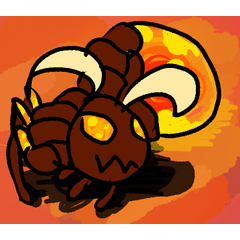

這刷子是用來建立方塊,你可以在草圖圖層勾勒出輪廓,然後進入線稿圖層,再上色,最後再渲染;
但你連沒有方塊都過不了,這部作品就是為了做到最好,至少對我來說是這樣!
This brush is made to create blocks that you can outline in a sketch layer, go to a line art layer, and than colour, and render afterwards;
but you couldn't even go past without a block, and this is made to be the best it can be, at least for me!
所以,要使用工具,你需要知道如何使用。我最近一些最棒的數位作品,包括我的頭像,都用了這支畫筆。
這是一個簡單的過程;首先,新增一個焦點的光柵圖層;然後用這把刷子把不同部分做成不同顏色,這樣你就能理解;之後,用不同的畫筆做一個草圖圖層,其他的再做!
(我這裡的作品會顯示背景,但我不建議在方塊圖層之前先顯示;只是完成後才會存下來)
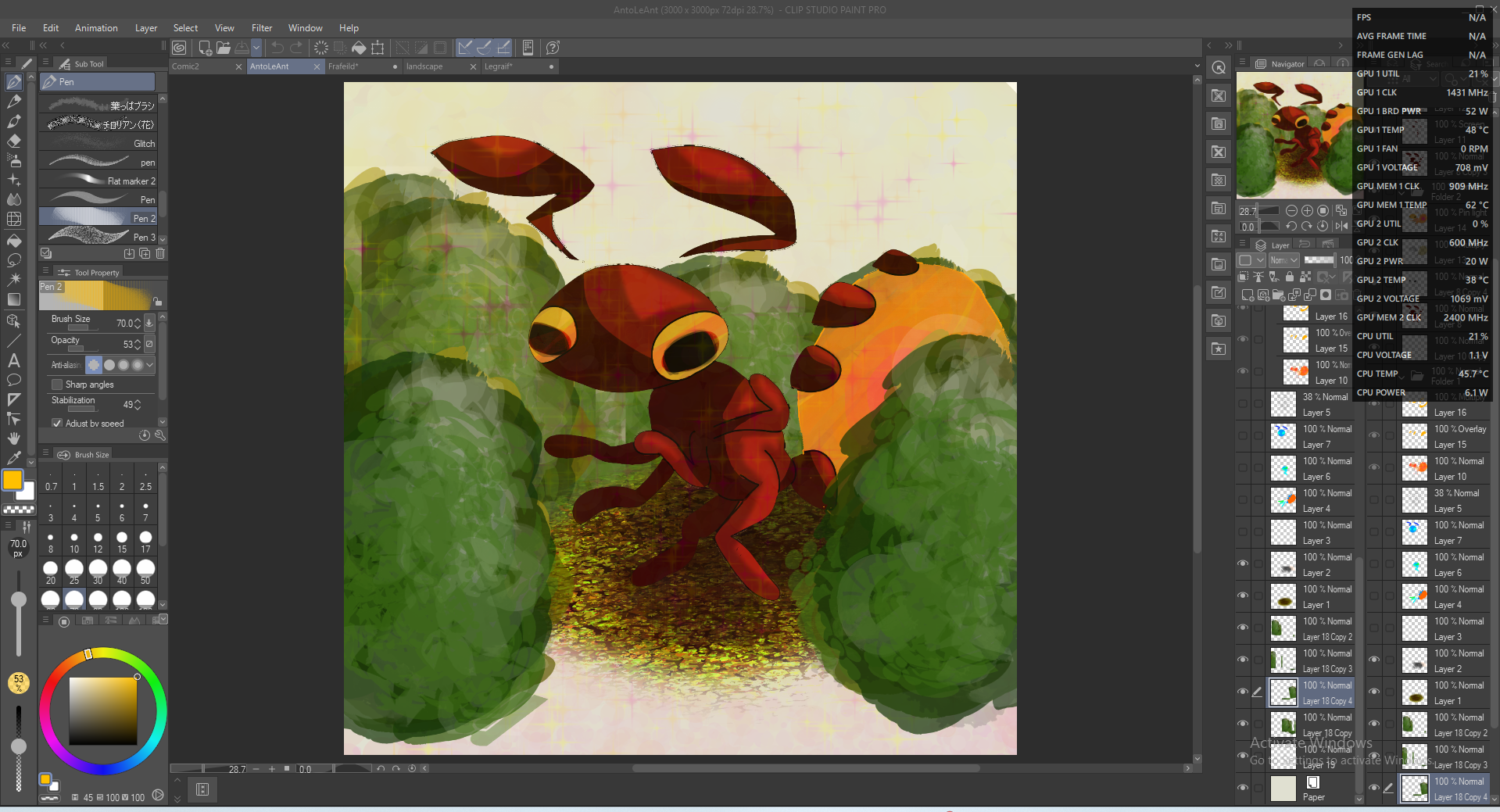
AntoLeAnt:
阻擋:
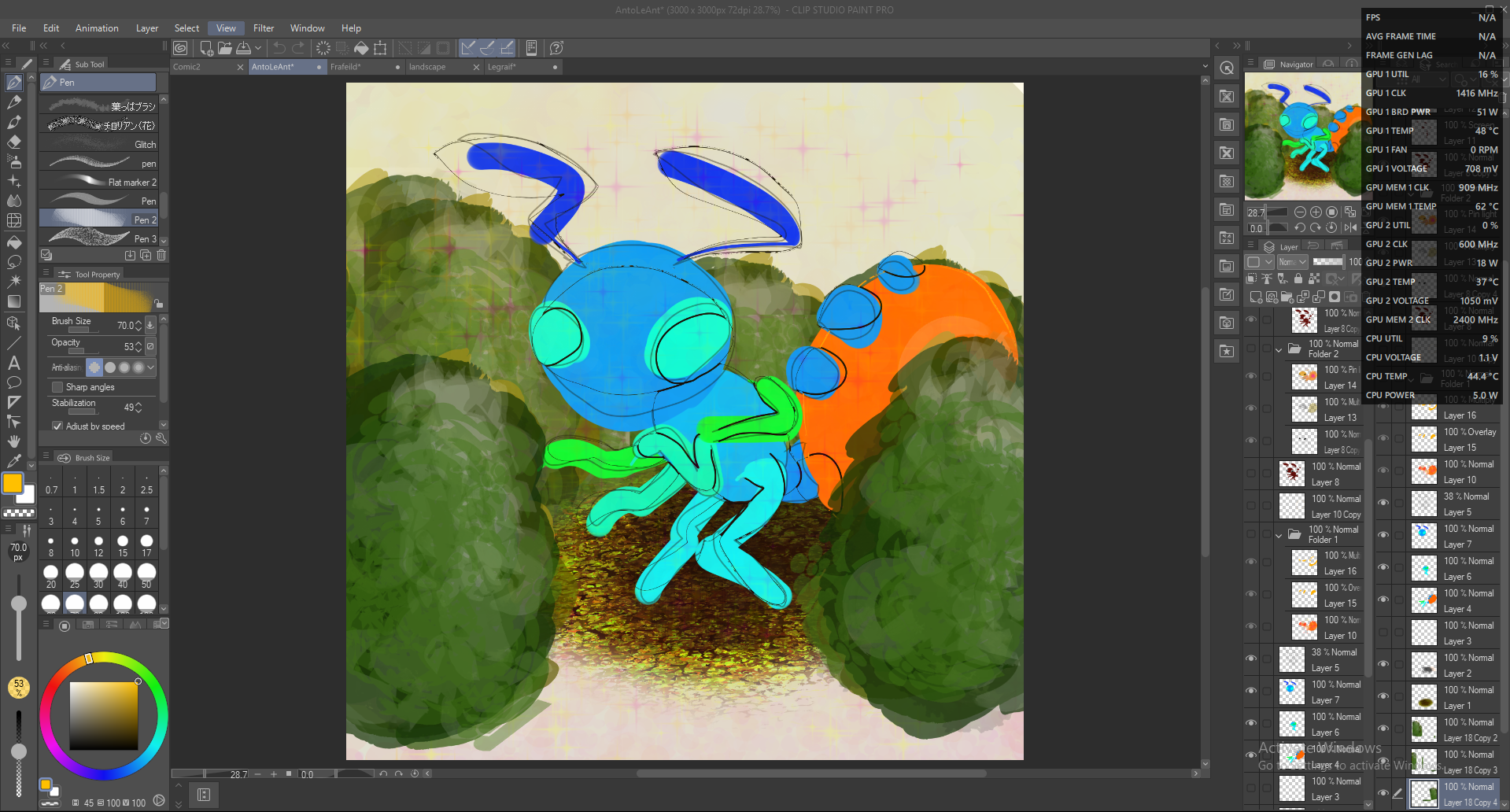
系列:
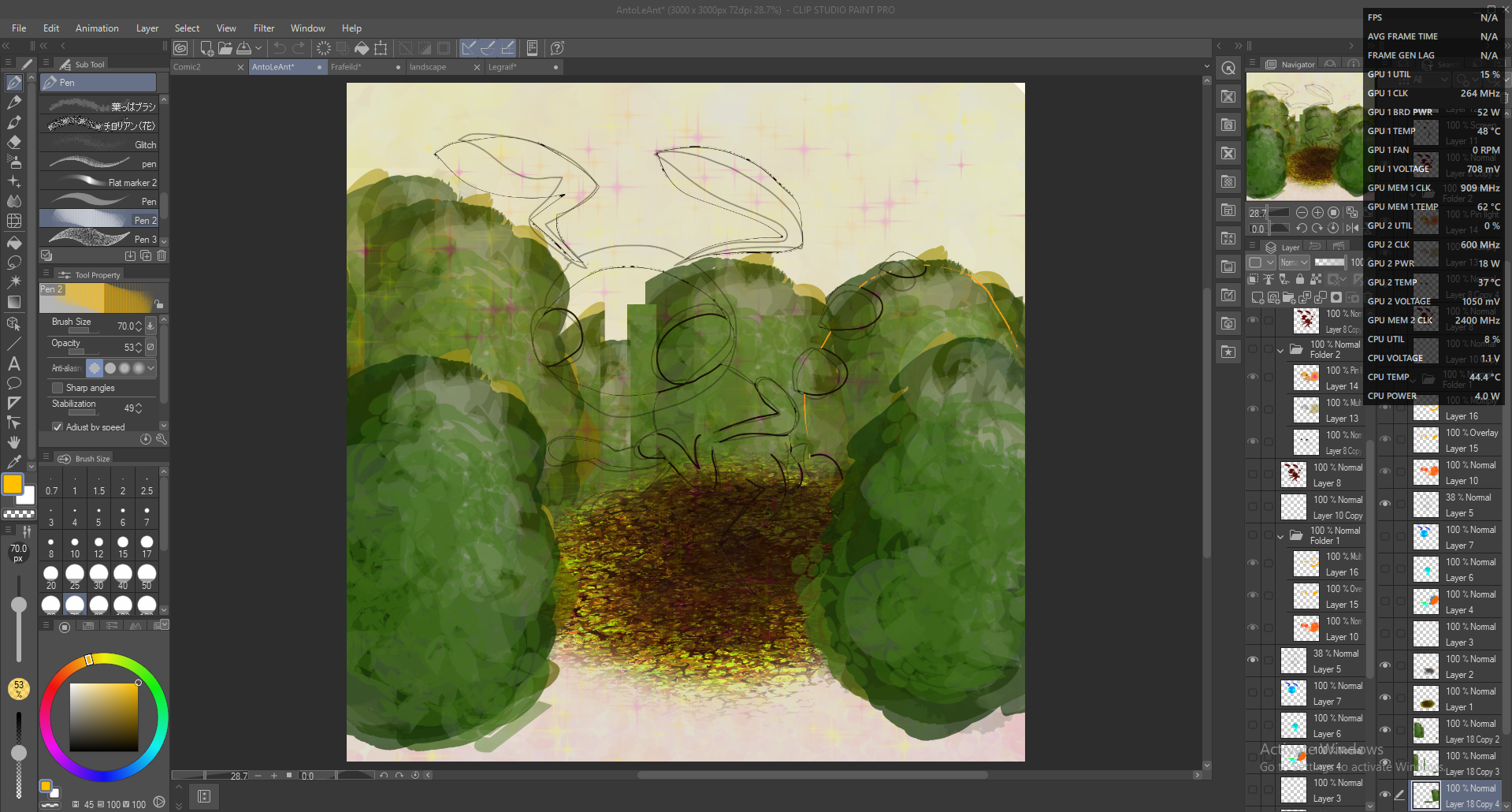
平面:
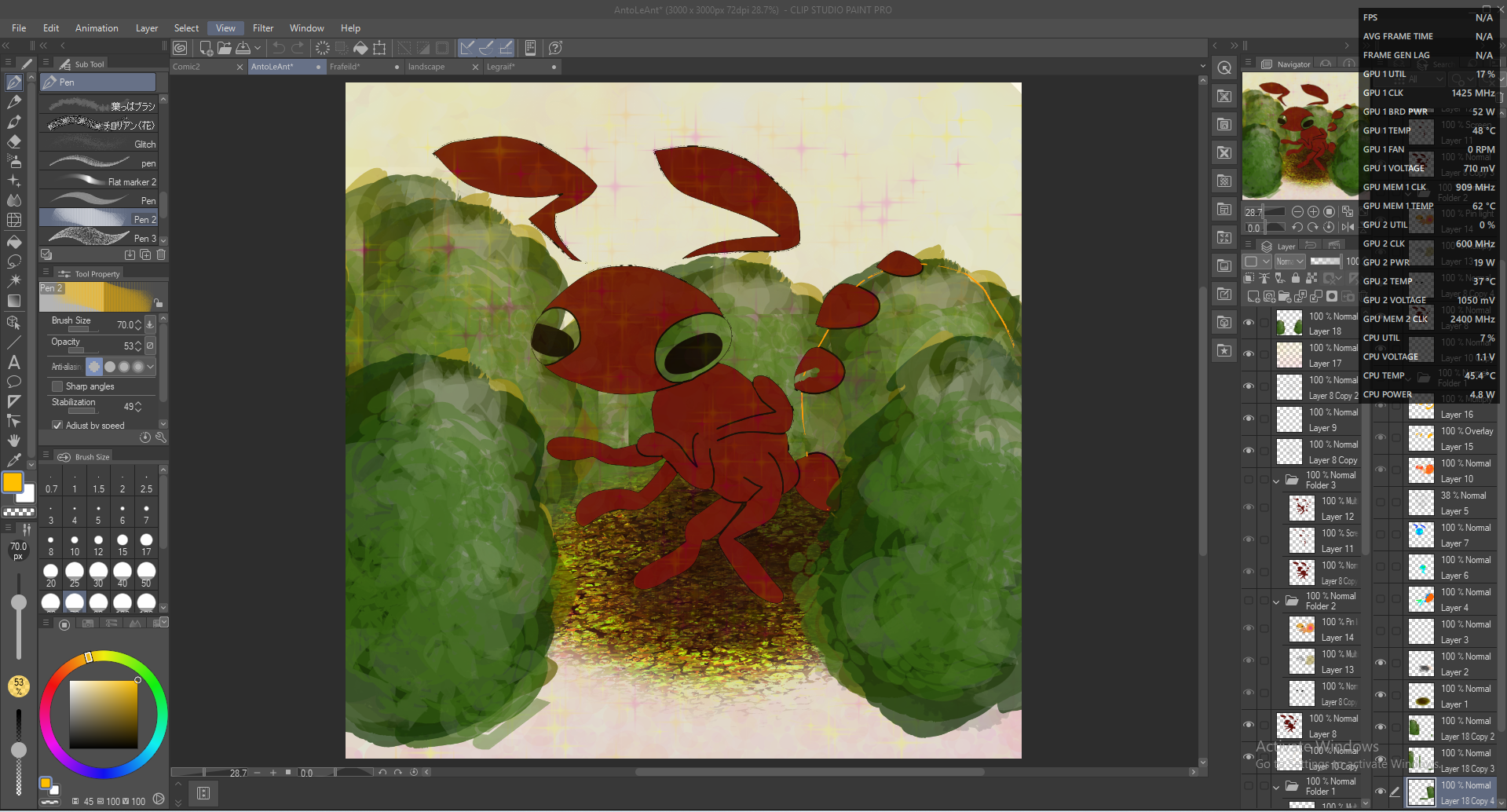
渲染:
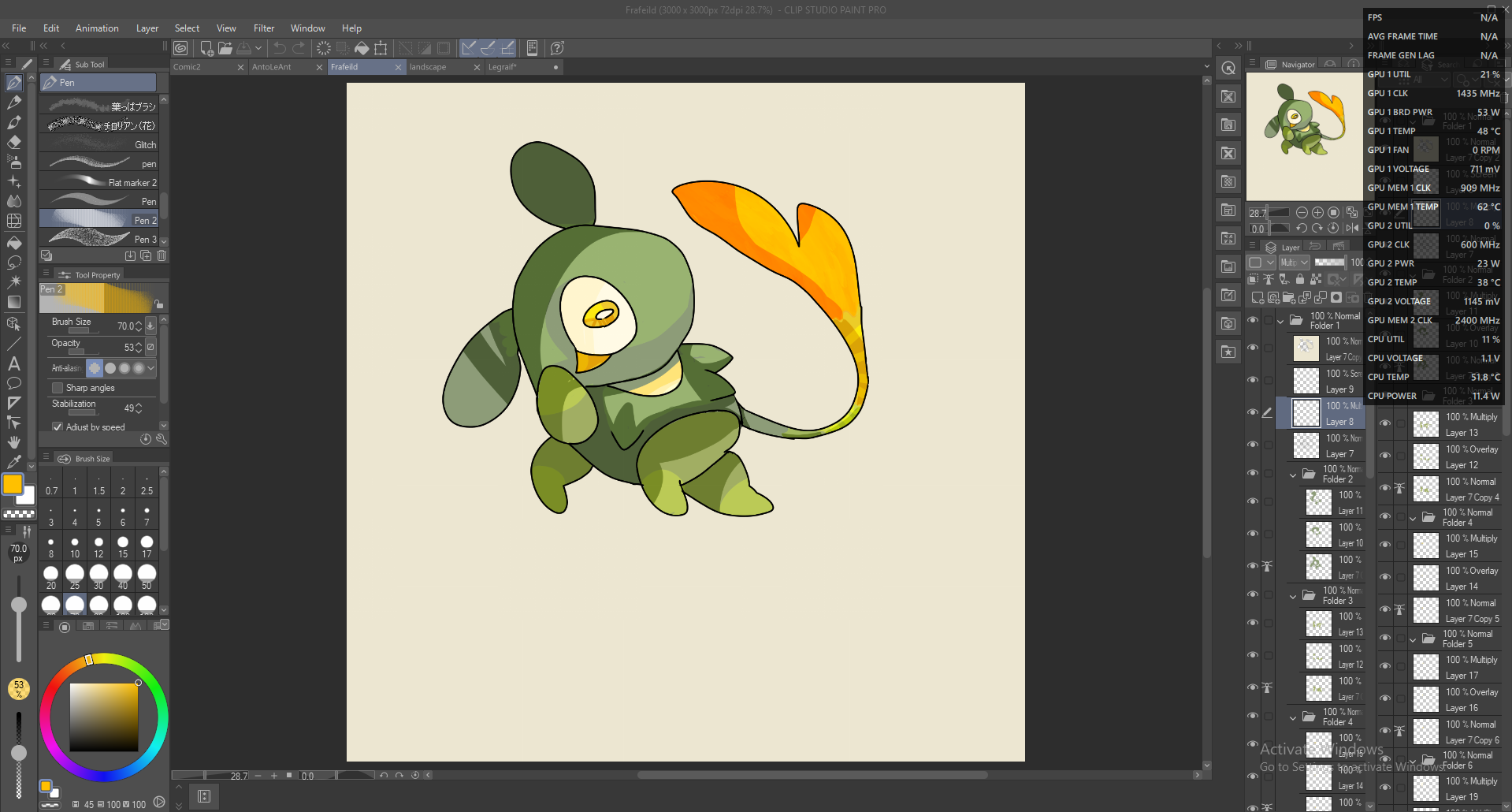
Frafeild:
阻擋:
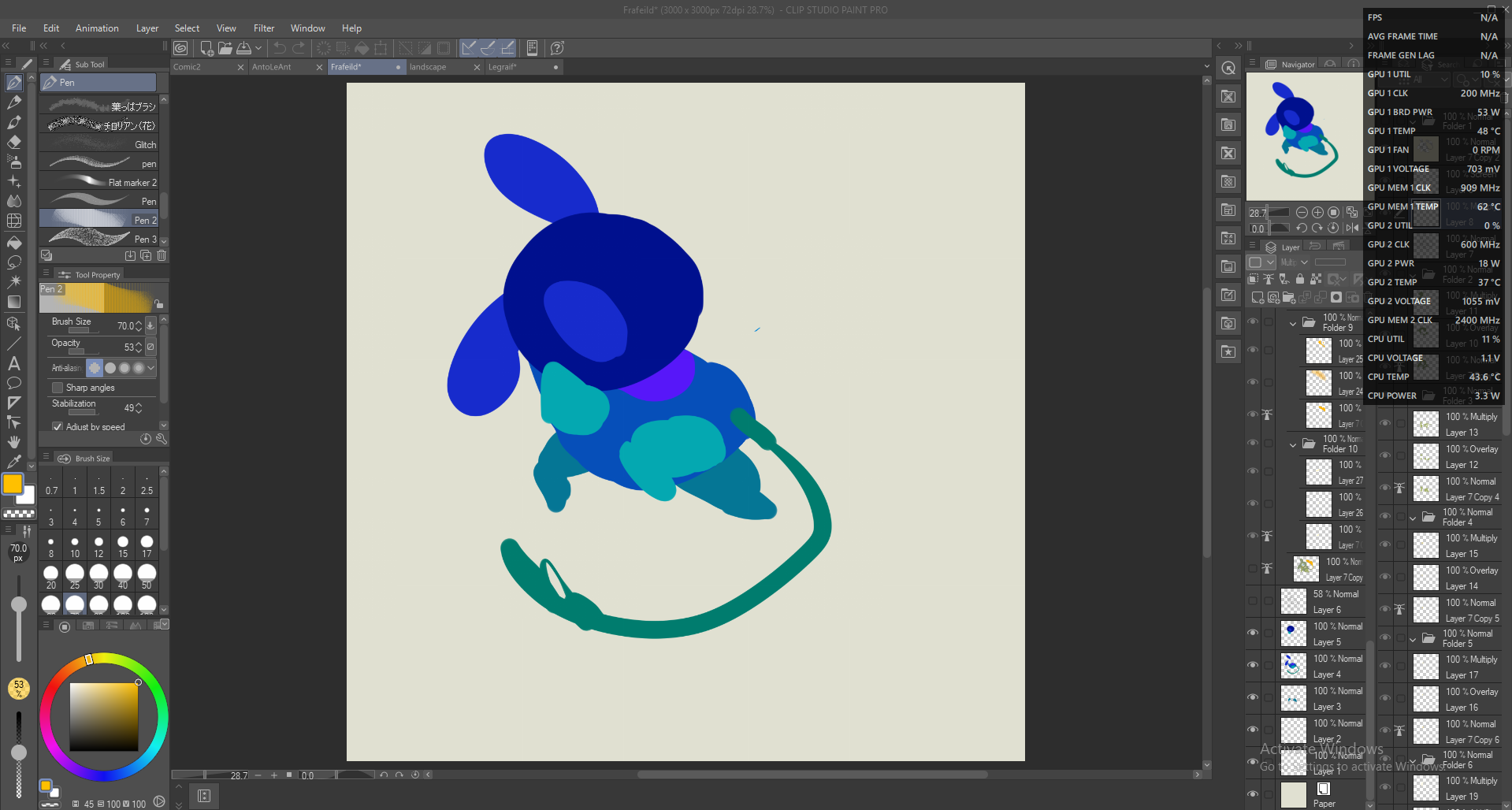
渲染:
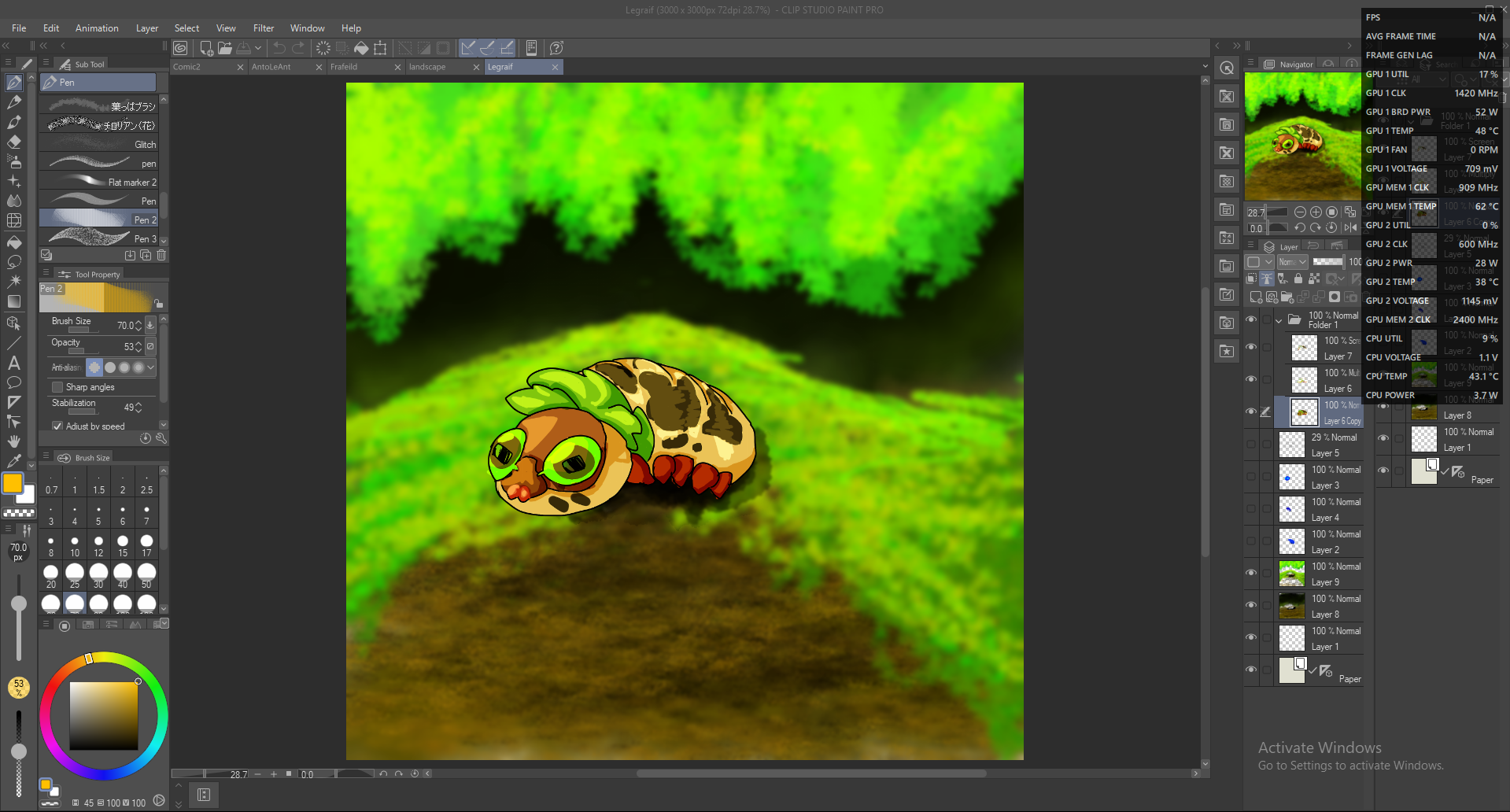
勒格雷夫:
阻擋:
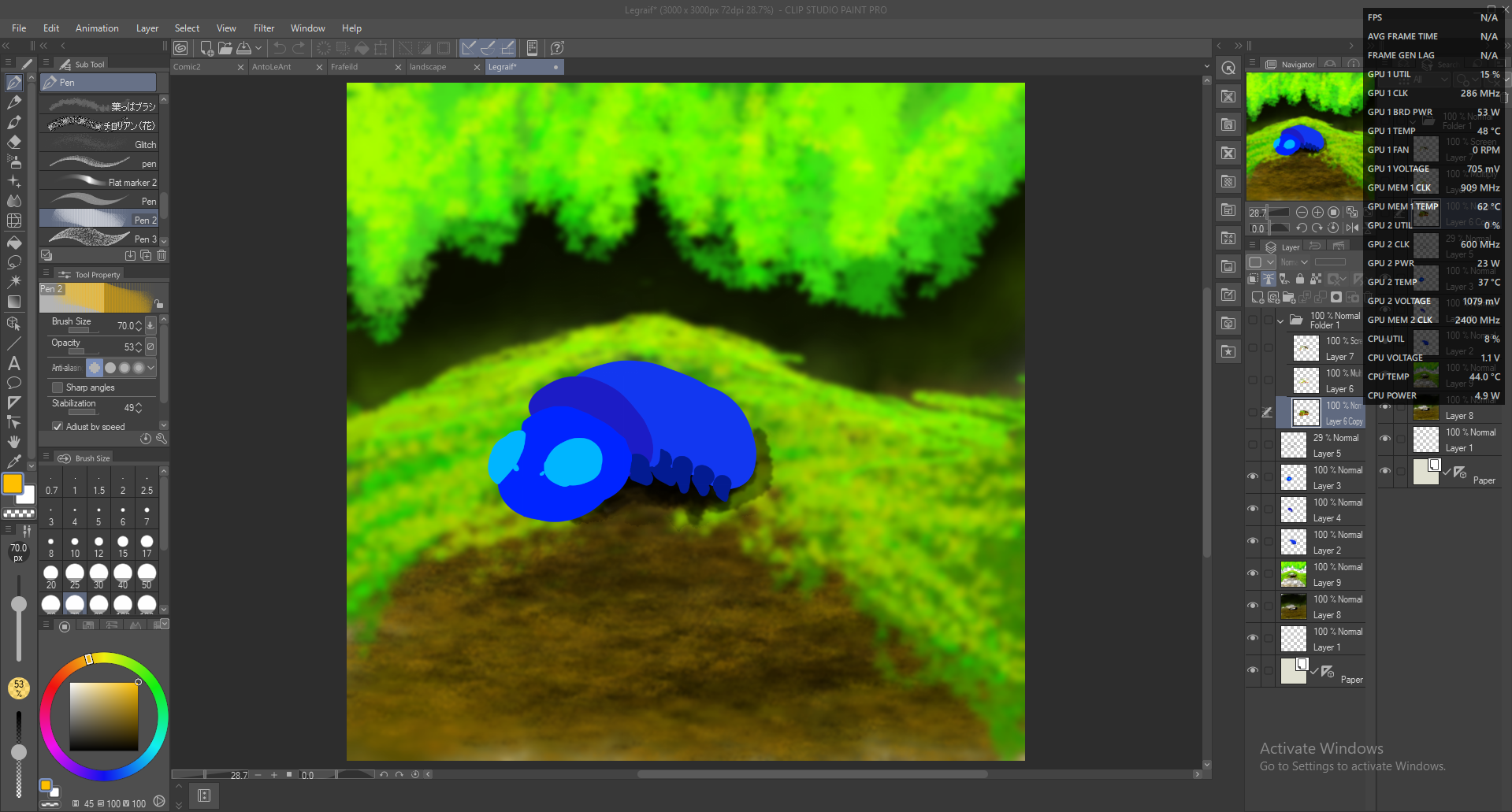
區塊與線路:
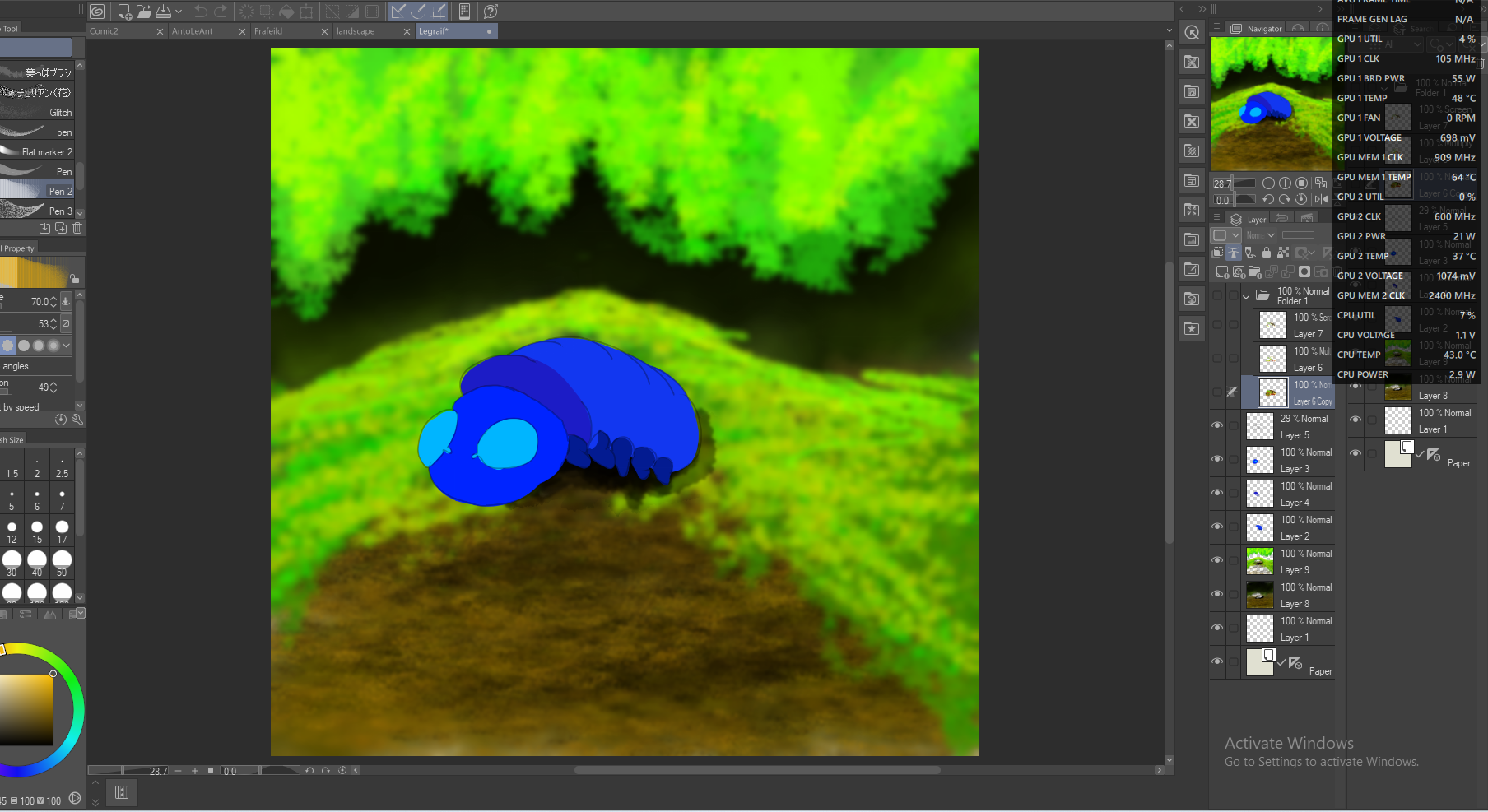
系列:
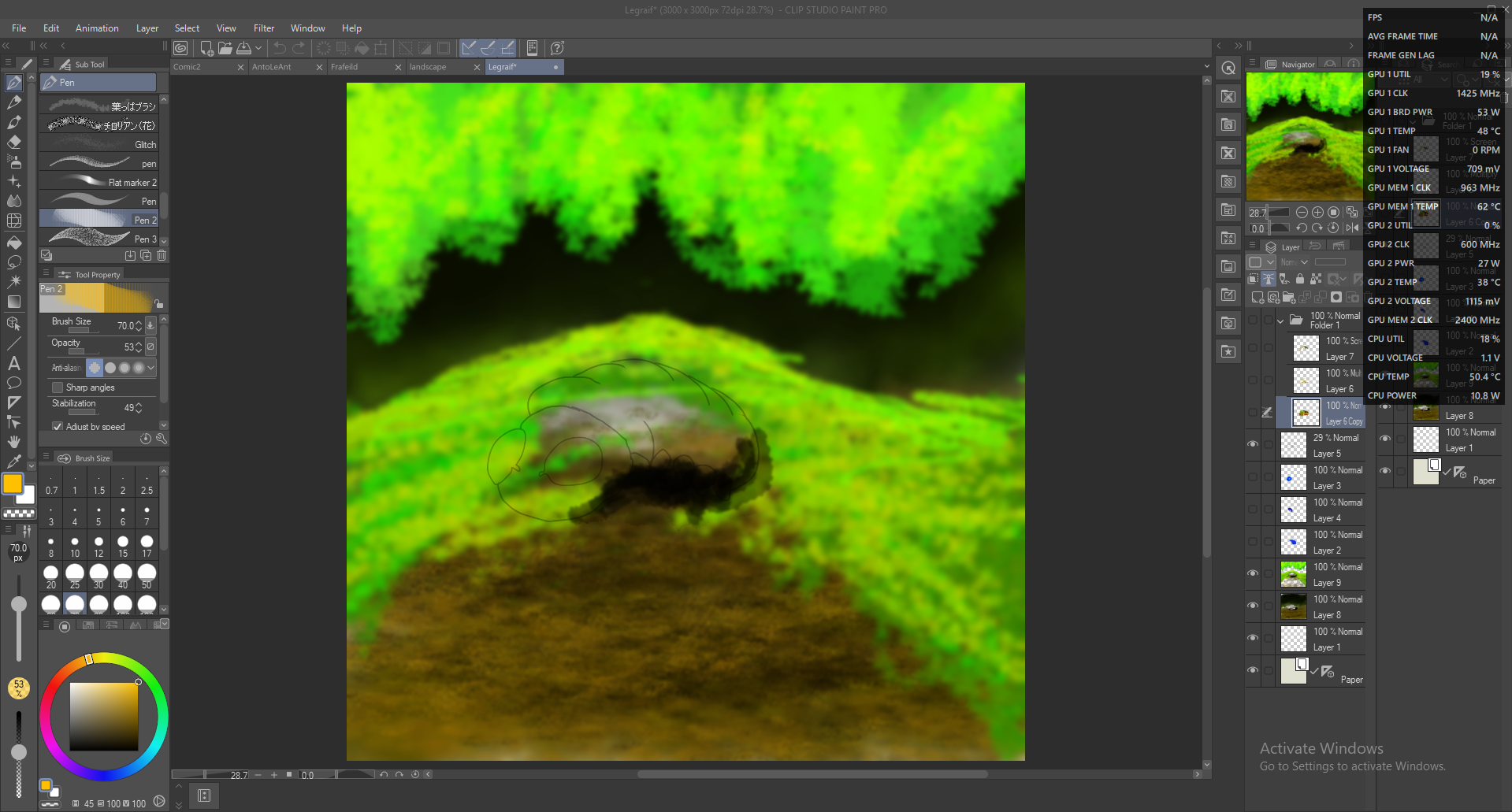
渲染:
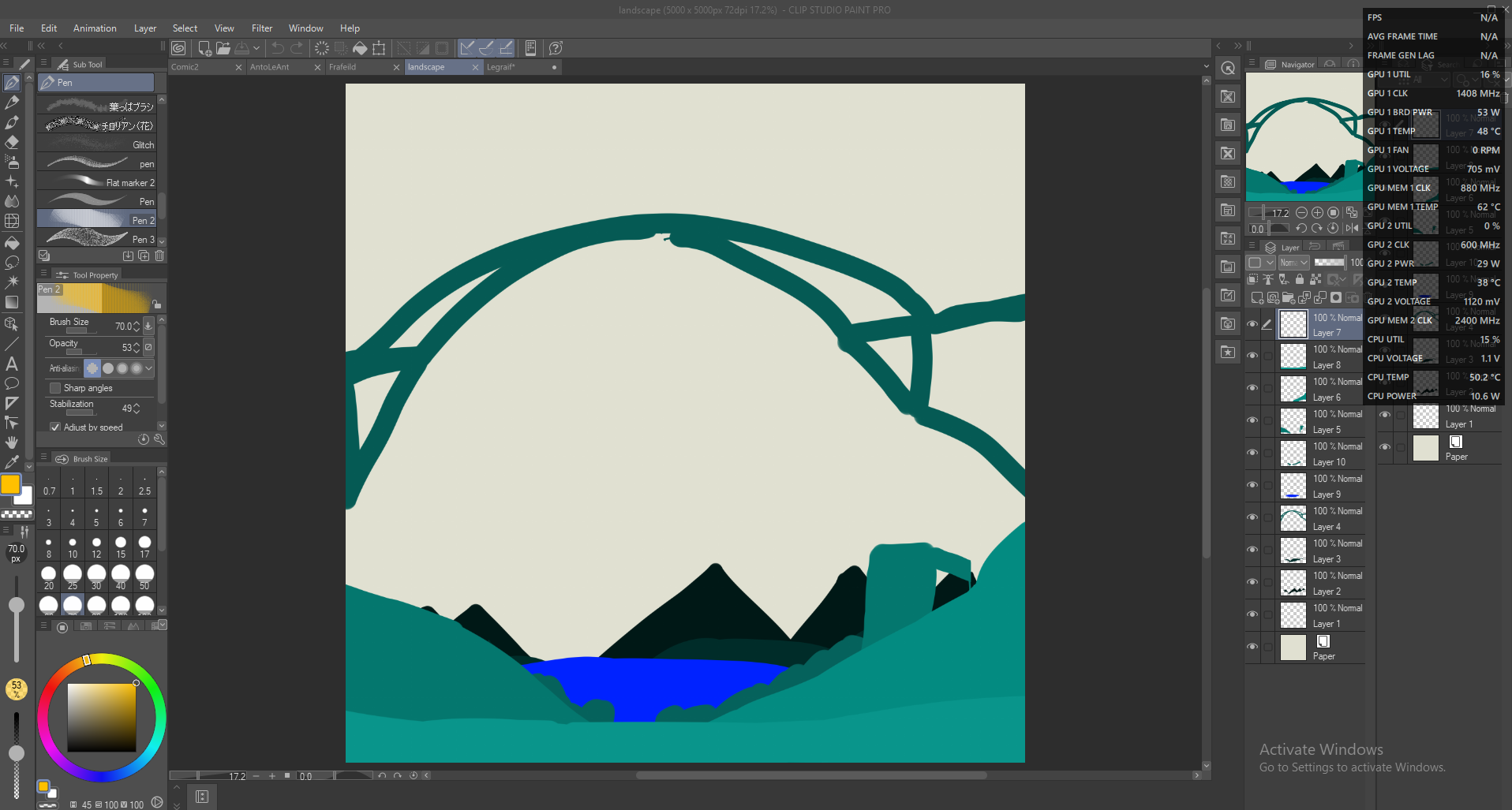
未完成的風景:
阻擋:
如你所見,它不需要非常精確;我改變了 Frafeild 的尾巴位置,但它仍然是個實用的工具!
這裡有幾個非常奇怪的《Anto Le Honeypot》故事,供你閱讀:
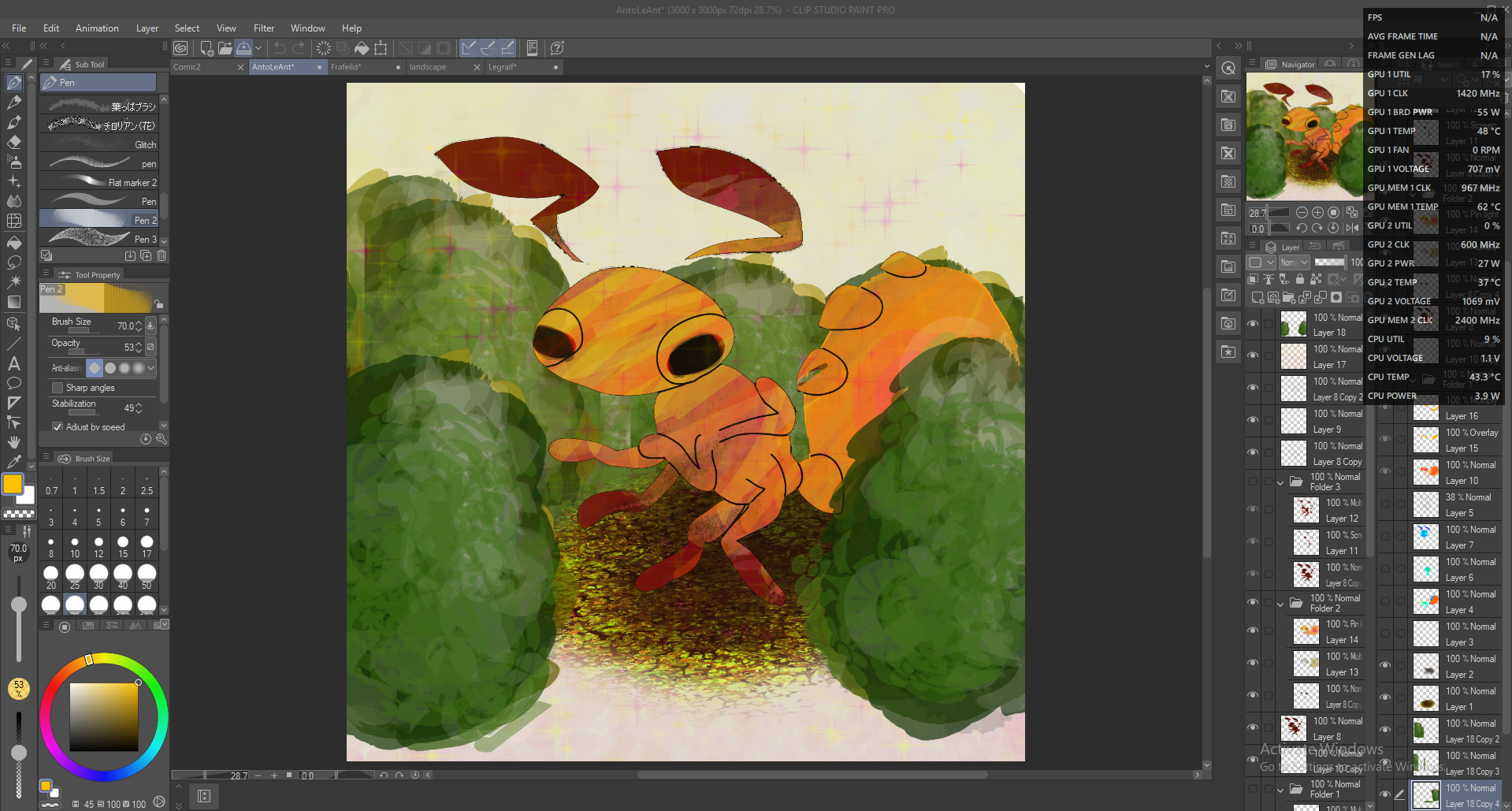
(因為尾巴和眼睛)
這是一個簡單的過程;首先,新增一個焦點的光柵圖層;然後用這把刷子把不同部分做成不同顏色,這樣你就能理解;之後,用不同的畫筆做一個草圖圖層,其他的再做!
(我這裡的作品會顯示背景,但我不建議在方塊圖層之前先顯示;只是完成後才會存下來)
AntoLeAnt:
阻擋:
系列:
平面:
渲染:
Frafeild:
阻擋:
渲染:
勒格雷夫:
阻擋:
區塊與線路:
系列:
渲染:
未完成的風景:
阻擋:
如你所見,它不需要非常精確;我改變了 Frafeild 的尾巴位置,但它仍然是個實用的工具!
這裡有幾個非常奇怪的《Anto Le Honeypot》故事,供你閱讀:
(因為尾巴和眼睛)
So, in order to use a tool, you need to know how. Some of my recent best digital pieces, including my profile picture, used this brush.
It's a simple process; first, add a new raster layer for the focal point; and than make that with this brush, making different parts different colours so you can understand; after that, do a sketch layer (WITH A DIFFERENT BRUSH), and the rest after!
(My art here will show backgrounds but I do not recomend them before the block layer; it's just saved of them after I finished)
AntoLeAnt:
Block:
Line:
Flat:
Rendered:
Frafeild:
Block:
Rendered:
Legraif:
Block:
Block & Line:
Line:
Rendered:
Unfinished Landscape:
Block:
As you can see, it doesn't need to be exact; I changed Frafeild's tail position, but it is still a useful tool!
Here is a really weird few layers of Anto Le Honeypot for reading through:
(It's cuz the tail and eyes)
It's a simple process; first, add a new raster layer for the focal point; and than make that with this brush, making different parts different colours so you can understand; after that, do a sketch layer (WITH A DIFFERENT BRUSH), and the rest after!
(My art here will show backgrounds but I do not recomend them before the block layer; it's just saved of them after I finished)
AntoLeAnt:
Block:
Line:
Flat:
Rendered:
Frafeild:
Block:
Rendered:
Legraif:
Block:
Block & Line:
Line:
Rendered:
Unfinished Landscape:
Block:
As you can see, it doesn't need to be exact; I changed Frafeild's tail position, but it is still a useful tool!
Here is a really weird few layers of Anto Le Honeypot for reading through:
(It's cuz the tail and eyes)


「Anto_Le_Honeypot」的其他素材

「筆刷」的人氣素材


最新素材



徽章
-
 MVP ◆針對問題投稿了眾多適切的回答,對社群有顯著貢獻的用戶。每3個月一次,會依據期間內獲得的點數選出MVP用戶,並進行表揚。
 -
 NVP(New Valuable Player) ◆繼MVP後,對社群營運做出良好貢獻的用戶。將從不曾獲選為MVP的用戶中,依據獲得的點數進行評選、表揚。
 -
 官方推廣大使 ◆從被證明為優良回答用戶的MVP獲獎者中選出社群中最優異的回答者。並經審查後由本社委託就任。※舊名稱為「Evangelist」
 -
 CELSYS公認Moderator ◆Moderator為會使用日文及其他語言的CELSYS公認工作人員。由於並非軟體或創作的專業人士,Moderator無法直接為用戶解決疑問,但能在語言、交流方面提供支援,幫助用戶們順利地進行溝通。
 -
 CELSYS官方為與營運相關的官方帳號。